Remote teams exchange sensitive files constantly: contracts, product mockups, onboarding PDFs, financial spreadsheets, recorded meetings, and customer exports. The problem is that secure file sharing often becomes messy once multiple formats, large attachments, and temporary collaborators enter the process.
One overlooked issue is file hygiene before encryption. Documents frequently contain hidden metadata, revision history, GPS tags, or embedded author information that survives even after password protection. Before encrypting anything important, it helps to first remove hidden metadata from documents and images.
That extra step matters more than most teams realize.
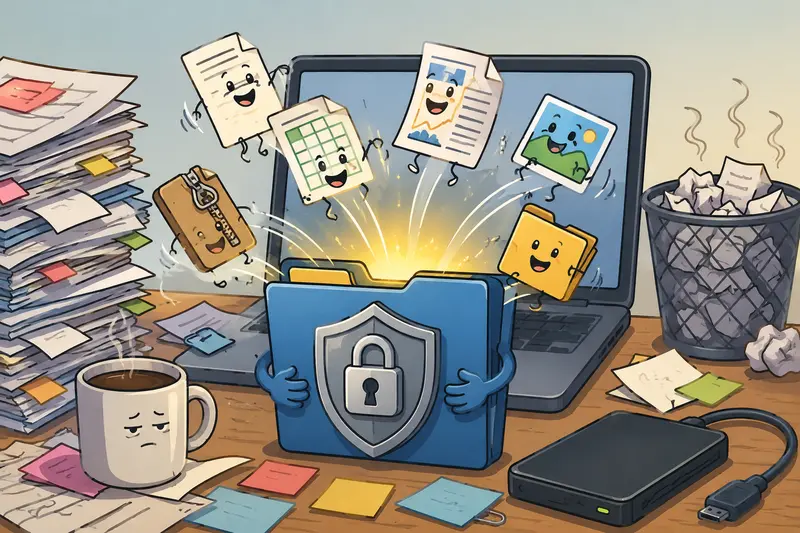
The Short Version
If your team wants a practical private file sharing workflow without installing heavy desktop utilities, a browser-based process can work surprisingly well.
A typical workflow looks like this:
- Prepare and organize files
- Clean metadata if necessary
- Combine related documents
- Encrypt the final package
- Share through your preferred channel
Using a browser tool like Filemazing https://filemazing.com/encrypt-file keeps the process lightweight while still allowing teams to secure sensitive files quickly.
It also avoids the which encryption software version are you using? problem that tends to appear at the worst possible moment.
Why Browser-Based Encryption Workflows Are Becoming Popular
Traditional desktop encryption software still has its place, especially for highly regulated environments. But many remote teams simply need a reliable way to protect shared files without rolling out another application across every device.
Thats where browser-based workflows become practical.
With Filemazing, files can be encrypted directly through the web interface without requiring a full desktop installation. The platform also supports additional preparation tools like:
- PDF merging
- Archive extraction
- Metadata cleanup
- Image compression
- Format conversion
This creates a more complete workflow instead of treating encryption as a standalone task.
For example, teams often combine documents before protecting them so recipients only manage one encrypted file instead of six scattered attachments.
How the Workflow Actually Works
The process feels more like preparing a deliverable package than running technical encryption software.
1. Organize the Files First
Group documents logically before encrypting them.
A common remote-team setup might include:
- signed PDFs
- screenshots
- exported spreadsheets
- project documentation
- compressed media assets
If archived content arrives from clients, you may need to unpack archived files before applying encryption so individual files can be reviewed and cleaned first.
2. Remove Hidden Metadata
This step gets skipped constantly.
Word documents, PDFs, and images can contain:
- author names
- timestamps
- editing history
- software identifiers
- device information
For external sharing, especially with contractors or clients, cleaning metadata before encryption reduces accidental exposure.
3. Encrypt the Final Package
Once the files are ready, encrypt the finalized bundle.
This approach is usually more efficient than encrypting files individually because:
- recipients handle fewer downloads
- passwords are easier to manage
- version confusion decreases
- teams avoid partial file exposure
4. Share Through Your Existing Channel
Encryption works independently from the transfer method.
Teams still use:
- Slack
- cloud drives
- ticket systems
- client portals
The difference is that the payload itself remains protected.
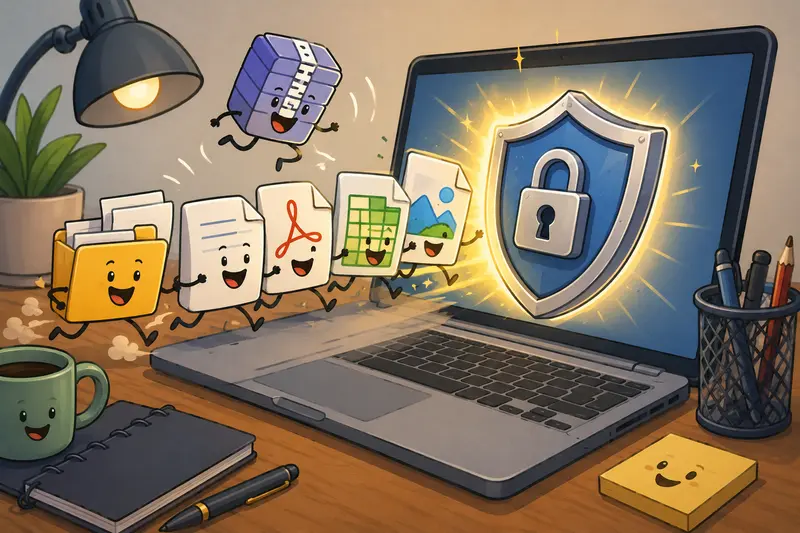
Real Workflow Testing: What Happened in Practice
To evaluate the process realistically, a mixed remote-team package was tested using:
- 12 PDFs
- 38 product images
- 2 spreadsheet exports
- one ZIP archive from a contractor
Total package size: roughly 480 MB.
The workflow involved:
- extracting archived files
- scrubbing metadata from images and PDFs
- merging onboarding PDFs into one document
- encrypting the final delivery package
The interesting takeaway wasnt just speed.
The larger improvement came from reducing operational clutter. Instead of sending multiple partially protected files across several channels, the team distributed one encrypted package with a separate password delivery method.
Processing stayed responsive because Filemazing handles jobs through queued processing rather than locking the interface during larger tasks.
Another practical detail: uploaded files are treated as temporary processing artifacts instead of permanent cloud storage. For teams concerned about lingering document retention, that cleanup behavior matters.
A Non-Obvious Efficiency Tip for Remote Teams
Heres a small workflow adjustment that saves surprising amounts of time:
Encrypt finalized deliverables only after compression and merging.
Many teams encrypt first and then realize:
- the files are too large
- documents need renaming
- another PDF must be added
- image compression is still needed
That creates duplicate encrypted versions floating around shared drives.
Instead:
- clean
- compress
- organize
- merge
- then encrypt once
The process becomes easier to audit later.
Where This Desktop Workflow Fits Best
This type of secure file sharing setup works especially well for:
Client Deliverables
Agencies and consultants sending contracts, reports, or media assets.
HR and Recruiting
Remote hiring teams sharing resumes, payroll forms, and onboarding documents.
Finance Operations
Invoices, statements, and exported accounting reports that shouldnt travel unprotected.
Distributed Product Teams
Design reviews, test builds, and documentation shared across contractors and internal staff.
Legal Collaboration
Large collections of PDFs that need organization before distribution.
Developer Handoffs
Configuration exports, logs, and deployment documentation shared between environments.
Some file formats cooperate nicely. Others behave like theyre negotiating terms.
One Tradeoff Teams Should Understand
Browser-based encryption workflows are excellent for accessibility and speed, but they are not identical to enterprise endpoint encryption systems.
That distinction matters.
A lightweight workflow is ideal when:
- teams need rapid file preparation
- collaborators use mixed operating systems
- temporary sharing is common
- installation overhead is undesirable
However, organizations with strict compliance requirements may still require:
- managed device encryption
- enterprise key management
- centralized policy enforcement
- hardware-backed security modules
In practice, many teams use both approaches depending on the sensitivity level.
Common Mistakes That Quietly Weaken Secure File Sharing
This is where otherwise careful workflows break down.
Reusing the Same Password Repeatedly
Convenient? Yes.
Safe? Not really.
Especially once files move through email chains and contractor handoffs.
Sending Passwords in the Same Channel
If the encrypted file and password live in the same Slack thread, the protection loses much of its value.
Separate the delivery methods whenever possible.
Forgetting Preview Files
Teams often encrypt the main document but leave preview screenshots or exported thumbnails exposed in shared folders.
Encrypting Before Final Edits
This creates multiple conflicting encrypted copies that nobody wants to clean later.
Why This Approach Works Well for Remote Teams
A few practical advantages stand out.
No Heavy Deployment
Users can access the workflow through a browser instead of installing another desktop application across every machine.
Predictable Pricing
Filemazing uses transparent token pricing based on workload characteristics like:
- file size
- page count
- number of files
- media duration
That predictability is useful for growing teams handling recurring document workloads.
Flexible File Handling
The platform supports mixed workflows involving:
- PDFs
- archives
- images
- audio
- converted formats
API Potential
Teams with repetitive processes can eventually automate portions of the workflow using API endpoints instead of relying entirely on manual uploads.
Temporary Processing
Files are processed temporarily rather than treated as long-term storage objects, which aligns better with privacy-conscious operations.
FAQ
Is browser-based file encryption safe for remote teams?
It can be, especially for operational document sharing and temporary collaboration workflows. The key factor is combining encryption with good password handling practices and controlled sharing methods.
Can this workflow handle large PDF collections?
Yes. Large batches are one of the stronger use cases, especially when documents are merged before encryption to simplify delivery.
What types of files work best?
PDFs, office documents, images, compressed archives, and exported reports are common candidates for this type of private file sharing workflow.
Do files remain stored permanently?
No. Filemazing treats uploaded files as temporary processing artifacts and removes them on a short cleanup schedule instead of functioning as long-term cloud storage.
Is this a good option for file encryption without software installation?
For many remote teams, yes. Browser-based processing removes the need for deploying traditional desktop encryption utilities across multiple devices.
Does encrypting files slow down workflows?
Not necessarily. In practice, organization problems usually slow teams down more than encryption itself. Merging, cleaning, and preparing files before encryption often improves delivery efficiency overall.
Final Thoughts
Secure file sharing doesnt always require a complex enterprise rollout or another bulky desktop utility.
For remote teams handling everyday sensitive documents, a browser-based workflow can strike a practical balance between privacy, speed, and operational simplicity.
Filemazing encrypt-file workflow https://filemazing.com/encrypt-file is particularly useful when teams need one place to prepare, organize, clean, and protect files without turning document handling into a full IT project.
And when deadlines get close, reducing workflow friction matters almost as much as the encryption itself.