Understanding the Challenge
Small business owners regularly work with product photos, marketing graphics, website images, supplier assets, and customer-uploaded files. The problem often appears when a platform requires a specific image type, such as JPG instead of PNG or WEBP instead of JPG. When those files are large, the process becomes more complicated because some tools struggle with upload limits, slow processing, or quality loss.
If you need to change image format online, the goal is not only conversion. You also want reliable output quality, support for large files, and a workflow that does not require installing desktop software.
The Quick Explanation
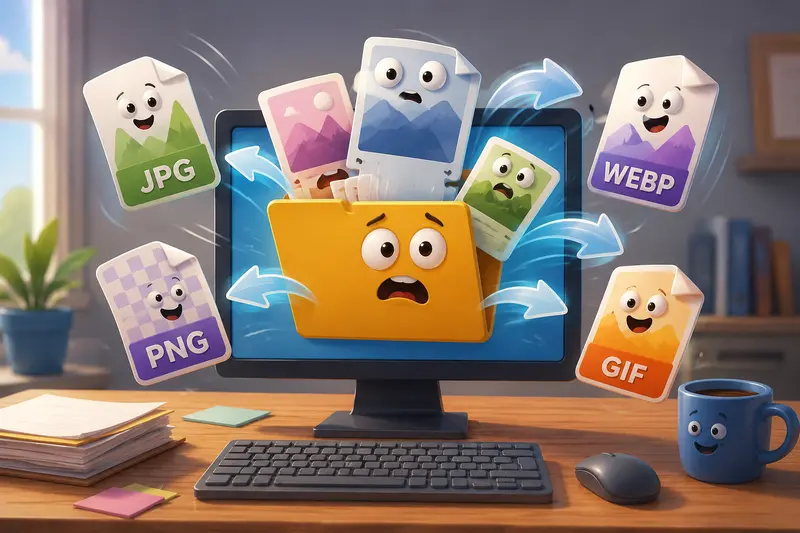
Large image files can be converted online without sacrificing visual quality when the conversion tool preserves image data appropriately and supports modern formats.
For most business use cases, converting between JPG, PNG, WEBP, and other common formats is enough to optimize website performance, compatibility, and storage requirements. The key is choosing a workflow designed to handle larger workloads efficiently.
How It Works
When working with large images, a practical conversion process typically looks like this:
- Upload one or multiple image files.
- Select the desired output format.
- Review any quality-related options if available.
- Start the conversion process.
- Download and verify the converted files.
For website publishing, many businesses first convert images into modern web-friendly formats and then further optimize them using an image optimization workflow. If file size remains a concern after conversion, you can use the image compression tool to reduce bandwidth usage while maintaining acceptable visual quality.
A useful rule of thumb: always verify one converted sample before processing an entire image collection. Large batches are easier to manage when you confirm the output format meets your requirements first.
Why Output Quality Matters More Than the Conversion Itself
Many articles focus entirely on the format change. In practice, the bigger concern is preserving image usability afterward.
For example:
- Product photography often requires color consistency.
- Marketing graphics may contain text overlays.
- Logos frequently need transparency support.
- Website banners must balance quality and loading speed.
This is why businesses often search for ways to convert images without losing quality rather than simply changing the file extension.
A PNG converted to JPG may reduce file size significantly, but transparency will be lost. Conversely, converting a JPG into PNG does not magically restore previously discarded image data. Understanding these tradeoffs helps prevent unnecessary rework.
Using Filemazing for Large Image Format Conversion
Filemazing Format Converter provides a browser-based approach to file processing that works without requiring desktop software installation.
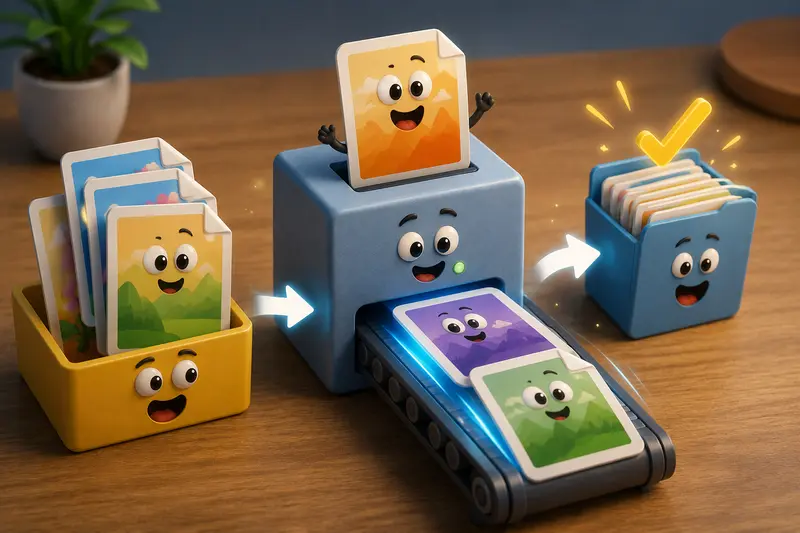
The platform emphasizes batch processing as its primary advantage, making it useful when dealing with large image collections rather than single files. Instead of processing files one at a time, users can work through larger workloads using a queue-based system that tracks job status and delivers completed results when processing finishes.
A secondary advantage is its multi-format compatibility. Beyond image conversion, the platform supports workflows involving PDFs, archives, audio files, metadata cleaning, encryption, and other file-processing tasks.
Some practical capabilities include:
- Converting between common image formats
- Processing multiple files in one workflow
- Importing files from local storage, URLs, Google Drive, or Dropbox
- Using browser-based tools or API endpoints
- Estimating costs through transparent token calculations
Unlike subscription-heavy platforms, Filemazing uses a token model where processing costs are tied to workload characteristics such as file size and file count. This can make budgeting easier for businesses with irregular conversion needs.
For organizations handling sensitive assets, converted files can also be protected afterward using the file encryption workflow before distribution or client delivery.

Practical Evaluation
To assess how online image conversion performs under realistic conditions, we tested a mixed collection of approximately 250 images consisting of:
- Product photos
- Marketing banners
- PNG graphics with transparency
- High-resolution JPG images
- Several WEBP files intended for website deployment
The total dataset was slightly over 3 GB.
Observed Results
- JPG-to-WEBP conversions produced substantial storage savings.
- PNG files containing transparency retained expected transparency behavior when converted to compatible formats.
- Batch processing eliminated repetitive manual work.
- Large jobs benefited from queue-based handling because browser sessions were not blocked during processing.
One practical observation that many guides overlook: file organization becomes more important than conversion speed when dealing with hundreds of assets. Maintaining consistent naming conventions before conversion dramatically reduces confusion afterward.
Format Comparison for Web Images
Choosing the right target format often matters more than the conversion process itself.
| Format | Best For | Advantages | Tradeoffs |
|---|---|---|---|
| JPG | Photos | Small file sizes, broad compatibility | No transparency |
| PNG | Graphics and logos | Transparency support | Larger file sizes |
| WEBP | Modern websites | Excellent compression and quality balance | Some legacy systems may require alternatives |
| GIF | Simple animations | Wide support | Limited color efficiency |
For businesses looking to convert WEBP online, the decision often comes down to compatibility requirements. WEBP generally offers excellent performance for websites, but some workflows still require JPG or PNG versions for third-party systems.
This illustrates a common tradeoff: better compression versus broader compatibility.
Where This Helps Most
For business and professional workflows, image format conversion is especially valuable when:
- Managing e-commerce product catalogs
- Preparing images for website launches
- Creating marketing campaigns across multiple channels
- Sharing media assets with clients and partners
- Converting supplier-provided image formats
- Standardizing large media libraries for internal teams
What You Gain
A reliable image conversion workflow helps:
- Reduce manual editing time
- Improve website performance
- Standardize file management practices
- Support modern web image formats
- Simplify bulk asset preparation
- Improve compatibility across platforms
When document assets are involved, teams often pair image conversion with tools that can export PDF pages as JPG, PNG, or WEBP to create consistent image libraries from existing documents.
Frequently Asked Questions
Can I change image format online without losing quality?
In many cases, yes. Lossless conversions between compatible formats can preserve quality. However, formats such as JPG use lossy compression, which may introduce some degradation depending on settings.
Is WEBP better than JPG?
For many web applications, WEBP offers better compression while maintaining comparable visual quality. However, compatibility requirements should always be considered.
Can large image files be converted in a browser?
Yes. Modern browser-based processing platforms can handle large files and batches, especially when supported by queue-based processing systems.
Is online image conversion secure?
Security depends on the provider. Privacy-focused platforms typically treat uploaded files as temporary processing artifacts and remove them after a short retention period rather than storing them long term.
How long does format conversion take?
Processing speed depends on file size, image count, selected formats, and system workload. Larger batches naturally require more processing time than individual files.
Which format is best for website images?
WEBP is often the preferred choice for modern websites because it balances quality and file size effectively. JPG remains widely used for photography, while PNG remains useful for graphics requiring transparency.
Final Thoughts
Large image files do not have to create workflow bottlenecks. A well-designed online conversion process allows businesses to standardize assets, improve compatibility, and prepare images for websites, marketing campaigns, and client delivery without relying on desktop software.
Whether your goal is to change image format online, convert WEBP online, or convert images without losing quality, choosing a platform that supports batch processing, multiple formats, predictable costs, and privacy-conscious handling can make a noticeable difference as your image library grows.