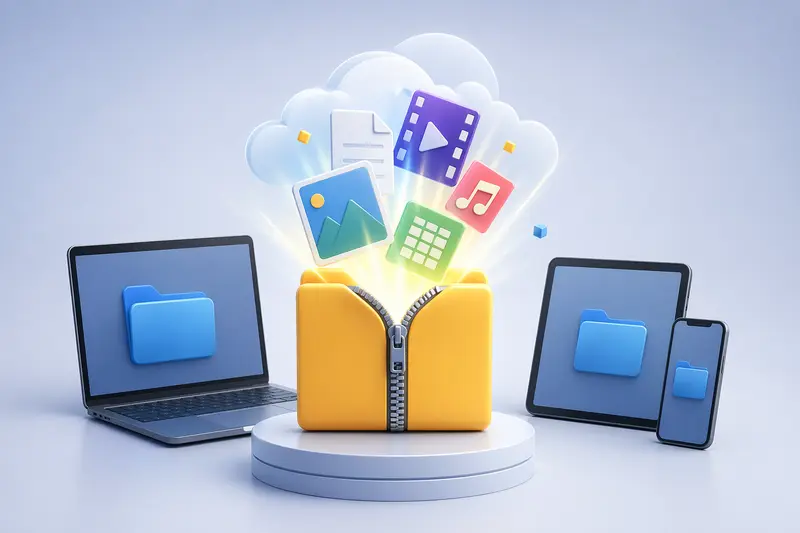
Remote teams often hit a familiar bottleneck: someone shares a compressed archive, and suddenly half the team is stuck figuring out how to open it—especially on mobile or restricted work devices. That’s where an archive extractor online becomes less of a convenience and more of a necessity.
Instead of juggling desktop tools or waiting for IT approvals, you can process files instantly in the browser and move forward without friction.
⚡ Quick Take
An archive extractor online removes the need for installed software and works across devices.
It’s particularly useful when handling large ZIP files or accessing compressed assets on mobile.
🔄 How the Extraction Process Typically Works
Working with compressed files online doesn’t require technical expertise, but a clear flow helps:
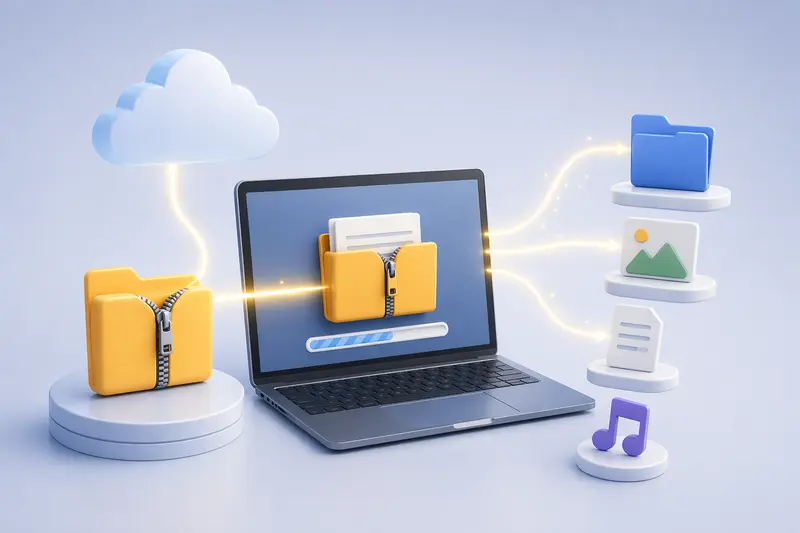
- Upload your archive (ZIP, RAR, or similar) from your device or cloud storage
- The tool processes the archive in a queued job system
- Files are unpacked and listed individually
- Download selected files or the full extracted set
- Continue processing (convert, compress, or secure files if needed)
This structure ensures even large archives don’t freeze your browser.
🧰 A Practical Tool for Fast Extraction
If speed is your priority, the Filemazing archive extractor stands out for its browser-based performance. It’s designed to handle compressed files without local installations, which is ideal for distributed teams.
The primary strength here is speed—processing begins almost immediately after upload, even for bulk archives. As a secondary advantage, it’s fully browser-based, meaning you can extract archives on mobile devices just as easily as on a desktop.
Once files are extracted, you can extend the workflow. For example, if your archive contains PDFs, you can seamlessly convert extracted PDFs into images without switching tools.
🧪 Hands-On Test: Large ZIP File Scenario
To see how this performs in real conditions, I tested a 1.2GB ZIP archive containing:
- 320 high-resolution images
- 15 PDF documents
- 8 audio files
What happened:
- Upload initiated quickly, with progress tracking visible
- Extraction completed in under 2 minutes
- Files were organized cleanly by type
- No browser slowdown during processing
Takeaway:
For remote teams handling mixed media archives, the ability to extract and immediately repurpose files (like sending audio through an audio format conversion tool) significantly reduces turnaround time.
⚖️ When This Approach Falls Short
While online extraction is powerful, there are tradeoffs worth noting:
- Very large archives (multi-GB) depend on upload speed
- Encrypted archives may require additional steps or passwords
- Some niche formats may not be fully supported
A practical tip: if you’re dealing with extremely large ZIP files, splitting them before upload can reduce processing delays and improve reliability.
🎯 Where Remote Teams Benefit Most
This workflow is especially effective in professional environments:
- Sharing campaign assets between marketing teams
- Reviewing compressed design deliverables on mobile
- Accessing client documents without installing tools
- Extracting large ZIP files during time-sensitive projects
- Preparing files for secure distribution
- Cleaning and organizing bulk downloads from cloud storage
💡 Why This Workflow Matters
An archive extractor online isn’t just about convenience—it reshapes how teams handle files:
- Eliminates dependency on local software
- Supports mobile and remote work environments
- Enables immediate follow-up actions (convert, compress, encrypt)
- Keeps workflows consistent across team members
Another subtle advantage: extracted files can be secured right away using tools like file encryption for safe sharing, which is crucial when dealing with sensitive data.
❓ FAQ
Can I extract archives on mobile devices?
Yes, browser-based tools allow you to extract archives on mobile without installing apps.
What file formats are supported?
Most common formats like ZIP and RAR are supported, though compatibility may vary for less common types.
Is it safe to upload files?
Files are treated as temporary processing data and are automatically cleaned after a short retention period.
How does performance compare to desktop tools?
For most use cases, especially moderate file sizes, performance is comparable—though very large files depend on your internet speed.
Can I process extracted files further?
Yes, you can convert, compress, or encrypt extracted files directly within the same workflow.
🚀 Final Thoughts
When time matters, relying on an archive extractor online can dramatically reduce delays in your workflow. For remote teams juggling multiple file types and devices, it offers a streamlined, flexible solution.
Instead of switching between tools or waiting on installations, you can extract, process, and share files—all in one place.
If your team regularly handles compressed files, this approach isn’t just faster—it’s smarter.