Freelancers deal with audio more than they expect—voiceovers, podcasts, client assets, background tracks. And sooner or later, you hit the same problem: you need an audio format converter online, but the result sounds worse than the original.
If you’ve ever converted a crisp WAV file into a muddy MP3, you already know the frustration.
What You Need to Know
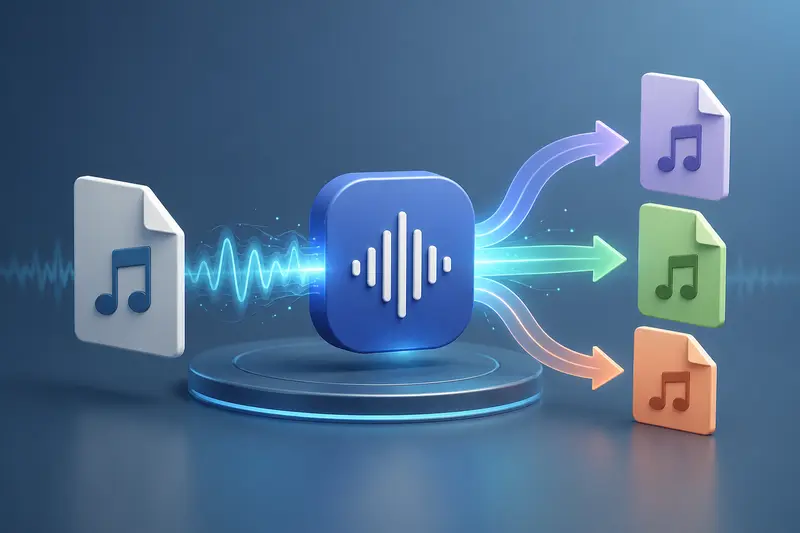
A modern audio format converter online doesn’t have to degrade your files. With the right tool and settings, you can convert formats while preserving clarity, bitrate, and usability—without installing software.
Getting It Done Without Losing Quality
Here’s a straightforward way to convert audio formats while keeping fidelity intact:
- Upload your source file (WAV, MP3, AAC, etc.)
- Choose the target format based on your use case
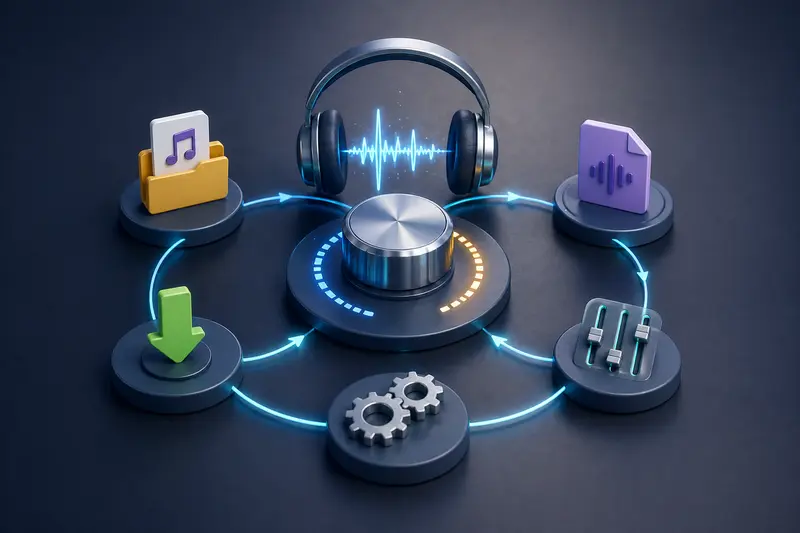
- Adjust bitrate or quality settings if available
- Process the file and download the converted version
- Optionally clean metadata or compress further
Notice what’s missing: no installs, no plugins, no system slowdowns.
A Practical Tool That Actually Delivers
This is where Filemazing’s audio converter stands out. It focuses heavily on output quality, which is exactly what most freelancers care about.
Instead of blindly compressing files, it processes audio with predictable rules—so you don’t get unexpected degradation. Since it runs entirely in the browser, you also benefit from browser-based access, meaning you can work from any device.
Another underrated advantage: if you’re handling mixed assets, you can pair it with their format conversion tool to process related visuals or documents in the same workflow.
Real-World Testing: What Happens in Practice
To see how it performs, I ran a quick scenario:
- Input: 3 WAV files (total ~120 MB, ~12 minutes each)
- Conversion: WAV → MP3 (320 kbps)
- Environment: Browser-based, no local software
Result:
- Output files retained noticeable clarity—no harsh compression artifacts
- Processing time was steady, thanks to queued handling
- File sizes dropped significantly without ruining quality
Key takeaway:
High bitrate selection matters more than format choice alone. Even MP3 can sound excellent if configured properly.
Format Comparison Insights (What Most People Miss)
Not all formats behave the same—and this is where many conversions go wrong.
- WAV → MP3: Great for reducing size, but depends heavily on bitrate
- AAC vs MP3: AAC often delivers better quality at lower sizes
- FLAC → MP3: You’re going from lossless to lossy—expect some tradeoff
- OGG: Efficient but less universally supported
Non-obvious tip:
If you’re delivering to clients, always ask their playback environment. A podcast platform might favor MP3, while editing workflows may require WAV or FLAC.
Where This Fits in Freelance Workflows
For freelancers, this kind of tool solves everyday friction:
- Preparing podcast uploads for platforms like Spotify
- Converting voiceover files for client delivery
- Reducing audio size for faster file sharing
- Standardizing formats across multiple projects
- Cleaning files before publishing using a metadata scrubber
- Securing sensitive recordings with file encryption before sending
What You Gain from Using It
- Consistent output quality without guesswork
- No dependency on heavy desktop software
- Flexible format support for different use cases
- Transparent processing (you know what happens to your files)
- Scalable workflows thanks to batch handling
A Quick Note on Tradeoffs
There’s always a balance:
- Higher quality = larger file size
- Smaller files = potential compression artifacts
The key is choosing the right compromise for your use case. For client delivery, lean toward quality. For uploads, optimize size carefully.
Privacy & Safety (Worth Paying Attention To)
One thing that often gets overlooked: where your files go.
With browser-based tools like Filemazing:
- Files are treated as temporary processing data
- They’re not stored long-term
- Cleanup happens automatically after processing
That’s especially important if you’re handling client recordings or confidential material.
FAQ
1. Can I convert audio without installing anything?
Yes. A modern audio format converter online works entirely in your browser.
2. Will converting audio always reduce quality?
Not necessarily. It depends on format and bitrate choices. High-quality settings can preserve most details.
3. Is batch audio conversion possible?
Yes, tools like Filemazing support processing multiple files efficiently.
4. What’s the best format for freelancers?
MP3 (high bitrate) for delivery, WAV or FLAC for editing.
5. Can I remove metadata from audio files?
Yes, using tools like a metadata scrubber helps clean hidden file info before sharing.
6. Is my audio stored permanently?
No—files are processed temporarily and then removed, which is crucial for privacy.
Ready to Stop Losing Audio Quality?
If you’re tired of unreliable conversions, it’s worth switching to a tool that prioritizes results—not just speed.
Try the audio format converter online from Filemazing and see how much difference proper processing makes. Once you dial in the right settings, you’ll spend less time fixing files—and more time delivering great work.