When you’re preparing audio for campaigns—think podcast snippets, ad voiceovers, or landing page media—format compatibility becomes a bottleneck. Many Android users end up juggling apps, dealing with slow exports, or compromising quality. That’s where finding a reliable MP3 to WAV converter becomes more than a convenience—it’s a workflow upgrade.
The Simple Answer
If speed and reliability matter, the fastest way to convert MP3 to WAV on Android is to use a browser-based tool. It removes installation delays, works across devices, and handles high quality audio conversion without draining your phone’s resources.
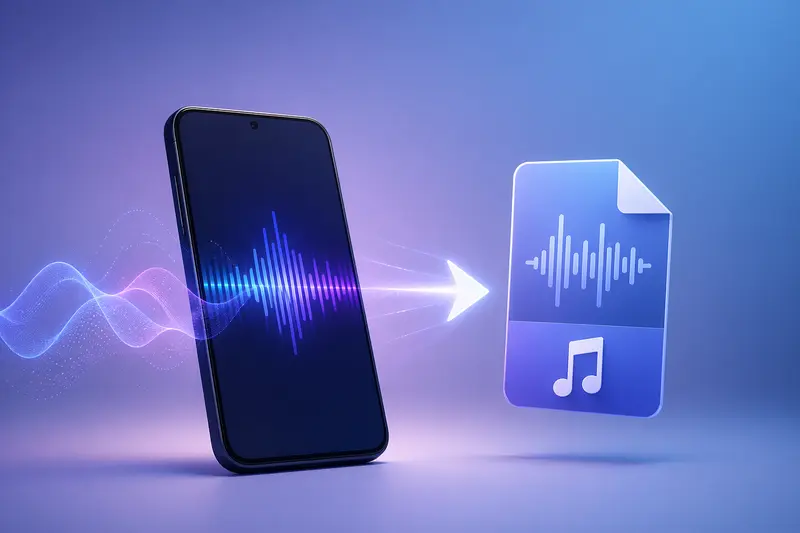
How the Conversion Actually Works
Instead of relying on heavy apps, modern tools process files remotely. Here’s what that looks like in practice:
- Upload your MP3 file directly from your device or cloud storage
- Choose WAV as the output format
- Let the system process the audio in the background
- Download the converted file once it’s ready
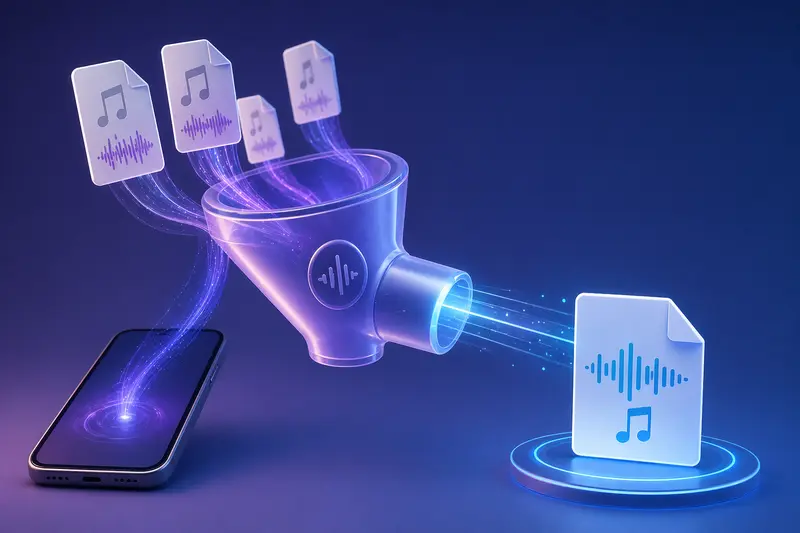
This approach is particularly useful for batch audio conversion, where multiple files need to be handled in one go without slowing down your phone.
A Better Way to Handle Audio on Android
For marketers managing multiple assets, using a browser-based tool like Filemazing’s audio converter changes the game.
Instead of installing apps or worrying about compatibility, you can run audio format conversion without software directly in your browser. The platform prioritizes speed while still maintaining output integrity, making it suitable for campaign-ready audio.
An added benefit: if you’re working with mixed media, you can seamlessly switch to tools like the format converter for handling image assets in the same workflow without breaking your process.
Real-World Test: Converting Campaign Audio
To see how this performs in a realistic scenario, I tested a batch of 12 MP3 files—each around 3–5 minutes long—used in a recent ad campaign.
- Total size: ~85MB
- Device: mid-range Android phone
- Method: browser upload
Outcome:
All files were converted to WAV in under two minutes. No noticeable degradation in audio clarity, even on higher bitrate files.
Takeaway:
The biggest advantage wasn’t just speed—it was consistency. Every file retained its structure and quality, which is critical when syncing audio with video or ad placements.
Balancing Quality and File Size
WAV files are uncompressed, which means they deliver excellent audio fidelity—but at a cost.
- MP3: smaller, compressed, easier to share
- WAV: larger, lossless, better for editing and production
If you’re preparing files for editing or broadcast, WAV is the better choice. But for distribution, you may want to compress again later.
A smart workflow? Convert to WAV for editing, then optimize for delivery afterward.
Where This Fits in Marketing Workflows
For marketers, audio conversion isn’t just a technical step—it’s part of content production. Here’s where it becomes useful:
- Preparing voiceovers for video ads
- Standardizing podcast audio formats
- Converting interview recordings for editing
- Cleaning up user-generated audio content
- Syncing audio with landing page media
- Managing bulk audio assets across campaigns
If privacy matters (especially with unreleased content), you can also run files through a metadata removal tool for media files before publishing.
Why This Approach Stands Out
- No dependency on device performance
- Works across Android, iOS, and desktop
- Handles multiple files without crashing
- Transparent usage (you know exactly what each task costs)
- Files are processed temporarily—nothing is stored long-term
For sensitive campaign assets, you can even protect converted audio with encryption before sharing, adding another layer of control.
Common Questions
Does converting MP3 to WAV improve audio quality?
Not exactly. WAV preserves quality, but it won’t restore data lost during MP3 compression. It simply prevents further loss.
Is it safe to use browser-based converters?
Yes—especially when files are processed temporarily and automatically deleted after completion. That reduces long-term exposure.
Can I convert multiple files at once?
Yes. Batch processing is supported, making it efficient for large campaigns or content libraries.
Will this work on any Android device?
As long as your browser is up to date, you can run conversions without needing powerful hardware.
Are there limits on file size or duration?
Limits depend on the processing system, but most modern tools handle large files smoothly. Token-based systems also make costs predictable.
Final Thoughts
If your workflow involves frequent audio handling, relying on mobile apps alone can slow you down. A browser-based MP3 to WAV converter offers a faster, more flexible alternative—especially when working across devices or managing bulk tasks.
For marketers juggling multiple assets, this isn’t just about conversion—it’s about removing friction from your production pipeline.