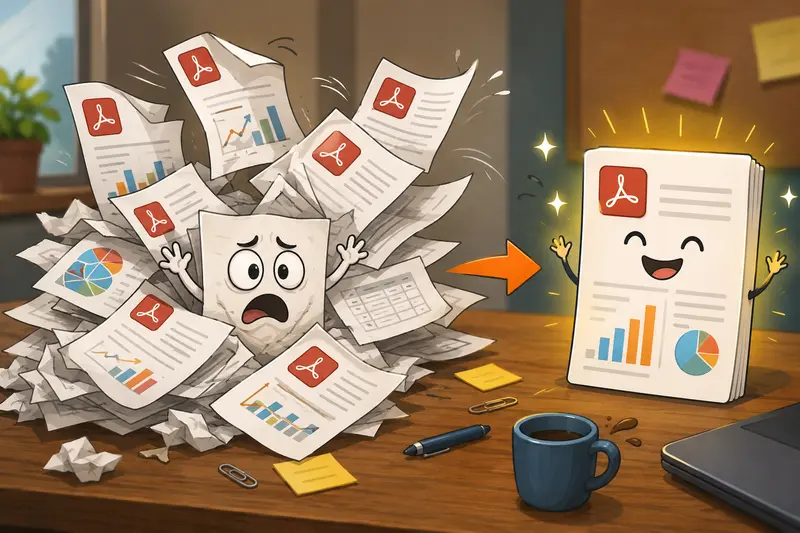
Marketing teams generate documents constantlycampaign reports, media kits, analytics exports, client presentations, creative briefs, and approval documents. When those files arrive as separate PDFs, the need to merge PDF files quickly becomes part of everyday workflow management.
Whether youre preparing a stakeholder report or assembling assets for a client handoff, combining multiple PDFs into one organized document can save time, reduce confusion, and improve collaboration.
What You Need to Know First
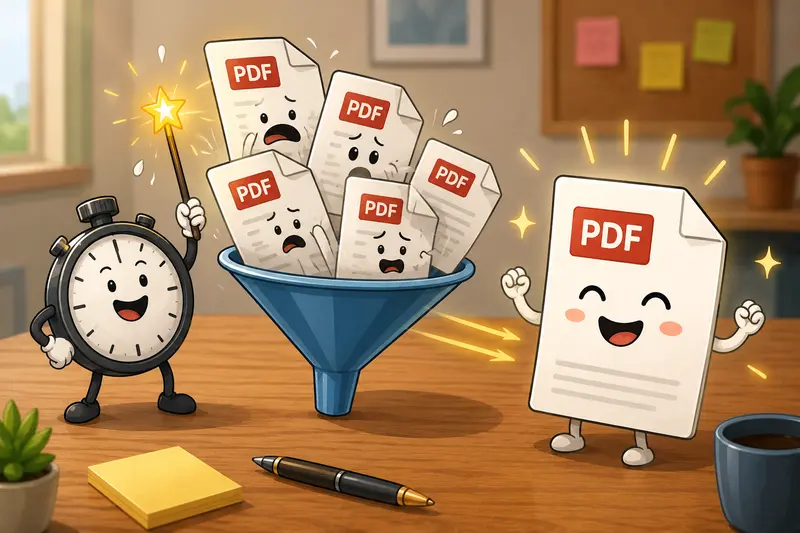
If you need to merge PDF files efficiently, a browser-based tool is often the fastest option. Modern PDF merging tools allow you to upload multiple documents, arrange them in the desired order, and create a single PDF without installing software.
For marketers handling recurring document workflows, batch processing and privacy protections are often just as important as speed.
Why Marketers Frequently Need PDF Merging
Marketing work rarely lives in a single document.
A typical campaign review may include:
- Analytics reports
- Creative performance summaries
- Budget spreadsheets exported as PDF
- Client feedback documents
- Presentation decks converted to PDF
Instead of sending five or six separate files, combining them into one document creates a cleaner experience for clients and internal teams.
Nobody enjoys opening seven attachments just to understand one campaign.
A Practical Way to Merge PDFs
One option designed for document workflows is Filemazings PDF merger:
https://filemazing.com/merge-pdf
The tool focuses heavily on bulk processing, making it useful for marketers who routinely handle multiple reports and document packages.
Because Filemazing runs entirely in the browser, there is no desktop software to install. The platform also supports transparent token-based pricing, allowing teams to estimate processing costs before running larger workloads.
How It Works
1. Upload Your PDF Files
Add documents from your device or import files from supported cloud providers such as Google Drive or Dropbox.
2. Arrange the Order
Place files in the sequence you want readers to see them.
3. Start the Merge
Submit the job and allow the processing queue to combine the documents.
4. Download the Final PDF
Once processing is complete, download the merged file.
5. Review Before Sharing
Verify page order, bookmarks, and document flow before distributing the file.
Testing & Findings
To evaluate the workflow, a realistic marketing scenario was tested.
Test Setup
- 12 PDF files
- Monthly campaign reporting package
- Total size: 38 MB
- Combined page count: 186 pages
- Mix of exported dashboards, presentations, and written summaries
Observed Results
The files were uploaded, reordered, and processed into a single document without altering page quality. Text remained sharp, charts stayed readable, and the final PDF was easier to distribute than the original collection of files.
Key Takeaway
For larger reporting packages, organizing file order before merging saves more time than fixing the sequence afterward. That sounds obvious, but in real marketing workflows it prevents a surprising amount of rework.
Workflow Recommendation: Organize Before You Combine
One common mistake is treating PDF merging as the final step.
A better approach is:
- Review documents first
- Remove unnecessary pages
- Standardize naming conventions
- Arrange files logically
- Merge the PDFs
For campaign reporting, many teams find this sequence effective:
- Executive summary
- KPI overview
- Channel performance
- Creative analysis
- Budget review
- Recommendations
The resulting document feels intentional rather than assembled at the last minute.
Where This Is Useful
Marketers can use a batch PDF merge workflow for many situations:
Client Reporting
Combine monthly performance reports into one shareable file.
Proposal Packages
Merge pricing documents, timelines, and supporting materials.
Event Marketing
Assemble schedules, vendor information, and promotional assets.
Content Audits
Bundle SEO reports, analytics exports, and content inventories.
Stakeholder Reviews
Create a single document for leadership updates.
Agency Deliverables
Package campaign assets and summaries for client delivery.

Privacy and File Handling Considerations
When dealing with campaign data, client information, or internal reporting, privacy matters.
Filemazing treats uploaded files as temporary processing artifacts rather than long-term storage. Files are processed and cleaned according to a short retention schedule, helping reduce exposure risks associated with persistent storage.
Before sharing merged documents externally, some teams also choose to use a metadata cleanup tool to remove hidden document information:
https://filemazing.com/metadata-scrubber
For sensitive reports, adding password protection afterward can provide another layer of security through file encryption:
https://filemazing.com/encrypt-file
Tradeoffs Worth Knowing
PDF merging is generally straightforward, but there are practical considerations.
Automation vs Manual Review
Automation speeds up document preparation, but reviewing the final output remains important when client-facing materials are involved.
Large Packages vs Faster Processing
Very large document collections naturally require more processing resources than smaller files.
Convenience vs Organization
Merging everything into one file is convenient, but excessively large PDFs can become harder to navigate. In some situations, creating multiple themed documents may improve usability.
What You Gain
A good PDF merger can help marketers:
- Consolidate reporting workflows
- Reduce attachment clutter
- Improve client presentation quality
- Support larger document packages
- Save administrative time
- Standardize deliverable preparation
The biggest benefit is often operational consistency rather than the merge itself.
Related Workflow Enhancements
After creating a combined PDF, you may need to repurpose content for presentations, websites, or social assets.
In those cases, converting document pages into images can be useful:
https://filemazing.com/pdf-to-image
This is particularly helpful when extracting charts, infographics, or visual report sections for marketing materials.
FAQ
Can I combine PDFs without creating an account?
Many browser-based tools allow users to combine PDFs without signup requirements. Availability may vary depending on workload limits and platform policies.
Does merging PDF files reduce document quality?
In most cases, no. PDF merging combines existing pages rather than re-rendering them, helping preserve original quality.
Is batch PDF merge useful for large reporting packages?
Yes. Batch processing is particularly valuable when combining numerous reports, exports, presentations, and supporting documents.
Are uploaded files stored permanently?
Filemazing processes files as temporary artifacts and uses cleanup procedures rather than long-term storage, making it suitable for privacy-conscious workflows.
What file types can be merged?
The merge workflow is designed for PDF files. Other formats typically need conversion before being combined.
Can merged PDFs be secured afterward?
Yes. After combining documents, you can apply password protection using file encryption tools to control access and sharing.
Final Thoughts
For busy marketing teams, the ability to merge PDF files efficiently can simplify reporting, improve client communication, and reduce document management overhead.
If your workflow regularly involves campaign reports, proposal packages, or stakeholder updates, Filemazing provides a practical browser-based solution focused on bulk processing, predictable costs, privacy-conscious handling, and streamlined document preparation. Whether youre merging a few reports or assembling a large delivery package, having a reliable PDF workflow can remove one more bottleneck from your marketing operations.