Marketing teams deal with audio more often than most people realize. Podcast ads, webinar recordings, interview clips, voiceovers, campaign assets, product demos it all adds up quickly. And sooner or later, someone ends up needing a reliable MP3 to WAV converter because compressed files stop cooperating with editing software, ad platforms, or production workflows.
Large audio files make the situation worse.
An hour-long podcast episode can easily turn into a frustrating upload bottleneck or a quality issue during editing. Some converters struggle with file limits. Others reduce audio quality or slow down dramatically when processing multiple files at once.
Thats where browser-based tools like Filemazing Audio Converter https://filemazing.com/audio-converter become practical for marketing teams handling recurring media workflows without maintaining desktop software across multiple devices.
The Short Version
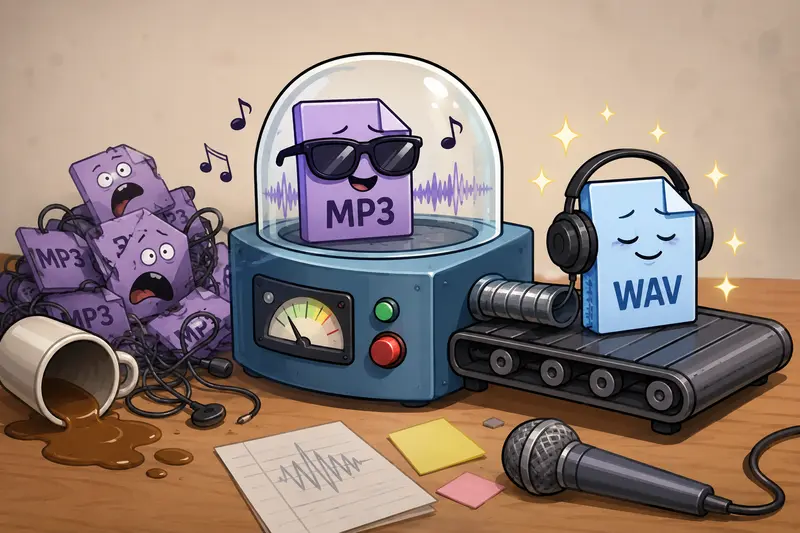
If your team needs high quality audio conversion for large marketing assets, converting MP3 files to WAV is often the better choice for editing, mastering, and archival workflows.
WAV files preserve more audio detail because they are typically uncompressed. That means cleaner edits, fewer compression artifacts, and more predictable performance in professional editing environments.
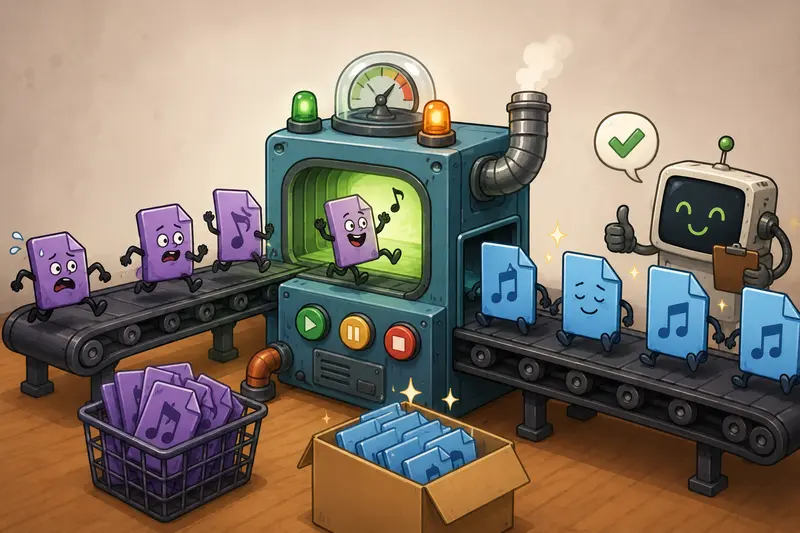
For marketers working with webinars, podcast production, ad creatives, and branded media libraries, batch audio conversion support becomes especially valuable once file sizes start climbing.
Why Marketers Still Convert MP3 to WAV
MP3 exists because compressed audio is convenient. Smaller files upload faster and consume less storage.
But convenience has tradeoffs.
Once audio enters a production workflow especially one involving editing, mixing, AI transcription cleanup, or re-exporting compressed formats can introduce quality loss over time.
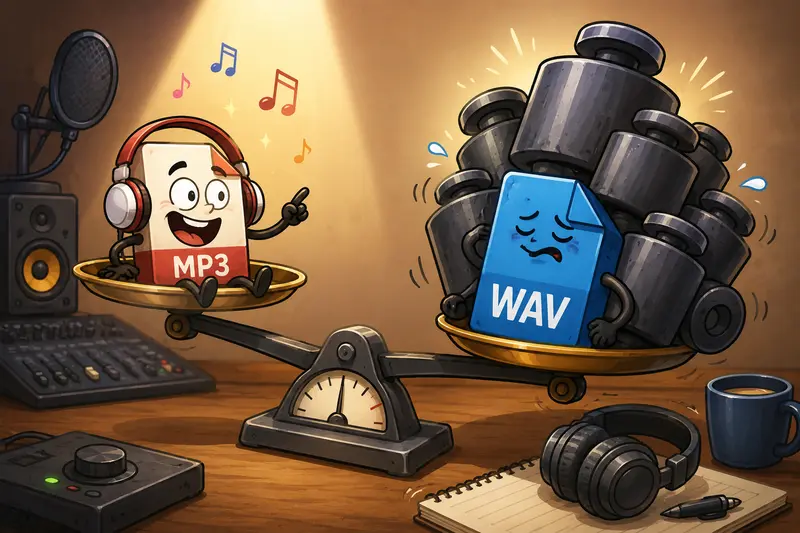
WAV files are much larger, but they preserve audio fidelity more effectively.
In practical terms, marketers often convert MP3 to WAV when they need to:
- Edit podcast episodes
- Clean interview recordings
- Prepare voiceovers for video production
- Archive campaign assets
- Improve compatibility with editing software
- Avoid repeated compression degradation
A compressed MP3 might sound acceptable for playback. It becomes less ideal once multiple revisions enter the process.
Some formats cooperate nicely. Others behave like they were invented during a stressful client deadline.
How the Process Usually Works
Converting large audio files does not need to become a production event.
A typical workflow looks something like this:
- Upload one or multiple MP3 files
- Choose WAV as the output format
- Start the conversion process
- Wait for queued processing to finish
- Download converted WAV files for editing or publishing
With Filemazing Audio Converter https://filemazing.com/audio-converter, the processing happens directly in the browser environment without requiring local installation. Teams can also pull files from cloud storage providers like Google Drive or Dropbox, which is helpful when campaign assets are already shared internally.
For larger projects, queued processing matters more than people expect. Instead of freezing the browser during heavy conversions, jobs continue in the background while the workflow remains usable.
That becomes important once audio libraries start reaching gigabyte territory.
A Real-World Marketing Scenario
One test involved converting a set of webinar recordings for post-production editing.
Files used:
- 12 MP3 files
- Total size: 2.8GB
- Average duration: 4865 minutes each
Workflow goal:
The recordings needed cleanup in professional editing software before extracting clips for paid social ads and email campaigns.
Observed outcome:
- Batch audio conversion completed without manual re-uploading
- WAV exports imported cleanly into editing tools
- No noticeable artifact introduction during conversion
- Background queue handling prevented browser slowdown
One practical takeaway stood out: converting the files before editing reduced timeline instability during audio processing. Large compressed MP3 files occasionally caused waveform inconsistencies during rapid scrubbing in one editing environment. WAV outputs behaved more predictably.
That is the kind of operational detail teams usually discover after wasting an afternoon.
The Hidden Tradeoff Most Teams Ignore
Converting MP3 to WAV does not magically improve original recording quality.
This is important.
If the source MP3 was heavily compressed or poorly recorded, the WAV output simply preserves the existing quality more faithfully. The conversion cannot recreate missing audio information.
What WAV does improve is workflow reliability.
That distinction matters because marketers sometimes assume larger file = better sound. In reality:
| Scenario | WAV Helps? |
|---|---|
| Editing audio repeatedly | Yes |
| Archiving campaign assets | Yes |
| Improving a low-quality recording | No |
| Reducing compression artifacts during future exports | Yes |
| Saving storage space | Definitely not |
WAV files are substantially larger. Teams handling frequent campaign exports should plan storage accordingly.
If the audio files also contain embedded metadata before distribution, using the metadata scrubbing workflow https://filemazing.com/metadata-scrubber can help remove hidden publishing information before sharing files externally.
Where Batch Conversion Saves Serious Time
Single-file conversion is manageable.
Large-scale campaign production is where things become messy.
Marketing teams often process:
- Podcast episode libraries
- Webinar archives
- Ad variation voiceovers
- Localized campaign audio
- Interview recordings
- AI-generated narration exports
Handling these manually becomes inefficient very quickly.
A browser-based best audio converter with batch support simplifies recurring operations because teams avoid:
- Installing desktop tools
- Updating software across machines
- Managing inconsistent export settings
- Splitting oversized files manually
Filemazing also uses transparent token pricing instead of locked subscriptions, which makes large-volume processing easier to estimate ahead of time. Audio conversion workloads calculate usage using factors like file size and duration rather than hidden thresholds.
That predictability matters for agencies processing fluctuating client workloads month to month.
Practical Workflow Improvements for Large Audio Projects
Several optimization habits make a noticeable difference when converting large files.
Keep source folders organized before upload
Batch jobs become easier to verify afterward when naming structures are already clean.
Convert before editing
Working with WAV early reduces repeated compression cycles later.
Archive original MP3 files separately
Storage costs less than recreating lost campaign recordings.
Extract compressed archives first
Teams receiving ZIP or RAR bundles can use the archive extraction tool https://filemazing.com/archive-extractor before conversion to avoid manual unpacking steps.
Encrypt sensitive audio before sharing
For unreleased campaigns or client interviews, the file encryption workflow https://filemazing.com/encrypt-file helps protect converted audio assets during delivery.
Situations Where WAV Conversion Makes the Biggest Difference
Not every marketing project needs WAV output.
But some workflows benefit substantially.
Podcast production
Editing multiple revisions introduces less cumulative quality loss.
Paid advertising
Voiceovers remain cleaner after mastering and platform exports.
Webinar repurposing
Long-form recordings convert more reliably for clipping and transcription workflows.
Team collaboration
WAV files reduce compatibility headaches across editing environments.
AI transcription cleanup
Speech processing tools often behave better with less-compressed source audio.
Brand asset archiving
Original campaign recordings stay preserved in higher-quality formats.
What Makes Browser-Based Conversion Practical
There is a reason teams increasingly prefer web-based file workflows.
Operational overhead drops significantly.
Instead of maintaining separate software installations:
- freelancers can collaborate faster
- agencies avoid version conflicts
- remote teams process files from anywhere
- temporary contractors require less onboarding
Filemazing positions itself around lightweight processing rather than acting like permanent cloud storage. Uploaded files are treated as temporary processing artifacts and cleaned on short retention schedules instead of remaining stored indefinitely.
For organizations handling client audio, that privacy approach is often preferable to leaving assets sitting in long-term shared repositories unnecessarily.
Common Questions
Does converting MP3 to WAV improve audio quality?
Not technically. WAV preserves the existing audio more accurately during future editing and exporting, but it cannot restore details already lost during MP3 compression.
Can large files be converted in batches?
Yes. Batch audio conversion is especially useful for podcast libraries, webinar recordings, and multi-language campaign assets.
Is browser-based conversion slower than desktop software?
Not necessarily. For many marketing workflows, queued cloud processing performs efficiently while avoiding local hardware limitations.
Are uploaded audio files stored permanently?
No. Filemazing processes files temporarily and removes them on a short cleanup schedule rather than functioning as permanent cloud storage.
Why are WAV files so much larger?
WAV files are typically uncompressed, which preserves more audio data but significantly increases file size.
Can converted files be secured before delivery?
Yes. Sensitive campaign recordings can be password-protected using the file encryption tool https://filemazing.com/encrypt-file before external sharing.
Final Thoughts
Large audio files tend to arrive right before launch deadlines.
Having a dependable MP3 to WAV converter helps marketers avoid unnecessary production friction when editing, repurposing, archiving, or distributing audio-heavy campaign assets.
For teams balancing quality, workflow speed, and operational simplicity, browser-based tools like Filemazing Audio Converter https://filemazing.com/audio-converter offer a practical middle ground: high quality audio conversion, batch-ready processing, temporary file handling, and predictable usage costs without turning audio preparation into a separate infrastructure project.