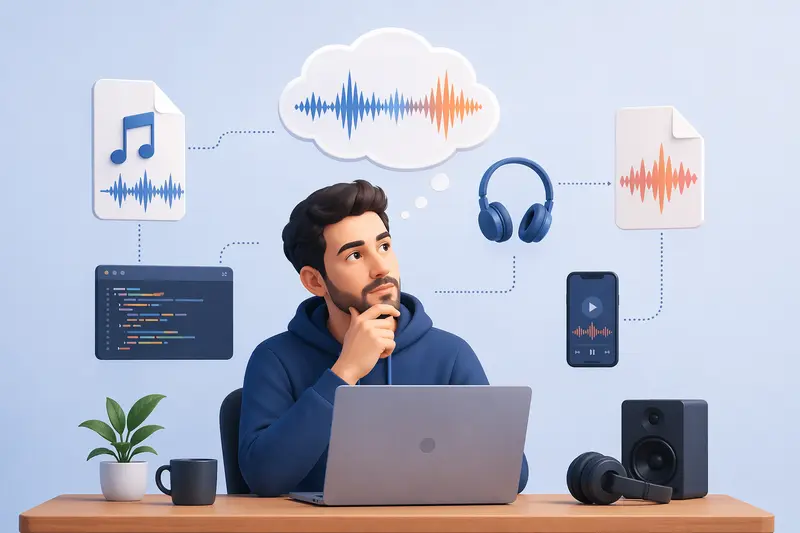
Audio handling becomes a bottleneck faster than most developers expect. You might start with a simple MP3 asset—compressed, lightweight, web-friendly—and suddenly need an uncompressed WAV version for processing, editing, or mobile playback consistency.
That’s where a reliable MP3 to WAV converter becomes part of your workflow, not just a one-off tool.
What You Need to Know
MP3 files are compressed for distribution, while WAV files preserve raw audio data.
If you're building apps, processing audio pipelines, or working with media APIs, WAV often becomes the safer intermediate format.
How the Conversion Process Works
Converting audio isn’t complicated—but doing it right matters.
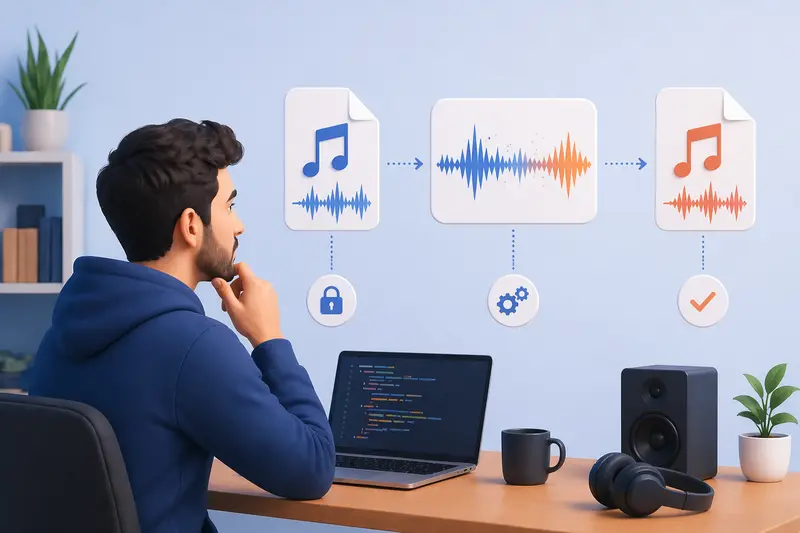
- Upload or pass your MP3 file into the converter
- The system decodes compressed audio frames
- Raw waveform data gets reconstructed into WAV format
- Output is generated and made available for download or API retrieval
Behind the scenes, the key difference lies in removing compression artifacts and restoring audio fidelity.
A Developer-Friendly Way to Convert Audio
One practical option is Filemazing’s audio converter, especially if you're focused on output quality rather than just speed.
Instead of installing heavy desktop tools, everything runs in the browser or through API calls. This makes it ideal for:
- backend workflows
- automation scripts
- quick testing during development
It also supports format versatility, meaning you're not locked into just MP3 and WAV—you can adapt your pipeline as needed.
Real-World Test: Converting for Mobile Audio Processing
I tested a 6.2 MB MP3 file (roughly 4 minutes of audio) intended for a mobile app that applies real-time filters.
After converting it to WAV:
- File size increased to ~42 MB
- Audio clarity improved noticeably during processing
- No compression artifacts interfered with filter accuracy
Takeaway: If you're building features like waveform analysis or audio effects, WAV eliminates hidden inconsistencies caused by MP3 compression.
Tradeoffs: Quality vs File Size
Here’s where developers often miscalculate.
Why WAV is Better
- No lossy compression
- Predictable audio data
- Ideal for editing and processing
The Cost
- Much larger file sizes
- Increased bandwidth usage
- Slower transfer on mobile networks
If your goal is high quality audio conversion, WAV is worth it—but you’ll need to manage storage and delivery carefully.
Where This Helps in Real Projects
For developers, this isn’t just about format conversion—it’s about compatibility and control.
- Preparing audio for machine learning models
- Ensuring consistent playback across mobile devices
- Feeding raw audio into DSP (digital signal processing) systems
- Building podcast or media editing tools
- Creating audio pipelines for SaaS platforms
- Converting assets extracted from archives (you can even unpack ZIP or RAR audio bundles before processing)
Practical Insight You Might Not Expect
If you're processing multiple files, convert in batches but normalize durations first.
Why?
Because token-based systems (like Filemazing) often calculate cost based on duration.
Shortening silence or trimming files before conversion can reduce processing load and cost.
It’s a small optimization—but it scales fast in production environments.
Why This Approach Stands Out
- Browser-based execution keeps your setup lightweight
- No forced account creation for quick tasks
- Predictable token pricing avoids surprises
- Temporary file handling means your data isn’t stored long-term
On the privacy side, files are treated as short-lived processing artifacts, not permanent uploads—which matters when handling sensitive media.
FAQ
Does converting MP3 to WAV improve sound quality?
Not exactly—it doesn’t “restore” lost data, but it prevents further degradation and ensures cleaner processing.
Is it safe to upload audio files?
Yes, especially with platforms that use temporary storage and automatic cleanup after processing.
Can I automate conversions?
Yes. Tools like Filemazing support API-based workflows, making it easy to integrate into pipelines.
Are there limits on file size?
Limits depend on processing rules, but token-based systems scale based on file size and duration rather than strict caps.
What about metadata in audio files?
If you're publishing or sharing audio, consider removing embedded metadata using a tool like the audio metadata scrubber to avoid exposing hidden information.
Final Thoughts
For modern developers, an MP3 to WAV converter isn’t just a utility—it’s part of a broader media workflow.
Whether you're building audio features, preparing datasets, or optimizing playback across devices, having a reliable conversion layer makes everything downstream more predictable.
If you need high-quality output without the friction of traditional tools, try integrating a browser-based solution like Filemazing into your stack and see how it fits your pipeline.