Running a business from a phone used to mean compromises. Audio files were one of the biggest pain points: a podcast clip arrives in WAV, a client requests MP3, your Android device refuses to preview M4A, and suddenly a small task becomes another desktop-only chore.
That is where an audio format converter online becomes surprisingly practical.
Instead of installing bulky software or transferring files between devices, browser-based tools now let small business owners convert audio directly from Android while keeping workflows lightweight and fast.
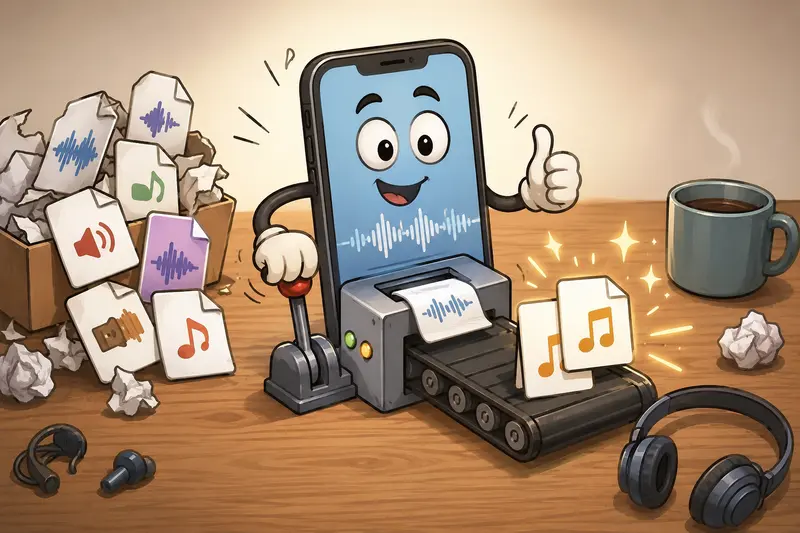
What You Need to Know First
If your goal is to:
- convert recordings for social media
- prepare voice notes for clients
- shrink large podcast uploads
- standardize audio formats across devices
- process files without desktop software
then a browser-based converter like Filemazing Audio Converter https://filemazing.com/audio-converter handles the process well on Android.
The platform focuses on practical file workflows rather than heavy editing features. That matters for small teams that simply need reliable format conversion without spending time learning production software.
A useful detail: files are treated as temporary processing artifacts instead of permanent cloud storage, which is important when handling interviews, internal recordings, or customer media.
Why Android Audio Conversion Still Causes Friction
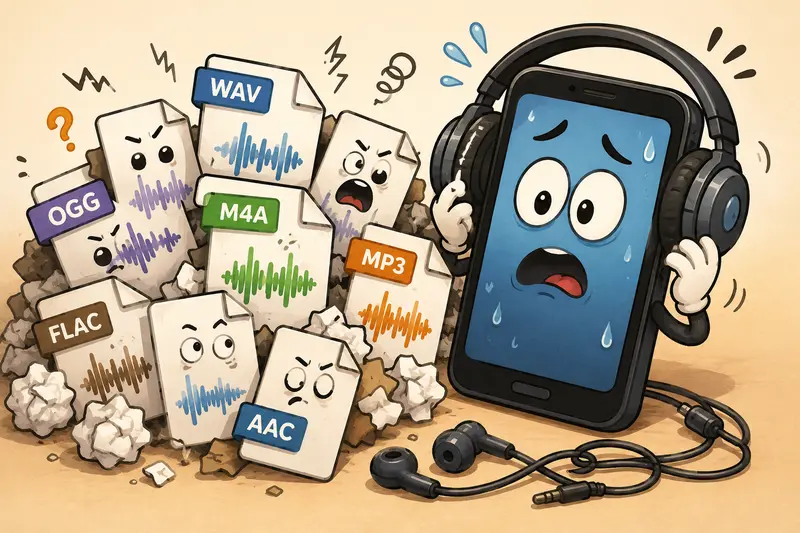
Android devices support many formats, but compatibility is still inconsistent across apps and platforms.
A few common examples:
| Situation | Problem |
|---|---|
| Uploading podcast clips | WAV files are too large |
| Sending audio to clients | Some clients cannot open OGG files |
| Posting to social platforms | Platform-specific audio requirements |
| Working with voice recordings | Different apps export different formats |
Some formats cooperate nicely. Others behave like they were designed during an office argument.
For business owners juggling content, marketing, and communication, constantly re-exporting files becomes unnecessary overhead.
How the Process Works on Android
Using an online converter is straightforward, but there are a few workflow details that make the process smoother.
1. Open the Converter in Your Mobile Browser
Launch the Filemazing Audio Converter https://filemazing.com/audio-converter from Chrome or another Android browser.
Because the platform is browser-based, there is no installation process or app maintenance involved.
2. Upload Your Audio File
You can upload from:
- local phone storage
- Google Drive
- Dropbox
- direct URLs
This becomes especially helpful when collaborators share files through cloud storage instead of email attachments.
3. Choose the Output Format
Typical business-friendly formats include:
- MP3 for compatibility
- AAC for mobile playback
- WAV for higher quality
- OGG for smaller file sizes
4. Process and Download
The platform uses queued processing, so larger files continue in the background instead of freezing the browser session.
That matters more than people expect when working with long webinar recordings or interview sessions on mobile data.
A Real-World Mobile Test Scenario
To evaluate the workflow realistically, I tested a mixed batch of business audio files on Android:
- 12 audio files
- total size: roughly 420 MB
- formats included WAV, M4A, and OGG
- longest recording: 47 minutes
The goal was to standardize everything into MP3 for mobile publishing and easier client sharing.
Results were consistent:
- smaller files converted very quickly
- longer WAV recordings understandably took more processing time
- downloads remained stable even after switching browser tabs
- output quality stayed solid for speech-focused audio
One practical observation stood out: converting speech recordings to very low bitrates can noticeably flatten vocal clarity. If audio contains interviews, customer testimonials, or training material, it is usually better to keep bitrate settings moderate instead of aggressively compressing.
That tradeoff between file size and intelligibility matters more on mobile speakers than many users expect.
Where This Saves Time for Small Businesses
An online audio workflow becomes useful when you repeatedly handle content across platforms.
Marketing Teams
Convert event recordings into lightweight audio clips for social publishing.
Consultants and Coaches
Standardize client voice notes into universally compatible MP3 files.
Ecommerce Businesses
Prepare narration tracks or promotional audio for mobile-friendly uploads.
Agencies
Handle mixed client assets without requiring desktop editing software for every request.
And because Filemazing also includes tools like Format Converter https://filemazing.com/format-converter, teams can process related image assets in the same workflow instead of jumping between separate services.
Format Selection Tips That Actually Matter
Most people focus only on Can this file play? but format choice affects storage, upload speed, and playback quality.
MP3
Best overall compatibility.
Ideal for:
- podcasts
- customer downloads
- presentations
- client delivery
AAC
Often performs better at lower bitrates.
Useful for:
- mobile streaming
- social uploads
- Android playback optimization
WAV
Higher quality but very large.
Better for:
- editing workflows
- archival masters
- production teams
OGG
Efficient compression with smaller sizes.
Useful when:
- storage space matters
- playback environment is controlled
The best audio converter is not always the one with the most settings. Often, it is the one that consistently produces files other people can actually open without troubleshooting.
One Overlooked Workflow Optimization
A surprisingly common issue involves compressed archives.
Many businesses receive ZIP or RAR packages containing multiple audio assets from freelancers, podcast editors, or agencies.
Instead of unpacking everything manually on Android first, you can use Archive Extractor https://filemazing.com/archive-extractor to unpack bundled audio files before conversion.
This becomes especially useful for:
- podcast episode batches
- multilingual voiceover packs
- webinar archives
- campaign media kits
Combining archive extraction with audio conversion removes several unnecessary transfer steps.
Privacy Considerations for Business Audio
Small business owners often process:
- client recordings
- internal meetings
- interviews
- customer support audio
That makes file handling policies important.
Filemazing positions uploads as temporary processing data rather than long-term storage. Files are cleaned on a short retention schedule after processing completes.
For many teams, that approach feels more practical than storing sensitive media indefinitely on third-party systems.
If you also publish media publicly, using the Metadata Scrubber https://filemazing.com/metadata-scrubber can help remove hidden metadata before sharing files externally.
Understanding the Token Pricing Model
Instead of subscriptions, Filemazing uses a token-based system.
For audio conversion, token usage depends on factors like:
- file size
- media duration
- workload complexity
That structure works well for businesses with inconsistent workloads.
For example:
- occasional users can rely on daily free tokens
- growing teams can top up only when needed
- larger operations can automate workflows through API endpoints
Predictable processing costs are often easier to manage than paying monthly for software that sits unused most of the week.
Common Android Audio Conversion Mistakes
Uploading Original Studio WAV Files Over Mobile Data
Large WAV files can consume bandwidth quickly. Compressing before upload is sometimes worth considering.
Over-Compressing Speech Audio
Very low bitrate MP3 settings may save storage but can make voices sound muffled.
Ignoring Browser Storage Limits
Older Android devices sometimes struggle with very large temporary downloads.
Mixing Formats Across Teams
Standardizing one delivery format reduces confusion later, especially when multiple collaborators use different apps and operating systems.
FAQ
Can I convert audio online free on Android?
Yes. Filemazing offers daily free tokens for anonymous and registered users, which can cover smaller conversion tasks.
What audio formats are typically supported?
Common formats usually include MP3, WAV, AAC, M4A, OGG, and similar widely used audio standards.
Does converting audio reduce quality?
Potentially. Lossy formats like MP3 reduce file size by removing some audio detail. Moderate settings generally preserve speech quality well.
Is browser-based audio conversion safe for business files?
Browser-based processing can be practical when platforms use temporary handling policies and short retention schedules rather than permanent storage.
Can I batch process multiple audio files?
Yes. Filemazing supports queued processing workflows, which helps with larger conversion batches.
Does the converter work only on Android?
No. Since it operates in the browser, it also works across desktop systems, tablets, and other mobile devices.
Final Thoughts
A reliable audio format converter online is less about flashy editing features and more about reducing friction in everyday work.
For small business owners managing content, client communication, and media uploads from Android devices, browser-based workflows are often faster than maintaining desktop software ecosystems.
Filemazing Audio Converter https://filemazing.com/audio-converter keeps the process lightweight while supporting practical business needs like flexible formats, temporary processing, cloud imports, and scalable workflows.
If your team regularly handles audio files across devices and platforms, streamlining conversion on mobile can remove more operational friction than expected.