Photos travel fast inside remote teams. A screenshot gets dropped into Slack, someone uploads a campaign asset to a shared drive, and within minutes that file has crossed continents.
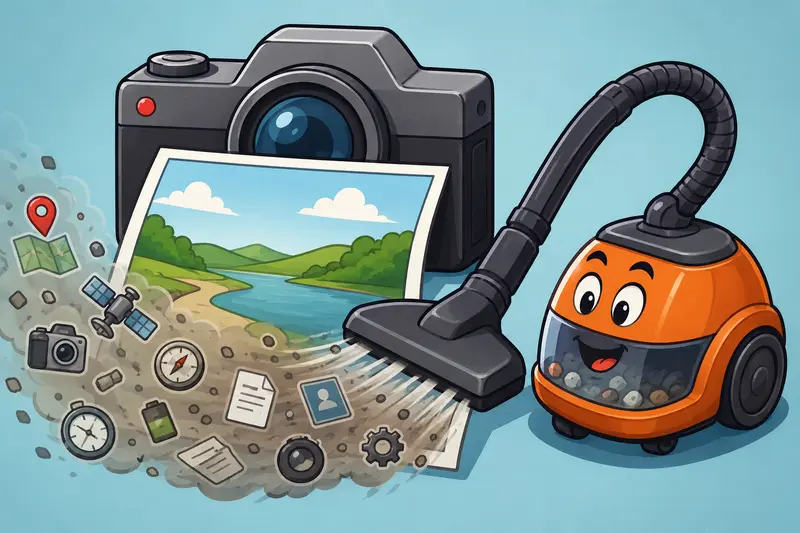
What many teams forget: images often carry hidden metadata along with the visible pixels.
That can include:
- GPS coordinates
- device information
- timestamps
- editing software details
- author data
- camera serial information
For distributed teams handling client work, internal documentation, product previews, or employee media, leaving this data untouched can quietly create privacy problems.
Thats why more companies now prefer to clean image metadata online before sharing files externally.
The Short Version
If your team regularly shares screenshots, product photos, design exports, or scanned documents, metadata cleanup should be part of the publishing process.
A browser-based tool like Filemazing Metadata Scrubber https://filemazing.com/metadata-scrubber makes it possible to:
- remove EXIF online without desktop software
- process batches of images
- reduce accidental data exposure
- prepare files for clients or public upload
- automate repetitive cleanup tasks through APIs
The biggest advantage for remote teams is consistency. Everyone follows the same lightweight workflow regardless of operating system or location.
Why Hidden Photo Data Causes Real Problems
Metadata is useful during editing and organization. It becomes less useful once files leave internal systems.
A product launch image might expose:
- office coordinates
- internal device names
- employee information
- timestamps tied to unreleased projects
Even ordinary smartphone photos can reveal more than expected.
One marketing team discovered this the hard way after sharing event photos publicly. The images still contained location data from a private venue before the campaign officially launched. Nobody noticed until a client pointed it out.
Not catastrophic. Still awkward.
For remote organizations, these issues appear more frequently because files move through:
- cloud drives
- async collaboration tools
- contractor workflows
- customer support systems
- external review pipelines
The more distributed the workflow becomes, the easier it is for hidden metadata to slip through unnoticed.
What Actually Happens During Metadata Scrubbing?
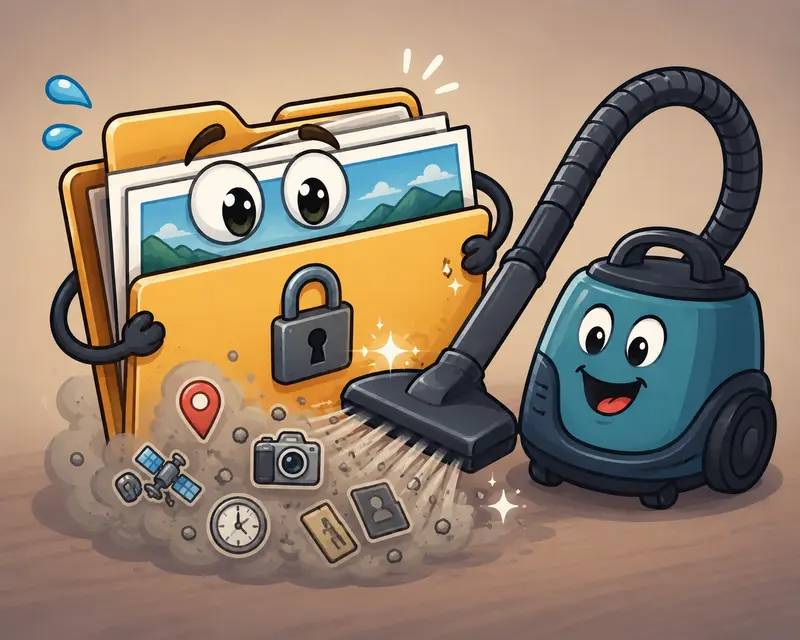
When you delete hidden photo data, the visible image stays intact while embedded metadata fields are removed or rewritten.
That often includes:
- EXIF metadata
- IPTC fields
- geolocation tags
- camera details
- software identifiers
- author information
The process does not usually alter image dimensions or visual quality unless additional optimization settings are applied separately.
If you later need different export formats, using a dedicated image format conversion workflow after cleanup can help standardize files across platforms.
A Real Workflow Test From a Distributed Content Team
We tested a realistic remote-team scenario involving:
- 148 smartphone JPG images
- mixed iPhone and Android devices
- total upload size: 1.2GB
- several edited Canva exports
- multiple screenshots from internal tools
The objective was straightforward:
- remove EXIF online
- preserve visual quality
- prepare assets for a client-facing media kit
Processing completed in batches without requiring local software installs. The cleaned files retained naming structure and visual fidelity while stripping embedded location and device data.
One useful detail: images edited multiple times across apps often contained layered metadata from different software tools. Scrubbing cleaned those leftovers too.
That matters more than many teams realize.
Especially when contractors and freelancers contribute assets from personal devices.
Why Browser-Based Cleanup Fits Remote Work Better
Traditional metadata removal tools tend to assume everyone works on the same machine setup.
Remote teams rarely do.
Some members use:
- locked-down corporate laptops
- Chromebooks
- temporary contractor devices
- unmanaged personal systems
A browser-first approach avoids deployment friction.
Filemazing https://filemazing.com/metadata-scrubber handles metadata scrubbing directly through the web interface while also supporting API-driven automation for larger pipelines.
That combination works particularly well for:
- content operations teams
- distributed agencies
- asynchronous approval workflows
- SaaS support teams
- media-heavy collaboration environments
Another practical benefit is predictable pricing. The metadata-scrubber workflow uses transparent token calculations instead of vague unlimited plans with hidden throttling.
One Important Tradeoff Teams Should Understand
Metadata removal improves privacy, but it can also remove information your internal workflows still rely on.
For example:
- photographers may need timestamp preservation
- DAM systems sometimes organize images using EXIF data
- legal documentation workflows may depend on original capture details
Thats why many teams use two separate versions:
- archived originals internally
- scrubbed distribution copies externally
Privacy and operational traceability occasionally pull in opposite directions.
Good workflows acknowledge that instead of pretending one version fits everything.
A Smarter Way To Handle Shared PDFs Before Image Cleanup
Remote teams frequently export reports or decks into image form before distribution.
Instead of manually screenshotting pages, converting documents properly first produces cleaner results.
Using PDF to image conversion before metadata cleanup creates more consistent output, especially for:
- presentation exports
- onboarding documents
- proposal pages
- visual knowledge-base content
After conversion, the resulting images can be scrubbed before external sharing.
That sequence tends to produce cleaner, easier-to-manage assets.

Common Metadata Mistakes Remote Teams Make
Assuming screenshots are always safe
Some screenshots still contain embedded software metadata depending on the capture pipeline and editing tools involved.
Cleaning only final exports
Intermediate drafts shared in Slack or project tools can still expose sensitive information.
Forgetting cloud-generated previews
Certain cloud systems generate derivative images that preserve original metadata unexpectedly.
Using compression instead of scrubbing
Compression reduces file size. It does not reliably remove metadata.
Those are separate operations entirely.
If secure delivery matters, many teams pair metadata removal with encrypted sharing using file encryption workflows before distribution.
Advanced Tip: Batch Processing Works Better With Naming Discipline
One non-obvious optimization for larger teams is standardizing filenames before scrubbing.
Why?
Because once metadata disappears, filenames often become the primary traceability layer.
A good structure looks something like:
- project-client-version-date.jpg
- campaign-region-platform-v2.png
This becomes especially valuable when processing hundreds or thousands of assets through automation pipelines.
APIs help here too. Instead of manually reviewing uploads, developers can automate:
- ingestion
- cleanup
- format conversion
- secure delivery
- retention handling
That reduces repetitive review overhead significantly.
Privacy Matters More Than Marketing Claims
A lot of online tools say they are secure. Fewer explain operational behavior clearly.
One reassuring aspect of Filemazings setup is that uploaded files are treated as temporary processing artifacts rather than permanent cloud storage.
That distinction matters.
Short-lived retention and cleanup scheduling reduce long-term exposure risks for teams handling sensitive internal media.
Particularly for:
- legal departments
- HR teams
- healthcare-adjacent workflows
- enterprise client communications
Remote work already creates enough file sprawl without accidental permanent storage becoming part of the problem.
Where Metadata Scrubbing Saves The Most Time
For remote teams, the biggest efficiency gains usually appear in repetitive media workflows:
| Workflow | Why Scrubbing Helps |
|---|---|
| Client deliverables | Prevents accidental location/device leaks |
| Marketing assets | Removes editor/software traces |
| Internal screenshots | Protects environment details |
| Recruitment materials | Reduces personal data exposure |
| Documentation exports | Standardizes external-facing media |
Its not glamorous work.
But it quietly prevents avoidable mistakes.
FAQs
Does removing metadata reduce image quality?
Not typically. Metadata cleanup removes embedded information rather than changing the visible image itself. Quality changes only happen if additional compression or format conversion is applied afterward.
Can I remove EXIF online from multiple files at once?
Yes. Batch handling is one of the more practical advantages for remote teams processing large media collections regularly.
Is browser-based metadata removal safe for sensitive files?
It depends on the providers handling policies. Temporary processing and short retention windows are important trust signals when evaluating any metadata scrubber.
What file types usually contain metadata?
JPG, PNG, TIFF, HEIC, RAW photo formats, PDFs, and even some exported screenshots may contain hidden metadata fields.
Is API automation useful for smaller teams?
Surprisingly, yes. Even lightweight automation can help standardize repetitive media handling workflows once file volume increases beyond occasional uploads.
Whats the best metadata scrubber for remote collaboration workflows?
The best metadata scrubber is usually the one that balances:
- privacy handling
- predictable pricing
- batch support
- browser accessibility
- automation options
For distributed teams, lightweight web-based processing tends to reduce operational friction considerably.
Final Thoughts
Metadata is invisible until it suddenly matters.
For remote teams sharing files across clients, contractors, cloud tools, and async communication channels, cleaning hidden photo data should be treated as routine operational hygiene rather than an occasional cleanup task.
Using a browser-based workflow to clean image metadata online keeps the process accessible without forcing every contributor to install specialized software.
And honestly, preventing accidental leaks is usually much easier than explaining them later.