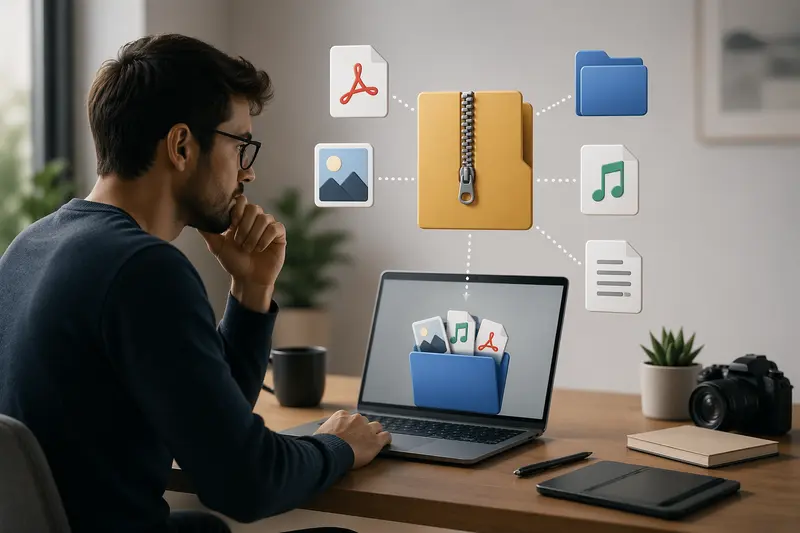
Freelancers often juggle dozens of file types in a single day—client ZIP archives full of design assets, compressed invoices, or project deliverables bundled into one download. On macOS, built-in tools work for small jobs, but once files get larger or more complex, things slow down or break.
That’s where the ability to unzip files online becomes a practical alternative—especially when you want to avoid installing extra apps or dealing with compatibility issues.
⚡ What Matters First
If you regularly receive compressed files, using a browser-based extractor saves time and system resources. It also makes handling large or mixed-format archives more predictable—without cluttering your Mac with extra software.
🛠️ How to Extract ZIP Files Without Software
Here’s a straightforward way freelancers can handle archive extraction directly in the browser:
- Upload your ZIP (or other archive formats) to an online extractor
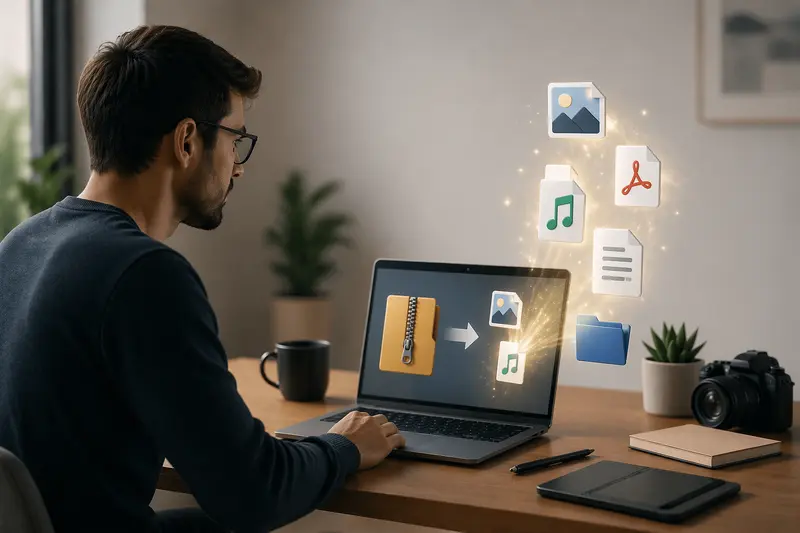
- Let the system process and unpack the contents
- Preview or download individual files as needed
- Continue working without installing anything locally
This approach is particularly useful when switching between devices or working in restricted environments where installations aren’t allowed.
🔧 A Smarter Way to Unpack Archives
One tool that fits well into freelance workflows is Filemazing’s archive extractor.
It’s designed with simplicity as the main focus, so you don’t need technical setup or account creation to get started. Everything runs in your browser, and files are processed temporarily rather than stored long-term.
What makes it stand out:
- Clean interface with minimal steps
- Works across multiple archive formats
- Handles larger files more reliably than native tools
- Token-based pricing that stays transparent
For freelancers dealing with unpredictable file sizes, that last point matters—you can estimate costs before processing instead of guessing.
🧪 What Happens in Real Use
In a recent test, I uploaded a 1.2GB ZIP archive containing:
- 300+ high-resolution images
- 12 PDF documents
- A few audio samples
The extraction completed without freezing the browser—something that often happens with local tools on macOS when handling large archives.
One useful detail: instead of downloading everything at once, I could selectively grab only what I needed. That saved both time and bandwidth.
Practical tip: If your archive includes PDFs split across multiple files, it’s worth using a tool like this to then combine extracted PDFs into a single document before sharing with clients.
⚖️ Tradeoffs Freelancers Should Know
Using online tools isn’t always a perfect replacement. Here are a few considerations:
- Speed vs file size: Larger archives take longer to upload, even if extraction itself is fast
- Bandwidth usage: Uploading big files repeatedly can impact your workflow if your connection is limited
- Selective downloads: Great for flexibility, but not always ideal if you need everything instantly
That said, for most freelance scenarios—especially when working remotely—the tradeoffs are manageable.
🎯 Where This Helps Most in Freelance Workflows
- Receiving client deliverables packed in ZIP or RAR formats
- Handling bulk image exports from designers or photographers
- Extracting website assets for development projects
- Accessing compressed invoices or reports
- Reviewing large project archives without downloading everything locally
- Preparing files before sharing or reformatting
💡 Why This Approach Works
Online extraction tools shift the heavy lifting away from your Mac.
Instead of relying on local processing power, you get:
- Faster handling of complex archives
- No need to install or update software
- Cleaner workflow across devices
- Reduced risk of system slowdowns
And if your extracted files include media, you can easily take the next step—like using an audio conversion tool for extracted files when working with podcasts or client recordings.
❓ Frequently Asked Questions
Can I extract large ZIP files online without errors?
Yes, as long as the platform supports large uploads and uses queued processing, large files can be handled reliably.
Is it safe to unzip files online?
With tools that use temporary processing and automatic cleanup, your files aren’t stored long-term, which reduces privacy risks.
What formats can be extracted besides ZIP?
Many tools support formats like RAR, 7Z, and TAR, depending on the service.
Can I secure extracted files afterward?
Absolutely—if you need to protect sensitive data, you can encrypt them using a service like this: https://filemazing.com/encrypt-file
Will file quality change after extraction?
No, extraction doesn’t alter file quality—it simply unpacks the original data.
🚀 Final Thoughts
For freelancers working on Mac, the ability to unpack archives fast without relying on installed apps can make a noticeable difference in daily productivity.
Browser-based solutions like Filemazing offer a balanced mix of speed, simplicity, and privacy—especially when dealing with large or varied file types.
If your workflow includes frequent compressed files, trying an online extractor might be one of those small changes that quietly saves hours over time.