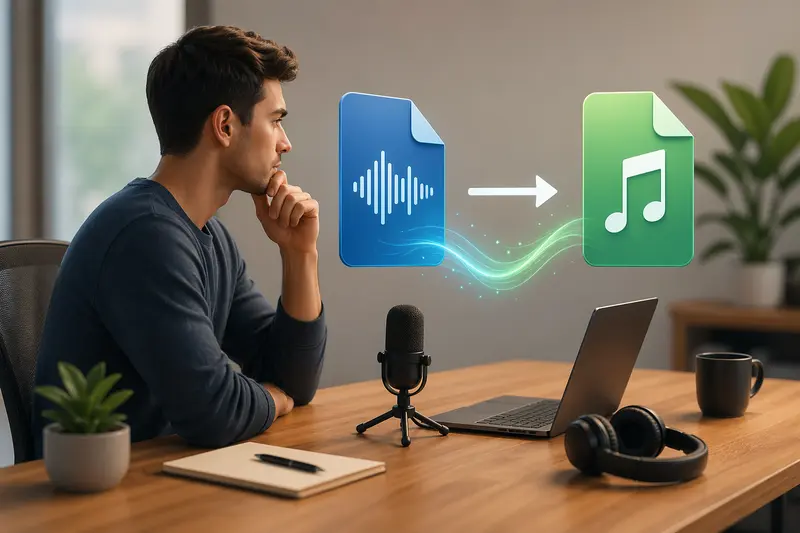
Marketing teams often deal with audio in its rawest form—interview recordings, voiceovers, podcast drafts. These files usually arrive as WAV: large, uncompressed, and not exactly client-friendly. When deadlines are tight and delivery matters, using a reliable WAV to MP3 converter becomes less about convenience and more about workflow efficiency.
What Matters First
If you're sending audio to clients, MP3 is typically the safer bet—smaller size, universal compatibility, and faster sharing. The goal is to convert without sacrificing clarity or adding friction to your process.
How the Conversion Process Actually Works
Instead of overcomplicating things, think of WAV to MP3 conversion as a controlled compression process:
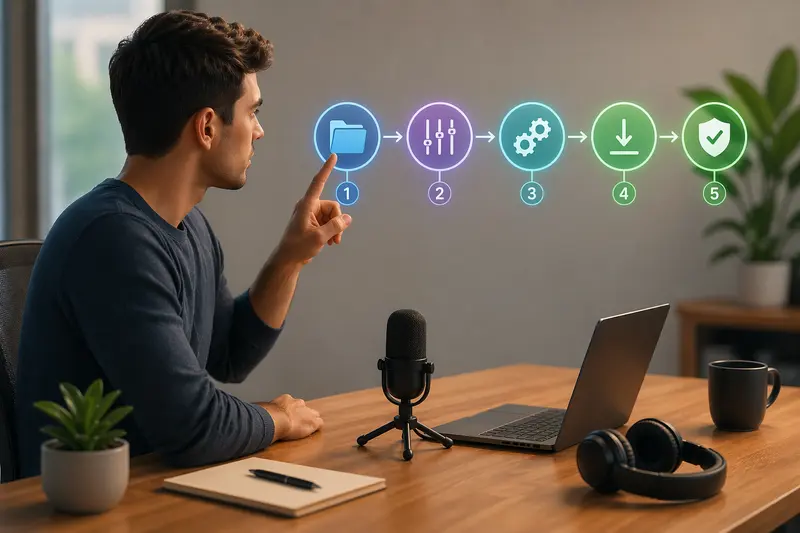
- Upload your WAV file (or multiple files if working in batches)
- Choose output format (MP3) and adjust bitrate if needed
- Process the file in-browser or via automation
- Download the converted version for distribution
- Optionally optimize or secure before sharing
This approach avoids dependency on desktop tools and keeps everything accessible across devices.
A Practical Tool for Marketers
One solution that fits seamlessly into this kind of workflow is https://filemazing.com/audio-converter. Its biggest advantage is simplicity—no installation, no friction—paired with strong support for browser-based usage.
You can drag in multiple WAV files, process them in parallel, and download clean MP3 outputs ready for email, upload, or embedding into campaigns. The token-based system is transparent, so you can estimate cost before processing large audio batches.
What Happened When I Tested It
To simulate a real campaign scenario, I converted:
- 12 WAV files (voiceover clips)
- Average size: 40–60 MB each
- Total duration: ~90 minutes
Observations:
- Processing ran in queued jobs without slowing the interface
- Output MP3 files retained consistent vocal clarity at 192 kbps
- File size dropped by roughly 75–80%
One small but useful discovery: when converting multiple files, naming consistency matters. Keeping filenames structured (e.g., campaign_intro_v1.wav) avoids confusion when downloading batch outputs.
Tradeoffs You Should Be Aware Of
Converting WAV to MP3 always involves a balance:
- Quality vs file size: Higher bitrate preserves detail but increases size
- Speed vs precision: Faster conversions may skip deeper encoding optimization
- Compatibility vs fidelity: MP3 works everywhere, but it’s still a lossy format
For most marketing use cases—ads, social clips, client previews—the tradeoff leans heavily in favor of MP3.
Overlooked Mistakes in Audio Conversion
Even experienced teams slip up here. A few common pitfalls:
- Converting at unnecessarily high bitrates for email delivery
- Ignoring metadata that may expose internal notes
- Processing files individually instead of using batch workflows
- Forgetting to secure files before sending to clients
For example, before sharing finalized audio externally, you might want to remove embedded metadata from media files—especially if the files originated from internal production tools.
Where This Fits in Marketing Workflows
This kind of conversion setup is especially useful when you're:
- Preparing podcast drafts for client review
- Delivering ad voiceovers to stakeholders
- Compressing audio for landing pages
- Sharing interview recordings with editors
- Managing multilingual campaign audio assets
- Automating content pipelines with API-driven conversion
Why It Helps
- Keeps everything inside the browser—no installs or updates
- Handles multiple files efficiently
- Offers predictable cost with token-based usage
- Supports clean handoffs between teams and clients
- Integrates easily into broader workflows
If you're working with visual assets alongside audio, tools like the format converter for image assets can keep everything consistent within the same environment.
Common Questions
Does converting WAV to MP3 reduce quality significantly?
There is some loss due to compression, but at higher bitrates (192–320 kbps), it’s barely noticeable for most marketing uses.
Is it safe to upload client audio files?
Yes—files are treated as temporary processing data and removed after a short retention period, so nothing is stored long-term.
Can I convert multiple files at once?
Batch audio conversion is supported, which is ideal for campaign-based workflows.
Do I need to install anything?
No, everything runs directly in your browser.
Can I secure files before sharing?
Yes, you can password-protect converted audio before sharing if you're handling sensitive client materials.
Final Thoughts
When you're delivering audio to clients, efficiency and clarity matter more than anything else. A dependable WAV to MP3 converter removes friction, reduces file size, and keeps your workflow moving.
If your team handles audio regularly, using a browser-based tool like Filemazing can quietly eliminate a surprising amount of operational overhead—especially when you're juggling multiple files, tight timelines, and client expectations.