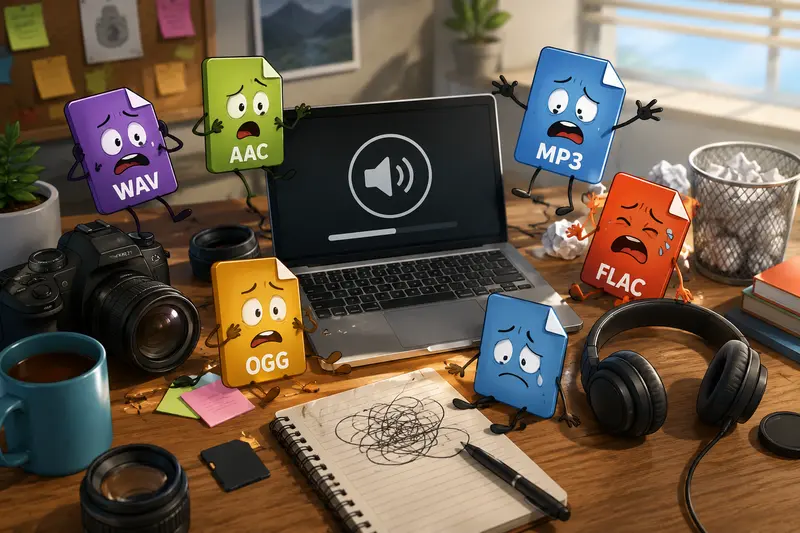
Audio files have a habit of becoming inconvenient at the exact wrong moment.
A client sends WAV files that wont play on mobile. A slideshow soundtrack is too large to upload. Voice notes arrive buried inside ZIP archives. And somewhere in the middle of editing photos, exporting galleries, and managing backups, you suddenly need to convert audio files without adding another desktop app to your machine.
For photographers especially, audio often becomes part of the workflow unexpectedly behind-the-scenes clips, interview recordings, slideshow music, drone narration, or client presentation assets. The right format matters more than most people realize.
What Actually Matters During Audio Conversion
The goal usually isnt just changing a file extension.
Youre balancing three things:
- compatibility
- sound quality
- manageable file size
A high-bitrate WAV may sound excellent, but its not ideal for sending previews to clients over email. Meanwhile, aggressively compressed MP3 files can introduce artifacts that become noticeable during spoken narration or ambient music.
This is where choosing the best audio converter becomes less about flashy features and more about practical workflow reliability.
Browser-based tools like Filemazing Audio Converter https://filemazing.com/audio-converter are increasingly useful because they avoid the usual desktop software cycle of installs, updates, codec conflicts, and why is this exporting differently today? moments.
The platform runs directly in the browser and processes files temporarily instead of storing them long term, which matters when working with private client material or unreleased commercial projects.
A Real-World Example From a Photography Workflow
During a recent gallery delivery workflow, a photographer needed to prepare:
- 18 short interview clips
- 3 background music tracks
- mixed WAV and AAC formats
- roughly 1.2 GB total
The final destination was a mobile slideshow app that preferred MP3 files under specific size limits.
Instead of manually converting each file through desktop software, the batch was uploaded through Filemazings queued processing system. The resulting MP3 exports reduced total storage usage by nearly 70% while remaining clean enough for spoken audio and ambient soundtrack playback.
That tradeoff matters.
For spoken content, moderate compression often works perfectly fine. For music-heavy cinematic reels, preserving bitrate becomes more important.
Some formats cooperate nicely. Others behave like they were standardized during an argument.
How the Process Usually Works
Desktop audio conversion today is mostly about efficiency rather than technical complexity.
A streamlined workflow generally looks like this:
- Upload audio files from your computer, cloud storage, or archive
- Choose the target format
- Adjust quality preferences if needed
- Process files in batch
- Download optimized outputs
If your recordings arrive packaged inside compressed folders, tools like archive extraction workflows https://filemazing.com/archive-extractor help unpack ZIP or RAR collections before conversion begins.
For photographers handling multiple client shoots, that small convenience removes a surprising amount of friction.

Why Format Choice Matters More Than People Expect
One overlooked issue in high quality audio conversion is that not every format behaves the same after repeated exports.
Heres the practical version:
| Format | Best Use Case | Tradeoff |
|---|---|---|
| WAV | Master recordings | Very large files |
| MP3 | General sharing and mobile playback | Lossy compression |
| AAC | Streaming and Apple devices | Slight compatibility limitations |
| FLAC | Archival quality | Larger than MP3 |
| OGG | Web applications | Less universal support |
If youre preparing audio for Instagram reels, mobile galleries, or lightweight previews, MP3 usually remains the safest option.
For archival storage tied to commercial projects, preserving original WAV or FLAC masters is still smart.
The mistake many users make is converting an already compressed file multiple times. Each additional lossy conversion can gradually reduce clarity, especially in music tracks.
In real workflows, its better to:
- keep one untouched master file
- create delivery-specific copies
- avoid repeated export cycles
Converting Audio for Mobile Without Losing Too Much Quality
Mobile playback introduces its own constraints.
Older Android devices, lightweight presentation apps, and social media upload systems often reject oversized or uncommon formats. Thats why many photographers eventually need to convert audio for mobile even if the original files sound perfect on desktop.
A useful approach is:
- MP3 at 192 kbps for music-heavy playback
- 128 kbps for voice-only recordings
- AAC when targeting Apple-focused ecosystems
Lower isnt always better.
Small files are helpful, but over-compression can flatten background ambience and make speech sound brittle. The goal is portability without turning clean audio into something that resembles an old voicemail recording from 2006.
Where Things Usually Go Wrong
Most audio conversion problems come from workflow assumptions rather than software bugs.
Common issues include:
Converting the wrong source file
Users often compress files that were already compressed previously.
Ignoring sample rate mismatches
Mixing 44.1 kHz and 48 kHz exports can create inconsistencies in video editing timelines.
Over-optimizing for size
Shrinking files too aggressively may create metallic artifacts in dialogue-heavy audio.
Forgetting metadata privacy
Audio files sometimes retain creator names, device information, or embedded comments.
For privacy-sensitive work, especially commercial shoots or client interviews, using tools like metadata-safe file protection workflows https://filemazing.com/encrypt-file after conversion can help secure deliverables before sharing externally.
Why Browser-Based Conversion Fits Creative Workflows
Traditional desktop converters still work well, but browser-based systems offer a few practical advantages:
- no installation overhead
- easier batch processing
- access from multiple devices
- cloud import support
- API-ready automation for recurring tasks
Filemazing also uses transparent token pricing rather than fixed subscriptions, which tends to fit photographers with uneven workloads more naturally.
A small project may consume only a handful of tokens, while larger media batches scale predictably based on duration and file size.
That visibility helps avoid the annoying unlimited plan with invisible limits situation many SaaS tools quietly drift toward.
Handling Mixed Media Projects More Efficiently
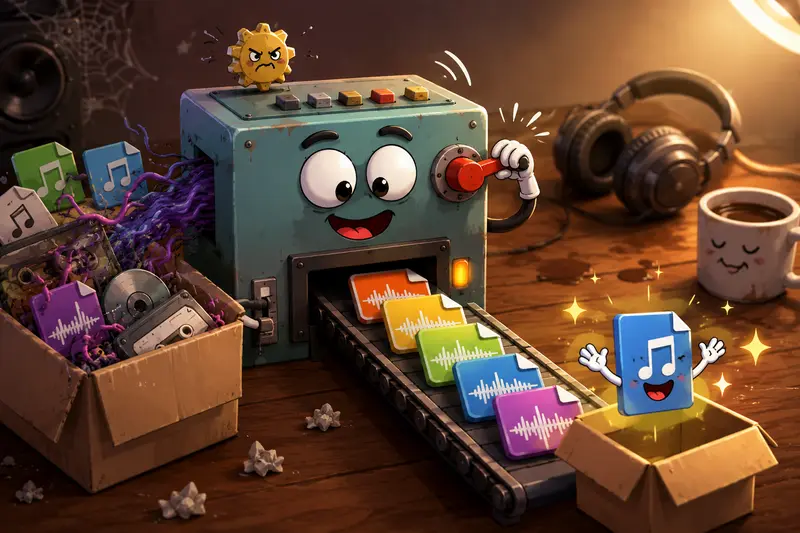
Audio conversion rarely exists alone in creative projects.
Photographers often manage:
- image exports
- slideshow assets
- compressed archives
- watermark-ready files
- delivery packaging
Thats where related workflows become useful together.
For example, if a client package also contains unsupported image formats, using a dedicated format conversion workflow for visual assets https://filemazing.com/format-converter alongside audio processing keeps the entire delivery pipeline consistent.
One interface is easier to manage than juggling six unrelated utilities.
A Few Practical Recommendations
If you regularly convert audio files on desktop, these habits save time long term:
- Keep original masters untouched
- Export separate mobile-ready versions
- Batch similar formats together
- Test one file before processing hundreds
- Store naming conventions consistently
And when privacy matters, temporary processing and automatic cleanup policies are worth paying attention to especially for client recordings, event coverage, or commercial work.
FAQ
What is the best format for sharing audio with clients?
MP3 remains the safest general-purpose option because nearly every device supports it. For higher fidelity delivery, AAC or FLAC may work better depending on playback requirements.
Can browser-based converters handle large audio files?
Yes. Queued processing systems are designed specifically so larger tasks dont freeze the interface during uploads and conversions.
Does converting audio reduce quality?
It can. Lossy formats like MP3 trade some fidelity for smaller size. Higher bitrate settings preserve more detail but increase file size.
Is browser-based audio conversion private?
With platforms like Filemazing, uploaded files are treated as temporary processing artifacts and cleaned on short retention schedules rather than stored indefinitely.
Can I automate repeated audio conversion tasks?
Yes. Filemazing supports API workflows, which can help automate recurring media preparation pipelines for studios or production-heavy teams.
Final Thoughts
The best approach to audio conversion isnt necessarily the most technical one.
Its the workflow that reliably produces compatible files, preserves enough quality for the intended use, and avoids unnecessary friction during delivery.
For photographers balancing media management, client communication, and creative deadlines, lightweight browser-based conversion tools can remove an entire category of avoidable overhead.
And honestly, anything that reduces format-related surprises before a client delivery is already doing valuable work.