Remote teams rarely struggle with communication anymore. File handling is the bigger headache.
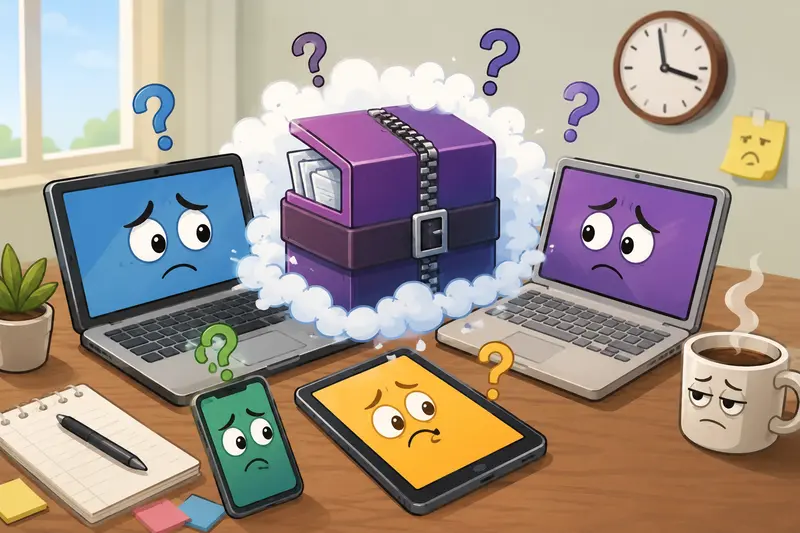
A designer uploads a RAR archive from Windows. A project manager tries opening it on a Chromebook. Someone else is reviewing files from a tablet while traveling. Suddenly, half the team is searching for extraction software instead of finishing the task.
Thats why more teams now prefer to open RAR files online instead of relying on locally installed archive tools. Browser-based extraction avoids compatibility issues, speeds up collaboration, and works across devices without turning setup into a support ticket.
For teams that also need secure handling after extraction, tools like encrypted file protection become useful when sharing sensitive project assets externally.
The Short Version
If your team regularly exchanges compressed archives, a browser-based extractor is usually the fastest option.
Instead of installing desktop software:
- upload the archive
- extract files directly online
- download only the contents you need
- continue processing documents or media immediately
This approach works especially well for remote teams managing shared assets, PDFs, marketing exports, code bundles, or client deliverables.
It also helps when you need to extract large ZIP files or unpack archives fast during time-sensitive collaboration.
Why Browser-Based Archive Extraction Fits Remote Work Better
Traditional archive tools were designed for individual desktop workflows. Distributed teams operate differently.
People switch between:
- company laptops
- personal devices
- mobile access
- virtual workspaces
- temporary contractor systems
Installing extraction software everywhere becomes difficult to standardize.
A browser workflow removes most of that friction.
With a tool like Filemazing Archive Extractor https://filemazing.com/archive-extractor, archives are processed online through a lightweight interface instead of depending on local utilities. Teams can open RAR files online from nearly any modern browser while avoiding OS-specific compatibility issues.
The practical advantage is speed consistency across environments.
No version mismatches.
No plugin conflicts.
No this file wont open on my machine conversations.
A surprisingly large amount of remote work time disappears into those tiny interruptions.
How the Workflow Usually Looks
The process itself is fairly straightforward, but the impact becomes noticeable when repeated daily across a team.
Upload the Archive
Drag in a RAR or ZIP package from:
- local storage
- Google Drive
- Dropbox
- direct file URLs
Large project bundles remain manageable because processing happens asynchronously instead of freezing the browser session.
Extract the Contents
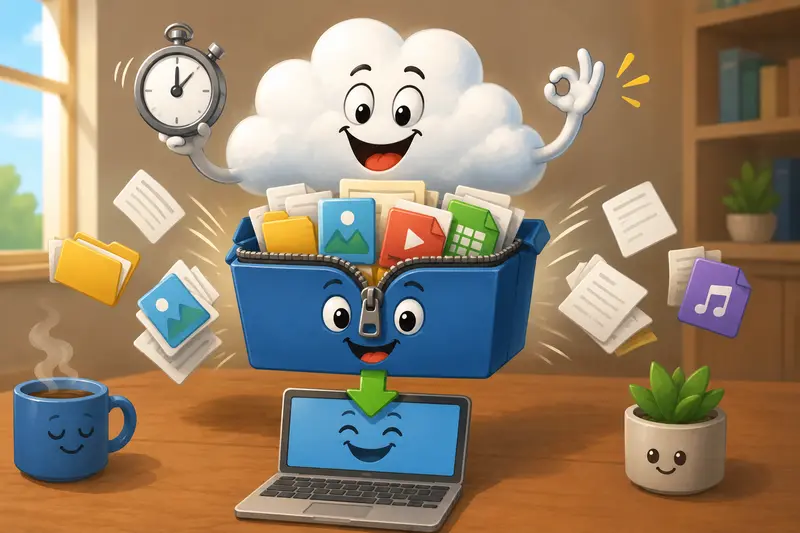
The archive is unpacked online while the job queue handles processing in the background.
This matters more than people expect when working with oversized media packages or multi-folder client deliveries.
Review and Download
Once extraction completes, team members can retrieve only the files they actually need.
That reduces unnecessary downloads for remote collaborators on slower connections.
Continue the Workflow
Extracted PDFs can move directly into tools like PDF merging workflows if reports or document packets need to be consolidated afterward.
What We Tested in a Real Team Workflow
To evaluate how practical browser extraction actually is, we tested several common remote collaboration scenarios using mixed archive types.
The test batch included:
- 4 RAR archives from a design agency
- 2 oversized ZIP exports containing PDFs and images
- a compressed training package with 1,800+ files
- mobile extraction from an Android tablet
Total archive size was slightly above 3GB combined.
Observed Results
The most noticeable improvement was workflow continuity.
Instead of downloading extraction utilities or troubleshooting unsupported formats, team members accessed the archives immediately from the browser.
The large ZIP exports took longer to process than smaller RAR packages, which is expected. Theres always a tradeoff between processing speed and archive complexity, especially when thousands of small files are involved.
However, the queue-based processing helped avoid browser freezes during heavier workloads.
Mobile extraction also worked better than expected. That matters because many remote approvals now happen from phones or tablets during travel or client meetings.
One practical takeaway stood out:
If you only need a subset of files from a large archive, extracting online often saves more time than downloading the entire compressed package locally first.
One Mistake Teams Frequently Make With Large Archives
Heres a non-obvious issue that appears regularly in distributed workflows:
Teams often compress everything into one massive archive for convenience.
In reality, this can slow collaboration dramatically.
When archives contain:
- huge media folders
- unrelated project assets
- outdated exports
- duplicate resources
extraction becomes heavier and teammates waste time searching through unnecessary content.
A better approach is separating archives by workflow stage:
- approvals
- source assets
- exports
- documentation
- final deliverables
Smaller structured archives unpack faster and reduce confusion across remote teams.
This becomes even more important when trying to unpack archives fast on mobile connections or lower-powered devices.
Some archive formats cooperate nicely. Others behave like they resent modern collaboration entirely.
Where Filemazing Fits Into Daily Team Operations
Filemazing is designed less like a traditional desktop utility and more like a practical workflow layer for recurring file tasks.
The archive extractor is only one part of the platform.
Teams can also:
- convert PDFs into images
- compress media
- scrub metadata
- encrypt files
- automate file processing through APIs
One useful workflow we tested involved extracting archived reports and then using PDF-to-image conversion to prepare presentation-ready visuals for Slack updates and documentation.
Because processing is browser-based, onboarding is minimal for non-technical team members.
At the same time, API access allows developers to automate repetitive archive handling tasks without building custom infrastructure.
The token-based pricing model is also more predictable than subscription-heavy SaaS tools for occasional workloads. Teams only consume tokens based on actual processing volume rather than paying fixed monthly rates for sporadic usage.
Why Privacy Handling Matters More Than Convenience
Remote teams increasingly exchange:
- contracts
- financial documents
- creative assets
- internal reports
- client exports
That makes temporary file handling important.
Filemazing treats uploaded files as short-lived processing artifacts instead of permanent cloud storage. Files are cleaned on a limited retention schedule rather than sitting indefinitely on servers.
For distributed companies working across contractors, freelancers, and external collaborators, that approach reduces long-term exposure risk.
It also avoids turning a simple extraction task into another unmanaged storage system.
Situations Where Online Archive Extraction Works Especially Well
Marketing Teams
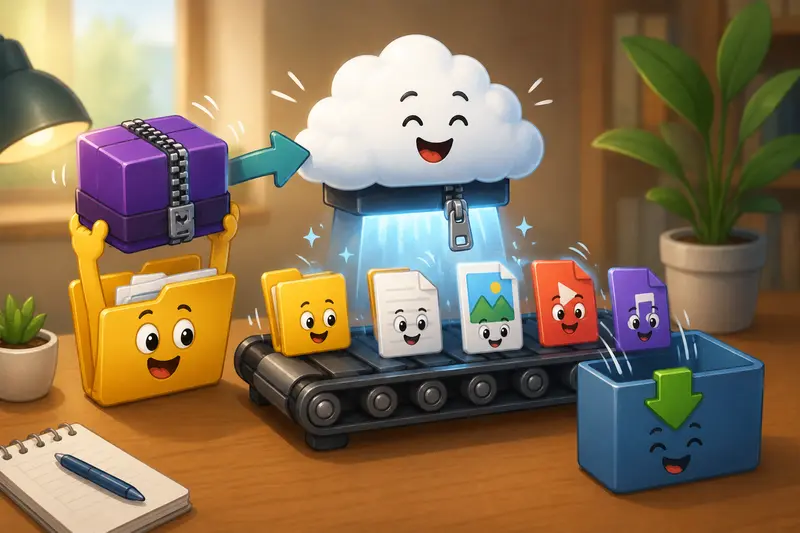
Campaign exports often arrive as large compressed bundles containing:
- images
- PDFs
- videos
- ad variations
Online extraction helps teams review assets quickly without installing utilities across multiple contractor devices.
Operations and Admin Teams
Shared reporting packages are commonly archived before distribution.
Opening archives directly online speeds up approvals and document handling.
Developers
API access can automate recurring extraction workflows for uploads, exports, or client file intake systems.
Mobile-First Teams
When someone needs to extract archives on mobile during travel, browser-based tools remove the need for separate apps that may not support every archive format reliably.
What Users Usually Gain From This Approach
The advantages are practical rather than flashy.
- Faster collaboration across mixed operating systems
- Fewer software compatibility problems
- Easier onboarding for contractors and temporary team members
- Better support for mobile workflows
- Reduced local software maintenance
- Cleaner handling of temporary archive tasks
For teams processing archives regularly, those small efficiencies add up quickly.
FAQ
Can I open RAR files online without creating an account?
Yes. Browser-based extraction tools like Filemazing allow users to process archives without mandatory account creation for basic workflows.
Is online archive extraction safe for business documents?
It depends on the platforms handling policies. Filemazing uses temporary processing and short-lived retention instead of permanent storage, which is preferable for sensitive workflows.
Does extracting large ZIP files online take longer?
Usually yes. Larger archives naturally require more processing time, especially if they contain thousands of individual files. Queue-based systems help prevent browser slowdowns during heavier jobs.
Can remote teams use this on mobile devices?
Yes. Modern browser extractors support mobile workflows, making it easier to extract archives on mobile without dedicated extraction apps.
What happens after files are extracted?
You can download them individually or continue processing them with related workflows such as secure file encryption before sharing externally.
Are there tradeoffs compared to desktop extraction software?
For extremely large archives or offline environments, local desktop tools may still process faster. Online extraction is usually strongest for accessibility, collaboration, and convenience across distributed teams.
Final Thoughts
Remote collaboration works best when file handling disappears into the background instead of interrupting work.
Being able to open RAR files online gives distributed teams a cleaner, more flexible workflow across laptops, tablets, and shared environments without depending on installed software.
For teams juggling compressed assets daily, browser-based extraction can remove a surprising amount of friction while keeping workflows lightweight and privacy-conscious.
If your team regularly exchanges archived files, Filemazings archive extraction workflow is a practical place to start.