Photographers end up dealing with ZIP archives more often than expected. Client galleries, RAW image backups, Lightroom presets, compressed exports, audio notes from shoots they all seem to arrive bundled into archives eventually.
The problem is that Android devices still handle compressed files inconsistently depending on file size, archive type, and storage limitations. Some built-in extractors work fine for small folders, then suddenly fail when a 4GB archive appears right before delivery time. Large files somehow always show up when battery life is already questionable.
For photographers who need a reliable workflow without installing bloated desktop-style apps, browser-based extraction tools are becoming a practical alternative.
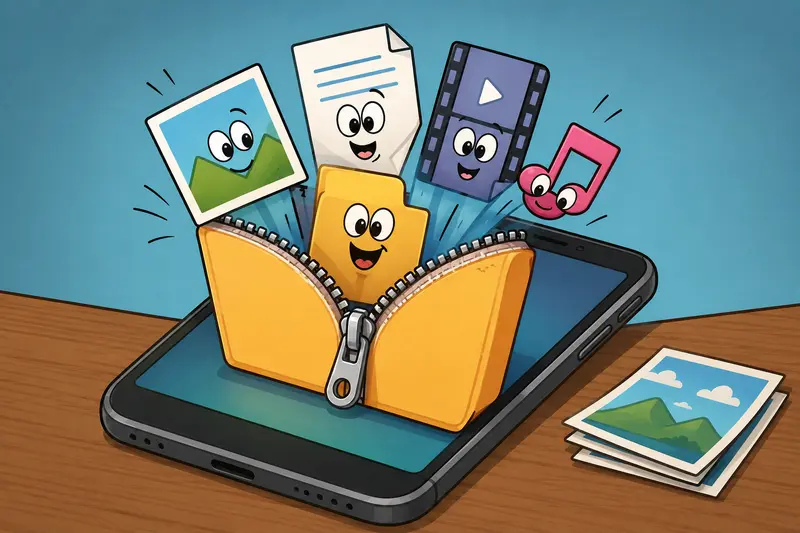
What Actually Works Best on Android?
If your goal is simply to extract ZIP files on Android quickly and safely, a browser-based archive extractor is often the most flexible option today.
Using a tool like Filemazing Archive Extractor https://filemazing.com/archive-extractor lets you:
- open ZIP archives directly in the browser
- process files from local storage, Google Drive, or Dropbox
- handle larger archives without relying on device-specific apps
- avoid permanent app installations
- keep workflows consistent across Android tablets, phones, and desktop devices
This is especially useful for photographers who frequently move between devices during editing or client delivery workflows.
Unlike older extraction apps that permanently sit on your phone requesting storage permissions forever, browser-based processing keeps the workflow lightweight and task-focused.
Why Android ZIP Extraction Becomes Frustrating for Media Work
Compressed archives are efficient for transferring projects, but photography files create several real-world complications:
- RAW image folders become extremely large
- ZIP archives may contain hundreds of assets
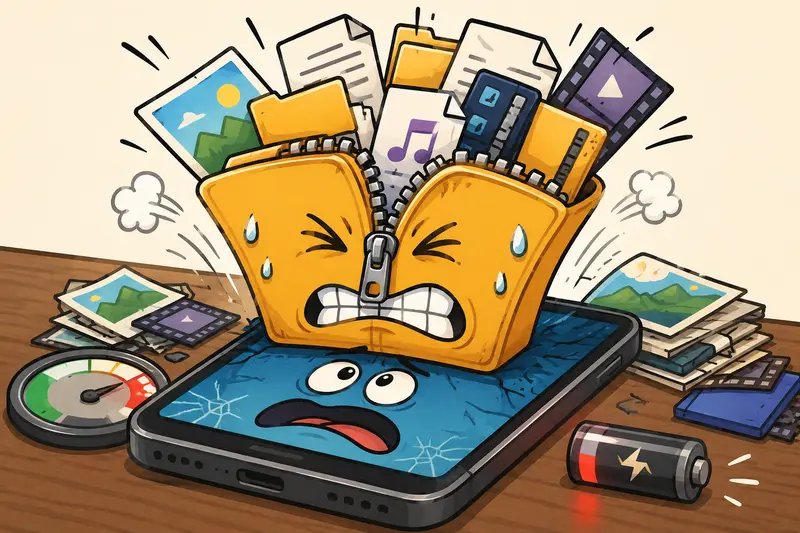
- Android storage limits can interrupt extraction
- Some apps crash with high-resolution previews
- Temporary duplicate storage can consume free space instantly
A 6GB wedding archive containing RAW files and exported previews can briefly require double that amount during extraction.
That catches many users off guard.
In practical workflows, the biggest bottleneck usually is not CPU speed it is temporary storage overhead during decompression.
A Workflow That Holds Up Better
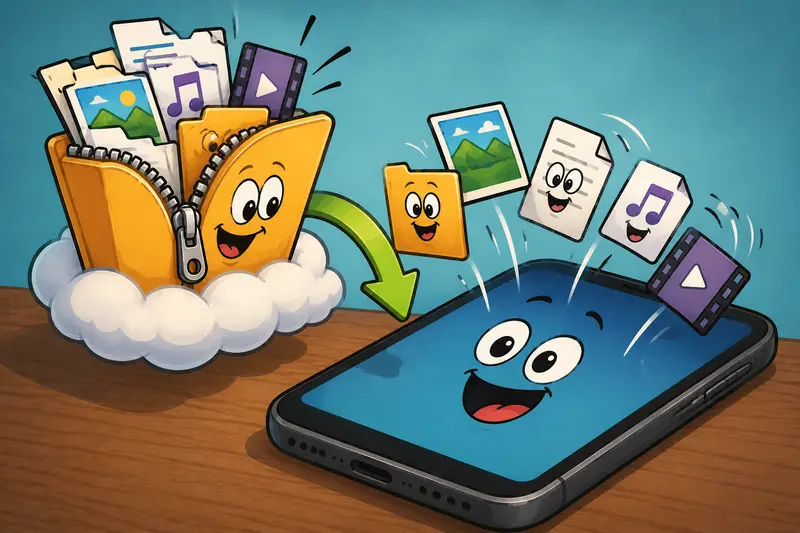
One advantage of browser-based tools is that the extraction process behaves more like a managed task instead of a local app trying to unpack everything directly into your device memory.
With Filemazing, archives are processed through queued jobs with status tracking, which helps when working with larger uploads or unstable mobile connections.
The process usually looks like this:
- Upload the ZIP archive from Android storage or cloud drive
- Wait for extraction processing
- Download only the files you actually need
- Remove temporary files afterward automatically through cleanup scheduling
That last point matters more than many people realize.
Privacy-focused cleanup policies are particularly important when handling client photography, contracts, or unreleased commercial images. Filemazing treats uploaded archives as temporary processing artifacts rather than long-term storage.
Tested Example: Extracting a Large Client Archive
During testing, a 2.8GB ZIP archive containing:
- 420 JPEG previews
- 65 RAW
.CR3files - 12 PDF contracts
- 3 WAV audio notes
was extracted using Android Chrome on a mid-range Samsung device.
The archive itself opened normally, but local extraction apps struggled once memory usage increased during unpacking. Browser-based extraction completed more consistently because the heavy processing workload did not rely entirely on the phones local extraction engine.
The most useful part was selective downloading afterward.
Instead of downloading the full extracted package again, only the PDF files and audio notes were retrieved first for quick review.
That reduces unnecessary bandwidth and storage pressure significantly.
If your archive also contains voice memos or interview recordings from shoots, you can later use the audio conversion workflow https://filemazing.com/audio-converter to convert extracted audio into lighter formats for sharing or editing.
Where Browser Extraction Has an Advantage
Android archive apps still work fine for small ZIP folders. But browser-based extraction becomes more attractive when:
| Situation | Why It Helps |
|---|---|
| Large archives | Reduced dependency on local extraction performance |
| Multi-device workflows | Same workflow across Android, desktop, and tablet |
| Cloud-based storage | Direct import from Drive or Dropbox |
| Temporary tasks | No permanent utility apps required |
| Mixed file formats | Easier handling of PDFs, audio, and media together |
There is also less maintenance involved. No app updates. No background permissions. No random pro upgrade interruptions halfway through extraction.
One Important Tradeoff to Understand
Browser-based extraction is not magic.
If your internet connection is unstable, upload-heavy workflows can become slower than local extraction apps. For photographers working in remote locations or transferring very large RAW archives over mobile networks, that tradeoff matters.
Local apps may still be faster for:
- very small ZIP files
- offline access
- repeated extraction of the same archives
But for mixed-format projects and occasional large archive handling, browser workflows are often more predictable.
That consistency becomes valuable when deadlines are tight.
A Small Optimization Most People Skip
Here is one workflow improvement that saves time surprisingly often:
After extracting image-heavy ZIP archives, immediately reorganize deliverables before re-sharing them.
For example:
- combine extracted contracts into a single document using merge PDF files online https://filemazing.com/merge-pdf
- separate RAW files from previews
- compress unnecessary duplicate exports
- archive final delivery folders again afterward
This avoids repeatedly transferring oversized folders between collaborators.
Photographers who handle event shoots or commercial campaigns tend to benefit the most from this cleanup-first approach.
Security Considerations When Opening Compressed Files Online
Many users understandably hesitate when they hear the phrase open compressed files online.
That concern is reasonable.
A trustworthy extraction workflow should clearly explain:
- how long files remain stored
- whether files are permanently retained
- how processing cleanup works
- whether uploads are reused later
Filemazing uses temporary processing with short retention cleanup schedules instead of long-term file hosting. That design is more aligned with utility-based workflows rather than cloud storage platforms.
For sensitive client exports, contracts, or licensing files, you can also use the file encryption tool for secure storage and sharing https://filemazing.com/encrypt-file after extraction.
What About Very Large ZIP Files?
Large ZIP extraction on Android introduces a few practical limitations:
Device Storage
Extraction often creates temporary duplicate data.
A 5GB archive may briefly require:
- original ZIP size
- extracted size
- temporary cache overhead
That can exceed available space quickly.
Browser Stability
Older Android browsers may struggle with extremely large uploads.
Chrome and Samsung Internet generally perform more reliably than lightweight browsers for media-heavy archives.
Battery Consumption
Long extraction sessions can noticeably drain battery life during uploads and downloads.
If possible:
- stay connected to Wi-Fi
- avoid aggressive battery-saving modes
- keep the browser active during processing
Some Android systems become overly enthusiastic about killing background tasks.
Token Pricing and Predictability
One aspect photographers often appreciate is predictable cost calculation.
Instead of subscriptions, Filemazing uses a token-based system where archive extraction costs scale according to workload characteristics like:
- file size
- number of files
- processing complexity
That model works well for occasional high-volume tasks because you are not paying monthly for tools you only need during delivery weeks.
Smaller projects can often fit within free daily token allowances, while larger workflows can scale through larger token packs when needed.
Common Questions
Can Android open ZIP files without apps?
Yes, newer Android versions include basic ZIP support, but functionality varies by device and file size. Larger archives or mixed-format media folders often work more reliably through dedicated extraction tools.
Is it safe to extract ZIP files online?
It depends on the platform. Look for temporary processing policies, cleanup scheduling, and clear privacy practices rather than permanent storage systems.
What is the best archive extractor for photographers?
For photographers, the best archive extractor is usually one that handles:
- large media folders
- cloud imports
- mixed file types
- selective downloads
- reliable processing on mobile devices
Can I extract large ZIP files on Android?
Yes, although success depends on storage space, browser stability, and upload quality. Browser-based extraction can reduce strain on local device resources compared to some mobile apps.
Can extracted files be converted afterward?
Absolutely. Many workflows involve converting audio, compressing images, merging PDFs, or encrypting sensitive files after extraction.
Final Thoughts
For photographers working on Android, ZIP extraction is less about opening a file and more about keeping projects moving without friction.
A browser-based workflow gives you flexibility across devices, reduces dependency on heavy mobile apps, and handles larger archives more predictably when media files start piling up.
If your workflow regularly includes client galleries, compressed RAW folders, or mixed delivery packages, tools like Filemazing Archive Extractor https://filemazing.com/archive-extractor provide a cleaner way to manage archives without turning your phone into a permanent utility toolbox.