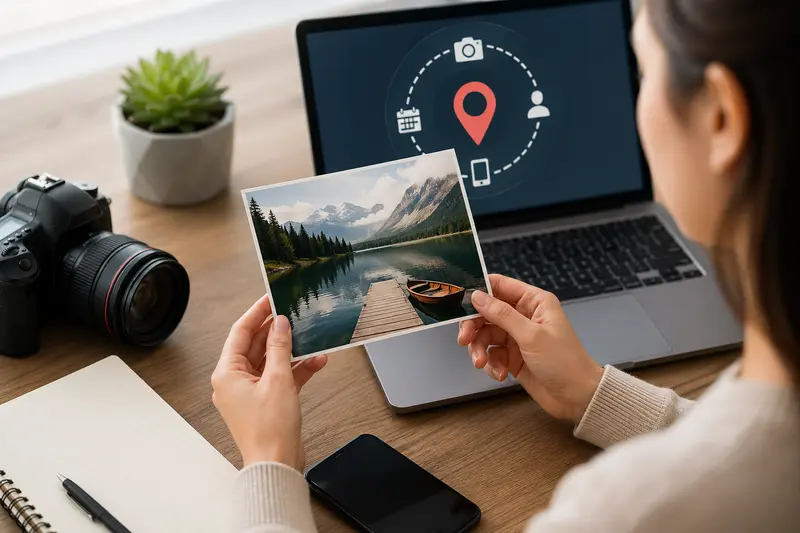
When “Just Sharing an Image” Isn’t So Simple
You’re about to upload a campaign visual to social media or send product shots to a partner. It looks polished, optimized—and then you realize: hidden inside that file could be GPS coordinates, device details, or editing history.
That’s where the need to delete photo metadata becomes critical. For marketers handling sensitive campaigns, client assets, or influencer collaborations, overlooked metadata can quietly expose more than intended.
⚡ Quick Insight
Metadata isn’t visible—but it travels with every image you share.
Removing it takes seconds, but protects your brand from unnecessary data exposure.
How Marketers Actually Remove Metadata (Without Overthinking It)
There’s no need for complex tools or technical workflows. A practical process looks like this:
- Upload your image (or batch of images) into a metadata cleaning tool
- Let the tool scan and strip embedded data automatically
- Download the cleaned version instantly
- (Optional) Optimize or convert the file for publishing
That’s it. No manual digging through EXIF fields or editing properties one by one.
A Cleaner Way to Handle Image Privacy
Modern workflows demand speed—and zero friction. That’s why tools like Filemazing’s metadata scrubber are built for simplicity and privacy.
Instead of installing software, everything runs directly in your browser. This means:
- No local setup
- No long-term file storage
- Fast processing—even for multiple images
What stands out most is the privacy-first approach. Files are treated as temporary processing tasks and automatically cleaned up after completion. For marketers handling client assets, that’s a major trust factor.
There’s also a subtle advantage: the platform uses transparent token-based pricing, so you know exactly what each operation costs before running it.
🧪 Real-World Test: Campaign Image Batch
To see how this works in practice, I tested a typical marketing scenario:
- 25 high-resolution JPG product images
- Each file contained camera metadata and editing history
- Total size: ~120 MB
Result:
- Metadata fully removed across all files
- Processing completed in under a minute
- File sizes slightly reduced due to stripped data
Actionable takeaway:
If you’re planning to publish or share images externally, always clean metadata before compression. Otherwise, you risk preserving unnecessary data inside optimized files.
💡 Pitfalls Marketers Often Miss
Here’s something that rarely gets discussed:
Even after resizing or compressing images, metadata can still remain intact.
That means if you use a tool to compress images for faster campaign delivery before removing metadata, you might unintentionally distribute sensitive information more efficiently.
Another subtle issue:
Some platforms strip metadata automatically—but not consistently. Relying on this can lead to unpredictable exposure depending on where your content is shared.
Best practice:
Always remove metadata at the source, not after distribution.
Where This Fits in a Marketing Workflow
For marketers, this isn’t just a technical step—it’s part of brand hygiene.
Here’s where a photo privacy metadata remover becomes useful:
- Preparing influencer assets before distribution
- Cleaning product photos for eCommerce uploads
- Sharing visuals with agencies or freelancers
- Publishing behind-the-scenes campaign content
- Sending media kits to press or partners
- Archiving internal assets without sensitive data
Why This Approach Works
A good best metadata scrubber doesn’t slow you down—it blends into your workflow.
What makes this approach effective:
- No installation required
- Works across multiple file formats
- Handles bulk uploads efficiently
- Keeps files private with temporary processing
- Integrates easily with other tasks like format conversion
For example, after cleaning your images, you can quickly convert them into different formats for platform-specific use without reintroducing metadata.

FAQ: What Marketers Usually Ask
1. Is removing metadata safe for image quality?
Yes. Metadata removal doesn’t affect visual quality—it only strips hidden data, not pixels.
2. What types of metadata get removed?
Common fields include GPS location, device info, timestamps, editing software data, and author details.
3. Can I process multiple images at once?
Yes. Batch processing is supported, which is essential for campaign workflows.
4. Does the tool store my files?
No. Files are processed temporarily and removed shortly after completion, which is ideal for privacy-conscious teams.
5. Should I encrypt images after cleaning them?
If you’re sending sensitive assets, adding a layer of protection helps. You can secure files before sharing to prevent unauthorized access.
🌟 What You Gain by Doing This Right
- Cleaner, safer file sharing
- Reduced risk of leaking sensitive campaign data
- Better control over brand assets
- Streamlined workflows with fewer manual steps

🚀 Final Take
For modern marketers, image privacy isn’t optional—it’s part of professional execution.
Taking a few seconds to remove metadata before sharing ensures your visuals stay focused on what matters: the message, not the hidden data behind it.
If your workflow involves frequent image handling, using a fast, browser-based tool with built-in privacy safeguards is one of the simplest upgrades you can make today.