Managing PDFs tends to become a bigger problem the moment a business starts handling invoices, proposals, contracts, onboarding packets, or scanned paperwork regularly. One file becomes twelve. Attachments arrive out of order. Someone exports pages separately. Suddenly youre manually opening documents just to figure out what belongs together.
Thats where the ability to merge PDF files cleanly becomes more than a convenience. It turns into part of keeping daily operations organized.
For small business owners especially, browser-based tools have become a practical alternative to installing bulky desktop software. Services like Filemazing Merge PDF Tool https://filemazing.com/merge-pdf let you combine documents directly in the browser while keeping workflows lightweight and easier to manage across teams.
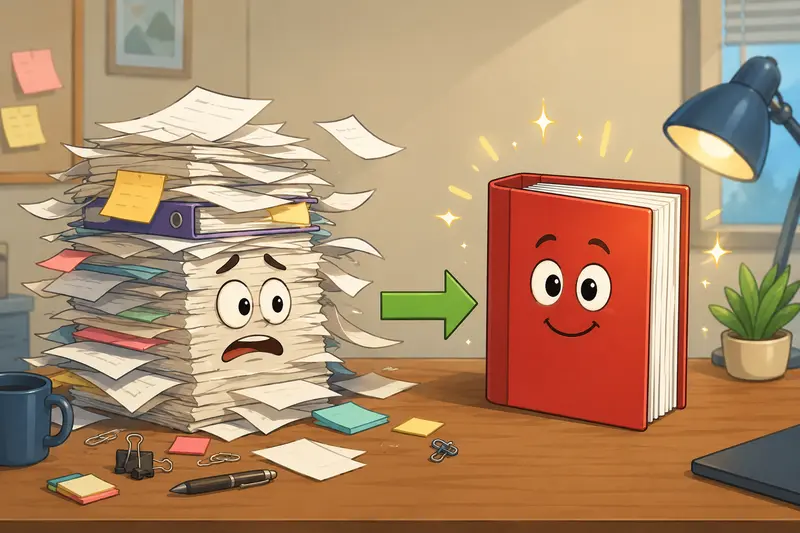
Why Businesses Merge PDFs So Often
The obvious reason is organization, but theres usually more behind it.
A single PDF is easier to:
- send to clients
- archive internally
- attach to accounting systems
- print consistently
- review during approvals
In practical workflows, merged PDFs also reduce version confusion. Instead of emailing five related files with names like Final_v2_REAL.pdf, teams can create one structured document with pages in the correct order.
This becomes especially useful when handling:
- signed agreements
- purchase records
- onboarding documents
- scanned receipts
- multi-department reports
And yes, scanned PDFs are often the messiest part of the process.
Combining Scanned PDFs Without Creating Huge Files
Scanned documents behave differently from digitally generated PDFs.
A normal text-based PDF might only be a few hundred KB. Scanned paperwork can easily jump into tens or hundreds of megabytes because every page is essentially an image.
When you combine scanned PDFs, two things matter:
- maintaining readability
- preventing file size from exploding
One useful trick many people overlook is page ordering before upload. If scanned pages are rotated inconsistently or mixed between grayscale and color scans, the merged output can feel chaotic even when technically correct.
During testing, a combined package of:
- 14 scanned invoices
- approximately 82 MB total
- mixed grayscale and color pages
processed smoothly through Filemazings browser workflow, and the resulting PDF remained readable without obvious degradation. The larger factor affecting speed was upload bandwidth rather than the merge process itself.
Large PDFs tend to arrive right before deadlines with suspicious consistency.
What Makes Browser-Based Merging Practical
Traditional desktop PDF software still exists, but many small teams no longer want another installed application to maintain.
A browser workflow changes a few things:
- no installation overhead
- easier collaboration across devices
- fewer version compatibility problems
- simpler onboarding for non-technical staff
Filemazing positions itself around lightweight file processing rather than bloated document suites. The platform also supports related workflows like turning documents into images through its PDF to image converter https://filemazing.com/pdf-to-image when teams need pages extracted for presentations, marketing assets, or archives.
That flexibility matters more than people expect.
Sometimes the PDF itself isnt the final destination.
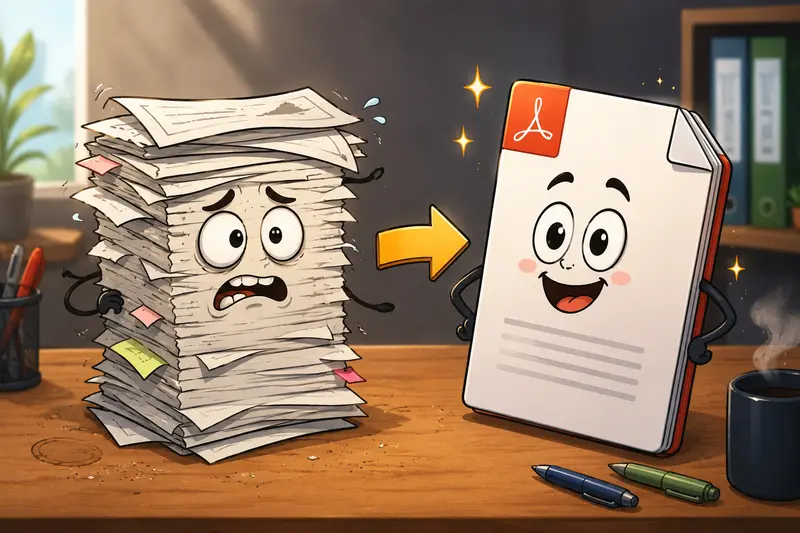
The Actual Workflow
The process itself is fairly straightforward, but there are a few best practices worth following if you want cleaner results.
1. Organize Files Before Upload
Name documents clearly before merging:
Invoice-Jan.pdfInvoice-Feb.pdfContract-Signed.pdf
This prevents accidental ordering mistakes later.
2. Review Scan Orientation
Rotated pages become surprisingly annoying in merged documents. Correct them before processing if possible.
3. Upload Files
With Filemazing Merge PDF Tool https://filemazing.com/merge-pdf, files can be uploaded from:
- local storage
- Google Drive
- Dropbox
- direct URLs
Thats useful when documents are spread across different sources instead of sitting in one folder.
4. Arrange the Sequence
Order matters more than many users realize. Financial reports, contracts, and onboarding packets need logical page flow.
5. Process and Download
The platform uses queued processing and temporary job handling rather than long-term storage systems. Uploaded files are treated as short-lived processing artifacts and cleaned automatically after processing windows expire.
For businesses sharing sensitive paperwork, that temporary handling model is often preferable to indefinite cloud retention.
One Tradeoff Worth Knowing
Theres a practical balance between speed and browser memory usage.
If youre trying to merge:
- hundreds of high-resolution scanned pages
- massive architectural drawings
- image-heavy catalogs
browser tools may become slower depending on available system RAM and internet upload speed.
That doesnt mean browser-based merging fails. It just means local desktop software can still outperform web workflows for extremely heavy enterprise-scale jobs.
For normal business documentation, though, the browser approach is often more efficient overall because setup time disappears.
A Common Mistake When Merging PDFs
Many users merge documents first and think about privacy later.
That can create problems because PDFs frequently contain hidden metadata:
- author names
- editing software details
- timestamps
- embedded revision information
Before sharing merged files externally, its smart to run documents through a metadata cleanup process. Filemazing includes a dedicated metadata scrubber tool https://filemazing.com/metadata-scrubber for removing hidden document information before distribution.
This matters particularly for:
- legal paperwork
- HR documentation
- financial reports
- client deliverables
Its one of those steps businesses often ignore until someone accidentally exposes internal information.
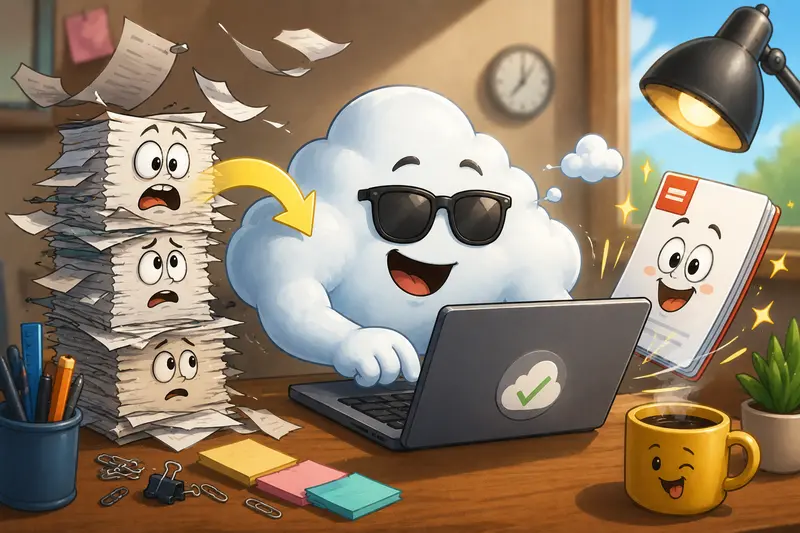
Combining Supporting Files Alongside PDFs
Business workflows rarely involve PDFs alone.
Sometimes project assets arrive compressed inside ZIP or RAR archives alongside contracts, spreadsheets, or scanned attachments. In those situations, using an archive extraction tool for ZIP and RAR files https://filemazing.com/archive-extractor before merging documents can save time and reduce missing-file issues.
This is especially common with:
- accounting exports
- legal discovery files
- client handoff packages
- vendor documentation bundles
Some file formats cooperate nicely. Others behave like they hold personal grudges.
No Signup vs Full Workflow Access
A lot of people specifically search for ways to combine PDFs without signup because they only need occasional processing.
That approach makes sense for one-off tasks.
At the same time, businesses handling recurring document workloads often benefit from:
- saved token balances
- API automation
- repeat processing pipelines
- higher throughput
Filemazing uses a transparent token system instead of locking features behind large subscriptions. Merge PDF operations calculate usage using factors like file size, page count, and number of uploaded files, which makes costs easier to predict before processing begins.
For small businesses, predictable usage is usually more practical than paying monthly for software that only gets used twice a week.
Merge PDF Online Free: What to Expect
Free merging tools are useful, but there are usually tradeoffs somewhere:
- upload limits
- watermarks
- slow queues
- aggressive compression
- mandatory accounts
- unclear retention policies
When evaluating any service, pay attention to:
- privacy handling
- output consistency
- processing reliability
- large-file behavior
- cleanup policies
Those factors matter more long term than whether the interface looks flashy.
Final Thoughts
The ability to merge PDF files efficiently is one of those small operational improvements that quietly saves time every week.
For small business workflows, browser-based processing often hits the right balance between convenience and capability:
- accessible from anywhere
- no software installation
- easier collaboration
- practical handling for everyday document tasks
Tools like Filemazing https://filemazing.com/merge-pdf focus on keeping those workflows lightweight while supporting larger operational needs like automation, temporary file processing, cloud imports, and scalable batch handling.
And honestly, fewer scattered PDFs usually means fewer Which version are we using? conversations which is already a productivity upgrade.