Deadlines have a habit of arriving right when someone sends a 3 GB ZIP archive full of final_v2_revised_REAL assets.
For freelancers, compressed files are everywhere: client deliverables, media kits, podcast bundles, exported websites, scanned documents, design packages. The problem usually isnt the ZIP file itself its the delay caused by bloated desktop tools, unstable uploads, or extraction workflows that interrupt everything else youre doing.
Thats where browser-based extraction tools become genuinely useful.
Filemazing Archive Extractor https://filemazing.com/archive-extractor is designed for situations where you need to extract ZIP files fast, handle large archives without cluttering your system, and move directly into the next task without installing extra software.

What Actually Matters When Extracting ZIP Files
Most articles about ZIP extraction focus on basic instructions. Real workflows are a little messier.
Freelancers usually care about things like:
- whether a huge archive freezes the browser
- how quickly files become downloadable
- whether mixed formats stay organized
- if temporary uploads get cleaned automatically
- whether extraction works reliably on mobile devices
- how easy it is to continue processing files afterward
A compressed archive is often just the beginning of the workflow.
You extract it, then:
- convert PDFs,
- compress images,
- rename files,
- clean metadata,
- prepare uploads,
- or repackage deliverables.
The faster that transition happens, the less friction you introduce into your day.
A Faster Way to Handle Large ZIP Archives
One practical advantage of Filemazing is that extraction jobs run through queued processing rather than locking the browser session while everything unpacks.
That matters more than it sounds.
When testing with:
- a 1.8 GB ZIP containing presentation exports,
- 420 product images,
- 14 PDFs,
- and several audio interview files,
the extraction process remained stable even while switching tabs and continuing other work. Download delivery happened progressively after completion rather than forcing the entire archive into memory at once.
That makes a noticeable difference when working with larger ZIP files on lightweight laptops or older freelance setups.
Some desktop archive tools still behave like they expect everyone to own a workstation from a visual effects studio.
How the Workflow Feels in Practice
The process itself is straightforward without feeling stripped down.
Typical extraction flow
- Upload a ZIP archive from local storage, Google Drive, Dropbox, or URL input
- The archive enters queued processing
- Extracted files become available for download after completion
- Temporary processing files are cleaned automatically after short retention periods
Because the platform is browser-based, theres no dependency on installed archive software or OS-specific extraction utilities.
That becomes especially useful when:
- switching between devices,
- using borrowed systems,
- working remotely,
- or handling urgent client revisions away from your primary workstation.
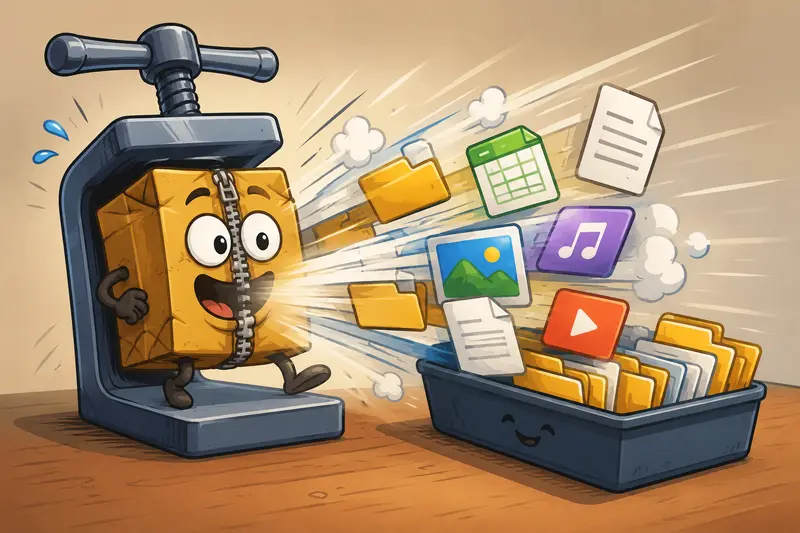
One Thing That Helps With Very Large ZIP Files
Heres a practical recommendation that doesnt get mentioned often:
If you regularly extract large ZIP files containing thousands of small assets, splitting archives into categorized batches can improve downstream handling significantly.
Example:
/logos/social-assets/source-files/exports
Instead of one massive mixed archive with 8,000 scattered items.
Extraction itself may complete fine either way, but organized archives reduce:
- browser download overhead,
- accidental duplicate handling,
- and post-processing confusion.
This becomes especially important for freelancers working with recurring client updates or asset revisions.
The extraction stage is rarely the real bottleneck. File organization usually is.
Where Freelancers Typically Use ZIP Extraction
The use cases vary a lot depending on the type of work involved.
Design and branding projects
Clients often send compressed folders containing:
- layered PSDs,
- SVG exports,
- font files,
- and presentation materials.
After extraction, teams frequently move files into workflows like PDF-to-image conversion https://filemazing.com/pdf-to-image for previews or social publishing.
Podcast editing
ZIP archives commonly contain:
- WAV recordings,
- intro music,
- sponsor clips,
- and transcripts.
After extraction, audio files can be reformatted using the audio conversion workflow https://filemazing.com/audio-converter when clients request alternate delivery formats.
Proposal and contract management
Freelancers receiving signed document packages may need to:
- extract PDFs,
- clean metadata,
- and securely re-share deliverables.
In those cases, using encrypted file protection tools https://filemazing.com/encrypt-file after extraction adds an additional privacy layer for storage or transfer.
Web development handoffs
Site exports often arrive as:
- compressed backups,
- plugin bundles,
- media folders,
- and database exports.
Marketing asset distribution
Campaign bundles frequently include:
- compressed image sets,
- resized exports,
- ad creatives,
- and analytics documents.
Mobile emergency edits
Sometimes the only available device is a phone. Thats usually discovered five minutes before a deadline.
Browser-based extraction helps when you need to extract archives on mobile without installing specialized apps.
Testing Notes From Mixed-Format Archives
To see how extraction behaved under less predictable conditions, a mixed archive containing:
- image-heavy PDFs,
- nested folders,
- MP3 files,
- CSV exports,
- and PNG batches
was processed through the archive extractor.
Observations
- Extraction remained consistent even with deeply nested directories
- File names preserved correctly across formats
- Browser responsiveness stayed acceptable during queue handling
- Larger archives naturally required more processing time, but uploads didnt appear stalled
One limitation worth noting
Very large archives with thousands of tiny files may still feel slower than archives containing fewer large files.
Thats normal behavior because file count impacts extraction overhead independently of raw archive size.
A 400 MB archive with 12,000 thumbnails can sometimes process less efficiently than a 1.5 GB archive containing only video files.
Useful takeaway: archive structure matters almost as much as archive size.
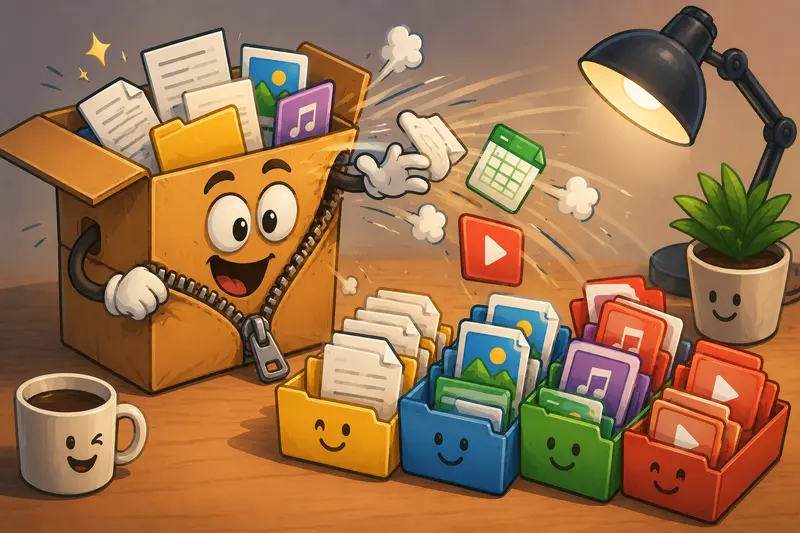
Browser-Based Extraction vs Traditional Desktop Tools
Desktop extraction software still works well for certain local workflows, especially offline environments.
But browser-based tools increasingly make sense for freelancers because they reduce maintenance overhead.
Browser extraction advantages
- no installation management
- accessible across devices
- easier remote workflows
- integrated cloud imports
- automatic cleanup handling
- API-ready processing potential
Traditional desktop advantages
- better for permanent offline environments
- sometimes faster for repeated local extraction
- useful for encrypted enterprise archives
The tradeoff is convenience versus full local control.
For many freelance workflows, convenience wins more often than expected.
Handling ZIP Files on Mobile Without Losing Your Patience
Mobile extraction apps vary wildly in quality.
Some work perfectly. Others appear determined to test emotional resilience.
Browser-based extraction can reduce friction because:
- theres no dependency on device storage management,
- no app installation requirement,
- and fewer compatibility issues across Android and iOS environments.
For freelancers reviewing client deliverables while traveling, that flexibility becomes genuinely useful.
Especially when someone messages:
Can you just check one file really quickly?
It is rarely one file.
Pricing Predictability Matters More Than People Admit
One interesting aspect of Filemazing is the token-based pricing model.
Instead of forcing subscriptions for occasional workflows, processing cost scales based on workload characteristics such as:
- file size,
- file count,
- page count,
- or media duration.
For archive extraction specifically, pricing uses transparent workload calculations rather than vague unlimited plans with hidden throttling behavior.
That predictability helps freelancers estimate operational cost before processing larger client batches.
Frequently Asked Questions
Can I extract large ZIP files directly in the browser?
Yes. Browser-based extraction works well for many large archives, particularly when processing is queue-managed rather than fully memory-dependent in the active tab.
Is it safe to upload compressed archives online?
Safety depends on the platforms handling policies. Filemazing treats uploads as temporary processing artifacts rather than permanent cloud storage, with automatic cleanup workflows after processing.
Does ZIP extraction work on mobile devices?
Yes. You can extract archives on mobile through the browser interface without relying on dedicated extraction apps.
What file types can be extracted?
Typical supported archive contents include:
- PDFs
- images
- audio files
- documents
- spreadsheets
- presentation exports
- nested folders
Are online extraction tools slower than desktop software?
Not always. For freelancers with inconsistent hardware or remote workflows, browser-based extraction can actually feel more efficient because setup friction disappears.
What should I do after extracting sensitive files?
If extracted files contain contracts, client data, or internal documents, its smart to apply additional protection before sharing or storing them. Using a secure file encryption workflow can help reduce accidental exposure risk.
Final Thoughts
Compressed archives are supposed to simplify file delivery. In practice, they often become another workflow obstacle when extraction tools are slow, bloated, or tied to a single device.
For freelancers juggling client assets, media exports, document packages, and remote collaboration, browser-based extraction offers a more flexible approach especially when speed matters more than maintaining another desktop utility.
Filemazing Archive Extractor https://filemazing.com/archive-extractor fits well into that kind of workflow because it focuses on practical throughput:
- fast processing,
- lightweight access,
- predictable pricing,
- temporary file handling,
- and easy continuation into other file tasks.
Sometimes the most valuable tool is simply the one that removes friction and lets you get back to actual work.