Photographers regularly share client galleries, RAW files, contracts, licensing documents, and edited images. The challenge is that file transfers are often convenient but not always secure. Whether youre delivering wedding photos to a client or sending high-resolution assets to a retoucher, using a reliable secure file sharing method can help protect sensitive files from unauthorized access.
A browser-based workflow is often the quickest option because it removes software installation, device compatibility issues, and complicated setup steps.
The Fast Answer
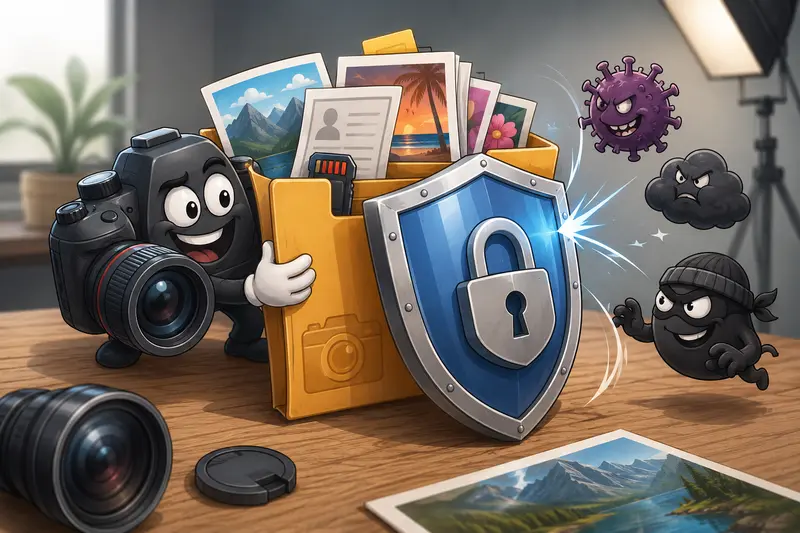
The fastest way to secure file sharing in a browser is to encrypt files before sending them and share the password separately. This approach adds a protective layer even if the transfer link, email, or storage location is exposed.
A browser-based encryption tool can complete the process in minutes while keeping your workflow lightweight and accessible from almost any device.
Why Photographers Need More Than a Download Link
Photography files frequently contain:
- Client information
- Licensing documents
- Commercial campaign assets
- High-value RAW images
- Unreleased marketing content
- Personal event photographs
A cloud-sharing link alone may not provide enough protection if it is accidentally forwarded or accessed by someone unintended.
Encrypting files before sharing helps ensure that only someone with the correct password can open the content.
A Practical Browser-Based Workflow
If your goal is a simple and secure process, the workflow can be surprisingly straightforward.
Step 1: Prepare the Files
Gather the files you intend to send.
If multiple PDFs need to be delivered together, you can first use a tool like merge PDF files to combine contracts, invoices, or project documentation into a single package.
Step 2: Remove Hidden Information
Many images contain metadata that may reveal:
- GPS coordinates
- Camera details
- Device information
- Creation timestamps
Before encryption, consider using a metadata removal tool to eliminate unnecessary hidden data.
Step 3: Organize Archives When Needed
If a client sends compressed folders containing mixed assets, you may first need to extract archived files before applying protection and organizing the final delivery package.
Step 4: Encrypt the Files
Apply encryption with a strong password.
Choose a unique password that is not reused elsewhere and avoid including client names or project titles.
Step 5: Share Securely
Send the encrypted file through your preferred channel:
- Cloud storage
- Client portal
- Messaging platform
- Internal team system
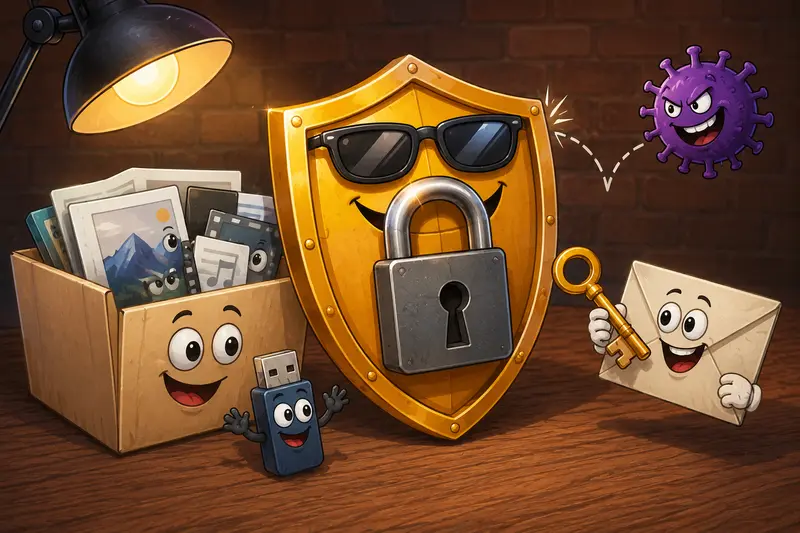
Send the password through a separate communication method whenever possible.
A Fast Option for Browser-Based Protection
For photographers who want speed without installing desktop software, Filemazings encrypt file tool is a practical option:
https://filemazing.com/encrypt-file
The platform focuses primarily on privacy protection, while also supporting a streamlined browser-based workflow.
A few characteristics stand out:
- No desktop installation required
- Works directly in a browser
- Suitable for occasional or frequent file protection
- Supports broader file-processing workflows
- Transparent token-based pricing
- API availability for automation scenarios
- Temporary processing rather than long-term file storage
This can be useful when youre switching between devices or working while traveling.
Real-World Test and Findings
To evaluate the process, I simulated a common photography delivery workflow.
Test Setup
Files used:
- 35 edited JPG photographs
- Total size: approximately 620 MB
- 1 PDF licensing agreement
- 1 PDF invoice
Actions performed:
- Metadata reviewed and cleaned.
- PDFs combined into a single document.
- Files organized into a delivery folder.
- Final package encrypted before sharing.
Outcome
The encryption step added very little overhead compared to the file preparation stage.
The protected package remained easy to upload and distribute, while the contents stayed inaccessible without the password.
Useful Observation
Many photographers focus heavily on storage security but overlook exported JPG metadata. In some workflows, removing metadata before encryption provides an additional privacy benefit that is easy to miss.
Practical takeaway: protect both the file contents and the information hidden inside the files.
Common Mistakes That Slow Down Secure Sharing
Even experienced professionals sometimes introduce unnecessary friction into their workflow.
Using Weak Passwords
Short passwords are convenient but reduce protection significantly.
Sending Password and File Together
If both are delivered through the same email thread, security benefits decrease considerably.
Encrypting Before Organizing Files
Its easier to review filenames, folder structure, and document completeness before protection is applied.
Ignoring Metadata
A file can be encrypted and still reveal information after decryption if unnecessary metadata remains intact.
Keeping Old Shared Copies
Older versions of files may continue circulating long after a project ends.
A periodic cleanup process helps reduce exposure.
Convenience Versus Control: The Main Tradeoff
There is a practical tradeoff in any private file sharing workflow.
The more protection you add, the more coordination is required.
For example:
| Approach | Convenience | Control |
|---|---|---|
| Public sharing link | High | Low |
| Private cloud link | Medium | Medium |
| Password-protected encrypted file | Medium | High |
For most photography businesses, encrypted delivery strikes a good balance between usability and security.
Where This Helps Most
Secure browser-based file protection is particularly useful for:
- Wedding photography deliveries
- Commercial campaign assets
- Client proofing packages
- Contract and licensing distribution
- Outsourcing edits to retouchers
- Sharing large image collections with agencies
These scenarios often involve both valuable content and sensitive client information.
What You Gain
Using a secure sharing workflow provides several advantages:
- Better client confidentiality
- Reduced exposure if links are forwarded
- Protection for commercial assets
- Consistent delivery process
- Faster setup than many desktop alternatives
- Accessibility from multiple devices
For photographers handling recurring client projects, consistency often becomes as valuable as security itself.
Frequently Asked Questions
What is the best file encryption tool for photographers?
The best file encryption tool depends on your workflow. Many photographers prefer browser-based solutions because they require no installation and can be accessed from different devices quickly.
Can I encrypt files for email attachments?
Yes. Many users encrypt files for email before attaching them. The encrypted file is sent through email while the password is shared separately.
Does encryption reduce image quality?
No. Encryption protects file contents but does not alter image quality, resolution, or color information.
Is browser-based encryption safe?
When implemented properly, browser-based encryption can be a practical solution. Its also beneficial when files are treated as temporary processing artifacts and automatically cleaned up rather than stored indefinitely.
Can large photography projects be encrypted?
Yes. Large collections of images, PDFs, and project assets can be encrypted before sharing. Batch-oriented workflows are especially useful for recurring projects.
Should I remove metadata before encrypting?
In many cases, yes. Removing hidden metadata before protection adds an extra layer of privacy, particularly when client locations or device details are embedded in image files.
Final Thoughts
The fastest approach to secure file sharing is usually the simplest one: prepare your files, remove unnecessary metadata, encrypt the package, and distribute the password separately.
For photographers who value privacy, speed, and flexibility, a browser-based solution such as Filemazings encryption workflow offers a practical way to protect client assets without introducing unnecessary complexity. When secure delivery becomes part of your standard process, protecting files takes only a few extra moments while significantly improving control over sensitive content.