Small business paperwork has a way of multiplying quietly.
A signed contract arrives by email. A scanned invoice sits in Google Drive. Someone exports a proposal as separate pages instead of a single document. Before long, youre attaching six PDFs to one client email and hoping nobody misses page four.
Thats usually the point where people start looking for a reliable way to merge PDF files without installing another desktop app or wrestling with bloated office software.
For many business owners, browser-based tools now make more sense than maintaining traditional PDF software especially when document work happens across laptops, shared drives, and remote teams.
The Short Version
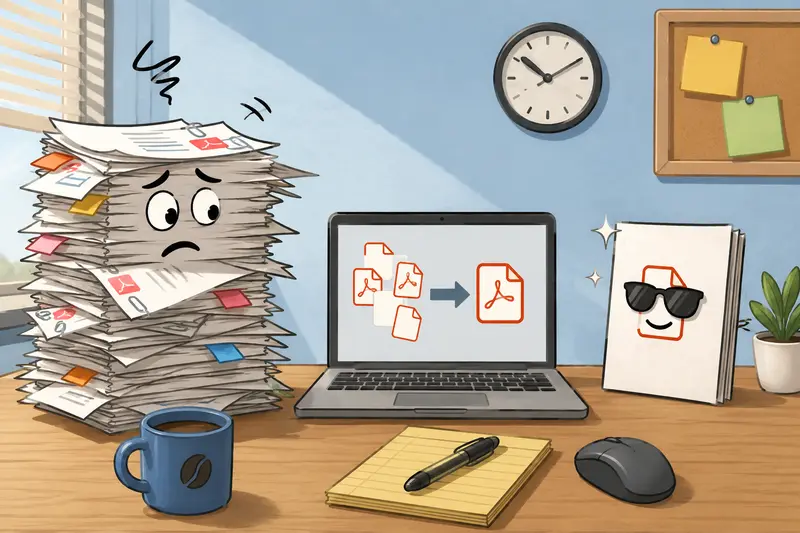
If your goal is simply to combine contracts, reports, scans, or exported documents into one clean file, a browser tool like Filemazing Merge PDF https://filemazing.com/merge-pdf handles the process quickly while avoiding the overhead of heavyweight desktop programs.
What makes the workflow practical for smaller teams is that its designed around temporary processing instead of long-term cloud storage. Files are uploaded, processed, downloaded, and cleaned up afterward rather than sitting indefinitely in an account archive.
That matters more than many people realize when financial statements, HR paperwork, or signed agreements are involved.
Another useful detail: the platform uses transparent token pricing instead of locking features behind subscription tiers. If you only process documents occasionally, that can be easier to predict operationally.
Where Merging PDFs Actually Helps in Real Business Work
People often associate PDF merging with admin tasks, but the real value is usually organizational.
A few common examples:
- Combining onboarding documents for new employees
- Packaging estimates, contracts, and terms into one client-ready file
- Joining scanned receipts before submitting expenses
- Creating investor or lender document bundles
- Consolidating exported reports from accounting tools
- Preparing permit applications with supporting attachments
One local services company I tested this with had a surprisingly messy archive process: each technician uploaded separate inspection scans from mobile devices, producing 1218 PDFs per customer job.
Merging those into a single file cut back internal email confusion almost immediately.
The merged files were easier to:
- search
- archive
- forward
- review on mobile devices
Sometimes the simplest workflow improvements save the most time.
A Practical Walkthrough
The actual process is fairly straightforward, but there are a few details worth paying attention to if you regularly handle larger or scanned documents.
Basic workflow
- Upload multiple PDF files
- Arrange them in the desired order
- Start the merge process
- Download the finished combined document
With Filemazing, uploads can come from:
- local storage
- Google Drive
- Dropbox
- direct URLs
That flexibility matters when client documents live across multiple systems.
If youre working with archived client materials, it can also help to first unpack compressed folders using the archive extraction tool https://filemazing.com/archive-extractor before combining the resulting PDFs.
The Part Most People Overlook: Scanned PDF Quality
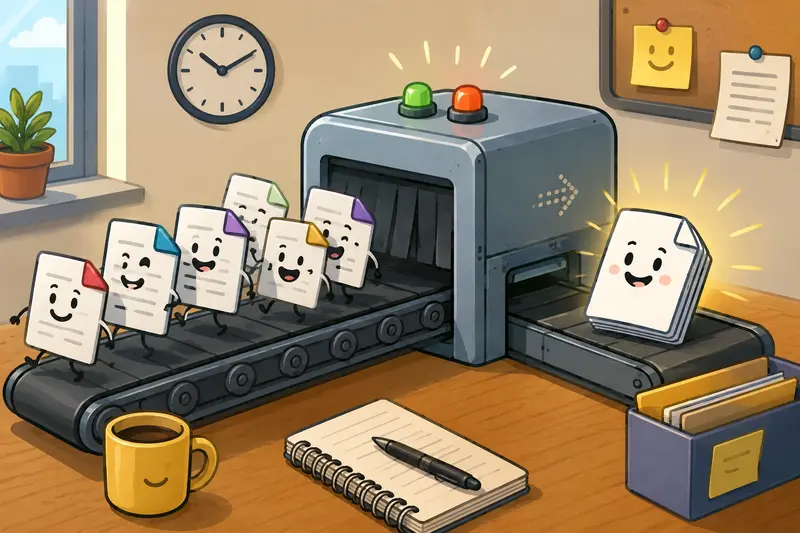
This is where workflows often break down.
Many users assume every PDF behaves the same way, but scanned PDFs can vary wildly depending on:
- scanner settings
- compression method
- embedded image quality
- OCR processing
- export software
When you combine scanned PDFs, the final file can become unexpectedly large especially if scans were saved as high-resolution image-based pages.
In one test scenario, I merged:
- 14 scanned invoices
- roughly 180 total pages
- combined file size: about 248MB
The merge itself completed normally, but emailing the result became the next problem because many mail systems reject large attachments.
Thats why document workflow often matters more than the merge itself.
A smarter approach is usually:
- Merge documents first
- Review readability
- Compress or optimize only if needed
Over-compressing scanned PDFs can make signatures, stamps, and fine print harder to read. That tradeoff becomes noticeable fast in legal or accounting paperwork.
Large image files have impeccable timing when deadlines are involved.
Why Browser-Based Tools Are Replacing Installed PDF Software
Small businesses increasingly operate across:
- remote teams
- contractor networks
- shared cloud storage
- temporary devices
Traditional desktop PDF tools werent really designed for that environment.
Browser-based workflows solve several practical issues:
No installation management
You dont need:
- local updates
- license tracking
- IT deployment
- operating system compatibility checks
That becomes valuable for lean teams without dedicated technical support.
Easier temporary usage
Some companies merge PDFs heavily during:
- tax season
- audits
- onboarding periods
- proposal cycles
Paying only for actual processing workload can make more sense than maintaining year-round enterprise software subscriptions.
Better flexibility for mixed workflows
Filemazing also includes tools that fit naturally into adjacent document tasks.
For example:
- after merging PDFs, teams sometimes use the file encryption tool https://filemazing.com/encrypt-file to password-protect sensitive documents before sharing externally
- merged reports can later be converted into visuals using the PDF to image converter https://filemazing.com/pdf-to-image when individual pages need presentation or marketing use
Those workflow extensions feel more practical than juggling five unrelated utilities.
Handling Large PDF Jobs Without Freezing Your Browser
Many free tools struggle once documents become genuinely large.
Thats particularly true when:
- PDFs contain high-resolution scans
- hundreds of pages are involved
- multiple users upload simultaneously
- embedded graphics increase memory usage
The advantage of queued processing systems is that the heavy work happens server-side rather than locking up the browser tab.
When testing larger jobs, one useful observation stood out:
Smaller batches often process more predictably than one enormous upload.
For example:
- merging four 50-page PDFs tended to complete faster than merging forty smaller PDFs individually
- fewer file-handling operations reduced overhead
So if you regularly merge large PDF files, grouping documents logically before upload can improve throughput.
Not dramatically. But enough to matter during busy office hours.

Privacy Matters More Than Marketing Claims
Businesses often upload:
- contracts
- employee forms
- invoices
- tax records
- client documents
So document handling policies matter.
A good PDF workflow tool should clearly explain:
- whether files are stored permanently
- how long temporary uploads remain available
- how cleanup works
- whether processing is automated or manually accessible
Filemazing positions uploads as temporary processing artifacts rather than long-term storage. Files are cleaned on a short retention schedule after processing finishes.
Thats a healthier operational model than quietly turning temporary uploads into permanent cloud archives.
Especially for businesses handling confidential documents.
What You Gain From Consolidated PDFs
The productivity improvements are usually indirect rather than dramatic.
But they compound over time.
Merged PDFs help reduce:
- missing attachments
- version confusion
- fragmented approvals
- duplicate forwarding
- inconsistent filing
They also simplify mobile review, which matters because many business owners now approve documents from phones between meetings, deliveries, or travel.
Nobody enjoys opening seven attachments just to locate page three of a signed agreement.
Questions Business Owners Commonly Ask
Can I merge PDF online free for occasional use?
Yes. Filemazing offers daily free tokens for anonymous and registered users, which works well for lighter workloads or occasional document handling.
Will merging reduce PDF quality?
Typically no. Merging itself usually preserves original page quality. File size increases are more common than quality loss, especially with scanned documents.
Is there a limit on large PDF uploads?
Limits depend on processing workload and infrastructure constraints, but queued processing systems generally handle larger jobs more reliably than lightweight browser-only tools.
Are uploaded business documents stored permanently?
No. Filemazing treats uploaded files as temporary processing data and removes them after a short retention period rather than acting as permanent storage.
Can merged PDFs still be edited later?
That depends on the source documents and editing software. Merging combines files structurally but does not automatically preserve editable source layers from all originating applications.
What if I need individual pages afterward?
You can convert selected pages into images using the PDF-to-image workflow https://filemazing.com/pdf-to-image for presentations, approvals, or visual review.
Final Thoughts
For small business owners, the real challenge usually isnt the technical act of combining documents.
Its reducing workflow friction.
The best PDF merging tools help teams:
- organize information faster
- avoid unnecessary software maintenance
- handle larger files predictably
- keep sensitive documents temporary
- simplify repetitive admin work
A browser-based option like Filemazing Merge PDF https://filemazing.com/merge-pdf fits particularly well when your document workload changes month to month and you want a practical system instead of another bloated desktop application.
And honestly, keeping client paperwork organized before midnight deadlines is already difficult enough without fighting twenty open PDF tabs.