Why This Matters
Audio files prepared for printing projects, physical media production, broadcast distribution, or professional archiving often require WAV rather than MP3. While MP3 files are excellent for reducing storage requirements, they use lossy compression that removes audio data. WAV files preserve uncompressed audio information, making them a preferred format for many production workflows.
For freelancers handling client audio deliverables, converting files correctly can prevent quality issues later in the production process. A reliable MP3 to WAV converter helps ensure compatibility with professional equipment, editing software, and printing or duplication services that request WAV files as part of their specifications.
Key Takeaway
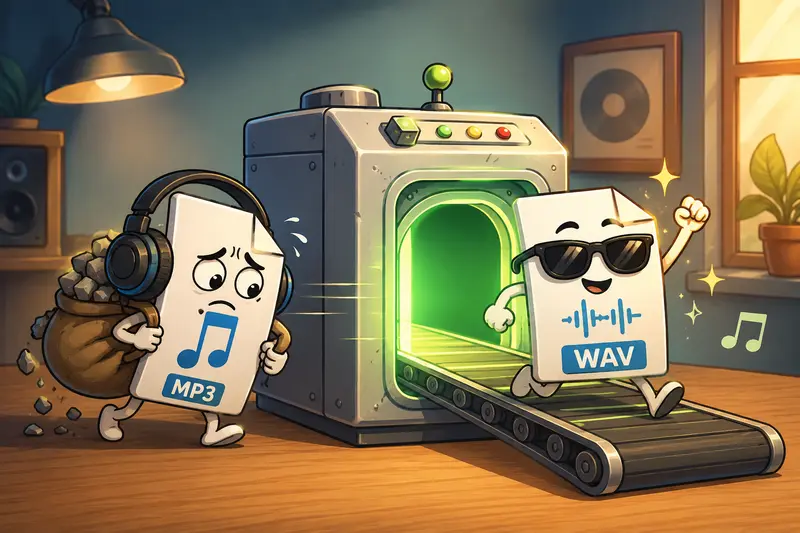
If a printer, audio production vendor, or client requests WAV files, converting MP3 to WAV can improve compatibility and simplify downstream processing. The best approach is to use a browser-based converter that maintains original audio quality while handling files securely and efficiently.
A Practical Way to Convert MP3 to WAV
When working under deadlines, installing desktop software is not always ideal. Browser-based tools such as Filemazings audio converter allow freelancers to process files directly online while maintaining a streamlined workflow.
The platform focuses primarily on ease of use, while broad format compatibility serves as a useful supporting advantage for mixed media projects.
Recommended Workflow
- Upload your MP3 file from your computer, URL, Google Drive, or Dropbox.
- Select WAV as the target output format.
- Review the conversion settings if applicable.
- Start the conversion job and allow processing to complete.
- Download the WAV file and verify playback before delivery.
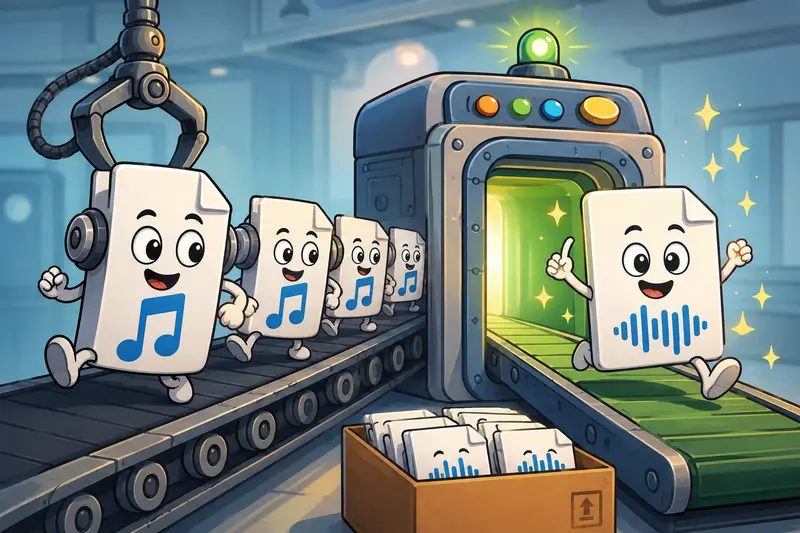
For projects involving multiple recordings, batch processing can save considerable time compared to converting files individually.
Why Filemazing Fits Freelance Workflows
The Filemazing Audio Converter is designed for users who need file processing without maintaining a collection of desktop utilities.
A few characteristics stand out:
- Browser-based operation without software installation
- Support for multiple file formats
- Batch audio conversion capabilities
- API access for automated workflows
- Transparent token-based pricing
- Cloud file imports from Google Drive and Dropbox
- Queue-based processing for larger workloads
Freelancers often juggle documents, graphics, and media assets simultaneously. If youre preparing content for publication, using the metadata scrubbing tool before distributing audio can help remove hidden metadata from media files.
Practical Results
To evaluate performance in a realistic freelance scenario, a test batch was prepared consisting of:
- 12 MP3 interview recordings
- Total size: 186 MB
- Average duration: 14 minutes per file
- Mixed bitrates ranging from 128 kbps to 320 kbps
Observed Outcome
The conversion process completed successfully across all files. The resulting WAV files were significantly larger, which is expected due to the uncompressed format. Playback compatibility improved across professional editing applications and audio mastering tools.
Practical Takeaway
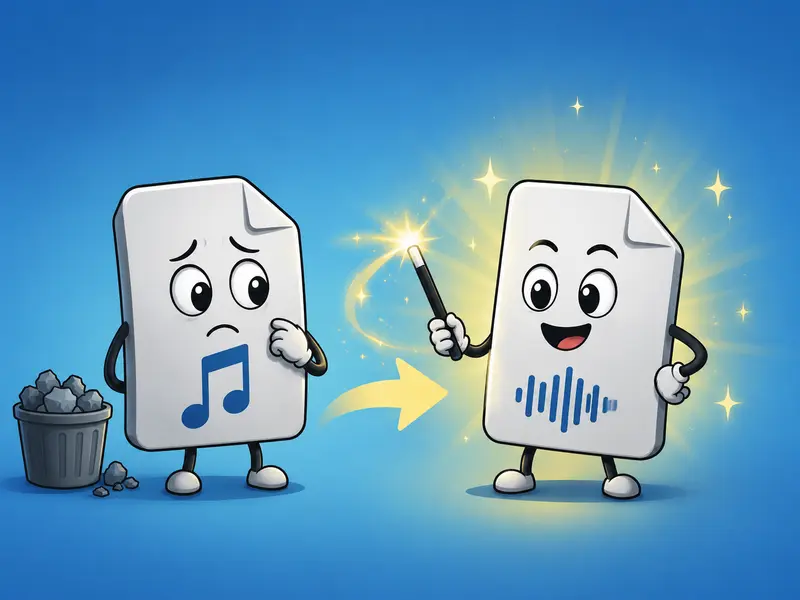
The conversion itself cannot restore audio information that was already removed during MP3 compression. However, converting to WAV creates a format that is easier to integrate into professional production pipelines and reduces compatibility concerns during editing, mastering, or printing preparation.
An expert recommendation: whenever possible, obtain the original uncompressed source from the client instead of converting an MP3. The converted WAV will be more compatible, but it cannot exceed the quality of the original MP3 source.
Quality Versus Size Considerations
One of the most important tradeoffs when using an MP3 to WAV converter involves file size.
MP3
- Smaller files
- Faster uploads and transfers
- Suitable for distribution and streaming
- Uses lossy compression
WAV
- Much larger files
- Preferred for editing and production
- Preserves original audio data available in the source file
- Better compatibility with professional workflows
For freelancers, the decision often comes down to the next step in the workflow. If the audio is heading to production, mastering, duplication, or printing-related processes, WAV is typically the safer choice.
Who Benefits Most
Professional and business workflows frequently involve audio conversion requirements such as:
- Delivering podcast episodes to production vendors
- Preparing audio files for CD duplication projects
- Converting interview recordings for transcription workflows
- Archiving client recordings in a widely supported format
- Standardizing audio assets before editing sessions
- Managing large collections through batch audio conversion
Helpful Outcomes
Using a dedicated audio conversion workflow can provide several advantages:
- Improved compatibility with professional tools
- Consistent file formats across projects
- Faster preparation of client deliverables
- Reduced dependency on desktop software
- Convenient processing from cloud storage sources
- Easier management of larger audio collections
For projects that include visual assets alongside audio files, the format conversion tool for related media files can help keep supporting assets organized within the same workflow.
Privacy and File Handling
Freelancers often work with sensitive client material, including interviews, voiceovers, and proprietary recordings.
Filemazing treats uploaded files as temporary processing artifacts rather than long-term storage. Files are processed, delivered, and automatically cleaned according to a short retention schedule. This approach helps reduce unnecessary data persistence while supporting privacy-focused workflows.
For confidential recordings that require secure delivery after conversion, you can also use the file encryption tool to password-protect audio files before sharing them with clients or production partners.
FAQ
Does converting MP3 to WAV improve audio quality?
No. WAV files created from MP3 sources cannot recover audio data that was removed during MP3 compression. The primary benefit is compatibility and workflow flexibility.
Is it possible to convert audio online free?
Many platforms provide free processing allowances or trial usage. Filemazing offers daily free tokens that allow users to test workflows before purchasing additional capacity.
What is the best audio converter for freelance projects?
The best audio converter depends on workflow requirements. Freelancers often prioritize reliability, batch processing support, privacy handling, format compatibility, and predictable costs.
Can I perform batch audio conversion?
Yes. Batch audio conversion is especially useful when handling podcasts, interviews, training materials, or large client projects involving many recordings.
Why are WAV files much larger than MP3 files?
WAV files are typically uncompressed, which preserves audio information but requires substantially more storage space than compressed MP3 files.
Is online audio conversion safe?
Safety depends on the provider. Look for services that use temporary processing, automatic cleanup procedures, and transparent handling policies rather than long-term file storage.
Conclusion
Choosing the right MP3 to WAV converter is less about adding quality and more about ensuring professional compatibility. For freelancers delivering audio to clients, production vendors, or printing-related workflows, WAV remains one of the most widely accepted formats.
A browser-based solution like Filemazing helps streamline conversion tasks, supports batch workloads, and provides predictable processing costs without requiring desktop installations. Whether you need to convert a single recording or manage a large collection of files, a well-structured audio conversion workflow can save time and reduce delivery issues.