ZIP files have a way of appearing at the worst possible moment.
A professor uploads lecture materials five minutes before class. A group project folder arrives with nested archives inside archives. Or your phone storage is already full, and now you need to extract a compressed folder without installing another app.
Thats why more students now prefer to unzip files online instead of relying on desktop software.
Browser-based archive extraction is faster than it used to be, works across devices, and avoids the usual installation hassle especially on school-managed Windows laptops where admin permissions are limited.
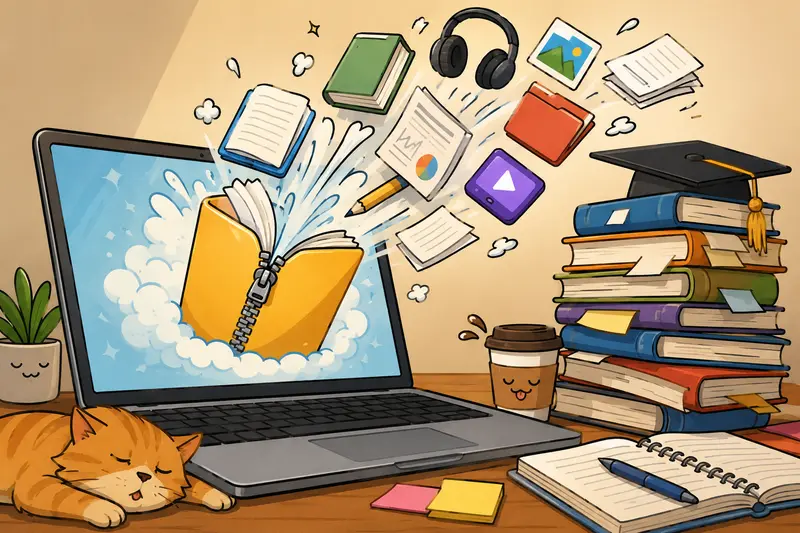
The Simple Version
If you need to unzip files online, the workflow is straightforward:
- Upload your ZIP or archive file
- Extract contents directly in the browser
- Download only the files you need
Tools like Filemazing Archive Extractor https://filemazing.com/archive-extractor make the process easier because they support multiple archive formats while keeping everything browser-based. That means no desktop installation, no separate archive utility, and less friction when working across Windows laptops, tablets, or mobile devices.
For students juggling assignments across different devices, that convenience matters more than it sounds.
Why Browser Extraction Is Becoming More Common
Traditional archive software still works fine, but there are situations where online extraction simply makes more sense:
- school or library computers with restricted installs
- Chromebook or tablet usage
- quick one-time extraction tasks
- mobile workflows
- opening archives from cloud storage
- avoiding outdated archive tools
A browser-based workflow also helps when you only need a few files from a large archive instead of unpacking everything locally.
And honestly, some ZIP folders look like digital Russian nesting dolls.
How the Workflow Usually Goes
Using an online archive extractor is less complicated than most people expect.
1. Upload the Archive
Drag in your ZIP, RAR, 7Z, or TAR file.
If the archive lives in cloud storage, platforms like Filemazing also support importing files from services such as Google Drive or Dropbox, which saves time when classmates keep sharing links instead of attachments.
2. Let the Archive Process
The extraction runs through queued browser-based processing rather than requiring local desktop software.
Large archives may take a little longer depending on:
- total file count
- compressed size
- nested folders
- media content
Smaller student project archives usually finish quickly.
3. Download What You Need
Instead of unpacking an entire folder locally, you can simply grab the extracted documents, presentations, images, or audio files you actually need.
If the extracted files include separate PDFs from scanned notes or assignments, you can later use the PDF merge workflow https://filemazing.com/merge-pdf to combine them into one organized document.
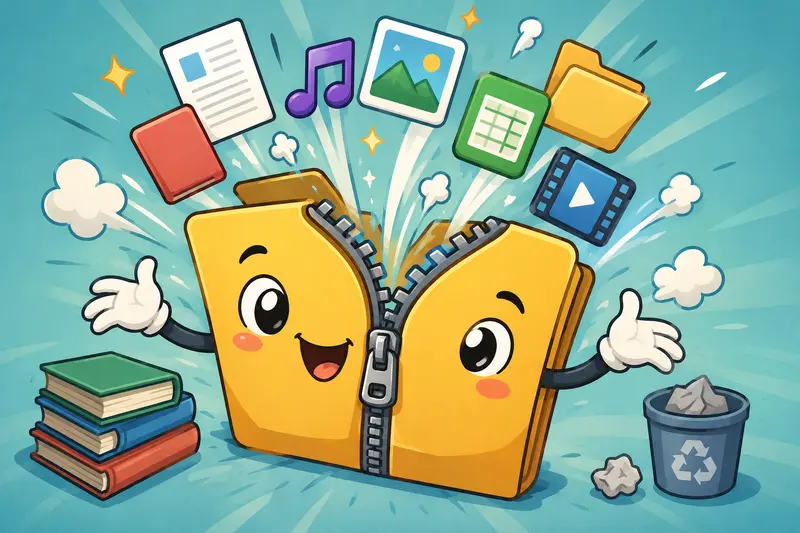
A Real Test With Typical Student Files
To see how practical this actually feels, I tested the workflow using a fairly realistic semester-style archive:
- 1 ZIP file
- 842 MB total size
- lecture PDFs
- PowerPoint files
- MP3 recordings
- exported Canva graphics
- around 230 total files
The archive extracted successfully in under a few minutes on a standard Windows laptop using Chrome.
A few observations stood out:
- PDF-heavy archives extracted faster than media-heavy folders
- Deeply nested ZIP folders added noticeable processing time
- Downloading only required files saved local storage space
- Browser responsiveness stayed stable during processing
One surprisingly useful detail: extracting archives online makes it easier to preview organization problems before cluttering your Downloads folder with 17 nearly identical Final_Final_v2 files.
One Thing Students Often Miss
Nested Archives Can Slow Everything Down
This is one of the most common edge cases.
Sometimes professors or teammates compress folders multiple times:
- ZIP inside ZIP
- RAR inside ZIP
- archived semester folders containing weekly archives
Online extractors can usually handle this, but nested compression increases processing time and can confuse file organization afterward.
A better approach:
- extract the main archive first
- reorganize files
- then open secondary archives individually
It sounds minor, but it reduces duplicate downloads and unnecessary storage usage especially on smaller laptops or mobile devices.
Extract Archives on Mobile Without Fighting Your Phone
Mobile extraction used to be frustrating.
Now its surprisingly manageable if you keep expectations realistic.
When you extract archives on mobile devices:
- smaller archives work best
- stable Wi-Fi helps considerably
- Safari and Chrome both handle standard ZIP files well
- huge media archives may still process slower than on desktop
For students working between phones, tablets, and laptops throughout the day, browser-based extraction is often more convenient than installing separate apps across every device.
Privacy and Temporary Processing Matter
Whenever files are uploaded online, privacy naturally becomes part of the conversation.
One advantage of lightweight processing platforms like Filemazing is that uploaded files are treated as temporary processing artifacts rather than permanent cloud storage.
That means:
- files are processed
- extraction completes
- downloads are delivered
- cleanup happens on a short retention schedule
For coursework, resumes, scanned notes, or internship paperwork, temporary handling is usually preferable to leaving files sitting indefinitely in random storage systems.
If extracted files contain sensitive information, using an additional layer like the file encryption workflow https://filemazing.com/encrypt-file before sharing can add useful protection.
Where This Workflow Actually Helps
Students tend to use online archive extraction in a few recurring situations:
Group Projects
Shared ZIP folders with presentations, datasets, and research notes can be opened quickly without everyone installing the same archive utility.
Recorded Lectures
Large lecture packs often contain compressed audio recordings. After extraction, formats can be cleaned up or converted using an audio conversion tool https://filemazing.com/audio-converter for easier playback across devices.
Chromebook Workflows
School-issued devices sometimes restrict software installation entirely.
Quick Assignment Access
Sometimes you only need one PDF buried inside a giant compressed folder.
The Tradeoff Nobody Mentions
Online extraction is convenient, but there are still practical limits.
Browser-Based Pros
- no software installation
- cross-device access
- easier mobile support
- quick one-time workflows
- lightweight setup
Possible Downsides
- extremely large archives may process slower
- unstable internet affects uploads
- advanced desktop archive customization is limited
- encrypted archives can require extra handling
For advanced compression management or very large enterprise workflows, desktop tools still offer deeper controls.
But for everyday academic use, browser extraction is usually the faster path from downloaded ZIP to finished assignment.
What About Pricing?
Filemazing uses a token-based system rather than subscriptions.
Thats useful for students because occasional usage doesnt require paying for a full monthly plan.
The archive extractor calculates usage transparently based on workload factors like:
- base processing cost
- archive size
- file count
There are also daily free tokens available for lighter tasks, which is often enough for casual coursework workflows.
Predictable usage matters more than flashy unlimited marketing when deadlines are involved.
Common Questions
Is it safe to unzip files online?
Generally yes, especially when the platform uses temporary processing and automatic cleanup policies. Still, avoid uploading highly sensitive personal files to any service unless necessary.
Can I extract ZIP files without software on Windows?
Yes. Browser-based tools allow you to extract ZIP files directly online without installing additional desktop applications.
What archive formats are usually supported?
Most modern extractors support:
- ZIP
- RAR
- 7Z
- TAR
- GZ
Compatibility varies slightly depending on encryption and archive complexity.
Does extracting archives online reduce file quality?
No. Extraction itself does not alter file quality because compressed files are simply unpacked. Quality changes only happen if files are later converted or compressed separately.
Can I use this workflow on mobile devices?
Yes. Many students now extract archives on mobile using Chrome or Safari, especially for PDFs, documents, and smaller media bundles.
What happens if the archive contains audio files?
You can extract them normally and optionally convert formats afterward using tools like the online audio converter https://filemazing.com/audio-converter if playback compatibility becomes an issue.
A Practical Option for Everyday File Work
For students, the best archive extractor is usually the one that removes friction.
Being able to unzip files online without software installation makes assignments easier to manage across Windows laptops, phones, tablets, and shared school devices. The workflow is quick, lightweight, and flexible enough for typical academic file handling.
Filemazing works particularly well when you need:
- fast extraction
- browser-based convenience
- temporary file handling
- multi-format archive support
- predictable processing costs
And perhaps most importantly, it helps you spend less time managing compressed folders and more time finishing the actual work inside them.