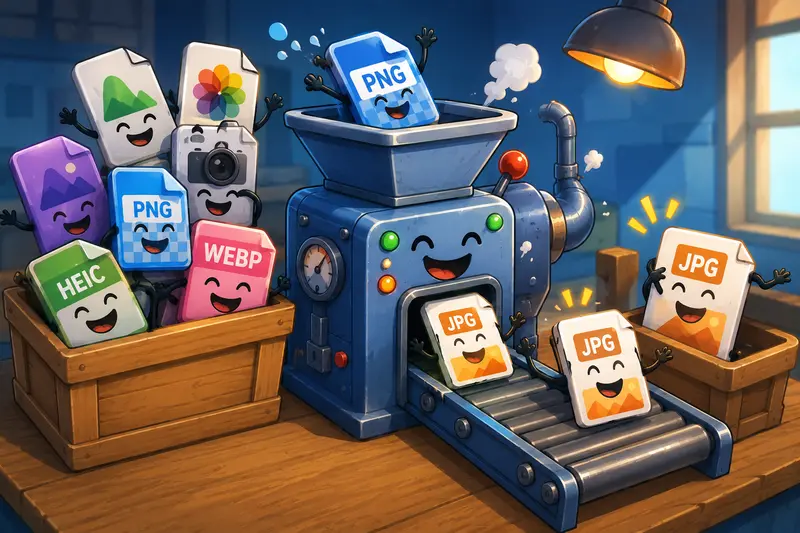
Large PNG files are great for preserving detail, but they are not always ideal for fast-moving marketing workflows. Social uploads, landing pages, ad creatives, email campaigns, and CMS uploads often work better with JPG images because the files are smaller and easier to distribute.
That becomes obvious the moment you try uploading a high-resolution PNG from your phone over mobile data while a campaign deadline is approaching.
A fast, browser-based PNG to JPG converter can solve that problem in seconds without forcing you to install another mobile app.
What Matters Most on Mobile
On desktop, file conversion speed is usually limited by file size. On mobile, the experience changes.
You also have to think about:
- unstable connections
- limited storage
- upload restrictions on platforms
- slower app switching
- battery usage during large exports
For marketers handling assets on the go, browser-based conversion is often the cleanest option because it avoids app installs and keeps the workflow lightweight.
That is where Filemazing Format Converter https://filemazing.com/format-converter fits naturally into the process. Instead of relying on device-heavy editing apps, you can convert PNG images directly in the browser and immediately download optimized JPG versions.
The workflow also supports other formats commonly used in campaign production, including HEIC image conversion and the ability to convert WEBP online when assets arrive from mixed design sources.
Why PNG Files Become a Problem for Marketing Teams
PNG is useful when transparency or lossless quality matters. Designers love it for logos, overlays, and detailed graphics.
Marketers usually run into issues later.
A few common examples:
- Email builders rejecting oversized images
- Slow-loading landing pages
- Social media uploads taking forever on mobile
- CMS image limits
- Ad platform compression creating ugly artifacts
In many real workflows, JPG becomes the more practical delivery format.
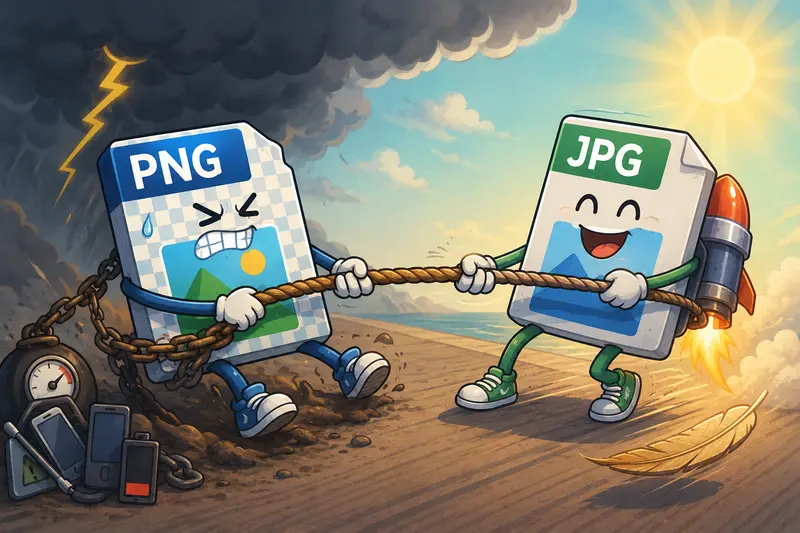
The tradeoff is straightforward:
| Format | Strength | Weakness |
|---|---|---|
| PNG | Higher detail and transparency | Larger file sizes |
| JPG | Smaller files and faster loading | Some quality loss |
The goal is not to eliminate PNG completely. It is knowing when distribution speed matters more than pixel-perfect preservation.
Sometimes the difference between a 9 MB PNG and a 700 KB JPG is the difference between a campaign loading instantly or frustrating users on mobile networks.
A Practical Mobile Workflow That Actually Saves Time
A surprisingly common scenario looks like this:
A marketer receives:
- exported PNG creatives from a designer
- screenshots from a product team
- social assets from multiple freelancers
- HEIC images directly from iPhones
Now everything needs to be resized, converted, compressed, and uploaded before launch.
Instead of juggling multiple apps, the faster workflow is usually:
- Upload PNG files in the browser
- Convert them into JPG format
- Compress the final images if needed
- Publish or share immediately
If the converted files still feel too heavy for web delivery, you can also use Filemazings image compression tool https://filemazing.com/compress-image to reduce final asset sizes further without aggressively damaging quality.
That combination works especially well for:
- paid ad assets
- blog hero images
- mobile-first landing pages
- email campaign visuals
Tested Insight: Batch Conversion Matters More Than People Expect
Single-image conversion is easy almost anywhere.
The real bottleneck appears when handling batches.
During testing with:
- 28 PNG promotional graphics
- mixed dimensions from 10801080 to 40003000
- combined upload size around 180 MB
browser-based conversion remained noticeably faster than exporting images one-by-one through mobile editing apps.
The bigger productivity improvement was not raw conversion speed. It was avoiding repeated app exports and storage duplication.
Many mobile editors temporarily create additional copies during export. That can quietly consume several gigabytes on phones already running low on storage.
Batch-oriented workflows avoid much of that friction.
And honestly, mobile storage warnings tend to appear at the worst possible moment.
Handling HEIC, WEBP, and Mixed Marketing Assets
Modern campaigns rarely involve only one format anymore.
You may receive:
- HEIC photos from iPhones
- WEBP exports from web tools
- PNG assets from design software
- JPG product images from ecommerce systems
Using one platform for broader format conversion keeps the workflow cleaner.
Filemazing supports:
- HEIC image conversion
- PNG to JPG conversion
- WEBP conversion workflows
- batch processing across mixed uploads
That becomes particularly useful for distributed marketing teams where assets originate from many sources and devices.
If you also work with reports or campaign exports, the PDF to image conversion tool https://filemazing.com/pdf-to-image is useful for extracting JPG, PNG, or WEBP pages directly from PDFs for presentations or content repurposing.
One Mobile Optimization Tip Most People Skip
Here is a non-obvious recommendation that helps preserve visual quality:
Convert first. Compress second.
Many users compress PNG files before converting them to JPG, which can create unnecessary quality degradation because the image effectively gets processed twice.
A cleaner workflow is:
- Convert PNG to JPG
- Review quality
- Apply lightweight compression afterward if needed
This usually preserves sharper text and cleaner gradients in marketing graphics.
The difference becomes very noticeable on:
- screenshots with text
- pricing tables
- UI mockups
- social ads with typography
The goal is smaller files, not turning campaign graphics into blurry cave paintings.
Privacy Matters More Than Most Teams Realize
Marketing assets often contain:
- unreleased campaign material
- internal screenshots
- pricing drafts
- customer visuals
- branded design files
That is why temporary processing matters.
Filemazing treats uploaded files as short-term processing artifacts rather than long-term storage. Files are cleaned automatically on a short retention schedule instead of remaining permanently hosted.
For additional protection, marketers handling sensitive visuals can also use the metadata scrubbing tool https://filemazing.com/metadata-scrubber to remove embedded metadata from converted images before distribution.
That extra step is particularly useful when images originate from phones or design tools that embed unnecessary location or author information.
Where Browser-Based Conversion Helps Most
Mobile PNG to JPG conversion is especially useful when working in:
Fast Campaign Environments
When creative revisions happen continuously and assets arrive from multiple contributors.
Remote Teams
Where quick browser access is easier than syncing editing software across devices.
Travel Workflows
When marketers need to publish assets directly from phones or tablets.
Lightweight SaaS Operations
Where installing dedicated desktop software for occasional conversions simply slows things down.
The browser-based approach also works well because it stays platform-independent. Android, iPhone, tablets, Chromebooks the workflow remains basically identical.
Final Thoughts
The fastest mobile PNG to JPG converter is usually the one that removes friction from the entire workflow, not just the conversion itself.
For marketers, that means:
- fast uploads
- reliable batch handling
- multi-format support
- predictable processing
- smaller final assets
- privacy-conscious cleanup
Filemazings format conversion tools https://filemazing.com/format-converter are designed around exactly that kind of practical workflow. You can convert PNG files directly in the browser, handle HEIC image conversion, convert WEBP online, and keep campaigns moving without relying on heavyweight desktop software or cluttered mobile apps.