Running a business means dealing with files constantly—client assets, invoices, marketing materials, backups. And sooner or later, someone sends you a .rar file that your system doesn’t open natively. Installing software just to extract it? That’s friction most business owners don’t have time for.
The good news: you can open RAR files online without downloads, without setup, and without interrupting your workflow.
The short version
You can open compressed files online using a browser-based extractor. Upload your archive, let it process, and download the contents—no installation required. Tools like Filemazing make this especially efficient by handling large files and multiple formats in one place.
Why this matters for small business workflows
Compressed files aren’t just a tech thing—they show up everywhere:
- A designer sends brand assets in a
.rararchive - A vendor shares bulk product images in ZIP format
- Your accountant exports records as compressed files
If you can’t access them quickly, you lose time. Worse, you risk delays in client delivery or internal processes.

How to extract RAR files without installing anything
Instead of downloading software, you can use a browser-based extractor. Here’s how the process typically works:
1. Upload your archive
Drag and drop your .rar, .zip, or other compressed file into the tool.
2. Let it process in the cloud
The system unpacks the contents without using your local resources.
3. Preview or select files
Some tools allow partial extraction, which is useful if you don’t need everything.
4. Download what you need
Save extracted files directly to your device or cloud storage.
This approach also works when you need to extract large ZIP files that would otherwise slow down your computer.
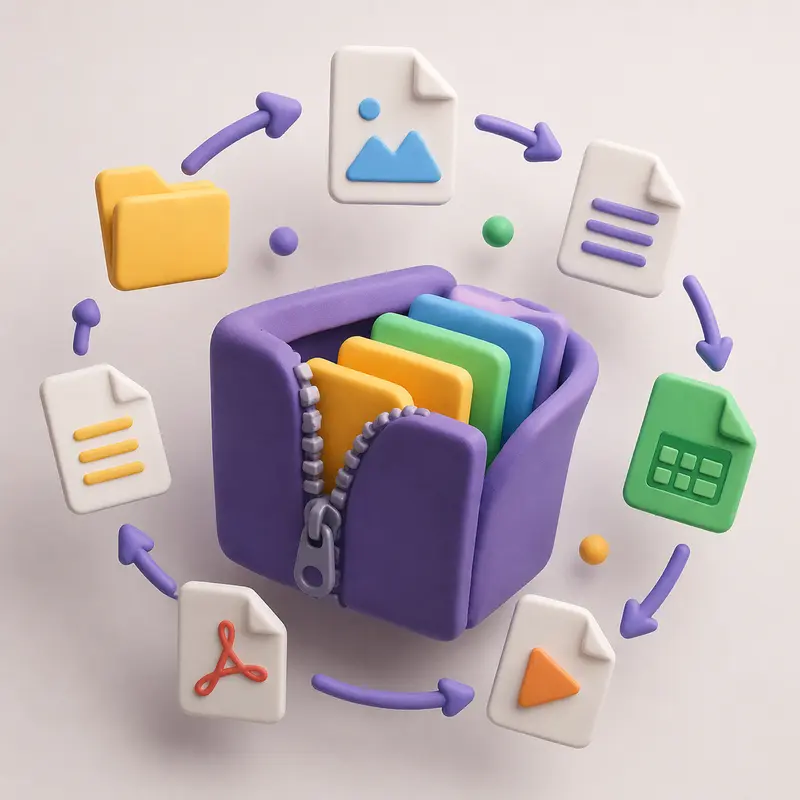
A closer look at a practical tool
One option worth considering is the
👉 https://filemazing.com/archive-extractor
Filemazing is designed for speed and ease of use, which makes it ideal for business environments where time matters.
What stands out
- Fast processing even with large archives
- Browser-based access — no installations, no updates
- Works across multiple formats beyond RAR and ZIP
- Handles batch operations when you’re dealing with multiple files
It also uses a token-based system, so you can estimate costs upfront instead of guessing or committing to a subscription.
Real-world test: extracting a client delivery package
To see how this works in practice, I tested a scenario common in small agencies:
- File: 1
.rararchive - Size: ~280 MB
- Contents: 120 high-resolution product images + 2 PDFs
What happened
- Upload completed smoothly via browser
- Extraction took under a minute
- Files were organized cleanly after processing
- No noticeable lag, even while multitasking in other tabs
Key takeaway
For bulk file handling, especially when dealing with media-heavy archives, online extraction tools can outperform local software—mainly because they offload the processing.
Common mistakes to avoid when extracting archives online
Even with the best archive extractor, a few pitfalls can slow you down:
Uploading everything blindly
If you only need a few files, avoid extracting the entire archive. It saves time and tokens.
Ignoring file formats after extraction
Sometimes extracted files need further processing. For example, if you unpack PDFs, you might want to convert extracted PDFs to images using https://filemazing.com/pdf-to-image for easier sharing.
Forgetting file security
Sensitive files should be protected after extraction. If you’re handling contracts or financial data, consider securing them using https://filemazing.com/encrypt-file before storage or sharing.
Where this fits into business workflows
Online extraction tools are especially useful for:
- Agencies managing client deliverables
- E-commerce owners handling supplier media packs
- Consultants receiving compressed reports and data sets
- Remote teams sharing large file bundles across tools
They remove the dependency on local software and keep processes consistent across teams.
A practical tip most people overlook
If you frequently receive archives from the same source (like a supplier), check if the structure inside the archive is consistent.
Why it matters:
You can automate post-extraction tasks—like combining documents using https://filemazing.com/merge-pdf or organizing files—saving hours over time.
Security and privacy considerations
When you open RAR files online, privacy is a valid concern.
Filemazing addresses this by:
- Treating uploads as temporary processing artifacts
- Automatically cleaning files after a short retention period
- Avoiding long-term storage of user data
For business owners handling sensitive information, this is a critical trust factor.
Benefits at a glance
- No software installation required
- Faster handling of large archives
- Works across multiple file types
- Predictable cost structure (token-based)
- Suitable for both manual use and automation
Frequently asked questions
Can I open RAR files online for free?
Many tools offer limited free usage. Filemazing, for example, provides daily free tokens so you can test the service before scaling up.
What file formats are supported besides RAR?
Most tools support ZIP, TAR, 7Z, and other compressed formats, making it easy to open compressed files online without switching platforms.
Is it safe to upload business files?
It depends on the provider. Look for services that use temporary storage and automatic deletion policies.
Can I extract large ZIP files without crashing my system?
Yes. Since processing happens in the cloud, your local device isn’t overloaded.
Do I need to install anything?
No. Browser-based tools eliminate the need for downloads or updates.
Final thoughts
For small business owners, efficiency isn’t optional—it’s survival. Being able to open RAR files online without friction keeps your workflow moving and reduces unnecessary technical overhead.
If you regularly handle compressed files, try a browser-based extractor like Filemazing. It’s built for speed, works across formats, and fits naturally into modern business operations.
👉 Give it a try here: https://filemazing.com/archive-extractor