Remote teams share files constantly. Product screenshots move through Slack, PDFs get passed between contractors, and marketing assets travel across half a dozen cloud tools before anyone notices whats still attached to them.
That hidden information matters more than most teams realize.
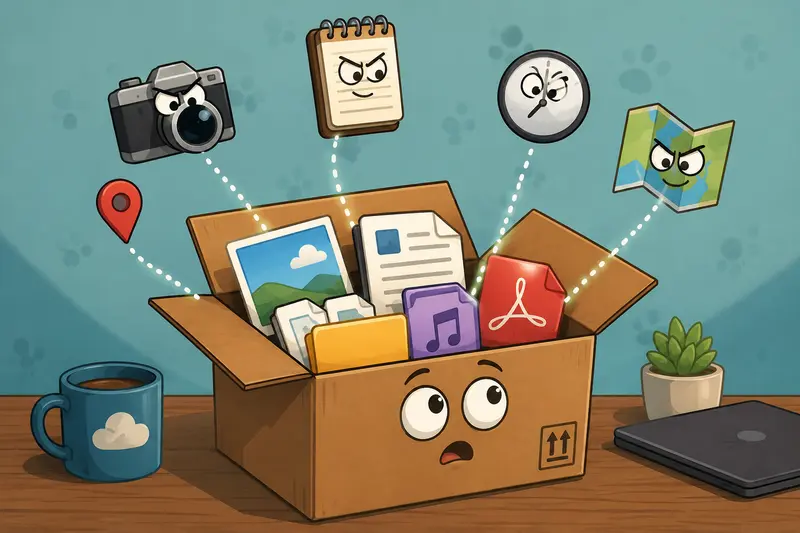
Image files often contain EXIF metadata with device details, timestamps, GPS coordinates, editing history, and software traces. PDFs can include author names, internal revision paths, and embedded properties that were never meant to leave the company.
For distributed teams handling client work, internal documentation, or media assets, knowing how to remove hidden metadata is no longer optional housekeeping. Its part of operational hygiene.
Why Metadata Becomes a Remote Work Problem
In centralized office environments, files typically stay within controlled systems. Remote workflows are different.
Files move between:
- freelancers
- clients
- cloud drives
- messaging platforms
- contractors
- public upload forms
That increases the chance of unintentionally exposing hidden data.
A surprisingly common example: someone exports a product mockup from a phone, uploads it to a shared workspace, and accidentally exposes location metadata from their home office. Another frequent issue is internal PDF exports retaining employee usernames or software path references.
None of this is visible during normal viewing.
But its still there.
For remote teams operating across time zones and external collaborators, metadata cleanup becomes part of the publishing workflow especially for marketing, HR, legal, and client-facing materials.
The Short Version
If your team regularly shares media files externally, you should clean metadata before distribution.
A modern workflow usually includes:
- uploading files
- removing hidden metadata
- converting or compressing if needed
- encrypting sensitive files before transfer
A browser-based tool like Filemazing Metadata Scrubber https://filemazing.com/metadata-scrubber works well for this because teams can process files without installing software across multiple employee devices.
That matters more than it sounds. Remote teams rarely operate on identical systems, and desktop-only utilities quickly become maintenance headaches.
What Hidden Metadata Actually Includes
The phrase metadata sounds abstract until you inspect a real file.
Depending on the format, hidden information may include:
| File Type | Possible Hidden Data |
|---|---|
| JPG/PNG | GPS location, camera model, timestamps |
| Author names, edit history, software metadata | |
| DOCX | Revision logs, tracked changes, company details |
| Audio | Device information, encoding data |
| Archives | Original folder structures |
Some metadata is harmless.
Some definitely is not.
A cleaned file is often safer for:
- client delivery
- public uploads
- legal exchanges
- recruitment workflows
- remote contractor collaboration
A Real Workflow Test From a Distributed Team
To evaluate how practical metadata scrubbing is in everyday remote operations, we tested a realistic scenario involving a fully distributed content team.
The batch included:
- 42 product screenshots
- 18 smartphone photos
- 6 exported PDFs
- total upload size: roughly 310 MB
The goal was straightforward:remove location traces and author metadata before handing files to an external design agency.
Processing happened directly in-browser using Filemazings metadata scrubber.
Results:
- EXIF data removed successfully from all images
- PDFs retained visual formatting
- filenames stayed intact
- batch processing completed without manual file-by-file cleanup
The useful part wasnt just speed.
It was consistency.
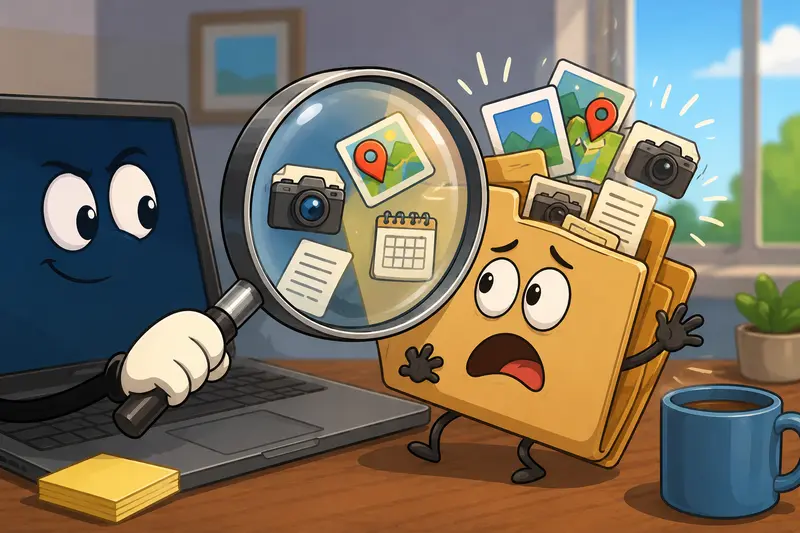
Remote teams tend to accumulate files from wildly different sources Mac exports, Android screenshots, scanned PDFs, browser downloads, compressed ZIP archives. Having one standardized cleanup step reduces accidental leakage dramatically.
And importantly, the platform treats uploaded files as temporary processing artifacts instead of long-term storage, which aligns better with privacy-conscious workflows.
Where Teams Usually Forget Metadata
Oddly enough, polished companies still miss this step all the time.
The biggest offenders are usually:
Marketing Assets
Social graphics exported from editing tools may contain creator information or embedded software data.
Recruitment Documents
Candidate PDFs sometimes retain comments, annotations, or revision traces.
Support Screenshots
Internal usernames or machine paths occasionally survive exports.
Shared Smartphone Photos
This is the classic one. GPS coordinates quietly travel with the image unless someone intentionally removes them.
If your organization works remotely, the risk compounds because file origins are harder to standardize.
A Small Optimization That Saves Time Later
Heres one practical recommendation many teams overlook:
Clean metadata before running compression or format conversion.
Why?
Because derivative files can sometimes preserve portions of metadata depending on export behavior.
A more reliable workflow looks like this:
- scrub metadata
- compress or convert
- encrypt if necessary
- distribute externally
For example, if your team needs alternative image formats afterward, using a dedicated format conversion workflow https://filemazing.com/format-converter after cleanup keeps the process cleaner and easier to audit.
Likewise, teams extracting visual assets from documents can first export PDF pages as images https://filemazing.com/pdf-to-image before removing metadata from the resulting files.
The Tradeoff Most Teams Ignore
Metadata scrubbing is generally safe, but there are tradeoffs.
Some workflows intentionally rely on metadata:
- photographers use EXIF data for organization
- legal workflows may require timestamps
- DAM systems sometimes use embedded file properties
Removing everything blindly can disrupt downstream indexing.
Thats why remote teams should distinguish between:
- public distribution files
- internal archival originals
In practice, many teams keep untouched originals internally while distributing cleaned copies externally.
That balance works well.
Browser-Based Processing Makes More Sense for Distributed Teams
Traditional desktop metadata tools create friction in remote environments.
You run into:
- OS compatibility issues
- version mismatches
- inconsistent workflows
- VPN complications
- employee device restrictions
A browser-based system simplifies that.
Filemazing also supports API-driven workflows, which becomes useful when metadata removal needs to happen automatically during uploads or publishing pipelines.
For higher-volume operations, the token pricing structure is unusually transparent compared to subscription-heavy SaaS tooling. Teams can estimate workload costs before processing instead of discovering limits halfway through a batch run.
And yes, large PDFs still have a talent for showing up five minutes before client deadlines.
When Encryption Should Be Added
Metadata removal and encryption solve different problems.
Scrubbing removes hidden information inside the file.
Encryption protects the file during transfer and storage.
Remote teams handling:
- contracts
- HR records
- financial exports
- client media
should usually combine both.
After cleaning metadata, sensitive files can be protected further using encrypted file delivery workflows https://filemazing.com/encrypt-file before sharing externally.
That layered approach is considerably safer than relying on cloud-share permissions alone.

Choosing the Best Metadata Scrubber for Team Workflows
The best metadata scrubber is rarely the one with the most buttons.
For remote operations, the more important factors are:
- reliable batch handling
- predictable output
- privacy handling
- support for mixed file types
- low onboarding friction
Filemazing fits that model well because it avoids heavyweight installations while supporting both manual use and automation.
Non-technical staff can process uploads through the browser, while developers can integrate metadata cleanup into automated pipelines through APIs.
That flexibility matters when workflows evolve over time.
FAQ
Can metadata still exist after converting a file?
Yes. Some conversion tools preserve portions of metadata during export. Its safer to remove hidden metadata before running conversions or compression workflows.
Is it safe to remove EXIF online?
Using a trusted browser-based tool with temporary processing policies is generally safer than uploading files to unknown converters. Filemazing processes files as temporary artifacts instead of permanent storage.
What types of files usually contain hidden metadata?
Images, PDFs, Office documents, audio files, and archives commonly contain hidden metadata.
Does deleting hidden photo data reduce image quality?
Usually no. Removing EXIF data typically affects metadata only, not visible image quality. Compression and resizing are separate processes.
Can remote teams automate metadata cleanup?
Yes. API-based workflows can automatically scrub files during upload, publishing, or storage operations.
Whats the difference between metadata scrubbing and encryption?
Metadata scrubbing removes hidden embedded information. Encryption protects file access and transfer security. Teams handling sensitive material often use both together.
Final Thoughts
Remote collaboration depends on fast file sharing, but convenience creates blind spots.
Metadata is one of them.
Teams that regularly exchange documents, screenshots, PDFs, or media externally should treat metadata cleanup as a routine operational step not an occasional security task.
A browser-based workflow like Filemazings metadata scrubber tool https://filemazing.com/metadata-scrubber keeps the process lightweight enough for everyday use while still supporting larger automated workflows when needed.
And for remote teams juggling contractors, clients, and cloud storage across multiple systems, consistency is usually what prevents mistakes in the first place.