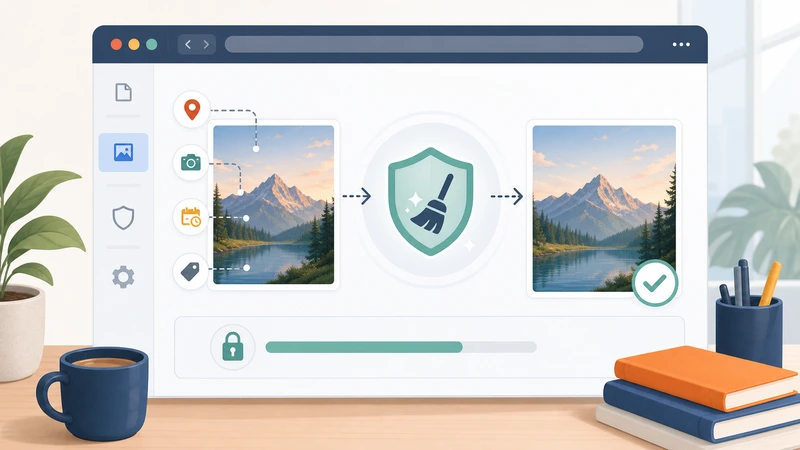
Sometimes you do not want a full photo management workflow. You just want to clean an image quickly before sending it somewhere else.
That is where browser-based metadata removal becomes useful. Instead of installing another app, learning another export panel, or trusting a random plugin, you can remove hidden image data in a focused step and move on.
This matters because metadata is easy to forget. The image looks ordinary, but the file may still contain location data, timestamps, software details, and device information that the next recipient never needed.
Why use a browser instead of local software?
The browser approach is not automatically better for every situation. It is simply better for a specific kind of situation: you need a clean shareable file now, and you do not want a heavyweight editing workflow to get there.
That is especially true when you are:
- working on a device where you cannot install software
- handling a one-time image cleanup task
- helping a non-technical teammate
- preparing files in the same place you already upload or convert them
What metadata browser cleanup is good at
Browser workflows shine when the job is straightforward: remove hidden data, keep the visible file usable, and move the cleaned output into the next step.
That makes them a strong fit for:
- marketplace photos
- property images
- support attachments
- blog or CMS uploads
- freelancer and client deliveries
What you should check before using any metadata remover
Does it explain what it removes?
Some tools are vague. A better workflow tells you whether it targets location, EXIF, timestamps, or broader hidden metadata fields.
Does it fit temporary processing instead of permanent storage?
If your goal is privacy, you want a tool designed for processing rather than long-term file hosting.
Can it fit into the rest of your workflow?
Metadata removal is often not the final step. The cleaned image may still need format conversion, compression, or secure delivery afterward.
That is why connected tools matter. If you clean the file in the browser, then need to optimize it for web use, a handoff to Compress Image or Format Converter should feel natural.
When browser cleanup is the better choice
Use a browser workflow when speed and simplicity matter more than managing a full media library.
For example:
- You are about to upload product photos and want to remove location data first.
- You need to send screenshots to an outside vendor without sharing extra system traces.
- You are publishing images to a site and want cleaner file hygiene before they go live.
- You are helping a client or teammate who needs a privacy-safe version now, not a software tutorial.
When local tools are still better
There are also situations where local software may still be preferable:
- very large photo libraries
- deep asset management workflows
- highly specialized forensic review
- repeatable bulk editing jobs inside an existing desktop pipeline
That is normal. The point is not to force one method for everything. The point is to use the simplest reliable method for the specific job in front of you.
How Filemazing fits this workflow
Filemazing's Metadata Scrubber is well suited to this browser-first use case because it focuses on privacy-oriented cleanup in the same temporary processing model used across the rest of the platform.
That matters when metadata removal is only one stop in a broader workflow. You can clean the file, then move into compression, format conversion, or protected delivery without switching mental context or platforms.
A practical browser-first process
- Decide whether the image is going to a public or external destination.
- Strip metadata if the hidden details are not needed.
- Check whether the image also needs smaller size or a different format.
- Share the cleaned version, not the original capture file.
Frequently asked questions
Can a browser remove EXIF data effectively?
Yes, for common image cleanup tasks it can be an efficient and practical approach.
Will the image still look the same?
Usually yes. Metadata cleanup generally targets hidden information rather than visible image content.
Is browser cleanup only for photographers?
No. It is just as useful for customer support, ecommerce, freelancers, internal teams, and everyday sharing.
What should I do after metadata removal?
If needed, compress, convert, or encrypt the cleaned file depending on where it is going next.
Final takeaway
Removing metadata in your browser is valuable because it turns a privacy task into a quick operational step. You do not need a full editing suite just to remove hidden details before an upload or handoff.
If the image is leaving your workspace and the metadata is not needed, a browser-first cleanup flow is often the most practical answer. Start with Metadata Scrubber, then move to the next file step only if the workflow actually needs it.