As a freelancer, your portfolio is your currency. But often, your best work is trapped inside a multi-page PDF—a format that’s great for printing but terrible for social media, client presentations, or quick web previews. When you need to showcase a layout on Instagram or embed a design into a pitch deck, you don't need the bulk of a document; you need high-fidelity imagery.
The challenge is extracting those visuals without the dreaded "pixel bleed" or color shifting that occurs with low-end converters. If you’re working from an Android device or a mobile workstation, you need a workflow that prioritizes resolution over convenience.
The Bottom Line
To convert a PDF to a high-quality JPG on Android without installing heavy software, use a browser-based engine like Filemazing. It allows you to transform complex documents into crisp, web-ready images while maintaining color accuracy and offering immediate metadata scrubbing to protect your professional privacy before sharing.
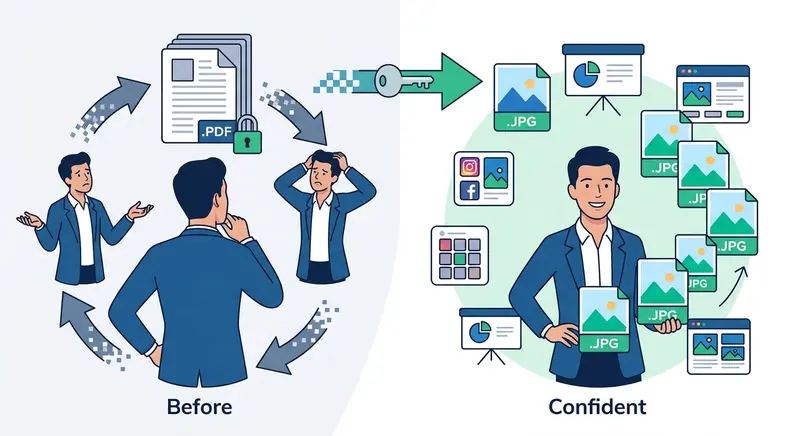
Executing the Conversion: A Professional Workflow
Skip the "lite" apps that clutter your phone. Follow this streamlined path to generate high-resolution image assets from your documents.
-
Stage Your Assets: Access your files directly from your Android filesystem, Google Drive, or Dropbox. Ensure the PDF isn't password-protected, as encryption layers can sometimes interfere with the rendering engine’s ability to "read" the page geometry.
-
Initialize the Transformation: Navigate to the Filemazing PDF to Image portal. Instead of a standard upload, you can feed a direct URL or pull from cloud storage to save local bandwidth—a crucial move if you’re working on a mobile data connection.
-
Define Output Parameters: Choose JPG for the best balance of file size and detail. If your final goal is a lightning-fast website, you might consider transforming the result into WebP or HEIC later to further optimize load times.
-
Finalize and Retrieve: Once the queued processing finishes, download your ZIP archive of images. Files are held temporarily on a strict deletion schedule, ensuring your intellectual property doesn't linger on a remote server.
Optimization Secrets: The "DPI vs. Dimension" Trap
Most users assume that a larger file size equals a better image. In PDF-to-JPG conversion, the secret lies in the Rasterization Logic.
When a converter "flattens" a PDF, it interprets vector text and shapes into pixels. If your PDF contains small font sizes (6pt–8pt), a standard conversion might render them unreadable. To bypass this, always check if your source PDF was "Print Optimized." Converting a web-optimized PDF (usually 72 DPI) to a JPG will always look blurry. For professional-grade results, ensure your source document is at least 150 DPI before you trigger the conversion engine.
The Lab Report: Stress-Testing High-Density Graphics
We put the Filemazing engine through a rigorous test using a 45MB architectural blueprint PDF featuring intricate line work and grayscale gradients.
-
The Goal: Maintain line integrity without "stair-casing" (aliasing).
-
The Result: The conversion consumed tokens based on a transparent formula (Base 10 + Size/Page weights), costing significantly less than a monthly subscription to a premium design suite.
-
The Insight: For grayscale documents or blueprints, we found that running the output through an image compression algorithm post-conversion reduced the JPG size by 40% without any visible loss in line sharpness.
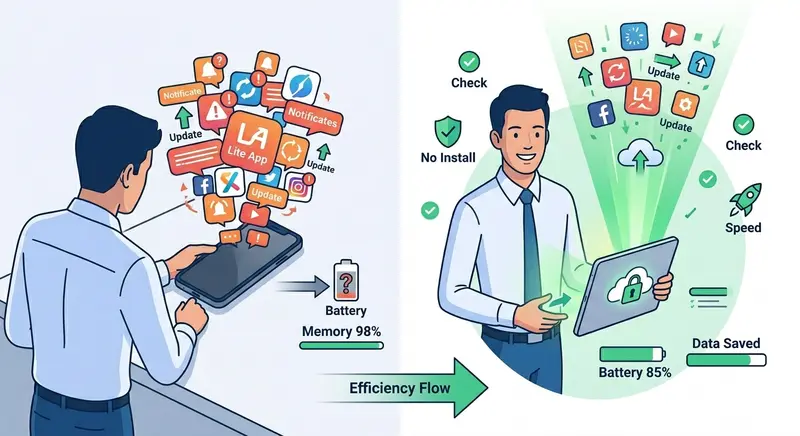
Why Freelancers are Pivoting to Token-Based Processing
Subscription fatigue is real. For an independent contractor, paying $20/month for a tool you use three times is a poor ROI.
-
Granular Budgeting: You only pay for the "heavy lifting" (like a 100-page conversion) rather than a flat monthly fee.
-
API-Ready Growth: If your freelance gig scales into an agency, you can automate these conversions via API, integrating the workflow into your own custom dashboard.
-
Device Agnostic: Whether you’re on a Galaxy Tab, a Pixel phone, or a Linux laptop, the interface remains consistent.
-
Zero Footprint: No background processes draining your Android battery or "telemetry" apps tracking your usage.
-
Instant Burst Capacity: Need to process 500 files for a one-off project? Grab a "Pack 5000" and get it done without hitting a "daily limit" common in free tools.
Knowledge Base & FAQ
Will converting my PDF to JPG lower the text quality? Yes, because you are moving from a vector-based format (infinitely scalable) to a raster-based format (pixel-based). However, by using high-quality rendering engines, the text remains perfectly legible for screen viewing and standard presentations.
How does Filemazing handle my private data? Privacy is baked into the architecture. Uploaded files are treated as "temporary artifacts." They exist only long enough to be processed and downloaded, then they are purged according to a short-term retention policy.
Can I convert multiple pages into a single long JPG? Generally, converters treat each PDF page as an individual image file to preserve the aspect ratio. If you need them combined, you would typically convert them first and then use a layout tool to stitch them together.
Is there a file size limit for mobile uploads? While the engine can handle large files, your mobile browser might struggle with uploads over 100MB depending on your RAM. For massive files, we recommend using the "Import from Drive" feature to move data server-to-server.
What is the "Base Cost" in the token system? Each operation (like PDF-to-JPG) has a base token cost (e.g., 10 tokens) that covers the initialization of the virtual environment, plus a variable cost based on the number of pages and the total MB processed.