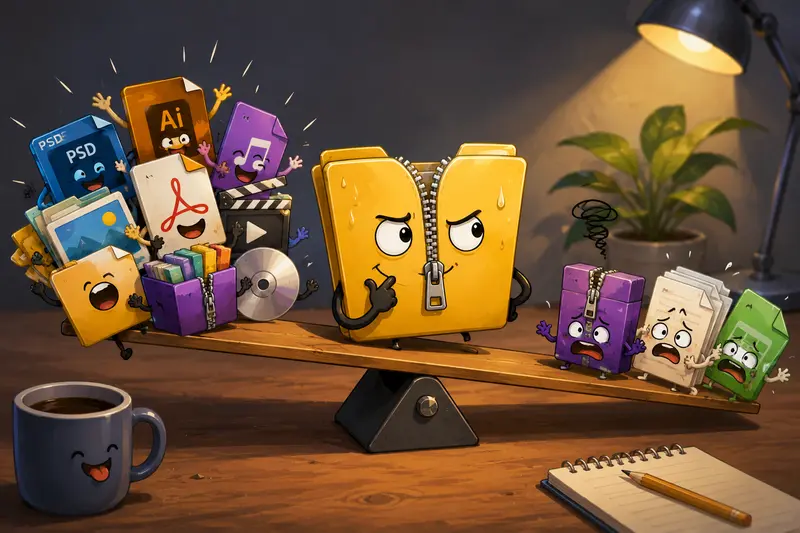
Design files have a habit of arriving in ZIP folders at the least convenient moment. A client sends layered PSDs, fonts, audio previews, and a few oversized PDFs bundled into one archive, and suddenly youre juggling extraction tools, storage limits, and compatibility issues before the actual creative work even starts.
Thats why many designers now prefer to unzip files online instead of relying on desktop utilities that may be bloated, outdated, or unavailable on shared devices. The challenge, though, is maintaining file integrity during extraction especially with image-heavy archives, packaged assets, or compressed project folders.
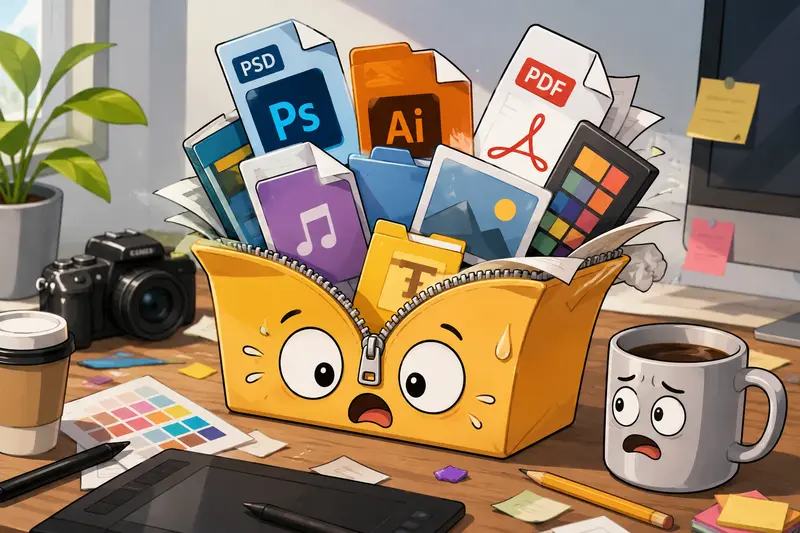
What Matters Most Before You Extract Anything
Not every online extraction tool handles archives the same way.
Some services aggressively recompress previews, struggle with large archives, or timeout halfway through processing multi-file projects. That becomes noticeable when youre extracting:
- layered PSD collections
- high-resolution PNG assets
- packaged InDesign exports
- WAV audio stems
- oversized PDF portfolios
A reliable extractor should preserve the original files exactly as stored in the archive while also handling large uploads efficiently.
Thats where Filemazing Archive Extractor https://filemazing.com/archive-extractor fits particularly well for design workflows. It runs entirely in the browser, supports larger workloads through queued processing, and avoids the install another desktop app cycle many creatives are tired of.
The platform also uses temporary processing rather than long-term storage, which matters when client deliverables or licensed assets are involved.
Why Designers Run into Problems with Online Archive Extraction
The issue usually isnt the ZIP file itself.
Its whats inside.
Creative archives often contain:
- deeply nested folders
- mixed file formats
- oversized media
- embedded previews
- metadata-heavy exports
Some online extractors attempt to preview or optimize content during processing, which can create unnecessary complications. Designers usually just want clean extraction without hidden modifications.
Theres also the mobile problem. Extracting archives on phones or tablets can become frustrating fast when the archive contains hundreds of files or mixed media types. iPads are wonderful until a 4GB asset package decides otherwise.
A Practical Way to Open Compressed Files Online
The actual workflow is refreshingly straightforward once you use a service designed for heavier file handling.
Heres how the process typically works
Upload the ZIP, RAR, or supported archive format
You can import from local storage, cloud providers, or direct file URLs.The archive is queued for extraction
Larger jobs process asynchronously, so the browser interface doesnt freeze during extraction.Download the extracted contents
Files remain in their original formats without automatic conversion or recompression.Continue processing if needed
For example:- convert extracted PDFs using PDF to Image conversion workflows https://filemazing.com/pdf-to-image
- combine extracted documents with Merge PDF tools https://filemazing.com/merge-pdf
- reformat extracted audio through audio conversion utilities https://filemazing.com/audio-converter
What We Tested in a Real Design Workflow
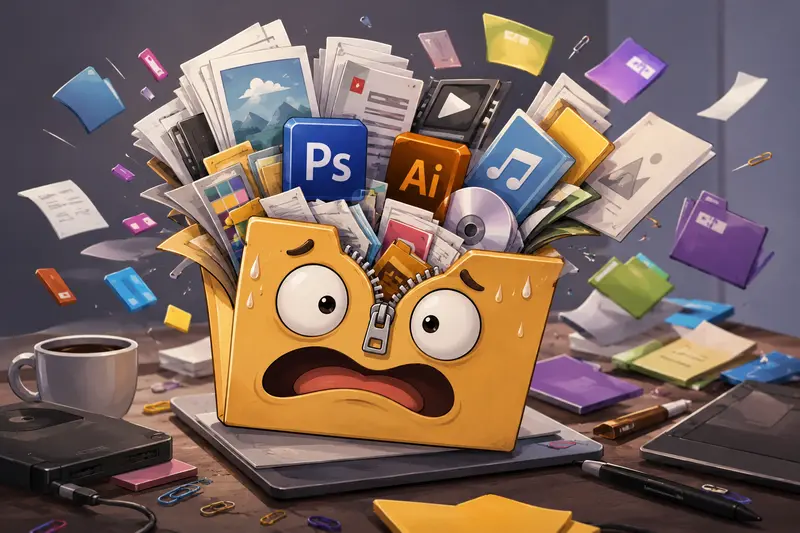
To see how browser extraction behaved under realistic conditions, we tested several archive scenarios commonly used by freelance and agency designers.
Test setup
Archive contents included:
- 2.1GB ZIP package
- 184 design assets
- layered PSDs
- Illustrator exports
- high-resolution PNG mockups
- embedded font folders
- three client PDFs
The extracted folder structure remained intact after processing, including nested directories and naming conventions. No noticeable corruption appeared in layered files or embedded media.
One thing worth noting: extraction speed naturally slowed once the archive crossed the multi-gigabyte range. Thats expected with browser-based workflows because upload time becomes the main bottleneck, not the extraction itself.
Still, the process remained stable, which is more important than shaving off thirty seconds and risking incomplete downloads.
Practical takeaway
If you regularly extract large ZIP files, stable queued processing matters more than aggressive instant extraction claims.
A failed extraction at 97% completion is the digital equivalent of stepping on a LEGO barefoot.
The Tradeoff Most People Ignore
Convenience and control dont always move together.
Desktop archive software still offers:
- advanced repair tools
- custom extraction rules
- deeper encryption management
- scripting flexibility
But browser-based extraction wins in portability and speed of access.
For many designers, especially those working across:
- shared devices
- tablets
- client environments
- temporary workstations
- cloud-first pipelines
the convenience outweighs the missing advanced customization.
The key is using a tool that prioritizes file integrity rather than flashy previews or unnecessary processing layers.
One Often-Overlooked Problem: Font and Asset Path Breakage
This is where many extraction workflows quietly fail.
Some archive tools flatten folder structures or mishandle special characters during extraction. Designers notice this immediately when:
- fonts disappear from packaged projects
- linked assets fail to reconnect
- motion graphics compositions lose references
- export directories become scrambled
How to avoid it
When extracting creative project archives:
- preserve original folder hierarchy
- avoid renaming files before extraction
- keep ZIP filenames short and clean
- avoid archives generated with unsupported legacy compression methods
This becomes especially important for collaborative agency workflows where assets move between macOS and Windows systems.
Browser extractors that preserve nested structures consistently are much safer for production work than lightweight preview-first extractors designed for casual downloads.
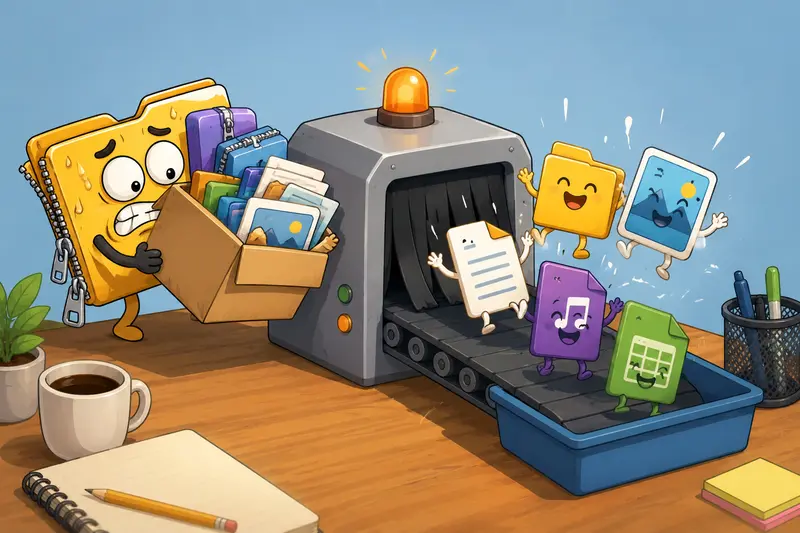
Situations Where Online Extraction Becomes Surprisingly Useful
Designers tend to use archive extraction more often than they realize.
A few common examples:
- opening compressed mood board packages from clients
- extracting stock asset bundles during active projects
- reviewing archived presentations on tablets
- accessing compressed typography collections
- downloading podcast or audio branding packages
- unpacking exported website assets from developers
And because Filemazing supports cloud imports alongside local uploads, it works well when files live in shared Google Drive or Dropbox folders instead of local storage.
Why the Token-Based Model Actually Makes Sense Here
Subscription fatigue is real.
Many designers only need archive extraction occasionally, but when they need it, they need it immediately and at scale.
Filemazing uses transparent token pricing instead of forcing monthly plans for lightweight usage. The archive extractor calculates cost based on workload factors like:
- base processing cost
- file size
- file count
That predictability helps freelancers and small studios estimate processing costs ahead of time rather than guessing what counts as premium usage.
For larger teams, the API support also opens automation possibilities for repetitive asset preparation workflows.
A Few Small Things That Improve Results
These arent dramatic, but they help.
Before uploading:
- remove duplicate temporary files if possible
- avoid password-protected archives unless necessary
- split extremely large archives into logical groups
For mobile extraction:
- use stable Wi-Fi for multi-GB uploads
- keep browser tabs minimal during processing
- prefer ZIP over obscure archive formats for compatibility
After extraction:
- verify fonts and linked assets first
- check PDF rendering before sharing deliverables
- re-compress oversized previews only after editing is complete
Questions Designers Commonly Ask
Can online extraction reduce image quality?
Extraction itself should not reduce quality because files are unpacked rather than recompressed. Problems usually happen when services generate previews or optimize files automatically during processing.
Is it safe to open compressed files online?
It depends on the platforms handling policies. Filemazing processes uploads as temporary artifacts with short retention cleanup instead of storing files indefinitely, which is generally safer for client work and confidential assets.
Can I extract archives on mobile devices?
Yes. Modern browser-based tools can handle archive extraction on phones and tablets, although very large uploads are still easier on desktop connections.
What archive formats are usually supported?
Most online extractors support ZIP and often RAR, 7Z, and TAR variants. Compatibility varies depending on the extraction engine used.
Does extracting large ZIP files take longer online?
Usually yes but upload speed is often the limiting factor rather than extraction performance itself.
What if the archive contains PDFs or audio files afterward?
You can continue processing those files separately. For example, extracted PDFs can later be combined through PDF merging workflows https://filemazing.com/merge-pdf or converted into image assets for presentations.
Final Thoughts
For designers, the best archive extraction workflow is usually the one that stays out of the way.
You upload the archive, preserve the files exactly as intended, download what you need, and move on with the project. No forced installs. No bloated utilities. No mystery compression side effects.
If your work regularly involves client packages, media bundles, or oversized creative assets, using a browser-based tool like Filemazings archive extractor https://filemazing.com/archive-extractor can make handling compressed files substantially less painful especially when working across multiple devices or collaborative environments.