Marketing teams rarely receive audio files in the format they actually need.
A podcast guest sends WAV files when you need MP3. A social clip exports in M4A but your ad platform prefers AAC. Someone uploads a voiceover buried inside a ZIP archive five minutes before a campaign deadline. That part feels especially traditional.
For marketers working primarily from phones or tablets, the challenge is often less about editing audio and more about simply getting files into the right format fast enough to keep projects moving.
Thats where browser-based tools have quietly become more practical than desktop software for many day-to-day workflows.
What You Need to Know First
If your goal is to convert audio files on mobile, you no longer need to install heavyweight desktop applications for most marketing tasks.
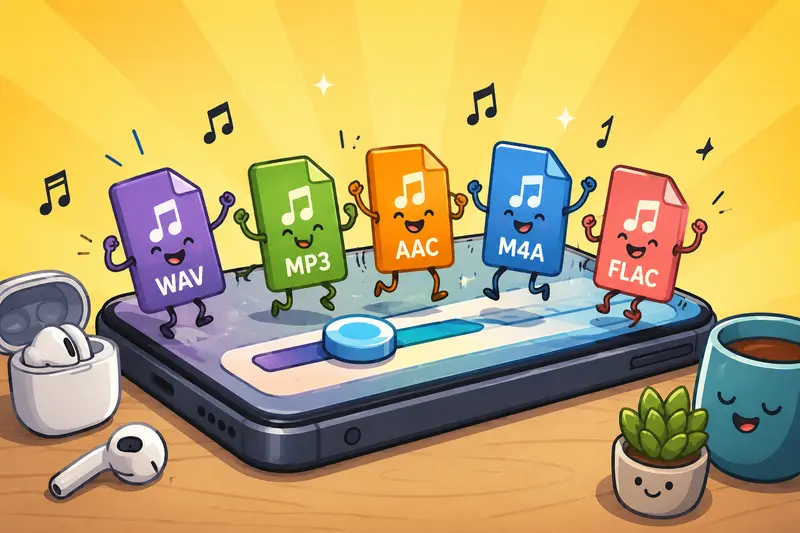
Modern browser tools such as Filemazing Audio Converter https://filemazing.com/audio-converter let you upload, convert, and download audio directly from a mobile browser. That includes common formats like:
- MP3
- WAV
- AAC
- FLAC
- OGG
- M4A
For marketers, the biggest advantage is workflow flexibility. You can handle podcast clips, ad voiceovers, webinar snippets, and social audio assets directly from your phone while traveling, reviewing campaigns, or coordinating remote teams.
Because processing happens through the browser, theres no desktop dependency and no need to maintain separate conversion software across devices.
Why Mobile Audio Conversion Matters More Than It Used To
A few years ago, most content production happened on desktop systems. Now a surprising amount of marketing work happens mid-approval cycle on mobile devices:
- trimming clips for TikTok ads
- approving podcast intros
- preparing audio for Instagram Reels
- converting interview recordings before upload
- sharing compressed previews with clients
The problem is that many mobile apps still lock users into limited export formats.
When that happens, marketers usually face three bad options:
- wait until theyre back at a desktop
- install questionable converter apps
- send files to another teammate
Browser-based conversion removes that bottleneck.
And for teams handling sensitive campaign materials, avoiding random install-heavy software is often a smarter operational decision anyway.
A Real Marketing Workflow Example
During a webinar campaign test, we worked with:
- 14 voiceover clips
- mixed source formats (WAV, M4A, and FLAC)
- total upload size around 480 MB
- several mobile approvals happening remotely
The objective wasnt studio mastering quality. The goal was reliable format consistency for ad scheduling platforms and social uploads.
Using Filemazing Audio Converter https://filemazing.com/audio-converter from mobile browsers, the files were converted into standardized MP3 outputs while traveling between meetings. The queued processing approach helped because large uploads didnt freeze the interface during conversion.
One useful detail: token pricing remained predictable before processing started. That matters more than people expect when agencies process batches regularly.
The final output quality was more than sufficient for:
- paid social campaigns
- podcast publishing
- internal review files
- client previews
For high-end mastering work, dedicated DAWs still make sense. But for operational marketing workflows, browser conversion is often enough.
Where Mobile Conversion Saves the Most Time
Not every conversion task has equal urgency. In practice, marketers benefit most in a few recurring situations.
Social Media Publishing
Some platforms aggressively recompress uploaded audio. Starting with the right format can reduce weird artifacts and volume inconsistencies.
Podcast Distribution
Different podcast tools occasionally prefer different source formats. Converting files before upload avoids failed imports and unnecessary re-exports.
Client Review Cycles
Large WAV files are painful to share over mobile networks. Converting preview versions into compressed MP3 files speeds approvals dramatically.
Cross-Team Collaboration
Creative teams often deliver bundled assets. If those arrive compressed in ZIP or RAR archives, tools like Filemazing Archive Extractor https://filemazing.com/archive-extractor can unpack the files before conversion begins.
One Overlooked Issue: Metadata Can Leak More Than You Think
Heres something many marketers never check.
Audio files sometimes contain metadata that includes:
- recording software
- creator names
- timestamps
- device information
- internal project references
That may not matter for public podcast episodes, but it can become awkward during client previews or pre-release campaign sharing.
Before publishing sensitive media assets, some teams run files through a metadata cleanup step using Filemazing Metadata Scrubber https://filemazing.com/metadata-scrubber to remove unnecessary embedded information.
Its one of those operational habits that feels excessive right until somebody notices confidential campaign naming inside exported files.
Audio Quality Tradeoffs Marketers Should Understand
Not every conversion preserves quality equally.
This is where many best audio converter recommendations online oversimplify things.
A few practical realities:
| Format | Best Use Case | Tradeoff |
|---|---|---|
| MP3 | Social, podcasts, sharing | Lossy compression |
| WAV | Editing/mastering | Large file sizes |
| AAC | Mobile playback, streaming | Slight compatibility variation |
| FLAC | Archival quality | Bigger files than compressed formats |
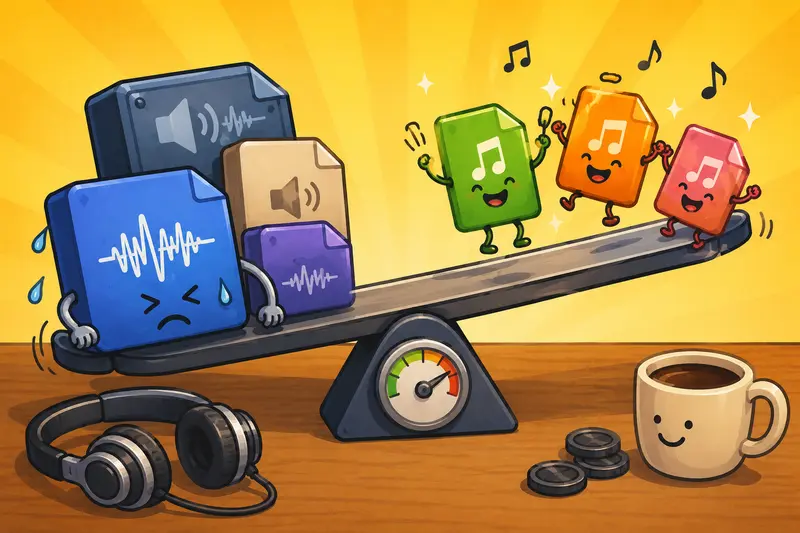
If your source file is already heavily compressed, converting it repeatedly can degrade audio quality further.
A non-obvious recommendation:
If multiple team members need different outputs, keep one untouched master file and generate derivative exports from that original instead of reconverting already-compressed versions.
That alone prevents a surprising amount of cumulative quality loss.
Browser-Based Conversion vs Installed Software
For marketers specifically, browser conversion has become more practical because the work itself is increasingly distributed.
Browser-Based Tools Work Well When:
- you switch devices frequently
- teammates collaborate remotely
- you only need conversion, not advanced editing
- you want temporary processing rather than permanent file storage
- you need conversion without software installation
Desktop Software Still Wins When:
- you perform detailed mastering
- you edit multitrack sessions
- you need advanced EQ and effects processing
- your files are extremely large and local processing is faster
The good middle ground is using lightweight browser workflows for operational tasks while reserving desktop tools for production-heavy work.
Handling Multi-Asset Campaign Workflows
Audio rarely exists alone inside modern campaigns.
You might convert:
- podcast audio
- webinar recordings
- image thumbnails
- transcript exports
- archive bundles
Thats why integrated file tooling becomes useful.
For example, marketers handling campaign graphics alongside audio can use Filemazing Format Converter https://filemazing.com/format-converter to standardize related image assets within the same workflow instead of jumping between unrelated tools.
That consistency matters more as campaigns scale.
Privacy Considerations on Mobile
Marketers increasingly process files from:
- hotel Wi-Fi
- airport connections
- coworking spaces
- personal devices
So privacy handling matters.
Filemazing positions uploads as temporary processing artifacts rather than long-term cloud storage. Files are cleaned on a short retention schedule after processing completes, which is generally preferable to leaving campaign assets sitting indefinitely inside random upload tools.
No system should be treated as a permanent archive unless explicitly designed for that purpose.
That distinction is important.
Questions Marketers Often Ask
Can I convert audio for mobile without installing apps?
Yes. Browser-based platforms now handle most standard audio format conversion tasks directly through mobile browsers, including MP3, WAV, AAC, and M4A conversions.
Does converting audio reduce quality?
Sometimes. Lossy formats like MP3 compress data to reduce file size, which can slightly affect fidelity. For marketing deliverables, the difference is often negligible, but repeated reconversion should be avoided.
Is browser-based audio conversion safe?
It depends on the platforms handling policies. Privacy-conscious tools that use temporary processing and scheduled cleanup are generally preferable to services storing files indefinitely.
Whats the best audio converter for marketers?
The best choice depends on workflow needs. Marketers often prioritize:
- speed
- mobile compatibility
- predictable pricing
- batch handling
- minimal setup friction
Browser-based tools like Filemazing Audio Converter https://filemazing.com/audio-converter are particularly useful for operational campaign workflows.
Can large batches be converted from mobile devices?
Yes, although browser memory limitations can affect extremely large uploads. Queue-based systems generally perform better for bulk processing because the interface remains responsive during conversion.
What if my audio files arrive inside compressed archives?
That happens constantly with agency handoffs and freelance deliveries. In those cases, extracting the files first with Filemazing Archive Extractor https://filemazing.com/archive-extractor simplifies the conversion workflow considerably.
Final Thoughts
For marketers, audio conversion is rarely the creative centerpiece of a campaign. Its operational infrastructure the kind of task that quietly delays launches when handled inefficiently.
Mobile-friendly browser workflows reduce that friction.
Instead of bouncing between desktop software, questionable apps, and manual transfers, teams can convert audio files directly where approvals and publishing decisions already happen: on mobile devices.
The biggest advantage isnt just convenience. Its maintaining momentum across fast-moving campaigns without introducing unnecessary tooling complexity.