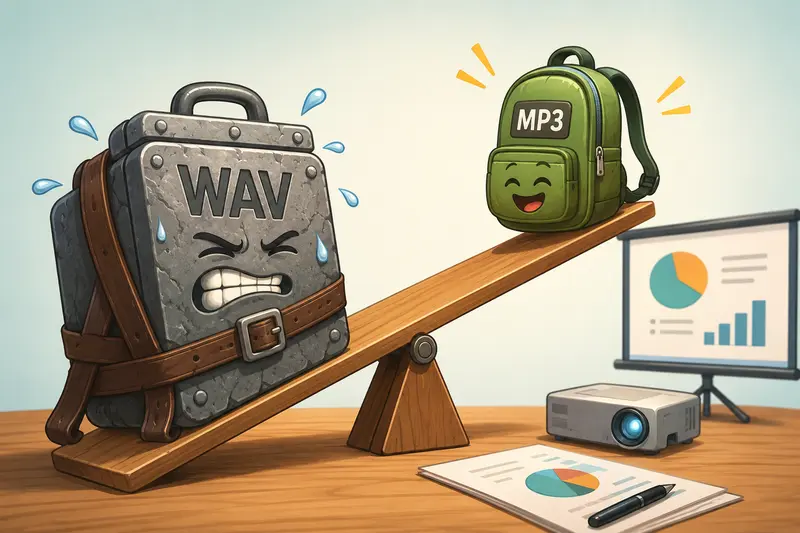
Presentations often include voiceovers, background music, interview clips, or recorded commentary. While WAV files offer excellent audio quality, they can quickly increase presentation file sizes, making sharing, uploading, and playback less convenient.
A reliable WAV to MP3 converter helps reduce file size while maintaining audio quality suitable for presentations. Whether youre preparing a business pitch, classroom lecture, webinar, or conference presentation, converting WAV files to MP3 can make your workflow more efficient.
What You Need to Know First
If your presentation contains WAV audio, converting it to MP3 is usually the most practical choice. MP3 files are significantly smaller, widely supported across devices, and easier to share without noticeably affecting spoken-word audio quality.
For most presentation scenarios, an MP3 bitrate between 128 kbps and 192 kbps provides a strong balance between quality and file size.
Why Presentation Audio Often Benefits From MP3
Large presentation files can become difficult to email, upload to cloud storage, or distribute to attendees.
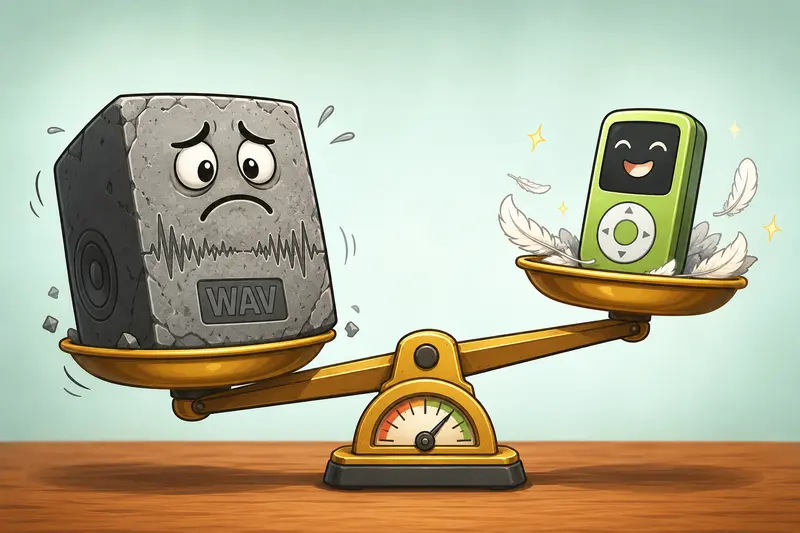
WAV files are uncompressed, which preserves every detail of the recording. The downside is size.
A one-hour presentation recording stored as WAV may consume hundreds of megabytes, while an MP3 version can be dramatically smaller without introducing distracting quality loss for speech-based content.
This becomes especially useful when presentations need to be:
- Shared with colleagues
- Uploaded to learning platforms
- Embedded in PowerPoint or Keynote files
- Viewed on mobile devices
- Distributed to remote audiences
In practice, presentation audio rarely requires studio-grade lossless quality.
How It Works
Converting presentation audio from WAV to MP3 typically follows a straightforward workflow:
1. Upload Your WAV File
Select the audio recording you want to use in your presentation.
2. Choose MP3 as the Output Format
The converter compresses the audio while preserving the content and overall listening experience.
3. Configure Quality Settings
Choose an appropriate bitrate based on your needs. Speech recordings usually require less bandwidth than music-heavy presentations.
4. Process the Conversion
The audio is encoded into MP3 format and prepared for download.
5. Insert or Share the Result
The converted MP3 can then be embedded into presentation software or distributed separately.
A Browser-Based Option for Presentation Audio
One useful solution is the WAV to MP3 converter available through Filemazing:
https://filemazing.com/audio-converter
The platform is designed for users who need file processing tools without installing desktop applications. Since processing happens through a browser-based workflow, you can convert presentation audio from virtually any modern device.
Beyond audio conversion, Filemazing supports related file tasks that often appear in presentation workflows. For example:
- Use the metadata scrubbing tool to remove metadata from media files before distributing recordings publicly.
- Use the format conversion tool when presentation projects also involve converting supporting image assets.
- Use the file encryption tool if converted audio needs password protection before being shared with clients or stakeholders.
The platform also offers API access for organizations that automate recurring media-processing tasks.
Tested Results: Converting Audio for a Presentation Project
To evaluate a realistic presentation scenario, a recorded conference session was tested.
Test setup
- Source format: WAV
- File size: 148 MB
- Duration: 38 minutes
- Content type: spoken presentation with occasional audience questions
Observed outcome
After conversion to MP3 at 192 kbps:
- Final size dropped to approximately 54 MB
- Speech remained clear and intelligible
- Playback worked smoothly on desktop and mobile devices
- Upload time to cloud storage improved noticeably
The most important takeaway was that presentation listeners were unlikely to notice a meaningful quality difference, while the reduced file size simplified distribution.
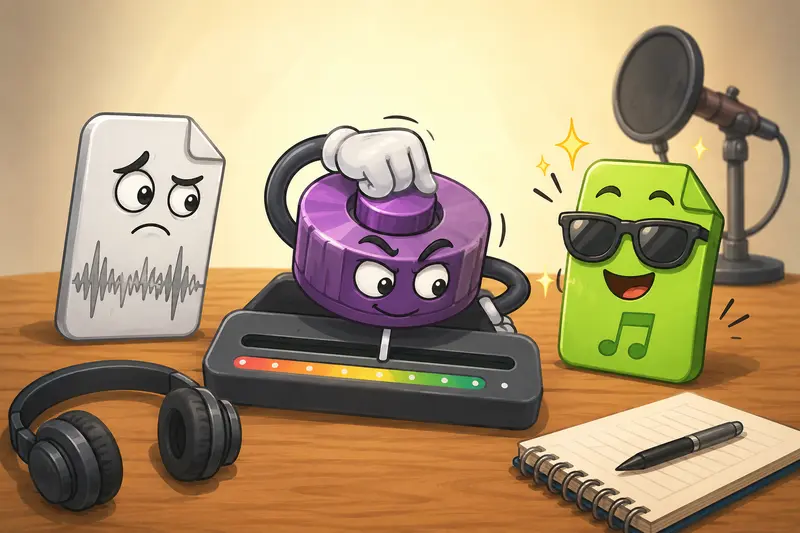
Quality vs Size: Choosing the Right Settings
One common mistake is selecting the highest possible bitrate for every presentation.
That approach increases file size without always providing a meaningful listening benefit.
For Speech-Focused Presentations
- 128 kbps often works well
- Small file sizes
- Good clarity for narration and lectures
For Presentations With Music
- 192 kbps to 256 kbps is often preferable
- Better preservation of musical detail
- Larger but still manageable files
For Archival Copies
- Keep the original WAV file
- Create MP3 versions for sharing and playback
This strategy provides flexibility without sacrificing source quality.
Real-World Applications
Presentation audio conversion is useful across many situations.
Business Presentations
Sales teams can distribute recorded product demonstrations without sending oversized files.
Training Sessions
Organizations can provide employee training recordings that download quickly across different locations.
Educational Lectures
Students and instructors can share lecture recordings more efficiently.
Conference Sessions
Event organizers can publish session recordings in formats that attendees can access easily.
Webinar Archives
Recorded webinars become simpler to store and distribute.
Mobile Viewing
Users who frequently consume presentation recordings on smartphones benefit from reduced storage requirements.
Practical Benefits
Rather than focusing only on compression, converting WAV to MP3 offers several workflow advantages:
- Easier file sharing
- Improved mobile compatibility
- Reduced storage consumption
- Faster uploads and downloads
- Better support across presentation platforms
- More manageable presentation package sizes
Large files have a habit of appearing right before an important deadline. Smaller audio files tend to be far less dramatic.
Privacy Considerations
When handling presentation recordings, privacy matters.
Filemazing treats uploaded files as temporary processing artifacts rather than long-term storage. Completed jobs are cleaned according to a short retention schedule, helping reduce unnecessary persistence of presentation content.
This approach can be particularly valuable for internal meetings, training recordings, and confidential business presentations.
Frequently Asked Questions
Does converting WAV to MP3 reduce audio quality?
Yes, MP3 uses compression. However, for most presentation recordings and spoken content, the quality difference is minimal when appropriate bitrate settings are used.
Is MP3 suitable for mobile presentations?
Absolutely. MP3 is one of the most widely supported audio formats across smartphones, tablets, and laptops, making it ideal when you need to convert audio for mobile devices.
Can I convert audio online free?
Many tools offer limited free usage. Filemazing provides daily free tokens that allow users to process files before purchasing additional capacity if needed.
What is the best audio converter for presentation files?
The best audio converter depends on your requirements. Important factors include output quality, privacy protections, browser accessibility, supported formats, and predictable pricing.
Should I delete the original WAV file?
Usually not. Keeping the original WAV file provides a high-quality master copy while MP3 versions are used for sharing and playback.
Can converted files be secured before sharing?
Yes. If the audio contains sensitive information, you can use the file encryption tool to add protection before distribution.
Final Thoughts
Presentation audio should be easy to distribute, quick to access, and compatible with the devices your audience actually uses.
A dependable WAV to MP3 converter helps achieve that balance by reducing file size while maintaining practical listening quality. For users looking to convert audio online free, streamline presentation workflows, or convert audio for mobile playback, a browser-based solution such as Filemazing provides a convenient and flexible option without requiring desktop software installation.