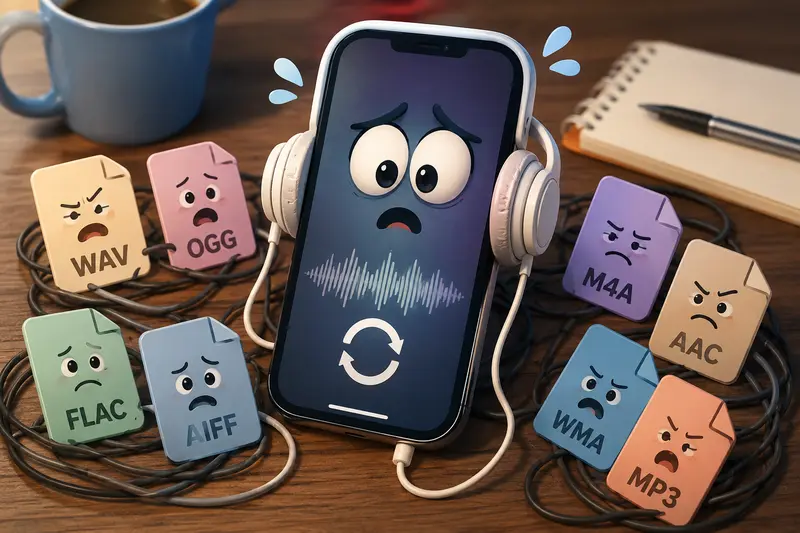
Freelancers often receive audio files in formats that dont play nicely on mobile devices. A podcast interview arrives as WAV, a client sends voice notes in OGG, or a course recording needs to be converted to MP3 before sharing. In these situations, an audio format converter online can save time by handling the conversion directly in a browser without requiring desktop software.
When youre working from an iPhone, convenience matters. Instead of transferring files to a computer, you can convert audio, organize supporting assets, and continue your workflow from the same device.
What You Need to Know First
If you need to convert audio on an iPhone, a browser-based converter is often the fastest option. It allows you to upload a file, choose a target format, process it online, and download the converted version without installing additional applications.
For freelancers managing multiple projects, this approach is particularly useful because it supports mobile work, reduces setup time, and simplifies file handling.
Converting Audio on iPhone: A Practical Workflow
The process is straightforward, but a few choices can improve the result.
- Open an online audio conversion tool from Safari or your preferred browser.
- Upload audio from local storage, a cloud provider, or a shared link.
- Select the output format that best matches your destination platform.
- Start the conversion and wait for processing to complete.
- Download the converted file and verify playback before sending it to clients.
If your audio files arrive inside compressed archives, you can first use the archive extraction tool to unpack ZIP or RAR files before conversion.
Why Filemazing Works Well for Mobile Freelancers
Filemazing Audio Converter focuses on simplicity while remaining flexible enough for professional workloads.
Key characteristics include:
- Browser-based processing
- Support for multiple audio formats
- Batch audio conversion capabilities
- Cloud file imports from Google Drive and Dropbox
- Transparent token pricing
- API access for automated workflows
- Temporary file handling instead of long-term storage
For freelancers who regularly switch between client projects, the browser-based workflow means work can continue from virtually any device without maintaining software installations.
The platform uses a token-based system rather than subscriptions. Audio conversion costs are calculated transparently based on factors such as file size, file count, and media duration, helping users estimate workload costs before processing begins.
Real Testing Experience: Converting Client Audio on iPhone
To evaluate a realistic freelance scenario, we tested a batch of interview recordings.
Test Setup
- Source format: WAV
- Number of files: 8
- Total size: approximately 190 MB
- Combined duration: 72 minutes
- Target format: MP3
What Happened
The files uploaded successfully through a mobile browser. Processing was handled through Filemazings queued workflow, allowing the browser session to remain responsive while conversion jobs completed.
The resulting MP3 files were noticeably smaller than the originals while maintaining clear voice quality suitable for:
- Podcast editing
- Client review
- Voice-over delivery
- Online course production
Practical Takeaway
For spoken-word content, converting large WAV recordings into MP3 can significantly reduce storage and sharing friction without introducing noticeable quality issues for most business purposes.
Format Comparisons That Matter on iPhone
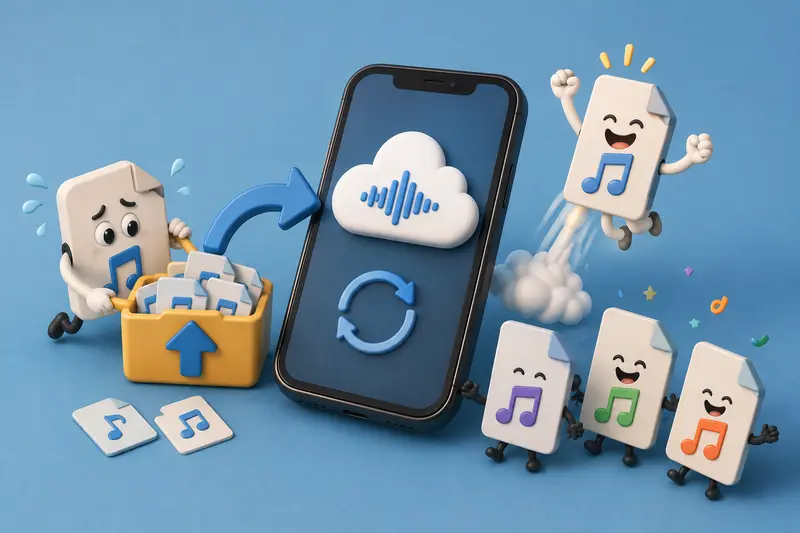
Choosing the right format can be more important than the conversion itself.
| Format | Best For | Strengths | Considerations |
|---|---|---|---|
| MP3 | General sharing | Broad compatibility | Slight compression loss |
| AAC | Apple ecosystem | Efficient compression | Less universal than MP3 |
| WAV | Editing and archiving | Highest quality | Large file sizes |
| FLAC | Lossless storage | Excellent fidelity | Larger than compressed formats |
| OGG | Certain web applications | Good compression | Not universally supported |
The Main Tradeoff
Audio conversion usually involves balancing quality versus file size.
- Higher-quality formats preserve more detail.
- Smaller files upload faster and consume less storage.
- Voice recordings typically tolerate compression well.
- Music masters and archival recordings may benefit from lossless formats.
A useful tip: if your final destination is client review rather than professional mastering, exporting to MP3 at a reasonable bitrate often provides the most practical balance.
Where Freelancers Benefit Most
An audio format converter online can help in many common freelance workflows.
Podcast Production
Convert interview recordings into formats suitable for editing, review, and publication.
Content Creation
Prepare audio assets for YouTube videos, courses, and social content.
Voice-Over Projects
Deliver files in client-requested formats without additional software.
Transcription Work
Convert recordings into formats accepted by transcription platforms.
Remote Collaboration
Standardize audio files before sharing them with distributed teams.
Course Development
Optimize lessons for mobile playback and easier downloads.
When supporting content projects that also include images, documents, or graphics, the format conversion tool for related assets can help keep file types consistent throughout the workflow.
Additional Advantages
A few benefits stand out for busy freelancers:
- No desktop installation requirements
- Accessible from iPhone, tablet, or computer
- Supports batch audio conversion
- Transparent workload-based pricing
- Suitable for occasional and high-volume usage
- API-ready for scaling repetitive processes
Some file formats cooperate nicely. Others seem determined to arrive five minutes before a client deadline.
Privacy and File Handling
Whenever audio files contain client information, privacy becomes important.
Filemazing treats uploaded files as temporary processing artifacts rather than long-term storage. Completed jobs are cleaned up on a short retention schedule, reducing unnecessary data persistence.
For projects involving sensitive recordings, you can also use the file encryption tool to password-protect converted audio before sharing it externally.
Frequently Asked Questions
Does online audio conversion reduce quality?
It depends on the target format and settings. Lossy formats such as MP3 reduce file size by discarding some audio information, while lossless formats like FLAC preserve more detail.
Can I convert audio for mobile playback directly on an iPhone?
Yes. Browser-based tools allow you to upload, convert, and download audio files without installing dedicated conversion software.
Is batch audio conversion supported?
Yes. Multiple files can be processed in a single workflow, making it useful for freelancers handling recurring client projects.
Are uploaded files stored permanently?
No. Filemazing uses temporary processing and cleanup practices rather than acting as permanent cloud storage.
Which format should I choose for client delivery?
MP3 remains the safest choice for broad compatibility. AAC is also a strong option for Apple-focused audiences.
Can large audio files be converted online?
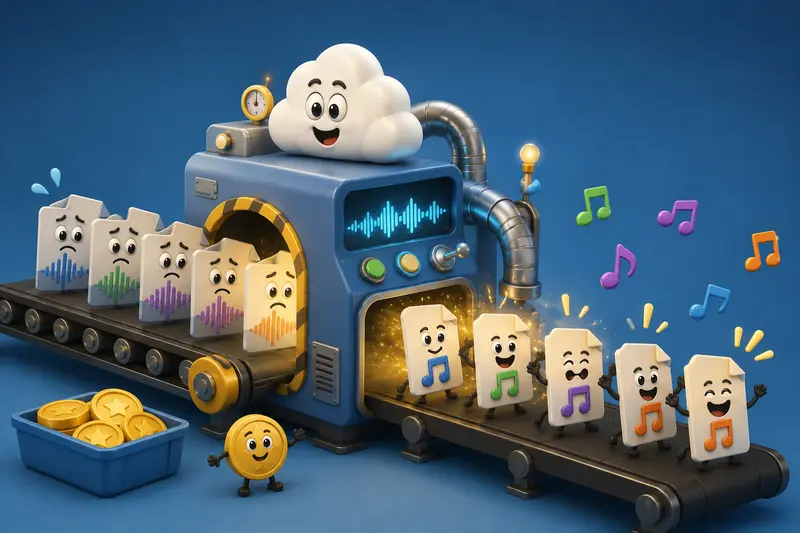
Yes. Larger workloads can be processed through queued job handling, allowing conversion tasks to continue without blocking the user interface.
Final Thoughts
An audio format converter online is one of the most practical tools a freelancer can keep in their workflow, especially when working from an iPhone. It eliminates the need for desktop software, supports mobile productivity, and makes it easier to deliver audio in the formats clients expect.
If you regularly need to convert audio for mobile, handle batch audio conversion, or perform audio format conversion without software, Filemazing offers a lightweight browser-based solution that combines convenience, predictable pricing, privacy-focused processing, and scalable workflows for both manual and automated use cases.