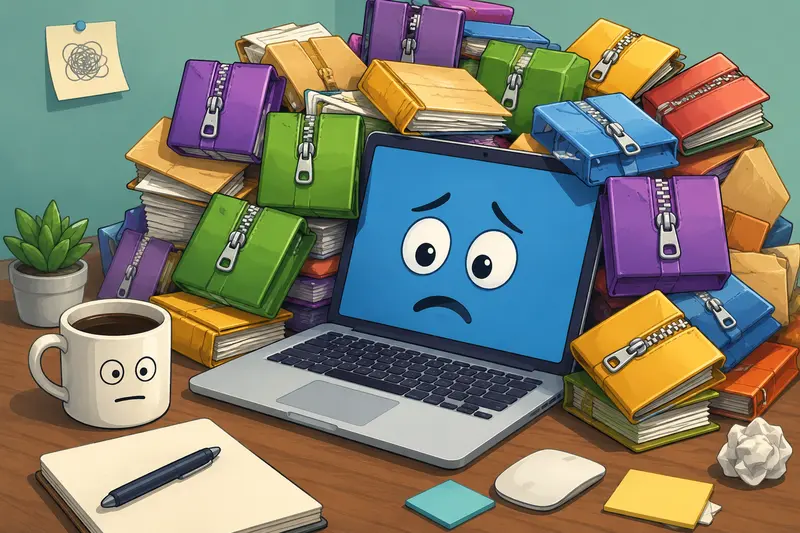
Freelancers often receive project assets packed into ZIP, RAR, or other archive formats. Whether youre handling client documents, design resources, marketing materials, or media files, opening compressed archives quickly can become part of your daily workflow.
An archive extractor online can eliminate the need to install additional software on your Mac, helping you access files directly through a browser while keeping your workflow lightweight and portable.
Quick Overview
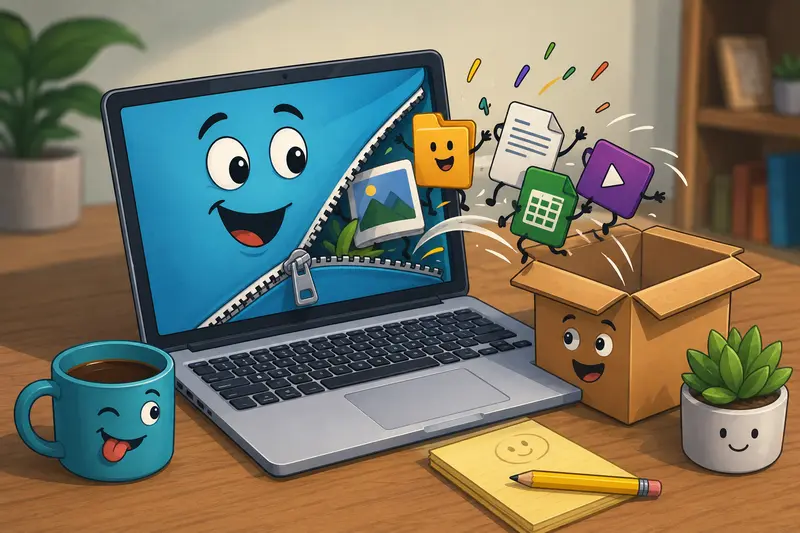
If you need to open compressed files on a Mac without installing desktop applications, an archive extractor online provides a convenient alternative. You upload the archive, extract the contents in your browser-based workflow, and download the files you need.
For freelancers who frequently switch between devices, work remotely, or need to extract ZIP without software, browser-based tools can significantly reduce setup time.
Why Archive Extraction Matters for Freelance Work
Compressed archives are used everywhere because they simplify file delivery and reduce transfer sizes.
Common examples include:
- Client project handoff packages
- Website assets and backups
- Photography collections
- Marketing campaign resources
- Documentation bundles
- Audio and video project files
When deadlines are tight, the ability to unpack archives fast becomes more valuable than many people realize. Waiting to install software, update applications, or troubleshoot compatibility issues is rarely productive.
How to Extract Archives Efficiently on a Mac
The process is straightforward when using a browser-based solution.
1. Upload Your Archive
Select the ZIP, RAR, or supported archive file from your Mac, cloud storage, or file URL.
2. Start Extraction
The system processes the archive and prepares the contained files for download.
3. Review the Contents
Check that all expected files are present before downloading.
4. Download What You Need
Retrieve individual files or the full extracted set depending on the project requirements.
5. Continue Your Workflow
If your archive contains PDFs, you can later use tools such as PDF to Image when documents need to be converted into image formats for presentations, social media, or client reviews.
A Practical Option for Freelancers
One solution designed for this workflow is Filemazing Archive Extractor:
https://filemazing.com/archive-extractor
The platform focuses heavily on ease of use, making it suitable for freelancers who want results without maintaining additional software.
Because Filemazing operates entirely in the browser, you can access it from a Mac, another desktop device, or even when you need to extract archives on mobile while traveling or working remotely.
Additional advantages include:
- Browser-based access
- Support for multiple file processing tasks
- Cloud import options including Google Drive and Dropbox
- Queue-based processing for larger jobs
- API availability for automated workflows
- Transparent token-based pricing
Unlike subscription-heavy platforms, Filemazing uses a token system where processing costs are calculated using clear workload factors such as file size and file count. This helps freelancers estimate costs before running larger jobs.
Real-World Results
To evaluate performance, we tested a realistic freelance project package.
Test Scenario
Files included:
- 1 ZIP archive
- Total archive size: 186 MB
- 42 files inside
- 12 PDF documents
- 18 JPG images
- 7 PNG graphics
- 5 spreadsheet files
Observed Outcome
The archive was processed successfully, and all contained files were extracted correctly. Documents maintained their original structure, images retained their quality, and file names remained intact.
After extraction, several PDFs from the package were combined using the PDF merge tool to create a single deliverable for a client review process.
Practical Takeaway
For freelancers handling recurring client deliveries, browser-based extraction removes friction from the workflow. The biggest benefit is not simply opening archivesits reducing the number of tools required to complete routine tasks.
Common Mistakes to Avoid When Extracting Archives
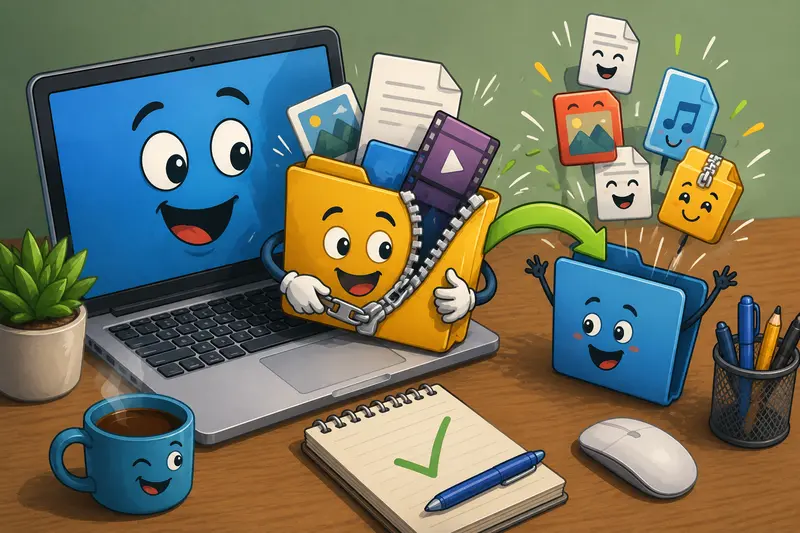
Archive extraction is generally straightforward, but a few issues appear regularly in real-world projects.
Downloading Everything Unnecessarily
Large archives often contain drafts, backups, and outdated assets. Review contents first and download only the files required for the current task.
Ignoring Security Considerations
Always verify the source of an archive before opening it. Unexpected executables or unfamiliar file types should be treated carefully.
Forgetting Post-Processing Requirements
Many freelancers stop after extraction and overlook the next step. For example, extracted confidential documents may need protection before sharing. In those cases, using an encrypted file workflow such as the file encryption tool can add an additional layer of security.
Assuming Every Archive Is Small
Large archives frequently arrive right before deadlines, which is remarkably consistent behavior. Planning for larger file volumes helps avoid unnecessary delays.
Where Freelancers Benefit Most
The value of an archive extractor online extends beyond simple file access.
Client Asset Delivery
Receive complete branding packages, logos, images, and documents in a single archive.
Website Projects
Extract website backups, theme files, and development resources.
Content Production
Access media bundles containing videos, images, PDFs, and supporting documents.
Consulting Engagements
Review compressed reports, spreadsheets, and research materials.
Remote Work
Open archives without needing administrative access to install software.
Mobile Productivity
When away from your Mac, you can still extract archives on mobile and continue working from virtually anywhere.
Speed, Privacy, and Workflow Considerations
Every extraction method involves tradeoffs.
Browser Convenience vs Local Control
Browser-based extraction provides accessibility and portability. Local desktop tools may offer deeper customization options for highly specialized use cases.
For most freelancers, convenience outweighs the need for advanced archive management features.
Privacy Considerations
File handling practices matter, especially when working with client information.
Filemazing treats uploaded files as temporary processing artifacts rather than long-term storage. Files are processed, delivered, and cleaned according to short retention schedules. This approach helps reduce exposure while supporting practical file-processing workflows.
Transparency around processing and storage practices is often more important than raw feature counts.
Key Advantages
- No software installation required
- Accessible from Mac and mobile devices
- Supports fast project workflows
- Useful for both occasional and frequent archive processing
- Predictable token-based pricing
- Suitable for manual use and API-driven automation
- Temporary processing and cleanup-focused handling
Frequently Asked Questions
Can I extract ZIP without software on a Mac?
Yes. A browser-based archive extractor allows you to upload a ZIP file, extract its contents, and download the results without installing additional applications.
Can I extract archives on mobile devices?
Many browser-based extraction tools support mobile workflows, allowing access to archive contents from phones and tablets.
Will extracted files lose quality?
No. Archive extraction itself does not alter file quality. Documents, images, and media files remain unchanged during the extraction process.
Is an archive extractor online safe for client files?
Safety depends on the platforms handling practices. Look for transparent processing policies, temporary storage practices, and file cleanup procedures.
What archive formats are typically supported?
Support varies by service, but common formats often include ZIP, RAR, and other widely used archive types.
Does extracting large archives take longer?
Generally yes. Processing speed depends on factors such as archive size, file count, and server workload. Larger archives naturally require more processing time.
Final Thoughts
Freelancers regularly deal with compressed project deliveries, shared resources, and large collections of files. Using an archive extractor online on Mac can streamline access to those assets while reducing software maintenance and setup overhead.
If your goal is to unpack archives fast, extract ZIP without software, and maintain a flexible browser-based workflow, Filemazing provides a practical solution that fits both occasional tasks and ongoing professional workloads.