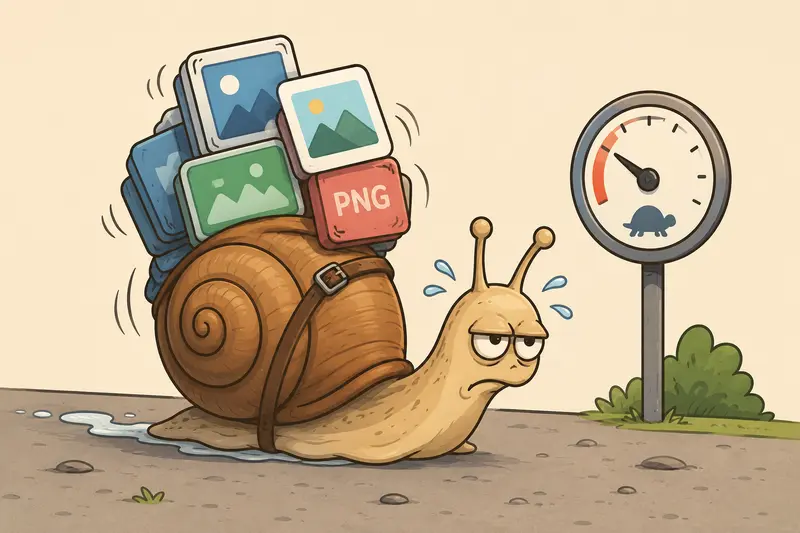
Large image files have a habit of showing up at the worst possible moment.
A campaign landing page is ready, the ad creatives look great, and then someone notices the mobile version loads like its stuck in 2014. Oversized PNGs are usually the culprit especially when marketing teams pass images between Canva, Photoshop, Google Drive, and messaging apps without checking final file size.
Thats where bulk image compression becomes less of a technical task and more of a workflow advantage.
For marketers working directly from Android devices, browser-based compression tools are often the fastest way to reduce image weight without dragging a laptop into the process.
What Actually Matters When Compressing Marketing Images
The goal is not simply smaller files.
The goal is maintaining visual quality while improving page speed, ad delivery, upload performance, and storage efficiency.
For marketing teams, that usually means balancing:
- image clarity for ads and landing pages
- fast mobile loading
- social platform upload limits
- CMS performance
- manageable storage sizes
A compressed 250KB banner that still looks sharp will almost always outperform a pristine 8MB PNG that slows page rendering.
And yes, Google notices.
Site speed influences bounce rate, conversion behavior, and search performance. Thats why many marketers actively look for ways to compress PNG for website speed without introducing visible artifacts.
A Practical Android Workflow That Scales Better
One reason browser-based tools have become popular is convenience.
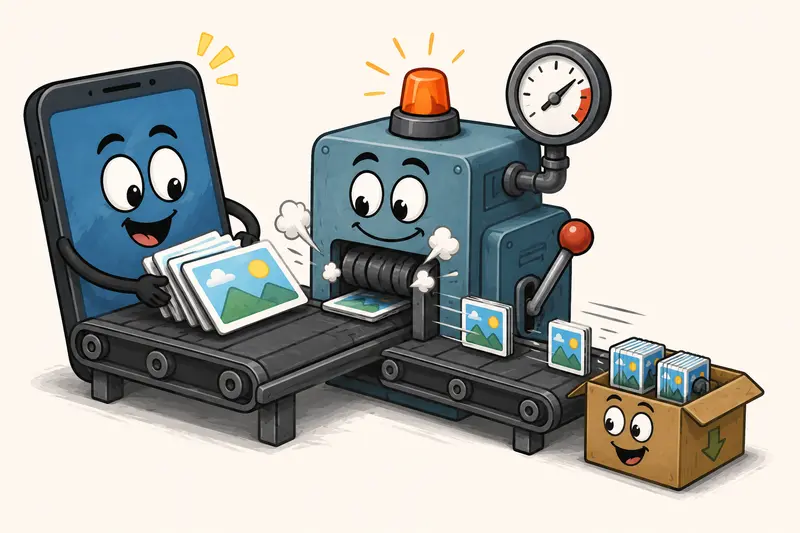
With a tool like Filemazing Image Compression https://filemazing.com/compress-image, marketers can compress multiple files directly from Android without installing another editing app or exporting through desktop software.
The process is straightforward:
- Upload multiple PNG or JPG files from Android storage, Google Drive, or Dropbox
- Run compression in batch mode
- Download optimized assets individually or together
- Publish directly to CMS platforms, ad managers, or ecommerce systems
The advantage is less about features and more about reducing friction during active campaigns.
Especially during launch weeks when asset revisions arrive every hour.
Real Usage Example: Compressing Campaign Creatives Before Launch
Recently, a typical ecommerce campaign workflow involved:
- 42 PNG social creatives
- combined upload size: roughly 186MB
- exported from Canva with transparency preserved
- intended for Shopify landing pages and Meta ads
The problem wasnt storage. It was performance.
Several product pages were loading slowly on mobile because transparent PNG hero banners were significantly oversized.
After running bulk image compression through Filemazing:
- final combined size dropped to around 48MB
- most images retained near-identical visual quality
- mobile page speed scores improved noticeably
- upload handling inside Shopify became faster
The biggest improvement was actually workflow speed. Instead of compressing assets one at a time through mobile apps, the files were processed together from a browser session on Android.
No desktop handoff required.

PNG vs JPG on Mobile Campaigns
This is where marketers often lose unnecessary megabytes.
PNG files are excellent when you need:
- transparency
- UI graphics
- logos
- screenshots
- crisp text overlays
But theyre frequently overused for photography-heavy creatives.
If the image contains:
- product photography
- lifestyle imagery
- gradients
- complex textures
JPG or WEBP usually performs better.
If you need format flexibility, the Filemazing Format Converter https://filemazing.com/format-converter can help convert between PNG, JPG, WEBP, HEIC, and AVIF depending on where the images will be published.
That matters because different platforms reward different formats:
- ecommerce banners often benefit from WEBP
- transparent assets still lean toward PNG
- email campaigns usually favor compressed JPGs
Using the wrong format is one of the easiest ways to accidentally ship oversized assets.
The Tradeoff Nobody Mentions Enough
Theres always a balance between:
- file size
- visual sharpness
- processing speed
Aggressive compression can introduce:
- muddy gradients
- halo artifacts around text
- softened product edges
The goal is smaller files not turning your ad creatives into blurry cave paintings.
High-compression settings are usually fine for:
- thumbnails
- temporary campaign previews
- internal review assets
But hero images and paid ad creatives deserve more conservative optimization.
This is where high quality image compression matters more than absolute file reduction.
A slightly larger file that preserves conversion-focused visual quality is often the better business decision.
Why Browser-Based Compression Works Well for Marketing Teams
Many Android compression apps become cluttered with:
- ads
- background syncing
- gallery permissions
- aggressive upsells
Browser-based processing simplifies things.
Filemazing focuses more on operational workflow:
- queued batch processing
- temporary file handling
- cloud imports
- predictable token costs
- downloadable completed jobs
For teams processing recurring assets, that predictability matters.
Instead of vague premium plans, token usage is tied to workload complexity and file size. Compressing images consumes tokens according to transparent rules, which makes budgeting easier for agencies and small marketing teams handling fluctuating campaign volumes.
One Smart Optimization Habit Most Teams Skip
Compress images before uploading them into CMS builders or automation platforms.
A surprising number of systems:
- duplicate media versions
- create resized variants
- cache originals
- generate thumbnails repeatedly
Uploading oversized source images multiplies storage waste downstream.
This becomes especially noticeable in:
- WordPress
- Shopify
- Webflow
- email automation systems
- DAM platforms
Reducing size upfront improves:
- CDN delivery
- media backups
- sync speed
- admin responsiveness
For marketers managing hundreds of creatives monthly, this compounds quickly.
Hidden Metadata Can Quietly Leak Information
Marketing images sometimes carry:
- device information
- GPS coordinates
- editing software details
- author metadata
That may not sound important until client assets start moving across vendors, freelancers, and public downloads.
Before sharing compressed files externally, many teams also run images through a metadata cleanup step. The Filemazing Metadata Scrubber https://filemazing.com/metadata-scrubber removes hidden metadata before distribution.
Its a small step that reduces unnecessary exposure.
When Bulk Compression Makes the Biggest Difference
Bulk workflows become especially useful for marketers handling:
Seasonal Campaign Assets
Holiday promotions tend to produce dozens of variants in short timeframes.
Ecommerce Product Uploads
Large catalogs often contain oversized supplier images that slow storefronts dramatically.
Agency Client Deliverables
Compressed previews upload faster and reduce transfer friction between teams.
Email Marketing Graphics
Smaller images improve load behavior in mobile inboxes.
Social Ad Iterations
Creative testing generates duplicate assets rapidly, making manual optimization impractical.
Privacy and File Handling Considerations
Marketing teams regularly process:
- unreleased creatives
- client branding materials
- internal campaign assets
So privacy handling matters.
Filemazing positions uploads as temporary processing artifacts rather than long-term cloud storage. Completed jobs are cleaned on a short retention schedule instead of being stored indefinitely.
For teams sharing compressed assets externally, it can also make sense to encrypt sensitive image files before delivery https://filemazing.com/encrypt-file when working with embargoed campaigns or unreleased product launches.
That extra layer is usually overkill for everyday graphics but useful for client-sensitive material.
Common Compression Mistakes That Hurt Marketing Performance
Compressing Multiple Times
Repeated compression passes degrade quality surprisingly fast.
Always compress from the original source file when possible.
Exporting Everything as PNG
Many marketing graphics do not require transparency.
Using JPG or WEBP strategically often reduces file size dramatically.
Ignoring Mobile Preview Testing
Desktop previews can hide compression artifacts that become obvious on mobile.
Always test:
- text clarity
- gradients
- skin tones
- product edges
Over-Optimizing Tiny Assets
Compressing already-small icons aggressively may save only a few kilobytes while introducing visible distortion.
Sometimes the gain simply isnt worth it.
Questions Marketers Usually Ask
Does bulk image compression reduce SEO quality?
No if done properly, it usually improves SEO performance because pages load faster. The key is maintaining acceptable visual quality while reducing unnecessary file weight.
Whats the best image compressor for Android marketers?
The best option depends on workflow needs. Browser-based tools like Filemazing https://filemazing.com/compress-image are useful for marketers because they support batch processing without requiring desktop software installation.
Should I use PNG or JPG for landing pages?
Use PNG when transparency or sharp interface elements matter. Use JPG or WEBP for photography-heavy banners and promotional imagery where smaller file size is more important.
Is browser-based compression safe for client assets?
Generally, yes especially when platforms use temporary processing and automatic cleanup policies instead of permanent storage retention.
Can compressed images still look professional in paid ads?
Absolutely. Moderate compression settings often preserve visual quality extremely well. The biggest mistakes usually come from excessive optimization rather than compression itself.
Does Android handle large image batches reliably?
Modern Android devices can manage large browser uploads reasonably well, although upload speed and available memory still affect performance when handling hundreds of files simultaneously.
Final Thoughts
For marketers, image optimization is no longer a niche technical task handled by developers alone.
Campaign performance, mobile speed, ad delivery, and even conversion rates are all affected by asset weight.
A reliable bulk image compression workflow helps reduce friction across the entire content pipeline especially when campaigns move quickly and assets multiply faster than anyone planned.
Browser-based tools like Filemazing work particularly well on Android because they remove unnecessary setup while still supporting batch processing, multiple formats, and practical privacy handling.
Smaller files. Faster pages. Fewer workflow bottlenecks.
Thats usually a worthwhile trade.