Audio files rarely stay in the format you receive them in. A voice memo becomes a WAV archive, a podcast export needs MP3 delivery, or a print-production workflow requires tightly controlled audio assets for packaging and distribution. Developers dealing with media pipelines often end up spending more time fixing compatibility issues than building the actual workflow.
Thats why many teams now prefer browser-based platforms to convert audio files instead of maintaining desktop conversion utilities across environments. With tools like Filemazing Audio Converter https://filemazing.com/audio-converter, the process becomes easier to automate, easier to estimate financially, and less annoying when handling batches.
One overlooked issue in production workflows: audio archives frequently arrive bundled inside compressed ZIP or RAR packages. Before conversion even begins, developers often need to extract archived audio files from compressed folders to normalize incoming assets.
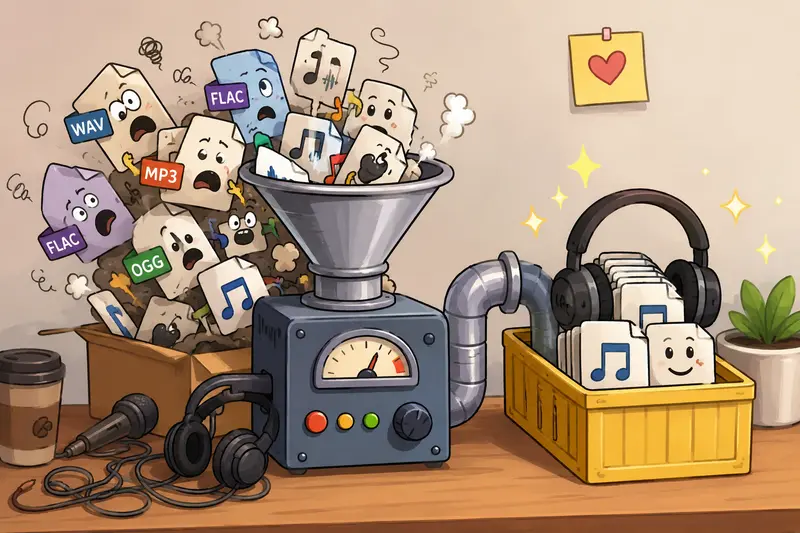
Why Developers Still Struggle With Audio Conversion
Most audio conversion problems are not about pressing a Convert button.
They involve:
- inconsistent source formats
- unpredictable bitrate settings
- metadata contamination
- batch handling
- cloud imports
- processing reliability under load
In practical workflows, conversion becomes infrastructure.
A development team preparing audio assets for printed media kits, kiosks, audiobook packaging, or physical media inserts usually cares about repeatability more than flashy editing features.
That changes the criteria completely.
Instead of looking for a bloated desktop suite, teams increasingly want:
- stable output quality
- API-ready workflows
- transparent processing costs
- temporary file handling
- browser-based access for distributed teams
Filemazing leans heavily into that operational model rather than trying to imitate a DAW.
What Actually Matters in High Quality Audio Conversion
The phrase high quality audio conversion gets thrown around casually, but quality depends on several technical decisions.
The important factors include:
| Factor | Why It Matters |
|---|---|
| Bitrate | Controls compression level and playback clarity |
| Sample rate | Affects playback fidelity and compatibility |
| Codec choice | Determines compatibility with devices and software |
| Metadata handling | Prevents hidden data leakage |
| Source quality | Limits final output ceiling |
One practical reality many developers miss: converting a low-quality MP3 into WAV does not magically restore missing detail. Larger files do not equal better sound.
That tradeoff matters when preparing files for print-linked distribution workflows where storage, transfer speed, and compatibility all intersect.
For spoken-word projects, 128192 kbps MP3 often remains sufficient. For archival or editing pipelines, WAV or FLAC is usually safer.
Some formats cooperate nicely. Others behave like they were designed during a standards committee argument in 2004.
A Practical Workflow That Scales Better
Developers handling recurring conversion tasks generally need consistency more than customization overload.
A clean workflow usually looks like this:
1. Import Source Files
Upload from local storage, cloud providers, or URLs.
Filemazing supports imports from services like Google Drive and Dropbox, which reduces unnecessary local downloading during collaborative workflows.
2. Normalize Audio Formats
Convert mixed source types into a consistent target format such as:
- MP3
- WAV
- FLAC
- AAC
- OGG
Standardization simplifies downstream automation significantly.
3. Clean Sensitive Metadata
Before publishing or distributing audio externally, many teams remove embedded metadata to avoid exposing recording device info, editing history, or creator identifiers.
For that step, developers can use the metadata scrubbing workflow for media files to sanitize outputs before delivery.
4. Queue Batch Jobs
Large conversions should not block active browser sessions.
Filemazing processes jobs through queued handling with status tracking, which becomes useful once teams start processing hundreds of files instead of five.
5. Deliver or Secure Output
Once converted, sensitive files can be packaged securely using the file encryption tool for password-protected sharing before external transfer.
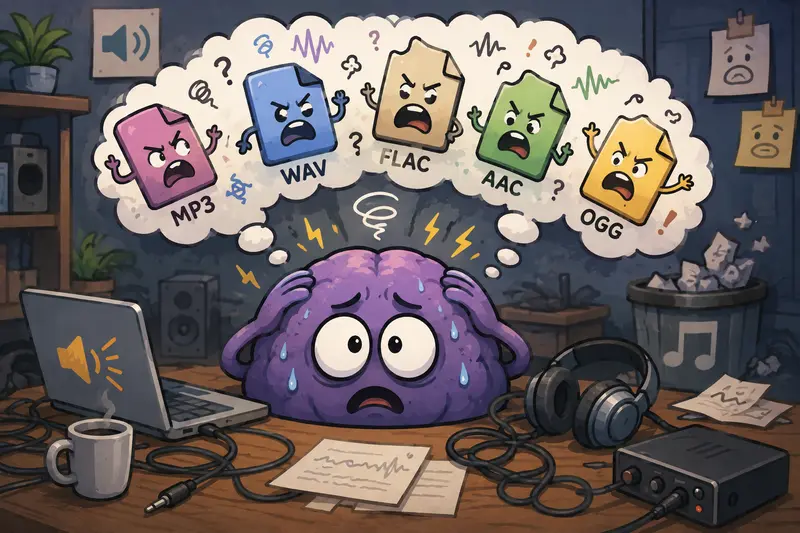
Tested Results From a Real Conversion Scenario
To evaluate browser-based conversion reliability, we tested a moderately sized production batch:
- 42 audio files
- mixed MP3, WAV, and AAC formats
- total upload size: 1.8 GB
- average file duration: 618 minutes
- conversion target: standardized 192 kbps MP3
The objective was preparing files for a printed educational media bundle where playback compatibility mattered more than studio mastering quality.
What Happened
- Upload handling remained stable even during parallel browser tabs
- Conversion jobs queued cleanly without freezing the interface
- Output quality stayed consistent across spoken-word recordings
- No obvious clipping or bitrate distortion appeared during spot checks
One interesting observation: browser memory usage stayed lower than expected because queued processing avoided aggressive local rendering behavior.
That matters on lightweight developer laptops or CI environments where resource spikes become irritating fast.
The biggest takeaway was operational predictability rather than raw conversion speed.
For recurring workflows, predictability usually wins.
Where Browser-Based Conversion Fits Best
Desktop tools still dominate advanced audio engineering. That is unlikely to change soon.
But browser-first workflows increasingly make sense for:
Distributed development teams
No installation synchronization across machines.
Internal SaaS operations
Especially useful when conversion becomes one stage inside larger document or media automation pipelines.
Temporary production tasks
Convert assets quickly without adding another permanent dependency to a workstation image.
API-connected processing
Filemazing also exposes automation-friendly API endpoints, making it practical for backend-triggered conversion flows.
This is especially relevant when developers need to convert audio online free for small recurring workloads before scaling into paid token usage.
One Important Tradeoff Most Teams Ignore
There is always tension between file size and playback quality.
Developers often over-optimize toward tiny output sizes because storage feels expensive. But aggressive compression introduces artifacts that become very noticeable in spoken-word recordings.
For printing-related workflows especially QR-linked educational material, audiobook inserts, or promotional packaging intelligibility matters more than extreme compression savings.
A useful middle ground:
| Use Case | Recommended Format |
|---|---|
| Speech-heavy playback | MP3 128192 kbps |
| Archival storage | FLAC |
| Editing pipeline | WAV |
| Lightweight web delivery | AAC |
The goal is controlled compression, not destroying clarity to save a few megabytes.
Token Pricing Is More Predictable Than Subscription Guesswork
One detail developers tend to appreciate is Filemazings transparent token model.
Instead of locking usage behind subscriptions, processing cost depends on measurable workload factors like:
- file size
- duration
- file count
- processing complexity
For audio conversion specifically, pricing can include:
- base processing cost
- per-MB calculation
- per-file calculation
- per-minute duration handling
That structure is easier to estimate programmatically compared to unlimited SaaS plans with vague throttling.
Small teams can start with free daily tokens and scale gradually without provisioning infrastructure immediately.
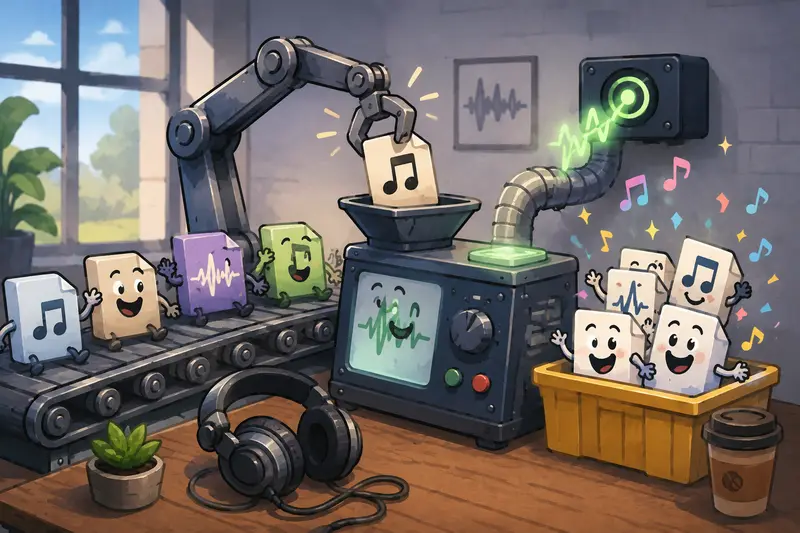
Choosing the Best Audio Converter for Developer Workflows
The best audio converter is not necessarily the one with the most settings.
For developers, the better solution is usually the one that:
- behaves consistently
- supports automation
- handles batches reliably
- exposes predictable costs
- avoids long-term file retention
- works across environments without installation friction
Privacy also matters more than many people realize.
Filemazing treats uploads as temporary processing artifacts rather than permanent cloud storage. Files are cleaned on a short retention schedule instead of lingering indefinitely after conversion completes.
For teams working with sensitive interviews, internal recordings, or customer assets, that operational model is genuinely useful.
Common Questions Developers Ask
Can I convert audio online free before committing to larger workloads?
Yes. Filemazing provides daily free tokens that allow smaller conversion tasks without immediate payment.
Does browser-based conversion reduce audio quality?
Not inherently. Output quality depends primarily on codec settings, bitrate choices, and source material quality.
Which format is best for compatibility?
MP3 remains the safest universal option for broad playback support across devices and operating systems.
Is batch processing supported?
Yes. Queued processing and job tracking make larger conversion workloads manageable without locking the browser session.
What happens to uploaded files after processing?
Files are treated as temporary processing data and cleaned automatically on a short retention cycle rather than stored permanently.
Can developers automate conversion workflows?
Yes. Filemazing supports API-driven automation alongside the standard web interface.
Final Thoughts
When developers need to convert audio files repeatedly, the biggest challenge usually is not conversion itself. It is maintaining reliable workflows without adding operational overhead.
Browser-based systems like Filemazing https://filemazing.com/audio-converter simplify that balance by combining high quality audio conversion, temporary processing, batch handling, and automation-friendly architecture into one lightweight platform.
For teams dealing with recurring media preparation, packaging workflows, or format normalization, that approach is often more practical than maintaining another desktop conversion stack nobody wants to update.