Printing problems often start long before the printer itself.
A customer sends product photos from an iPhone, your designer uploads HEIC files to a print vendor, and suddenly nothing opens correctly on the receiving side. Even when the images display properly, some print shops reject HEIC entirely because their workflow still depends on JPG or PNG compatibility.
For small business owners handling menus, flyers, packaging drafts, catalogs, or marketing assets, a reliable HEIC to JPG converter becomes less of a convenience and more of a workflow necessity.
Thats especially true when you need consistent image quality across multiple files without spending half the afternoon troubleshooting formats.
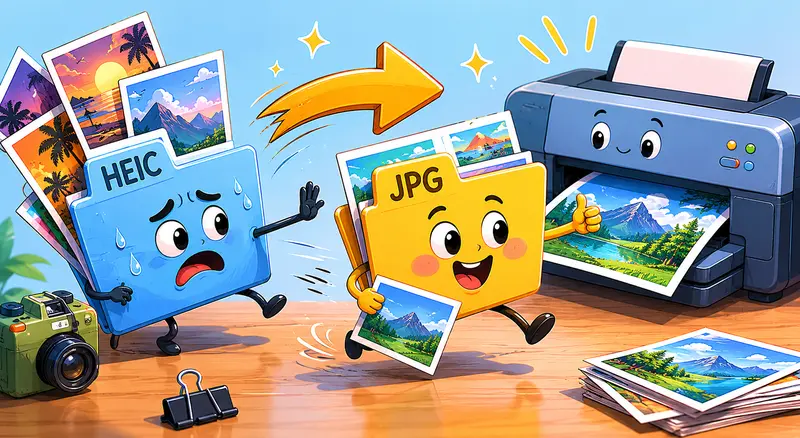
Why HEIC Causes Friction in Printing Workflows
HEIC is efficient. Apple introduced it because it stores high-quality images with smaller file sizes compared to JPG.
The problem is compatibility.
Many older printers, online print portals, inventory systems, and editing tools still expect JPG uploads. A surprising number of local print shops also continue using legacy software that simply refuses HEIC files outright.
In practice, this creates issues like:
- images not previewing correctly
- upload failures on print platforms
- unexpected color handling problems
- unsupported file format warnings
- delays during client approvals
For business teams managing multiple marketing materials at once, format incompatibility slows everything down.
A reliable conversion workflow avoids that bottleneck before files ever reach production.
What Actually Matters During HEIC Conversion
Not every converter handles image processing equally well.
For print use, the biggest concern is preserving enough detail while keeping the workflow manageable. Some converters aggressively compress files during export, which can soften text edges or reduce clarity in product photos.
That tradeoff becomes noticeable on:
- brochures
- restaurant menus
- signage mockups
- business cards
- packaging previews
The goal is not simply converting HEIC into JPG.
The goal is converting images without losing quality in ways that affect real-world printing.
A good workflow should preserve:
- resolution
- color consistency
- sharp edges
- readable text inside graphics
- reasonable file size
A Practical Browser-Based Option for Small Teams
Filemazing Format Converter https://filemazing.com/format-converter is useful here because it focuses on practical file workflows rather than heavyweight desktop software.
Instead of installing another editing app, you can process files directly in the browser and convert multiple images in one session. That matters for small businesses handling recurring print assets from phones, freelancers, or client uploads.
The platform supports:
- batch image format conversion
- cloud imports from Google Drive or Dropbox
- API automation for repeat tasks
- temporary processing instead of long-term file storage
- predictable token-based usage pricing
The token model is especially helpful for smaller teams because usage scales with actual workload instead of forcing another monthly subscription. If your business only converts files occasionally, youre not paying for idle software access.
Theres also a practical transparency angle here: token usage is calculated visibly based on file size, file count, and workload characteristics rather than vague premium processing tiers.
Some file tools feel like they price workloads using astrology. Transparent usage estimates are refreshing.
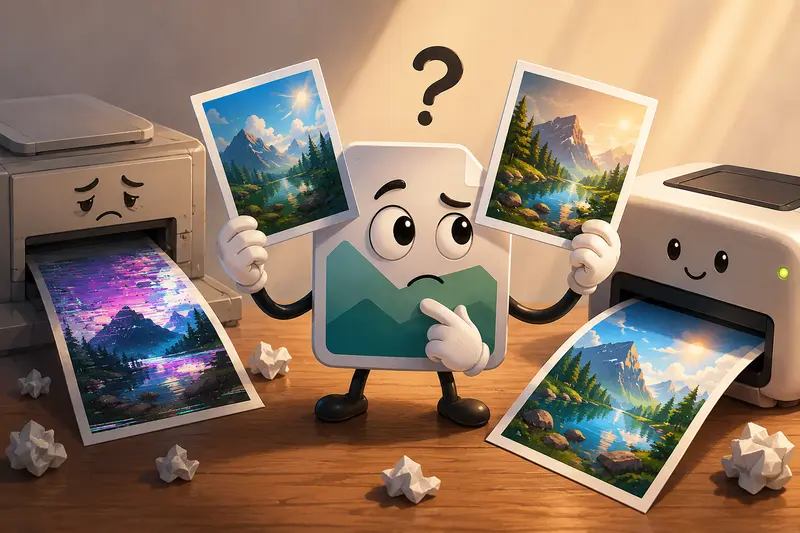
A Realistic Print Preparation Scenario
We tested a typical small-business workflow involving:
- 42 HEIC product photos from an iPhone
- total upload size around 380 MB
- mixed lighting conditions
- several close-up product shots with text labels
The objective was preparing JPG versions for:
- an online print provider
- a lightweight product catalog
- social media reuse afterward
A few observations stood out.
Batch processing saved significant time
Handling all files together mattered more than expected. Manual one-by-one exports become tedious quickly, especially when marketing materials are updated frequently.
JPG output remained visually stable
Text on labels stayed readable, and color variation remained minimal after conversion. Thats important because over-compressed JPG exports can create subtle artifacts around typography and edges.
File size remained manageable
The converted JPG files were still large enough for printing but easier to distribute through email and supplier portals afterward.
And because the files are processed temporarily rather than stored indefinitely, theres less concern about sensitive marketing assets sitting permanently on a third-party server.
Where Small Businesses Usually Waste Time
The biggest inefficiency is often unnecessary reprocessing.
A common pattern looks like this:
- Convert HEIC to JPG
- Re-export through another editor
- Compress again for web upload
- Re-save after corrections
Every additional export can reduce quality slightly.
Instead, its smarter to:
- convert once at high quality
- archive the master JPG version
- create smaller web copies separately
If you later need lighter website images, using a dedicated tool like Filemazing Image Compression https://filemazing.com/compress-image helps reduce file size without repeatedly degrading the original converted files.
That separation keeps print assets cleaner over time.
Things Worth Knowing Before Bulk Conversion
JPG is usually better for printing than WEBP
Many businesses now use WEBP online because it offers efficient compression. But print vendors still overwhelmingly prefer JPG or PNG.
So while its helpful to convert WEBP online for web workflows, JPG remains the safer universal option for physical printing compatibility.
Bigger files are not always better
Some users assume maximum export quality automatically improves print results.
Not necessarily.
Extremely oversized JPGs can:
- slow uploads
- create unnecessary storage overhead
- complicate email delivery
- increase processing time in print systems
For most business printing needs, maintaining strong visual quality with moderate compression produces better workflow efficiency overall.
PNG is not ideal for everything
PNG works well for graphics with transparency, but product photos and marketing images usually benefit more from JPGs smaller footprint.
Large PNG batches can become cumbersome surprisingly fast.
Workflow Recommendations for Teams Handling Frequent Media
Businesses dealing with recurring media tasks benefit from standardizing formats early.
A simple structure works well:
- keep incoming originals separately
- convert HEIC to JPG immediately
- compress web copies independently
- archive print-ready versions
That reduces confusion later when multiple employees, freelancers, or agencies access shared assets.
For teams sending approved proofs externally, adding encryption before delivery can also help protect client materials or unreleased marketing files. Filemazing File Encryption Tool https://filemazing.com/encrypt-file fits naturally into that workflow for sensitive documents and exports.
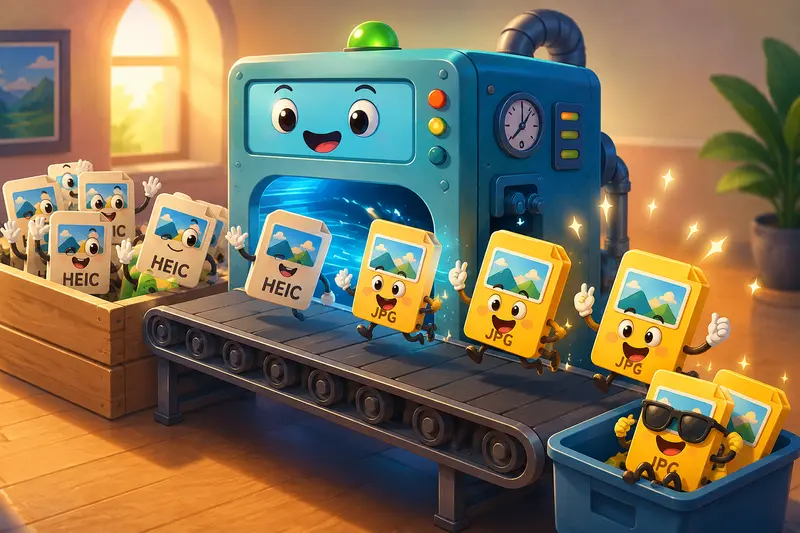
Why Browser-Based Conversion Helps Smaller Operations
Many small business owners dont actually need professional editing suites.
They need:
- compatibility
- reliable exports
- predictable costs
- fast turnaround
- fewer workflow interruptions
Browser-based processing reduces friction because employees can handle conversions without local installations or specialized training.
That accessibility matters when:
- remote staff contribute assets
- contractors upload mixed formats
- marketing teams move quickly between campaigns
- non-technical employees handle updates
Filemazing also supports queued processing and job tracking, which becomes useful during heavier workloads where dozens or hundreds of files are involved.
Frequently Asked Questions
Does converting HEIC to JPG reduce print quality?
Not automatically. Quality depends largely on export settings and compression levels. A well-handled JPG conversion typically preserves enough detail for flyers, menus, catalogs, and most business printing needs.
Is batch image format conversion useful for small businesses?
Yes, especially when teams receive frequent uploads from phones or external contributors. Batch conversion reduces repetitive manual processing and keeps asset libraries more consistent.
Can I convert images without losing quality completely?
All JPG conversion introduces some compression, but the impact can be minimal when high-quality export settings are used properly. Avoid repeatedly re-saving the same JPG file after conversion.
Are uploaded files stored permanently?
Filemazing processes uploads as temporary workflow artifacts rather than long-term storage. Files are cleaned on a short retention schedule, which is helpful for businesses handling internal or client-sensitive materials.
Should I use JPG or PNG for printing?
For most photographic print materials, JPG is the better balance between compatibility and file size. PNG is usually more useful for graphics requiring transparency.
Can the same tool handle PDFs and other formats too?
Yes. Filemazing also supports workflows like PDF to Image Conversion https://filemazing.com/pdf-to-image for exporting PDF pages as JPG, PNG, or WEBP when preparing visual assets for presentations, print proofs, or web publishing.
Final Thoughts
HEIC works well inside Apples ecosystem, but business printing workflows still rely heavily on JPG compatibility.
For small business owners, the real advantage of a solid HEIC to JPG converter is operational consistency:
- fewer rejected uploads
- smoother collaboration
- cleaner print preparation
- less manual correction work
Filemazing https://filemazing.com/format-converter approaches the problem from a practical workflow angle rather than a bloated software model. The browser-based setup, transparent token usage, batch support, and temporary file handling make it particularly useful for teams managing recurring media tasks without dedicated design infrastructure.
And when deadlines pile up, reducing even one layer of file-format chaos can make a noticeable difference.