Wedding galleries rarely arrive as one tidy package.
A client sends contracts as PDFs, second shooters upload lighting diagrams in separate files, scanned model releases live in another folder, and your edited contact sheets become yet another export. Before long, organizing deliverables feels more time-consuming than the shoot itself.
Thats where the ability to merge PDF documents directly in a browser becomes surprisingly useful for photography workflows.
The Short Version
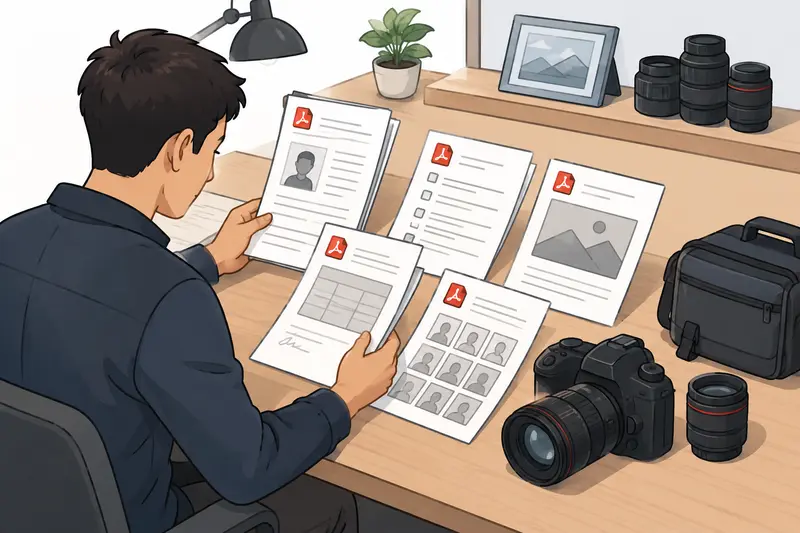
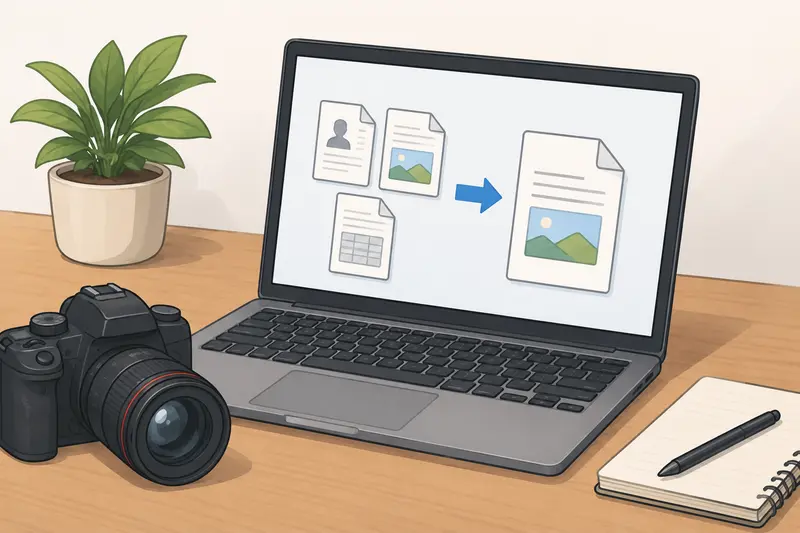
If you need to combine contracts, shot lists, proof sheets, invoices, or scanned paperwork into one file, a browser-based PDF merger is often the fastest route. You can upload multiple PDFs, arrange them in order, and generate a single consolidated document without installing desktop software.
Tools like Filemazing Merge PDF Tool https://filemazing.com/merge-pdf also help photographers handle larger document batches while keeping processing temporary rather than storing files long term.
Why Photographers End Up Merging PDFs So Often
Photography businesses generate more paperwork than many people expect.
A typical event project might include:
- client agreements
- venue permits
- mood boards
- licensing documents
- contact sheets
- scanned receipts
- delivery notes
- gallery instructions
Keeping these as separate files works until someone asks for the complete package.
At that point, combining everything into a single PDF becomes cleaner for both clients and internal organization.
For photographers working remotely or across multiple devices, browser-based workflows also remove the need to rely on one editing machine. That matters when youre reviewing files from a tablet during travel or sending updated documents from a temporary workstation.
How the Process Usually Works
Merging PDFs online is straightforward, but a smoother workflow starts with preparation.
1. Gather the final versions first
Before combining documents, double-check that approvals and edits are complete. Replacing one page later means rebuilding the merged file again.
2. Organize files intentionally
Naming files helps more than most people realize:
01-contract.pdf02-shot-list.pdf03-proof-gallery.pdf
This keeps page order predictable during upload.
3. Upload and arrange documents
With a browser-based tool like Filemazing Merge PDF Tool https://filemazing.com/merge-pdf, files can be uploaded from local storage or cloud services such as Google Drive and Dropbox.
That becomes useful when collaborating with assistants or retouchers working from different locations.
4. Merge and download
Once processing finishes, download the final combined document and review page order before sending it externally.
5. Secure sensitive client files if necessary
If the merged document contains invoices, contracts, addresses, or licensing agreements, using password encryption for merged PDFs https://filemazing.com/encrypt-file adds another layer of protection before sharing.
A Real Workflow Test With Photography Files
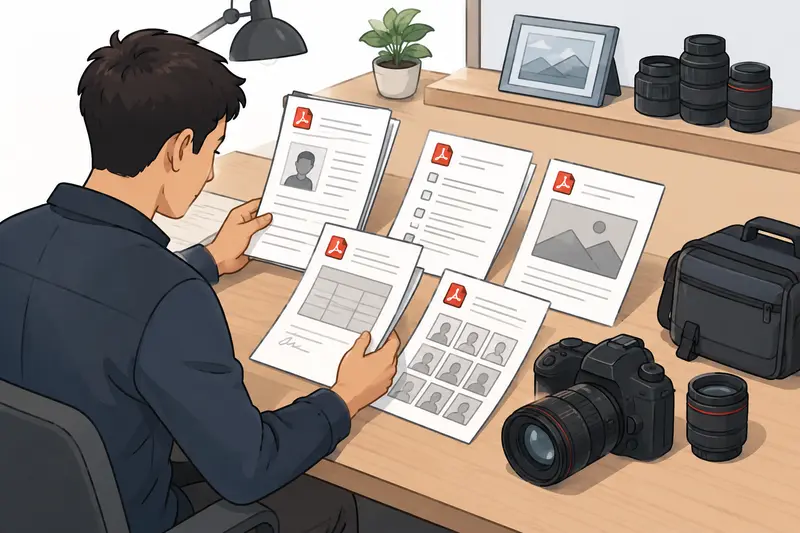
To see how this works in practice, I tested a realistic photography delivery bundle rather than a tiny demo file.
The test included:
- 14-page wedding contract PDF
- 22-page contact sheet export
- 6 scanned model release forms
- 3 lighting setup references
Total size: roughly 96 MB across multiple PDFs.
The merge completed without flattening image-heavy pages into unreadable compression artifacts, which is often where lightweight tools struggle. Black-and-white scans stayed legible, and contact sheet thumbnails retained enough detail for review purposes.
One practical takeaway stood out: scanned paperwork usually inflates total file size more than photography exports themselves. Compressing oversized scans beforehand can noticeably reduce upload and processing time.
For particularly messy scan folders, using metadata scrubbing for sensitive document cleanup https://filemazing.com/metadata-scrubber before sharing can also remove hidden information embedded by scanners or editing software.
Large scanned files have a habit of appearing five minutes before delivery deadlines. Consistently.
What Actually Matters in a PDF Merger for Photographers
Not every PDF workflow has the same priorities.
For photography work, a few factors tend to matter more than flashy feature lists.
File handling consistency
Image-heavy PDFs behave differently from text documents. Contact sheets, embedded previews, and scans can stress weaker processing systems.
Reliable merging matters more than decorative editing tools.
Temporary processing and privacy
Photography documents often contain:
- client addresses
- payment details
- licensing agreements
- unreleased campaign materials
Browser-based processing with temporary retention policies is generally preferable to uploading files into systems designed around long-term storage.
Batch-friendly workflows
Photographers rarely merge just two tiny PDFs.
During busy seasons, you may process multiple delivery packets daily. Browser tools with queued handling are far more practical for repetitive work.
Predictable pricing
One useful aspect of Filemazing is the transparent token model. Instead of vague subscription limitations, workloads are calculated using factors like page count, file count, and total size.
That makes estimating costs easier for larger archival or client-delivery batches.
A Less Obvious Issue: Scanned PDFs Can Hurt Output Quality
Heres something photographers run into regularly:
Not all PDFs are true digital documents.
Scanned contracts and handwritten releases are essentially image containers wrapped inside PDFs. When merged carelessly, these scans can become:
- blurry
- oversized
- difficult to search
- slower to open on mobile devices
This creates a tradeoff between readability and final file size.
For example:
- High-resolution scans preserve signatures clearly but increase upload weight.
- Aggressive compression speeds sharing but may soften fine handwriting.
A better approach is usually:
- scan paperwork at moderate DPI (around 200300)
- avoid unnecessary color scans
- keep archival masters separately if maximum fidelity matters
The goal is a readable client document not a 400 MB attachment nobody can open on hotel Wi-Fi.
Situations Where Combining PDFs Helps Photography Teams
Different photography niches use merged PDFs differently.
Wedding photographers
Combine:
- contracts
- schedules
- venue notes
- family shot lists
- payment summaries
into one planning packet.
Commercial studios
Campaign teams often merge approvals, mockups, licensing terms, and production references before client signoff.
Real estate photographers
Property packages frequently include floor plans, invoices, image references, and delivery documentation in one export.
Freelancers working with agencies
Agencies tend to prefer consolidated files over scattered attachments across long email threads.
Photography educators
Workshop instructors often combine lesson PDFs, shooting exercises, release forms, and schedules into one downloadable resource.
Archive preparation
Older paper records scanned from storage boxes can be merged into chronological project archives after extraction from compressed folders using archive extraction for ZIP and RAR photography assets https://filemazing.com/archive-extractor.
Combining PDFs Without Signup: When It Actually Helps
For occasional workflows, requiring account creation can slow things down unnecessarily.
Being able to combine PDFs without signup is especially useful when:
- working on a borrowed machine
- traveling between shoots
- handling quick client revisions
- organizing temporary project files
That said, registered access may still make sense for photographers managing recurring workloads or API-driven automation later on.
Theres a practical balance here between convenience and operational scale.
What to Expect From Browser-Based PDF Merging
Modern browser tools are much more capable than they used to be.
Still, expectations should remain realistic.
Usually very good for:
- contracts
- forms
- proof sheets
- invoices
- standard scanned documents
Potentially slower for:
- extremely high-resolution image PDFs
- hundreds of pages at once
- massive archival scans
- unstable upload connections
In real workflows, internet upload speed often becomes the bottleneck long before the merge engine itself.
Frequently Asked Questions
Does merging PDFs reduce image quality?
Typically, merging alone should not noticeably reduce quality. However, if compression is applied during processing, image-heavy pages may become softer depending on settings and scan quality.
Is it safe to merge photography contracts online?
It can be, provided the platform uses temporary processing and cleanup policies instead of long-term file storage. Browser-based workflows also reduce dependency on installed desktop software.
Can I merge PDFs online free?
Many tools, including token-based platforms, offer free daily usage tiers suitable for occasional projects or testing small document batches.
What file types usually work best before converting to PDF?
Clean JPG exports tend to balance quality and file size well for proof sheets, while PNG files are often better for graphics or documents with sharp text elements.
How fast is PDF merging for larger photography projects?
Moderate document bundles generally process quickly, though upload speed affects total time more than the actual merge operation.
Whats the best PDF merger for photographers?
The best PDF merger depends on workflow priorities. Photographers usually benefit most from tools that handle image-heavy documents reliably, support browser-based access, and avoid complicated software installation.
Final Thoughts
Photography work already involves enough file management chaos without adding desktop utility maintenance into the mix.
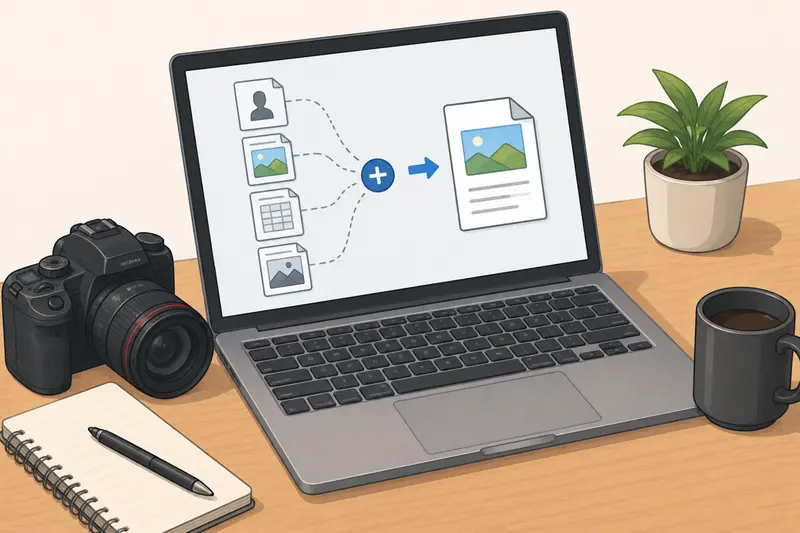
Being able to merge PDF documents directly in a browser keeps delivery packets cleaner, client communication simpler, and project archives easier to manage. For photographers juggling contracts, proof sheets, scans, and production paperwork, lightweight browser workflows often end up being the most practical option.
If you regularly prepare client-ready document bundles, Filemazings browser-based PDF merger https://filemazing.com/merge-pdf is a straightforward way to consolidate files while maintaining flexible, privacy-conscious processing.