Photographers tend to accumulate sensitive files faster than they expect. Client galleries, RAW exports, licensing contracts, draft edits, and backup archives often end up scattered across cloud drives, USB sticks, and email threads. The moment you need to send those files to a client or collaborator, the question appears: how do you safely password protect files without slowing down your workflow?
For modern photography businesses, security is no longer optional. Wedding shoots, commercial campaigns, and private portrait sessions frequently involve personal or unreleased content. A misplaced ZIP archive or unsecured PDF can become a genuine privacy problem.
Thats where browser-based encryption tools have quietly become useful especially for photographers who already manage large batches of files and dont want another desktop app eating system resources.
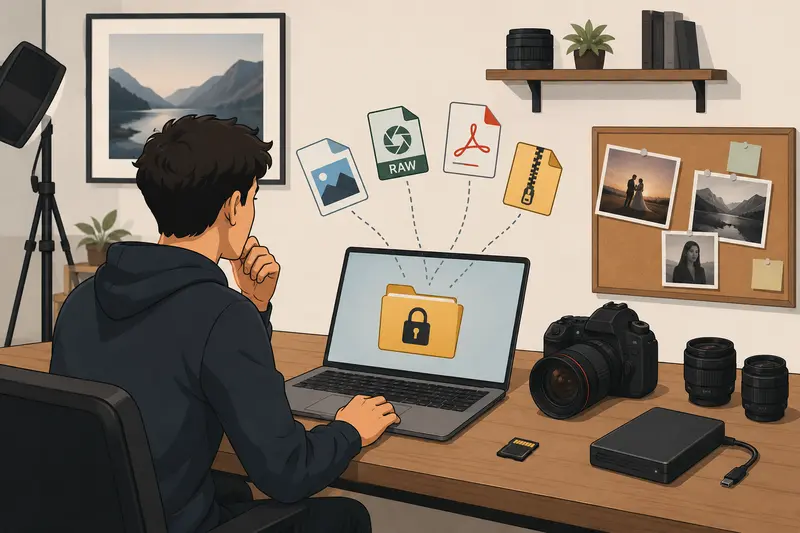
What You Need to Know First
If your goal is to securely share images, contracts, or exported galleries, the safest approach is to encrypt files before uploading or emailing them.
A good workflow usually looks like this:
- organize files
- remove unnecessary metadata
- combine documents if needed
- encrypt the final package with a password
- share the password separately
This reduces the chances of accidental exposure while keeping delivery manageable for clients.
For photographers handling multiple formats every week, browser-based tools can make this much less tedious.
A Practical Way to Encrypt Photography Deliverables
One increasingly practical option is Filemazing Encrypt File Tool https://filemazing.com/encrypt-file, a browser-based file processing platform built for lightweight workflows rather than heavy desktop software.
Instead of functioning as permanent cloud storage, Filemazing focuses on temporary processing tasks like:
- file encryption
- PDF conversion
- archive extraction
- metadata cleanup
- image compression
- audio conversion
- batch processing
That distinction matters for photographers. Files are treated as temporary processing artifacts and cleaned on a short retention schedule rather than stored indefinitely.
The platform also supports imports from Google Drive, Dropbox, local uploads, and direct URLs, which is useful when clients send assets from multiple sources. Larger jobs are queued and processed in the background, so a 400-image batch doesnt freeze your browser tab halfway through editing day. Large files have an uncanny ability to appear right before deadlines.
Another detail worth mentioning is the transparent token pricing system. Rather than monthly subscriptions, operations consume tokens based on workload complexity. The encrypt-file workflow, for example, currently uses a relatively lightweight formula with base and file-size calculations, making costs easier to predict before processing.
For teams or studios running repetitive operations, theres also API access available for automation pipelines.
How the Process Usually Works
The actual encryption process is fairly straightforward once your files are organized.
Prepare the files first
If youre working with scattered contracts, invoices, and licensing agreements, it often helps to first merge PDF documents into a single protected package https://filemazing.com/merge-pdf instead of encrypting dozens of separate files individually.
For image batches or delivered galleries, photographers commonly compress folders into ZIP archives before encryption.
Remove hidden metadata
Many photographers forget that exported files can still contain EXIF details, GPS coordinates, camera serial information, or editing history.
Before encrypting client work, using a metadata cleaning workflow for sensitive image files https://filemazing.com/metadata-scrubber can reduce unintended information leakage.
This becomes especially important for:
- private event photography
- real estate shoots
- school photography
- travel assignments with geolocation data
Encrypt the final package
Once files are prepared:
- Upload the files or archive
- Set a strong password
- Run the encryption process
- Download the secured version
- Send the password separately from the file itself
That last part matters more than people realize. Sending the encrypted file and password in the same email defeats much of the point.
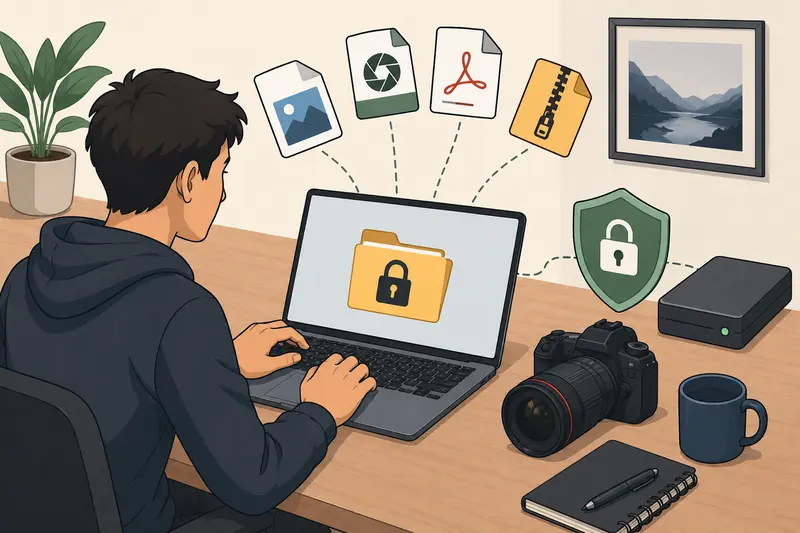
What Happened During Real Testing
To see how practical this workflow actually feels, a test batch was created using:
- 185 JPG wedding exports
- 12 RAW preview files
- a 27-page licensing PDF
- total package size: roughly 1.8 GB
The files were first compressed into a ZIP archive, then encrypted before being uploaded for client delivery.
A few useful observations stood out:
- Encryption itself completed quickly relative to upload time
- Browser-based handling avoided installing additional desktop utilities
- The queue system handled the large archive reliably
- The encrypted package downloaded cleanly without corruption issues
One practical takeaway: encrypting after compression worked noticeably better than encrypting individual image folders separately. It reduced handling overhead and simplified delivery for the client.
Another subtle benefit appeared during testing using metadata scrubbing beforehand reduced the final archive size slightly because some unnecessary embedded data disappeared from exported images.
A Common Mistake Photographers Make With Protected Files
Many photographers assume that putting images inside a ZIP folder automatically secures them.
It doesnt.
Compression and encryption are different things.
A compressed archive without password protection is still fully accessible if someone downloads it. This becomes risky when sending commercial previews, unreleased campaigns, or client-sensitive material through email.
Another issue appears when photographers use weak passwords tied to shoot names or client surnames. Those are surprisingly guessable.
A stronger approach:
- use randomly generated passwords
- avoid reusing delivery passwords
- send passwords through separate channels
- rotate passwords for long-term client projects
And if you receive archived content from external collaborators, its often smart to first extract archived files safely before re-packaging them securely https://filemazing.com/archive-extractor so you can inspect contents before encryption.
Tradeoffs Worth Knowing
No workflow is perfect, and encryption introduces a few practical tradeoffs.
Larger encrypted archives may upload slower
Encryption itself is usually fast, but transferring large secured files can still take time depending on internet speed.
PNG collections can become unwieldy
Photographers working with PNG exports should expect larger encrypted packages compared to JPG sets. PNG preserves quality better, but file size increases quickly during batch delivery.
Batch processing helps until manual review matters
Encrypting hundreds of files together saves time, but reviewing filenames and metadata manually before packaging is still important. Automation is useful right up until a private draft accidentally slips into a client folder.
Where This Workflow Fits Best
For photography professionals, encrypted delivery workflows are especially useful in situations like:
- wedding galleries shared with clients before public release
- commercial campaign previews sent to agencies
- model contracts delivered through email
- drone photography containing location-sensitive imagery
- school or event photography involving minors
- collaborative editing handoffs between retouchers and studios
Teams handling repeat workflows can also automate portions of this through API-driven processing instead of repeating manual exports every week.
Why Browser-Based Encryption Is Becoming More Popular
A few years ago, file encryption usually meant desktop utilities with awkward interfaces and inconsistent compatibility.
Now, browser-based processing has become more attractive because it removes setup friction while keeping workflows portable across devices.
For photographers juggling editing stations, laptops, and cloud drives, that flexibility matters.
Filemazing leans into that practicality:
- no heavy installation process
- predictable token usage
- temporary file handling
- support for multiple formats
- scalable batch operations
- optional automation support
It feels more like a utility layer for file workflows than a traditional storage platform.
Things Users Often Ask
Is it safe to encrypt files directly in a browser?
Modern browser-based encryption workflows can be very secure when handled properly. Its still important to use strong passwords and trusted processing services with temporary retention policies.
Can encrypted files still be emailed?
Yes. In fact, many photographers specifically use encryption to encrypt files for email when client contracts, galleries, or invoices contain sensitive information.
Does encryption reduce image quality?
No. Encryption changes file accessibility, not image quality. Compression and format conversion affect quality; encryption itself does not.
What file types work best?
ZIP archives are commonly used because they simplify large deliveries. PDFs are also practical for contracts and licensing documents.
What happens to uploaded files after processing?
Privacy-conscious platforms typically treat uploads as temporary processing data and remove them after short retention windows instead of storing them permanently.
Whats the best file encryption tool for photographers?
The answer depends on workflow preferences, but many photographers prefer lightweight browser-based systems because they avoid installations and simplify cross-device access. A good best file encryption tool should balance security, usability, predictable pricing, and compatibility with large media batches.
Final Thoughts
For photographers, protecting files is less about paranoia and more about professionalism.
Clients increasingly expect secure handling of contracts, private galleries, commercial previews, and unpublished work. A clean encryption workflow helps reduce risk without adding unnecessary friction to delivery.
Using a browser-based system like Filemazings encryption workflow https://filemazing.com/encrypt-file makes it easier to securely share files online while keeping processing lightweight and flexible. Combined with metadata cleanup, archive handling, and batch-friendly organization, it creates a workflow that fits naturally into modern photography operations rather than interrupting them.
And honestly, anything that prevents a frantic wrong file sent moment at midnight before delivery day is probably worth keeping around.