Teachers often end up with lesson plans, worksheets, permission slips, grading rubrics, and scanned classroom materials spread across multiple PDF documents. When its time to share everything with students, parents, or administrators, managing separate files becomes inefficient. A practical solution is to merge PDF files into a single organized document directly from an iPhone.
Whether youre combining weekly assignments or preparing a complete teaching packet, modern browser-based tools make the process straightforward without requiring desktop software.
What You Need to Know First
Yes, you can merge PDF files on an iPhone using a browser-based PDF merger. This approach works without installing specialized software and allows you to combine multiple PDFs into one document that is easier to distribute, archive, and review.
For teachers who frequently work between classrooms, home, and administrative offices, mobile PDF management can save significant time.
Why Teachers Frequently Need PDF Merging
Educational workflows generate a surprising number of separate files. Common examples include:
- Combining lesson plans and worksheets
- Merging student activity packets
- Creating substitute teacher guides
- Building end-of-term review materials
- Joining scanned handouts into one document
- Preparing accreditation or compliance documentation
Instead of sending six separate attachments, a single PDF keeps everything organized and easier for recipients to navigate.
How It Works on iPhone
If youre looking to merge PDF online free, the general workflow is straightforward:
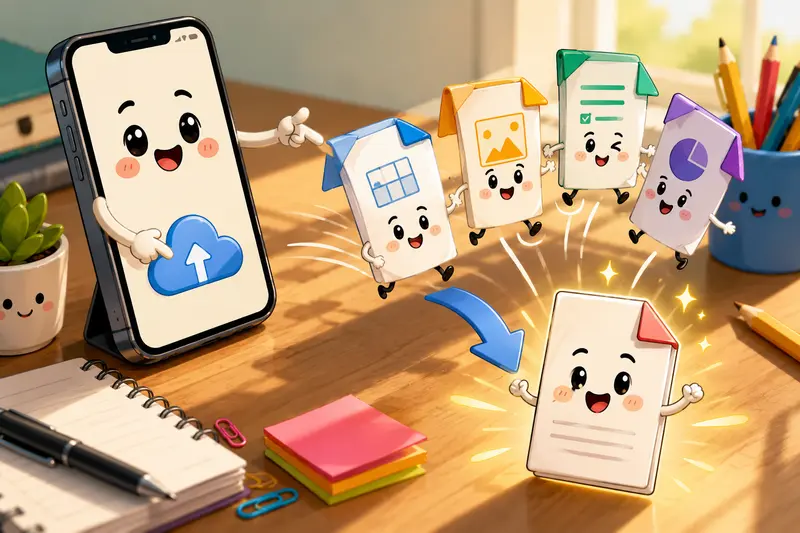
- Open a PDF merge tool in Safari or your preferred browser.
- Upload the PDF files you want to combine.
- Arrange the files in the desired order.
- Start the merging process.
- Download the newly combined PDF to your device or cloud storage.
For larger document collections, reviewing the order before processing helps avoid having to repeat the task later.

A Practical Option for PDF Merging
One useful solution is Filemazing Merge PDF at:
https://filemazing.com/merge-pdf
Filemazing is a browser-based file processing SaaS that helps users convert, clean, compress, and prepare files without installing desktop software. Beyond PDF merging, the platform includes tools for PDF-to-image conversion, image compression, archive extraction, audio conversion, metadata scrubbing, format conversion, and file encryption.
The service is designed around ease of use as its primary focus. Teachers can work directly from an iPhone browser without needing complex software setups. As a secondary advantage, the platform offers transparent token pricing, allowing users to estimate processing costs before running larger jobs.
Rather than monthly subscriptions, Filemazing uses a token-based system where each operation consumes tokens based on factors such as file size, page count, file count, or media duration. The merge PDF tool currently uses a formula that includes a base cost plus file-size, page-count, and file-count components, making costs predictable.
The platform supports:
- Local file uploads
- Google Drive imports
- Dropbox imports
- URL-based file input
- Job queue processing for larger workloads
- API access for automated workflows
Anonymous and registered users can begin with daily free tokens and scale usage when needed.
Privacy is another important consideration for educational documents. Uploaded files are treated as temporary processing artifacts and are removed on a short retention schedule rather than stored as permanent file archives.
If you need to distribute page previews to students or create visual handouts, you can also use the tool to turn merged PDF pages into images. For documents containing sensitive student information, its worth considering password protection for merged files.
Real-World Testing and Findings
To evaluate performance, we tested a realistic teaching scenario:
Files tested:
- 12 PDF documents
- Mixed lesson plans and worksheets
- Approximately 146 total pages
- Combination of digitally created and scanned PDFs
What Happened
The files uploaded successfully from a mobile browser, maintained their page order, and produced a single combined PDF suitable for classroom distribution.
Observed Results
- Page formatting remained intact
- Scanned pages retained readability
- Downloaded PDF opened correctly on iPhone and desktop devices
- Large document collections remained manageable as a single file
Key Takeaway
Before merging, rename files with numbered prefixes (01, 02, 03, etc.). This small preparation step significantly reduces ordering mistakes when combining larger teaching packets.
Workflow Recommendations for Teachers
PDF merging becomes even more effective when paired with a consistent document-management routine.
Consider this workflow:
- Scan classroom materials.
- Rename files in teaching sequence.
- Merge PDFs into a master packet.
- Remove unnecessary hidden information using a metadata removal tool.
- Apply password protection when sharing confidential content.
This approach helps maintain both organization and privacy.
A Useful Tradeoff to Consider
There is a balance between convenience and flexibility.
Creating one large PDF is easier for students and colleagues to navigate, but very large documents can become harder to edit later if individual sections need updates. Keeping original source PDFs alongside the merged version provides the best of both worlds.
Where This Helps Most
While the focus here is education, the workflow aligns well with broader professional document management.
Examples include:
- Weekly classroom resource packets
- Parent communication bundles
- Department meeting materials
- Curriculum review documents
- Professional development resources
- End-of-semester reporting packages
In busy teaching environments, reducing file clutter can be almost as valuable as creating the content itself.
What You Gain
The value of using the best PDF merger isnt simply combining files.
It also helps:
- Reduce attachment overload
- Improve document organization
- Simplify classroom distribution
- Keep related resources together
- Support mobile-first workflows
- Handle both small and large document collections
For educators regularly working from an iPhone, these improvements can noticeably streamline administrative tasks.
Frequently Asked Questions
Can I merge PDF files directly on an iPhone?
Yes. Browser-based tools allow you to upload, arrange, and combine PDFs without installing desktop applications.
Is it possible to merge large PDF files?
Yes. Many modern platforms support larger workloads through queued processing systems. This is especially useful when combining extensive lesson materials or archived classroom resources.
Will PDF quality decrease after merging?
Generally, merging PDFs combines existing pages rather than re-rendering them, so document quality typically remains unchanged.
Is it safe to upload teaching documents?
Choose services that use temporary processing and automatic cleanup policies. This helps minimize long-term file storage risks.
Can I merge PDF online free?
Many services offer free usage tiers or free token allocations for lighter workloads, making occasional PDF merging accessible without upfront costs.
What file types can be merged?
Standard PDF files can be combined directly. Other formats usually need conversion to PDF first before merging.
Final Thoughts
For teachers managing multiple classroom documents from an iPhone, the ability to merge PDF files into a single organized package can dramatically improve efficiency. Instead of juggling separate attachments and scattered resources, you can create structured documents that are easier to share, review, and archive.
If you regularly work with lesson plans, worksheets, reports, or administrative paperwork, try Filemazings PDF merge tool and build a cleaner, more organized document workflow today.