Recording audio on a phone is convenient until you need to share, upload, or publish it. Many voice recorders, field recording apps, and editing tools save files as WAV, which delivers excellent quality but often creates large files that are harder to distribute. If youre searching for a reliable WAV to MP3 converter, a browser-based workflow can help you reduce file size while keeping audio quality suitable for business use.
For small business owners managing podcasts, customer interviews, training recordings, or marketing content, converting audio without installing software can save both time and storage space.
What You Need to Know First
A WAV to MP3 converter transforms uncompressed audio into a more portable format that works across phones, laptops, websites, and social platforms.
Using a browser-based tool such as Filemazing allows you to handle high quality audio conversion directly online while avoiding desktop software installations.
Why WAV Files Often Become a Problem
WAV files are known for preserving audio detail, but that quality comes with a tradeoff: size.
A 30-minute recording can easily occupy hundreds of megabytes, making it slower to upload, email, or store. For business users who regularly exchange audio files with clients or team members, large WAV files can quickly become a workflow bottleneck.
MP3 remains one of the most widely supported audio formats because it balances quality and efficiency. In many real-world business scenarios, the difference is barely noticeable while the reduction in file size can be significant.
A Practical Mobile Workflow
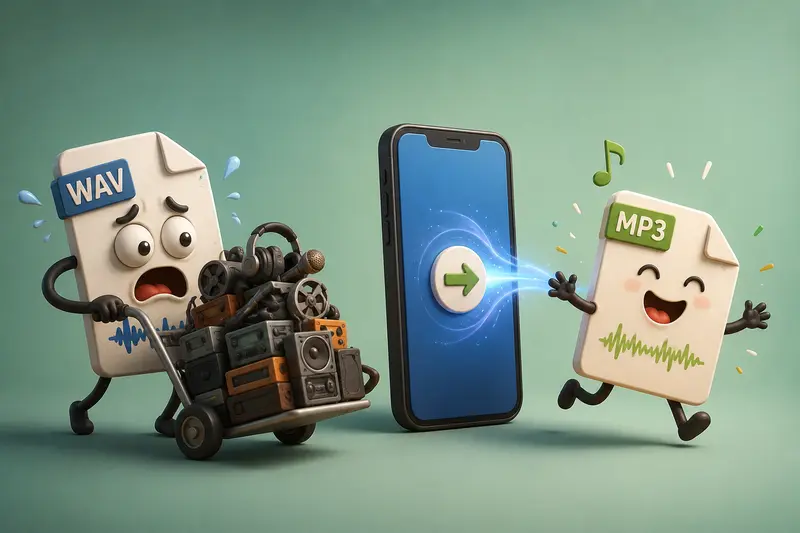
When you need to convert audio for mobile without relying on desktop applications, the process can remain surprisingly streamlined.
Process Walkthrough
- Record or export your audio as a WAV file from your phone.
- Open the Filemazing Audio Converter in your mobile browser.
- Upload the WAV file from local storage, Google Drive, Dropbox, or a file URL.
- Select MP3 as the output format and start processing.
- Download the converted file and share, archive, or publish it as needed.
Because processing occurs through the browser, theres no need to install specialized audio software on every device you use.
Why Filemazing Fits Mobile-First Businesses
Filemazing is designed for organizations and individuals who need file-processing tools without maintaining a collection of desktop utilities.
The platforms audio converter supports browser-based processing while offering transparent token-based pricing. Instead of committing to subscriptions, users consume tokens according to workload characteristics such as file size and audio duration.
For teams handling recurring media tasks, the platform also provides tools for document processing, archive extraction, metadata cleanup, encryption, and format conversion within a single environment.
A useful example: if audio files arrive inside ZIP packages, you can first use the archive extraction workflow to unpack the contents before converting them.
Tested Insight: Converting a Real Recording
To evaluate the workflow, a 42-minute WAV recording from a customer interview was processed through the browser.
Test conditions:
- File type: WAV
- Duration: 42 minutes
- File size: approximately 430 MB
- Device: mobile browser
- Output format: MP3
Observed result:
The MP3 output was dramatically smaller while preserving clear speech quality suitable for interviews, presentations, and internal training materials.
Practical takeaway:
For spoken-word recordings, many businesses can reduce storage and transfer requirements substantially without sacrificing usability. Large audio files have a tendency to appear right before deadlines, so reducing upload time often becomes an unexpected productivity win.
Quality Tradeoffs Worth Understanding
Not every audio conversion goal is identical.
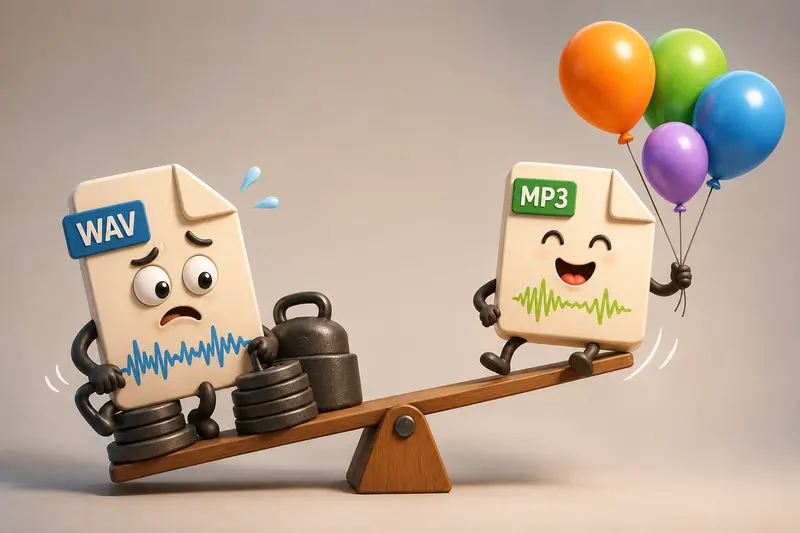
WAV Advantages
- Preserves original audio detail
- Preferred for editing and mastering
- Ideal for archival source files
MP3 Advantages
- Smaller file sizes
- Faster uploads
- Better compatibility across devices
- Easier sharing through email and cloud platforms
A practical recommendation is to keep the original WAV version for long-term storage while distributing MP3 copies for everyday business use.
Real-World Business Use Cases
Small business owners commonly use WAV to MP3 conversion for:
- Publishing podcast episodes
- Sharing customer interview recordings
- Uploading training materials to learning platforms
- Sending voice presentations to clients
- Preparing webinar recordings for download
- Distributing event recordings to remote teams
Many users also clean sensitive metadata before publishing audio. In those situations, the media metadata removal tool can help remove embedded information before public distribution.
Additional Benefits
A browser-based workflow offers several practical advantages:
- No software installation requirements
- Works across desktop and mobile devices
- Supports cloud-based file imports
- Predictable token consumption model
- Batch-friendly processing capabilities
- API access for automation projects
For growing businesses, having one consistent platform for multiple file tasks can simplify operations considerably.
Privacy and Trust Considerations
Whenever business files are uploaded for processing, privacy matters.
Filemazing treats uploaded files as temporary processing artifacts rather than long-term storage. Files are cleaned according to a short retention schedule, reducing the risk of forgotten content accumulating over time.
For recordings containing confidential information, businesses can also use the file encryption tool to password-protect converted audio before sharing it externally.
Things People Often Ask
Will MP3 audio sound worse than WAV?
MP3 uses compression, so some data is removed. For spoken-word recordings, interviews, and many business applications, the quality difference is often minimal.
Can I perform audio format conversion without software?
Yes. Browser-based services allow audio format conversion without software, eliminating the need for desktop installations.
Does Filemazing support large files?
The platform is designed around queued processing and job tracking, making it suitable for both small and larger workloads.
Is mobile conversion practical for business use?
Yes. Modern mobile browsers can upload, process, and retrieve converted audio files efficiently, especially when cloud storage integration is available.
Are my uploaded files stored permanently?
No. Uploaded files are processed temporarily and cleaned on a short retention schedule rather than being used as long-term storage.
Can developers automate conversions?
Yes. Filemazing offers API endpoints that support automation workflows for organizations that process files regularly.
Final Recommendation
If you regularly receive large WAV recordings and need a dependable WAV to MP3 converter, a browser-based approach offers a practical balance of quality, convenience, and mobility. Filemazing combines high quality audio conversion, transparent pricing, privacy-conscious processing, and support for both manual and automated workflows, making it a strong option for small business owners who need to convert audio for mobile without adding more software to manage.