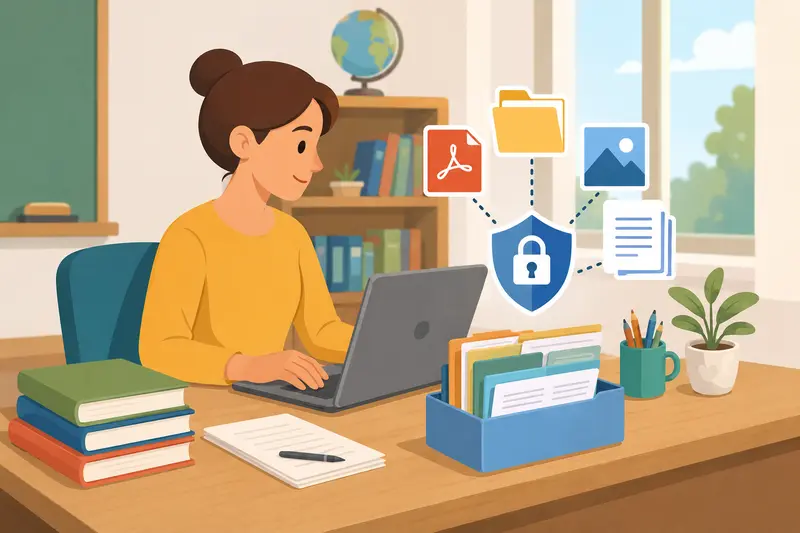
Teachers deal with more sensitive files than most people realize. Student reports, scanned permission slips, parent communication records, assessment PDFs, image-based assignments it adds up quickly. And once those files need to be emailed or shared outside a school network, security stops being optional.
Bulk file encryption helps solve that problem without turning every upload into a manual task.
Instead of protecting one file at a time, you can password protect files in batches, organize them by class or project, and securely distribute them with far less repetition.
Why Bulk Protection Matters More in Education
A single semester can generate hundreds of documents. In practical terms, teachers often end up handling:
- scanned PDFs from classroom forms
- ZIP folders full of assignments
- image-heavy presentations
- student portfolios exported from LMS platforms
- report card archives
Manually securing each file becomes tedious very quickly.
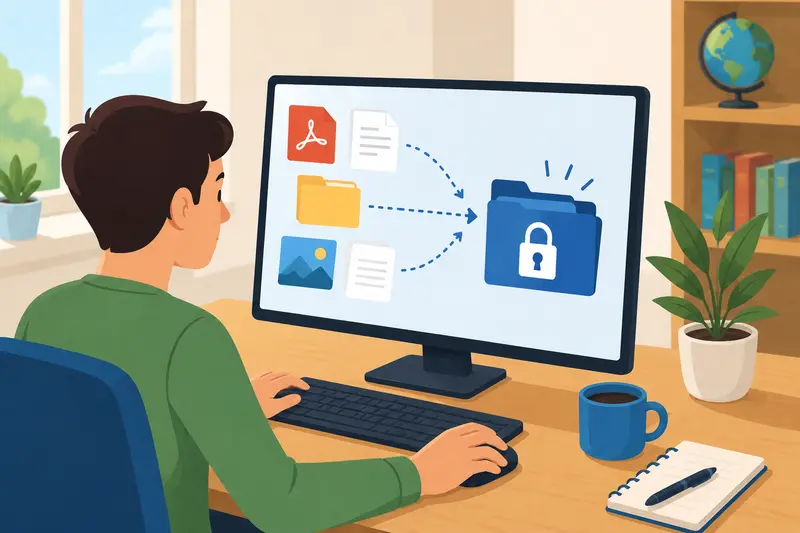
A browser-based tool like Filemazing Encrypt File Tool https://filemazing.com/encrypt-file is useful here because it allows multiple uploads in one workflow while avoiding desktop installs or IT setup requests.
That matters in schools where staff devices are locked down or shared.
The platform also processes files temporarily rather than acting as long-term storage, which is important when dealing with student information.
The Workflow That Usually Saves the Most Time
Most teachers do not actually need enterprise encryption systems. They need a practical routine that works before deadlines.
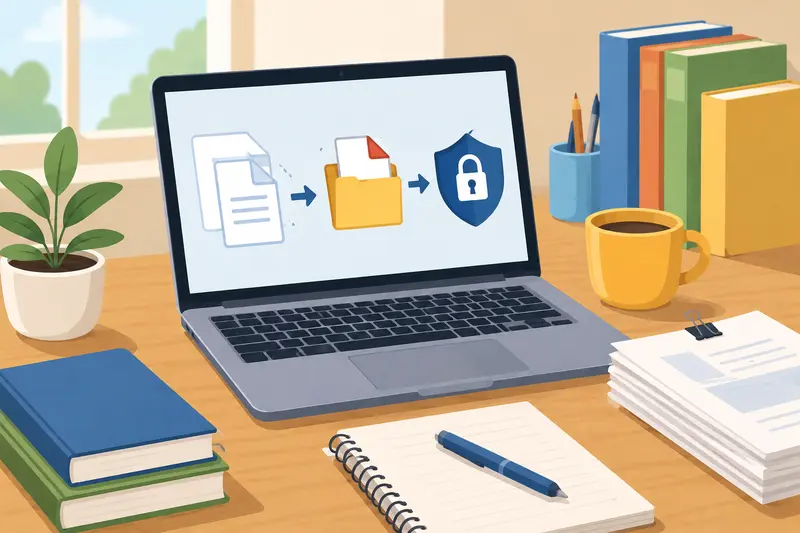
A common approach looks like this:
- Gather all documents for a class or activity
- Merge related PDFs into fewer files
- Remove hidden metadata if necessary
- Encrypt the final files with a shared password
- Send passwords separately from the attachment itself
Combining files before encryption often reduces confusion for parents and administrators. If you need to organize several reports into one protected document, the merge PDF workflow https://filemazing.com/merge-pdf helps reduce attachment clutter before locking the file.
Some schools also overlook metadata entirely. PDFs and images can contain author names, editing history, location details, or embedded device information. Before sharing sensitive material externally, using a metadata scrubbing tool https://filemazing.com/metadata-scrubber adds an extra layer of privacy.
What We Tested With Larger Classroom Files
To see how realistic batch protection performs, we tested a mixed upload set containing:
- 18 scanned PDFs
- 42 JPG classroom images
- 6 exported presentation files
- total upload size: roughly 380 MB
The goal was to password protect PDFs and images before sending files to parents and department staff.
A few observations stood out:
- Scanned PDFs processed faster than expected because encryption itself is lightweight compared to conversion-heavy tasks.
- Large PNG images increased upload time noticeably.
- Bundling related documents reduced the number of protected files teachers had to manage later.
- Browser processing remained responsive even while multiple files queued in the background.
Interestingly, compressing oversized images before encryption made the entire workflow smoother. The difference was especially noticeable with classroom photos exported directly from phones. Using the image compression tool for secure sharing https://filemazing.com/compress-image reduced transfer time without visibly damaging presentation quality.
The goal is smaller files not turning classroom photos into blurry cave paintings.
One Tradeoff Worth Knowing Before You Encrypt Everything
Encryption itself is not usually the bottleneck.
File size is.
Teachers often assume the protection step slows everything down, but in many real-world cases, oversized scans and uncompressed images are the actual problem.
There is also a format tradeoff:
- PNG files preserve clarity better for diagrams and worksheets
- JPG files reduce size dramatically for photo-based content
If visual precision matters for example, scanned handwritten math work PNG may still be worth the larger size. But for event photos or classroom snapshots, JPG compression is usually more practical before secure sharing.
This balance matters when trying to encrypt files for email, especially with strict attachment limits from school systems.
Browser-Based Encryption vs Desktop Software
Desktop security tools still offer advanced controls, especially for institutions with dedicated IT departments. They may support certificate management, complex permissions, or centralized administration.
But many teachers simply need:
- reliable password protection
- batch uploads
- quick turnaround
- compatibility across devices
- no installation requirements
That is where browser-based workflows become attractive.
Filemazing leans into that lightweight model. Files are uploaded temporarily for processing, queued efficiently for larger jobs, then cleaned up on a short retention schedule instead of remaining permanently stored.
For day-to-day educational workflows, that simplicity often outweighs the advanced configuration options of heavier desktop software.
A Small Adjustment That Prevents Future Headaches
Here is a non-obvious workflow improvement that helps more than most people expect:
Use naming conventions before encryption
Once files are encrypted, quick previews disappear. That means vague filenames become much harder to manage later.
Compare these two examples:
Period2_FinalReports_2026.pdfscan_final_v2_REAL.pdf
One of them saves future-you from frustration.
When protecting dozens of files in bulk, clean naming structures reduce mistaken uploads, duplicate sends, and password confusion.
Especially during grading season.
Understanding Token-Based Processing Costs
One practical aspect of Filemazing is its transparent token pricing model.
Instead of subscriptions, operations consume tokens based on workload characteristics such as:
- file size
- number of files
- page count
- media duration for audio/video tasks
For the encrypt-file workflow specifically, pricing uses a lightweight formula:
- base cost
- file size contribution
- per-file component
That predictability is helpful for schools or departments processing larger batches periodically rather than paying for another monthly software seat nobody remembers to cancel.
Free daily tokens also make occasional use feasible without immediate payment setup.
Questions Teachers Often Ask
Can encrypted files still be emailed normally?
Yes. Encryption protects the file contents themselves, so you can still attach them to email platforms or LMS systems normally.
Just avoid sending the password in the same message.
Does password protection work for images too?
Yes. You can password protect PDFs and images together in larger batches depending on the archive or encryption workflow being used.
Is browser-based encryption safe enough for school documents?
For many common educational workflows, yes especially when files are processed temporarily and removed after completion rather than stored indefinitely.
Schools with stricter compliance requirements may still require institution-approved systems, so it is worth checking local policy guidelines.
What slows bulk encryption the most?
Usually upload size and image-heavy documents, not the encryption process itself.
Large scans from office copiers are often the main culprit.
Final Thoughts
Bulk encryption is less about advanced cybersecurity and more about reducing mistakes while protecting sensitive information consistently.
For teachers, the biggest win is often workflow stability:
- fewer repetitive steps
- cleaner file organization
- safer parent communication
- easier handling of large document batches
A browser-based platform like Filemazing https://filemazing.com/encrypt-file works well when you need to secure files online without adding another complicated desktop tool to an already overloaded workday.
And honestly, discovering an unprotected student report attached to the wrong email at 11:47 PM is a stress nobody needs.