Remote teams often need to exchange dozens, hundreds, or even thousands of files containing sensitive information. Whether its contracts, financial reports, design assets, or internal documentation, secure file sharing is no longer optional. The challenge becomes even greater when files must be shared in bulk without creating bottlenecks for team members working across different locations and time zones.
A reliable process combines encryption, controlled access, and efficient file preparation before distribution.
What You Need to Know First
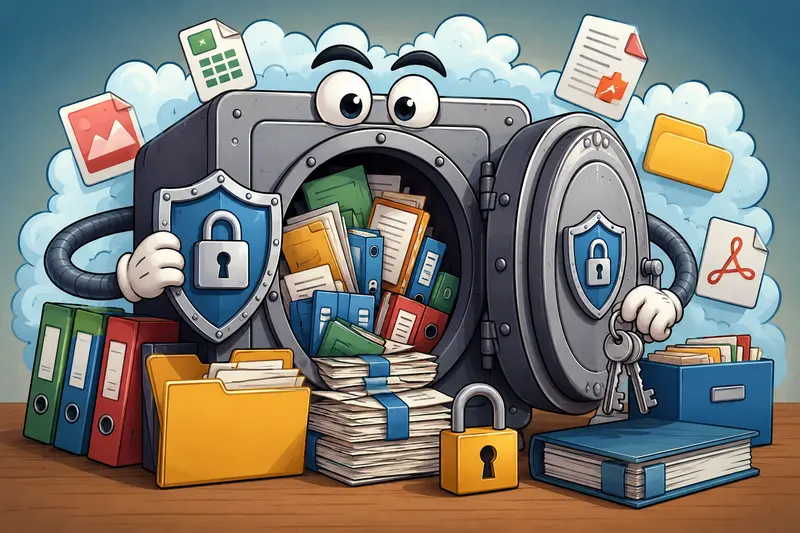
For bulk secure file sharing, the safest approach is to encrypt files before distribution, apply strong passwords, and remove unnecessary data that could expose sensitive information.
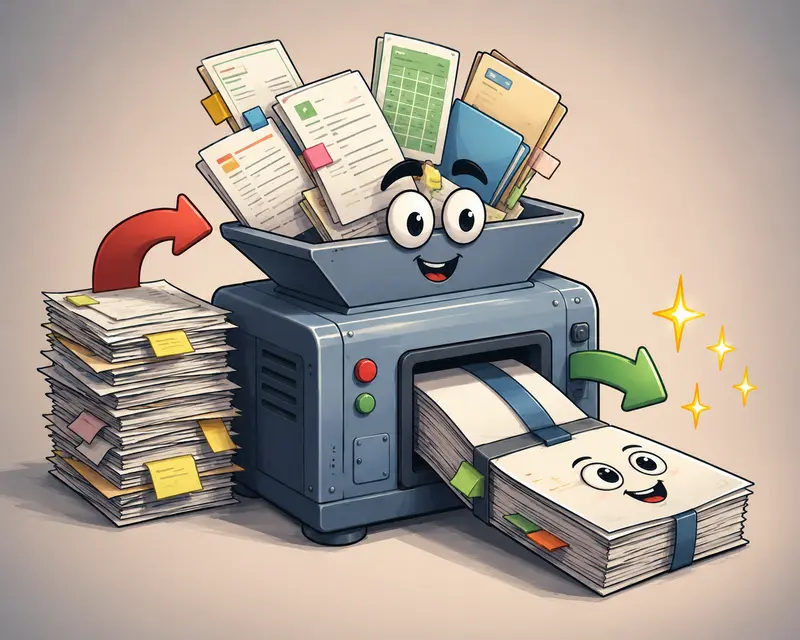
When multiple files are involved, combining preparation tasks such as compression, metadata removal, and encryption into a single workflow helps reduce risk while keeping operations manageable.
When Bulk Sharing Becomes a Security Risk
Many remote teams assume that uploading files to cloud storage automatically makes them secure. In reality, the biggest risks often occur before files ever reach the sharing platform.
Common examples include:
- Sending unencrypted PDF contracts through email
- Sharing image folders that still contain location metadata
- Distributing large document sets without password protection
- Using inconsistent security standards across departments
- Forgetting to encrypt archived project files
As teams grow, these small oversights can create significant exposure.
Follow This Workflow for Safer Distribution
1. Organize the files before sharing
Group files by project, department, or recipient. Bulk operations become much easier when documents are structured properly.
2. Remove hidden information
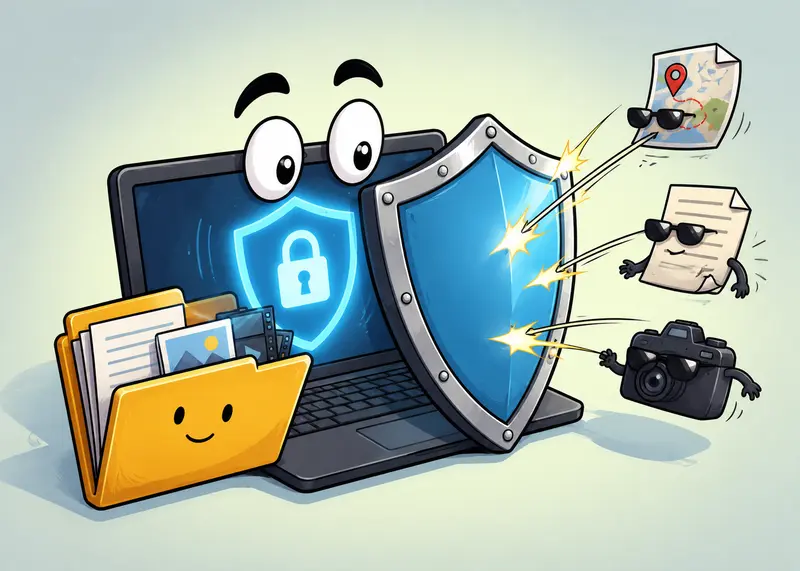
Before encryption, consider using a dedicated metadata removal tool. Hidden author names, GPS coordinates, device information, and revision history can reveal more than intended.
You can use metadata scrubbing before encryption to eliminate unnecessary embedded information.
3. Consolidate related documents
When recipients need multiple PDFs, combining them first can simplify access management.
For document packages, see how to merge PDF files before protection.
4. Encrypt and password-protect files
Apply encryption using strong passwords that are communicated through a separate channel.
This step is especially important when sharing:
- Financial statements
- HR records
- Legal documents
- Customer information
- Product roadmaps
5. Share through approved channels
Once encrypted, files can be distributed through cloud storage, email, project management systems, or secure portals with significantly reduced risk.
A Practical Tool for Bulk Encryption
For teams handling recurring document workflows, the Filemazing Encrypt File tool offers a browser-based approach to secure file sharing without requiring desktop software installation.
Tool: https://filemazing.com/encrypt-file
What makes it particularly useful for bulk workloads:
- Browser-based processing
- Batch-friendly workflows
- Support for multiple file types
- Predictable token-based pricing
- API-ready automation options
- Temporary processing rather than long-term file storage
For organizations that regularly process large volumes of documents, the combination of bulk handling and transparent token usage helps forecast operational costs more accurately than subscription models with hidden limits.
Because Filemazing operates through queued processing and job tracking, large encryption tasks can continue without locking up the user interface.
Tested Insight: Encrypting a Large Document Package
To evaluate a realistic remote-team scenario, a test batch was prepared consisting of:
- 75 PDF documents
- Approximately 420 MB total size
- Average document length: 1225 pages
- Mixed contracts, reports, and internal documentation
The workflow included metadata cleanup, document organization, and encryption before sharing.
Observed outcome
The encryption stage itself was straightforward. The more noticeable benefit came from standardizing the process across all files rather than encrypting documents individually.
One useful takeaway emerged during testing:
When teams encrypt files in batches before upload, they reduce the likelihood of accidentally leaving a single sensitive document unprotected. Human error often becomes the weakest link, not the encryption technology itself.
Optimization Recommendations for Bulk Secure File Sharing
Large file sets can become difficult to distribute efficiently, even when encryption is implemented correctly.
Consider these practical optimizations:
Compress before encrypting
Compression generally works better before encryption because encrypted files are harder to reduce in size afterward.
If your workflow includes large images, consider using an image compression workflow before secure sharing.
Standardize password policies
Using inconsistent password rules across teams creates confusion and support overhead.
Define:
- Minimum password length
- Rotation schedules
- Password delivery procedures
- Emergency recovery processes
Separate passwords from files
Never send the encrypted file and password through the same communication channel.
Automate recurring tasks
For teams processing frequent workloads, API-driven encryption workflows can reduce repetitive manual effort while maintaining consistency.
Where Remote Teams Benefit Most
Bulk secure file sharing is valuable across many business scenarios:
- Sharing monthly financial reports with management teams
- Distributing legal agreements to external stakeholders
- Sending HR onboarding packages to remote employees
- Delivering design assets to distributed marketing teams
- Exchanging customer documentation between departments
- Archiving completed project files for compliance purposes
Why This Approach Works
A structured secure file sharing workflow provides benefits beyond encryption alone.
- Reduces accidental data exposure
- Improves consistency across teams
- Simplifies large-scale document distribution
- Supports compliance requirements
- Creates repeatable security procedures
- Helps maintain productivity during high-volume workloads
There is also an important tradeoff to consider.
Convenience vs. control: Password-protected encrypted files require additional management effort, but they offer significantly greater protection than sharing raw documents directly. Most organizations handling sensitive information find the added control worthwhile.
Frequently Asked Questions
Is secure file sharing necessary if I already use cloud storage?
Yes. Cloud storage protects files in transit and at rest within the providers infrastructure, but encrypting files yourself adds another layer of protection before sharing.
What is the best file encryption tool for remote teams?
The best file encryption tool depends on workflow requirements. Teams that want browser-based processing, bulk support, and automation capabilities often prefer solutions that require no software installation while still supporting strong encryption practices.
Can I password protect PDFs and images before sharing?
Yes. Many encryption workflows support password protect PDFs and images so recipients must authenticate before opening the files.
Does encryption affect file quality?
No. Encryption protects file contents without changing the document itself. The original quality remains intact once the correct password is used for access.
Should metadata be removed before encryption?
In many cases, yes. Hidden metadata may expose author names, locations, device information, or editing history. Removing metadata before encryption adds another layer of privacy.
Can secure file sharing work with automated systems?
Absolutely. Many organizations build a private file sharing workflow using APIs that automatically process, encrypt, and distribute files as part of larger business operations.
Final Thoughts
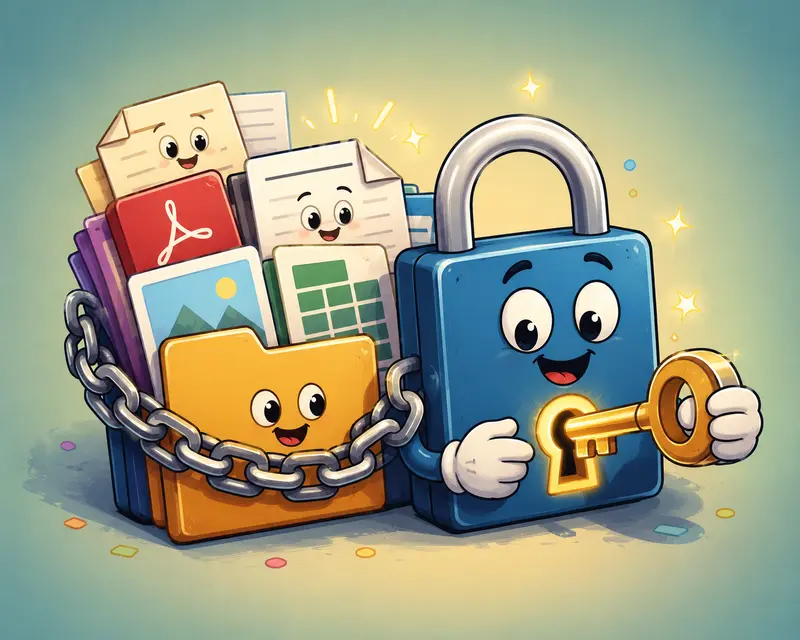
Bulk secure file sharing is most effective when encryption becomes part of a repeatable workflow rather than an occasional security step. By organizing files, removing hidden metadata, compressing oversized assets when appropriate, and applying consistent encryption policies, remote teams can protect sensitive information without slowing down collaboration.
If youre looking for a practical way to encrypt files in bulk while maintaining privacy-focused processing and predictable costs, Filemazings Encrypt File tool offers a streamlined option for both manual workflows and automated pipelines.