A surprising number of small business websites still struggle with oversized audio files. Product demos refuse to upload, podcast snippets buffer slowly on mobile, and customer support recordings become awkwardly large email attachments.
Thats usually where a WAV to MP3 converter becomes part of the workflow.
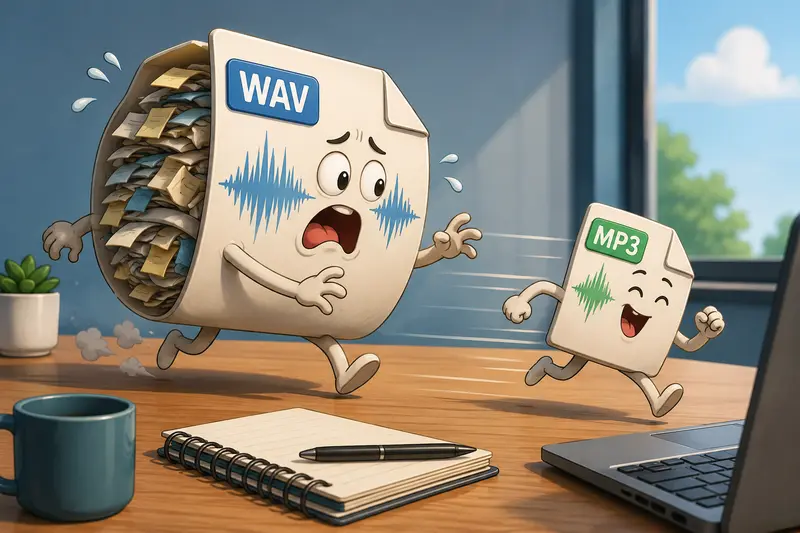
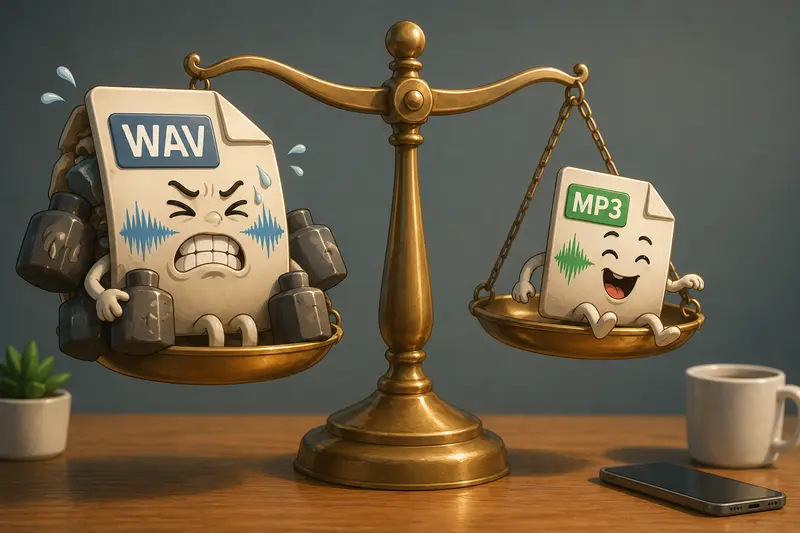
WAV files preserve excellent audio quality, but theyre bulky. MP3 files are dramatically smaller and far easier to distribute online especially if your audience is browsing from phones, tablets, or slower mobile connections.
For businesses handling recurring media uploads, browser-based tools such as Filemazing Audio Converter https://filemazing.com/audio-converter remove the need for desktop software installs or editing suites that sit unused most of the month.
The Fast Answer
If your goal is website-friendly audio, MP3 is usually the practical choice.
A WAV file might sound pristine, but it often creates unnecessary friction:
- slower uploads
- larger hosting usage
- poor mobile performance
- longer download times for visitors
Using audio format conversion without software helps small teams move faster because the process happens directly in the browser. No updates. No plugins. No dedicated editing workstation.
For most business content voice recordings, short interviews, tutorials, promotional clips, or customer audio converting WAV to MP3 at a balanced bitrate gives a strong compromise between quality and file size.
Why Many Business Sites Struggle With Audio Files
Large media files have a habit of showing up five minutes before launch deadlines.
A bakery owner uploads a behind-the-scenes video narration.
A consultant embeds webinar previews.
A local gym posts trainer introductions.
Then the hosting panel complains about file limits.
WAV files are common because they come directly from recording equipment, Zoom exports, editing software, or voice memo apps. The problem is scale. Even a few minutes of uncompressed audio can become inconveniently large for routine website publishing.
Thats where browser-based conversion starts making operational sense.
Instead of moving files between multiple desktop apps, a small business can:
- upload recordings
- convert to MP3
- optimize supporting assets
- publish immediately
In practice, teams often pair audio processing with related tasks like using metadata scrubbing for media privacy https://filemazing.com/metadata-scrubber or running image assets through a format conversion workflow for website graphics https://filemazing.com/format-converter before publishing a campaign page.
A Real Workflow Test With Customer Interview Audio
To see how this behaves in an everyday business scenario, I tested a small batch of customer interview recordings exported as WAV files.
The setup
- 12 WAV recordings
- total size: roughly 640 MB
- average clip length: 36 minutes
- intended use: website testimonials and mobile landing pages
The files were processed through the browser using Filemazings audio converter.
What stood out
The MP3 outputs became dramatically smaller while remaining perfectly usable for spoken-word content.
The biggest practical improvement wasnt actually storage savings it was upload speed afterward. Publishing the converted files to a CMS took noticeably less time, especially when uploading several assets together.
Another detail worth mentioning: spoken voice tolerates compression far better than music-heavy content. Many businesses overestimate how much bitrate they truly need for website audio.
That matters because lower bitrate settings can substantially improve mobile playback performance.
How the Process Usually Works
Theres no complicated production pipeline required here.
Upload the source audio
Import WAV files directly from your device, cloud storage, or shared workspace.
For businesses managing distributed teams, cloud import support helps avoid the download locally first routine that wastes time.
Choose MP3 output
Select MP3 as the destination format and decide whether youre optimizing for:
- smaller file size
- balanced quality
- higher audio fidelity
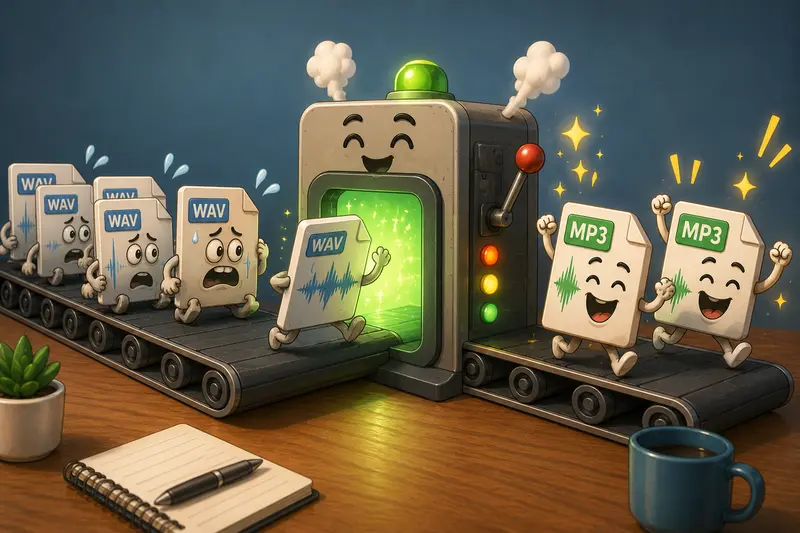
Process multiple files together
This is where batch audio conversion becomes genuinely useful.
Instead of repeating the same task 30 times, multiple recordings can process in a queued workflow.
Thats particularly valuable for:
- podcast archives
- product demos
- onboarding recordings
- training libraries
- customer interview collections
Download and publish
After conversion, the MP3 files are ready for:
- websites
- Shopify stores
- landing pages
- online courses
- newsletter attachments
- mobile delivery
One Thing Business Owners Often Miss
Audio quality problems are not always caused by compression.
Sometimes the original recording is already limited by:
- microphone quality
- room echo
- clipping
- inconsistent recording volume
Converting a poor-quality WAV into MP3 wont magically repair those issues.
In fact, overly aggressive compression can make background noise more noticeable.
A practical rule:
- voice-focused business audio often works well around 96128 kbps
- music-heavy promotional content may benefit from 192 kbps or higher
That balance matters because smaller files improve mobile performance, but excessive compression creates audible artifacts especially during music transitions or layered audio.
The goal is optimization, not turning customer interviews into underwater radio transmissions.
Where This Fits Into Daily Business Operations
The interesting thing about browser-based tools is how they quietly replace scattered mini-workflows.
Instead of juggling several utilities, small teams can handle repetitive processing tasks in one place.
Typical examples include:
- converting webinar recordings before uploading to a course platform
- preparing MP3 previews for ecommerce product pages
- reducing audio size for faster customer downloads
- creating mobile-friendly support recordings
- processing podcast snippets for social campaigns
- converting archived WAV libraries into lighter formats for long-term storage
Businesses sharing sensitive client recordings may also choose to password-protect converted audio files before delivery https://filemazing.com/encrypt-file when sending assets externally.
Why Browser-Based Conversion Changes the Workflow
Desktop editors still have their place, especially for advanced production work.
But many business owners arent editing albums. Theyre trying to publish functional audio efficiently.
That changes the priorities.
What tends to matter more:
- accessibility from any device
- no software maintenance
- quick turnaround
- predictable processing costs
- support for multiple file sources
Filemazing leans into that operational model with token-based usage instead of fixed subscriptions.
For occasional workloads, thats often easier to justify financially than paying monthly for a heavyweight editing suite that gets opened twice a quarter.
The transparent token calculation system is also useful when estimating larger processing batches ahead of time.
Privacy Considerations Matter More Than People Think
Audio files sometimes contain more than expected:
- customer names
- internal meetings
- support calls
- unpublished campaign material
Thats why temporary processing behavior is important.
Filemazing treats uploaded media as short-lived processing artifacts rather than long-term cloud storage. Files are cleaned on a short retention schedule after jobs complete.
For businesses handling client materials, thats a practical distinction.
Especially compared with workflows where files end up forgotten indefinitely inside random shared folders.
Converting Audio for Mobile Isnt Just About Size
Many businesses optimize images obsessively while leaving audio untouched.
Meanwhile, mobile visitors are trying to stream giant WAV files over inconsistent cellular connections.
When you convert audio for mobile, the advantages extend beyond storage:
- pages load faster
- playback begins sooner
- buffering decreases
- customer abandonment drops
- bandwidth costs stay lower
A smaller MP3 can create a noticeably smoother experience for users browsing product pages, training portals, or support libraries from phones.
And realistically, thats where much of the audience lives now.
Common Questions
Does converting WAV to MP3 reduce quality?
Yes MP3 uses lossy compression. However, for business-oriented voice recordings, the difference is often minimal when using balanced bitrate settings.
Can I process multiple files at once?
Yes. Filemazing supports batch workflows, which is particularly useful for recurring uploads or media libraries.
Is browser-based audio conversion secure?
The platform uses temporary processing and cleanup behavior rather than long-term storage retention, which helps reduce lingering file exposure.
Do I need to install anything?
No. The conversion happens directly through the browser, making it useful for teams that want audio format conversion without software.
Will MP3 files work better on phones?
Usually, yes. MP3 is widely supported across mobile browsers, apps, and CMS platforms, making it a practical choice when you need to convert audio for mobile delivery.
What if I also need to process images or other files?
Thats where broader workflow tools become useful. Filemazing also includes utilities for document handling, media cleanup, archive extraction, and related file preparation tasks.
Final Thoughts
For small business owners, audio conversion is rarely the main project. Its the thing blocking the actual project.
A practical WAV to MP3 converter removes friction:
- uploads become faster
- mobile playback improves
- storage demands shrink
- repetitive processing gets easier to manage
Browser-based workflows also simplify collaboration because files can be processed from almost anywhere without relying on installed desktop software.
If your business regularly publishes recordings, interviews, demos, or customer-facing media, tools like Filemazing Audio Converter https://filemazing.com/audio-converter provide a lightweight way to keep those workflows moving without adding unnecessary operational overhead.