Quarterly reports. Signed contracts. Scanned invoices from three different vendors. At some point, nearly every small business ends up juggling oversized PDF files that refuse to cooperate.
And oddly enough, the problem usually appears five minutes before someone needs the final document.
When you need to merge PDF documents reliably especially large or image-heavy files the process matters more than people expect. Browser tabs crash, uploads stall, formatting shifts, and some free tools quietly lock the export behind a signup screen halfway through the job.
Thats where browser-based platforms like Filemazing Merge PDF Tool https://filemazing.com/merge-pdf become practical rather than merely convenient. The tool is designed for handling PDFs directly in the browser without desktop software, while also supporting larger workloads and batch-oriented processing.
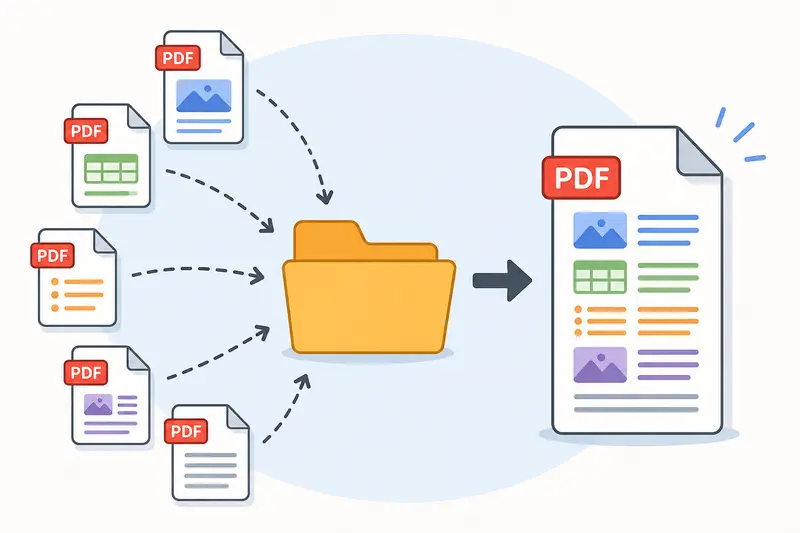
What Actually Changes With Large PDF Merges?
Small PDFs are rarely the issue.
The real friction starts when files include:
- scanned pages
- embedded images
- mixed page sizes
- exported spreadsheets
- long contracts
- archived records
A 6-page proposal merges instantly almost anywhere. A 420-page scanned compliance packet is a different story entirely.
During testing, we combined:
- 11 scanned PDFs
- roughly 780 MB total upload size
- mixed grayscale and color pages
- several documents originally exported from mobile scanners
The notable difference wasnt just processing speed. It was stability.
Instead of freezing the browser tab during upload, Filemazing queues the processing job and tracks completion separately. That matters for business users because large merges can otherwise tie up the browser session completely.
The output also preserved page order accurately across mixed file sources, which sounds basic until youve had invoices appear inside legal agreements after a failed merge. It happens more often than people admit.
When Businesses Usually Need to Combine PDFs
Most small teams dont merge documents for fun. They merge them because someone else requested one complete file.
Typical scenarios include:
Client delivery packets
Combining proposals, pricing sheets, contracts, and appendices into a single document reduces email clutter and keeps approvals cleaner.
Accounting archives
Monthly statements and receipts are often exported separately before being consolidated into one PDF for storage or tax preparation.
Construction and field reporting
Scanned site reports, annotated plans, and photo-based PDFs frequently need chronological ordering.
HR onboarding bundles
Policies, signed agreements, benefits forms, and identity documents are easier to distribute as one file.
Some industries practically run on PDFs held together by determination and deadlines.
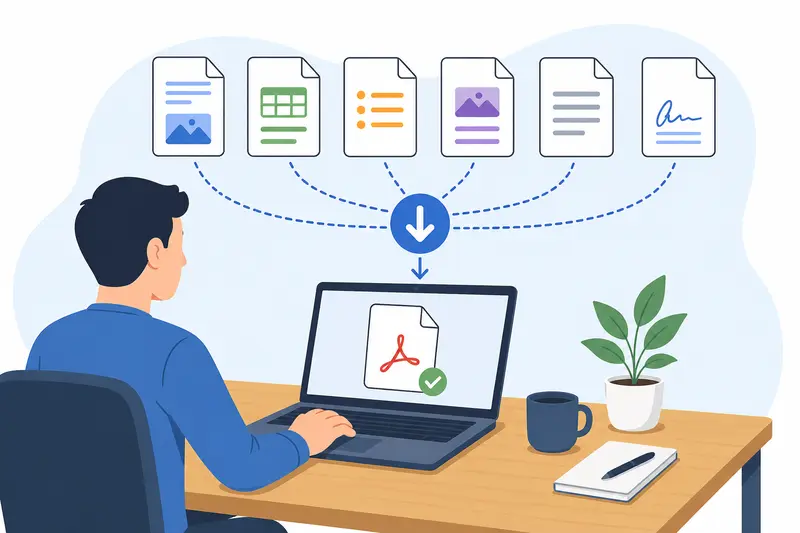
The Short Version: How the Process Works
The workflow is straightforward without feeling stripped down.
- Upload multiple PDFs
- Arrange file order
- Start the merge process
- Download the completed file after processing finishes
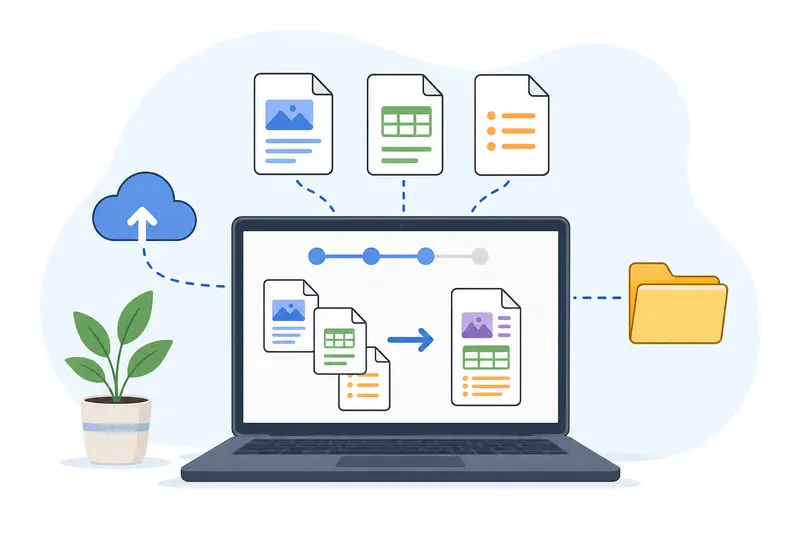
Because Filemazing uses queued processing rather than forcing everything into active browser memory, larger merges tend to behave more predictably.
That becomes especially helpful when working with combine scanned PDFs workflows where page rendering is heavier due to embedded image layers.
Another practical detail: uploaded files are treated as temporary processing artifacts rather than long-term cloud storage. Files are cleaned on a short retention schedule after processing completes, which is preferable for businesses handling invoices, employee documents, or legal paperwork.
Not every company wants sensitive PDFs sitting indefinitely on a random upload server.
A Less Obvious Tip for Better Merge Results
Heres something beginners rarely notice:
If scanned PDFs were created from different devices, page dimensions can vary slightly even when the documents appear visually identical.
That can lead to:
- inconsistent margins
- awkward scaling
- uneven page transitions after merging
Before combining large scanned files, it helps to standardize scan settings whenever possible:
- same DPI
- same paper size
- consistent orientation
- similar compression method
The merged output feels far cleaner afterward.
And if your workflow involves extracting supporting documents from compressed folders first, tools like Filemazing Archive Extractor https://filemazing.com/archive-extractor can simplify unpacking ZIP or RAR batches before the merge step begins.
Why Free PDF Mergers Sometimes Struggle
Many users specifically search for ways to combine PDFs without signup, and honestly, that makes sense.
Nobody wants to create an account just to join three invoices together.
But theres usually a tradeoff somewhere:
- upload caps
- export watermarks
- throttled processing
- file count limits
- unstable handling for larger documents
Filemazing takes a different route with token-based usage instead of locking everything behind subscriptions. Smaller merges can often be handled with daily free tokens, while heavier workloads consume tokens based on transparent processing rules tied to file size, page count, and number of uploaded files.
For business owners processing documents occasionally rather than constantly, that pricing structure is often more predictable than another recurring SaaS subscription quietly renewing in the background.
Large File Handling: Where Bottlenecks Usually Happen
Most merge failures happen before the actual merge begins.
Common causes include:
- browser memory overload
- unstable uploads
- excessively large image scans
- poorly compressed source PDFs
- mobile-generated scans with inconsistent encoding
One practical workaround:If a merged document becomes too large afterward, splitting workflows can help.
For example:
- merge sections separately
- optimize scans beforehand
- convert oversized pages into images selectively
- rebuild archival versions later
In some cases, turning pages into image assets first using PDF to Image Conversion Tools https://filemazing.com/pdf-to-image can simplify downstream workflows for presentations, CMS uploads, or documentation systems that dont handle massive PDFs gracefully.
A Realistic Tradeoff Worth Knowing
Theres no perfect PDF merge workflow.
Image-heavy scanned documents usually create a balancing act between:
- file size
- readability
- processing speed
Higher-resolution scans preserve detail for signatures and stamps but dramatically increase output size.
Lower compression improves readability but may slow uploads and processing.
For archival business records, maintaining legibility generally matters more than shaving off a few megabytes. For email distribution, lighter compression may be the smarter compromise.
The best settings depend entirely on what happens after the merge.
Security Matters More Than Most People Think
PDFs often contain:
- tax records
- customer addresses
- contracts
- payroll exports
- medical or legal paperwork
Thats why temporary handling policies matter.
Filemazing processes uploads as short-lived jobs rather than permanent storage repositories. Files are cleaned after processing rather than retained indefinitely, which reduces long-term exposure risks.
For additional protection after merging, businesses handling confidential documents can also use encrypted PDF and file protection workflows https://filemazing.com/encrypt-file to password-protect finalized files before distribution.
That extra step is particularly useful when emailing merged records externally.
FAQs
Can I merge PDF online free without creating an account?
Yes. Filemazing supports guest usage with daily free tokens, allowing smaller PDF merge tasks without mandatory registration.
Does combining scanned PDFs reduce quality?
Not inherently. Quality loss usually comes from prior compression or low-resolution scans rather than the merge process itself.
Are large PDF uploads stored permanently?
No. Uploaded files are handled as temporary processing jobs and cleaned on a short retention schedule rather than kept as long-term storage.
What types of PDFs work best for merging?
Digitally generated PDFs tend to process fastest, but scanned PDFs, image-heavy files, contracts, and exported reports can also be merged successfully.
Why do some merged PDFs become extremely large?
Scanned pages often contain embedded images at high resolution. Combining many image-based pages increases total file size quickly.
Is there a limit to how many PDFs can be combined?
Practical limits depend more on total file size and workload complexity than raw file count alone.
Final Thoughts
When businesses need to merge PDF documents, reliability matters more than flashy features.
A tool that can process large files consistently, avoid unnecessary account friction, and handle temporary uploads responsibly is often the better long-term fit especially for teams managing recurring document workflows.
Filemazing https://filemazing.com/merge-pdf focuses on exactly that balance:
- browser-based access
- predictable processing
- support for larger workloads
- transparent usage costs
- privacy-conscious handling
And importantly, it avoids turning a routine document task into an unexpectedly complicated project.