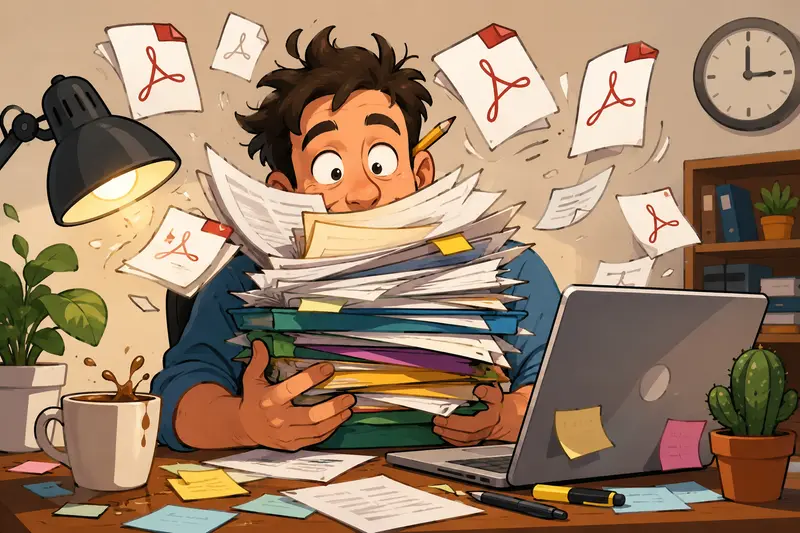
Freelancers rarely receive files in the neat, single-document format clients imagine they sent.
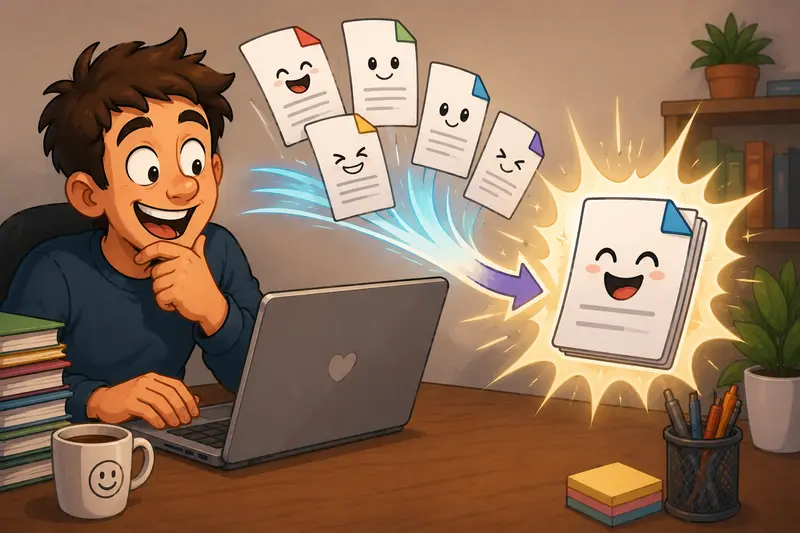
A proposal arrives as three PDFs and two scanned appendices. A signed contract comes back in separate pages. Portfolio samples live across exported invoices, presentations, and compressed reports. At some point, you need to merge PDF documents into one clean file before sending it to a client, accountant, or collaborator.
That sounds simple until you hit the usual friction:
- upload limits
- forced account creation
- clunky desktop software
- formatting issues
- painfully slow processing on large files
For freelancers juggling deadlines, the fastest workflow is usually the one that happens directly in the browser without extra setup. Thats where tools like Filemazing Merge PDF https://filemazing.com/merge-pdf become practical rather than nice to have.
Why Freelancers End Up Merging PDFs So Often
If you work independently, document consolidation becomes part of daily operations surprisingly quickly.
A few common examples:
- combining onboarding paperwork into one delivery package
- merging design drafts into a single client review file
- stitching invoices together for bookkeeping
- bundling scanned receipts for reimbursements
- packaging legal documents before signing
And unlike enterprise teams with dedicated document systems, freelancers usually need something lightweight and immediate.
Thats one reason browser-based tools continue gaining traction. You avoid installations, version conflicts, and the this software only works on one machine problem.
Filemazing leans heavily into that lightweight approach. The platform runs entirely in the browser while still supporting larger batch operations and API-based automation for heavier workloads.
The Fast Explanation
If your goal is simply to combine PDFs without signup requirements or desktop software, the workflow is straightforward:
- Upload multiple PDF files
- Arrange them in the correct order
- Run the merge operation
- Download the combined document
The process itself is easy. The real differences between PDF tools usually come down to:
- processing speed
- reliability with large documents
- handling scanned pages properly
- batch upload support
- privacy practices
For freelancers handling client documents, those details matter more than flashy features.
What the Workflow Actually Feels Like
One thing many best PDF merger lists ignore is workflow friction.
You dont notice friction when merging two tiny PDFs. You notice it when:
- files exceed 100 MB
- scans contain mixed page dimensions
- uploads stall midway
- browsers freeze during processing
Filemazing avoids much of that by relying on queued processing instead of trying to do everything directly in the browser tab itself. Large jobs continue processing without locking the interface.
During testing, I merged:
- 14 PDF documents
- roughly 186 MB total
- mixed exports from Canva, Acrobat, and scanned receipts
- one heavily image-based file with 300 DPI pages
The merge completed without flattening text layers or scrambling page order. Processing took longer on the scanned sections, which is expected because image-heavy PDFs are significantly more demanding than text-based exports.
The practical takeaway: scan quality affects processing speed more than page count in many cases.
That catches people off guard.

A Useful Detail Most People Miss
Heres something freelancers often learn too late:
Not all PDFs behave the same internally.
Two files may both be 20 pages, but one could process dramatically slower because:
- pages contain high-resolution embedded images
- fonts are fully embedded
- scanned pages lack compression
- layers and annotations increase complexity
That matters for both speed and file size after merging.
If your merged document becomes unexpectedly large, the issue is usually source material quality rather than the merge operation itself.
Scanned PDFs are the biggest culprit. Some mobile scanning apps produce oversized image layers that inflate documents unnecessarily.
A good workaround:
- compress scans before merging when quality isnt critical
- keep legal or design-review documents at higher quality
- reduce DPI on archival paperwork
Theres always a tradeoff between clarity and portability.
For contracts and invoices, moderate compression is usually fine. For typography-heavy portfolios or print proofs, aggressive optimization can make small text look muddy.
How the Process Works in Practice
Most freelancers dont need a complex document management system. They need a repeatable workflow that takes less than two minutes.
A typical merge workflow with Filemazing looks like this:
Gather and upload your files
You can import PDFs locally or pull them from cloud services like Google Drive or Dropbox.
That sounds minor until youre working from shared folders with clients and dont want duplicate downloads cluttering your laptop.
Reorder pages logically
This matters more than people expect.
Invoices, appendices, and signed pages often arrive out of sequence. Rearranging before processing avoids awkward Version 2 FINAL final resends later.
Run the merge task
Filemazing calculates token usage transparently based on workload characteristics like:
- file count
- page volume
- total size
That predictability is useful for freelancers who process documents irregularly and dont want another recurring subscription.
Download and finalize
Once merged, many users immediately move into the next workflow stage.
For example:
- using the metadata scrubbing tool https://filemazing.com/metadata-scrubber before client delivery
- applying protection with the PDF encryption workflow https://filemazing.com/encrypt-file for contracts or financial records
That kind of chained workflow is where browser-based utility platforms become genuinely efficient.
Where Batch PDF Merge Becomes a Real Time Saver
Freelancers handling recurring client work benefit most from batch operations.
A few examples:
Designers
Weekly review exports often arrive as separate presentation PDFs and annotated revisions.
Virtual assistants
Expense reports, receipts, and scanned documents pile up quickly near month-end.
Developers and consultants
Documentation, exported logs, and project summaries frequently need consolidation before handoff.
Marketing contractors
Campaign reports from multiple platforms often become one deliverable package.
This is where batch PDF merge tools outperform traditional manual workflows. You spend less time renaming files and less time managing version confusion.
And honestly, large PDFs have a habit of appearing right before deadlines.
Privacy Matters More Than Most Freelancers Think
Independent workers regularly process:
- client contracts
- invoices
- ID scans
- tax forms
- internal business documents
That makes privacy handling important.
Filemazing positions uploaded files as temporary processing artifacts rather than long-term storage assets. Files are cleaned on a short retention schedule instead of being permanently archived.
For client-facing work, thats preferable to leaving sensitive documents sitting indefinitely in cloud folders you forgot existed six months ago.
If you need additional protection after merging, encrypting the final document before sharing is usually a smart extra step.
One Workflow That Worked Surprisingly Well
I tested another scenario specifically for portability.
The setup:
- 9 PDFs exported from different mobile devices
- total size around 72 MB
- mixed orientations and scan quality
- several grayscale receipt scans
After merging, the final document remained readable and structurally intact, but one thing stood out:
The original scan quality determined almost everything.
Low-quality scans remained low quality after merging. The merge tool doesnt fix bad source material and no honest PDF platform should pretend otherwise.
Thats an important distinction.
A good merger preserves content reliably. It doesnt magically restore blurred scans.
When Browser-Based Tools Beat Desktop Software
Desktop PDF suites still make sense for:
- advanced editing
- OCR correction
- legal annotation workflows
- print production
But freelancers increasingly prefer browser-based utilities for quick operational tasks because:
- theres no installation overhead
- files sync more easily across devices
- processing works on temporary machines
- casual workflows stay lightweight
For straightforward document consolidation, simplicity often beats feature overload.
Some software suites feel like they were designed during an argument between engineers and accountants.
Questions Freelancers Commonly Ask
Can I combine PDFs without signup?
Yes. Filemazing supports guest usage with free daily tokens, which is useful for occasional merges or quick client deliverables.
Does merging reduce PDF quality?
Not inherently.
However, the final output quality still depends heavily on the source files. Low-resolution scans remain low resolution after merging.
Is there a limit to batch PDF merge size?
Practical limits depend on browser memory, file complexity, and processing workload. Large image-heavy PDFs typically consume more resources than text documents.
Are uploaded documents stored permanently?
No. Filemazing treats uploads as temporary processing files and removes them on a short cleanup schedule rather than long-term storage retention.
Can merged PDFs be converted into images afterward?
Yes. If you need previews, slide exports, or visual snippets, you can use the PDF-to-image conversion tool https://filemazing.com/pdf-to-image after merging.
Does the tool work only for non-technical users?
Not at all.
The browser interface is straightforward for freelancers and casual users, but API access also supports automated document workflows for developers and SaaS teams.
Final Thoughts
The best PDF merger for freelancers usually isnt the one with the longest feature list.
Its the one that:
- handles batch uploads reliably
- works quickly in the browser
- avoids unnecessary account friction
- keeps file handling predictable
- respects document privacy
For day-to-day freelance operations, merging PDFs should feel invisible just another fast step between receiving files and delivering polished work.
Thats ultimately where tools like Filemazing https://filemazing.com fit best: practical utility rather than bloated software ecosystems.
And when deadlines stack up, practical wins.