:::writing{variant=document id=58241}
Merge PDF Files on Linux for StudentsIf youre a student using Linux, youve probably ended up with lecture notes, scanned assignments, research papers, and project documents scattered across multiple PDF files. When submission deadlines approach, managing separate files becomes inconvenient. Being able to merge PDF files into a single document helps keep coursework organized and easier to share.
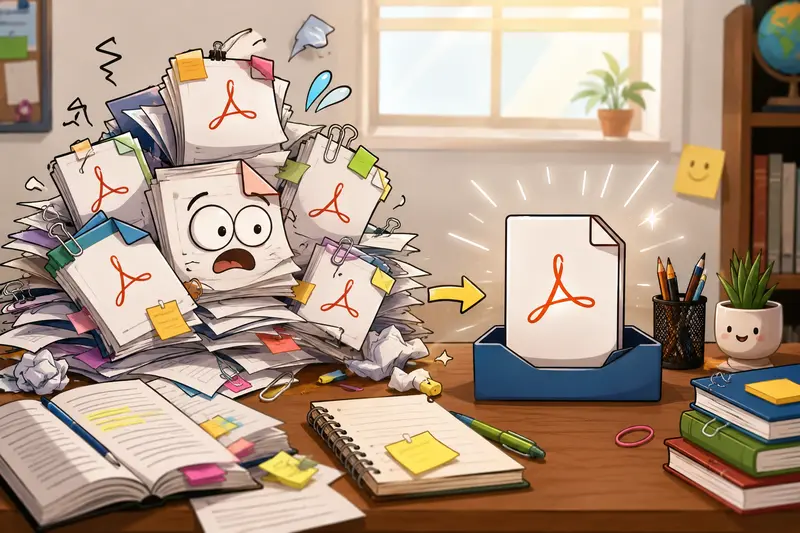
Whether youre combining scanned class notes or creating a single PDF portfolio for a course submission, Linux users have several options available. One practical approach is using a browser-based tool that works regardless of your Linux distribution.
The Fast Answer
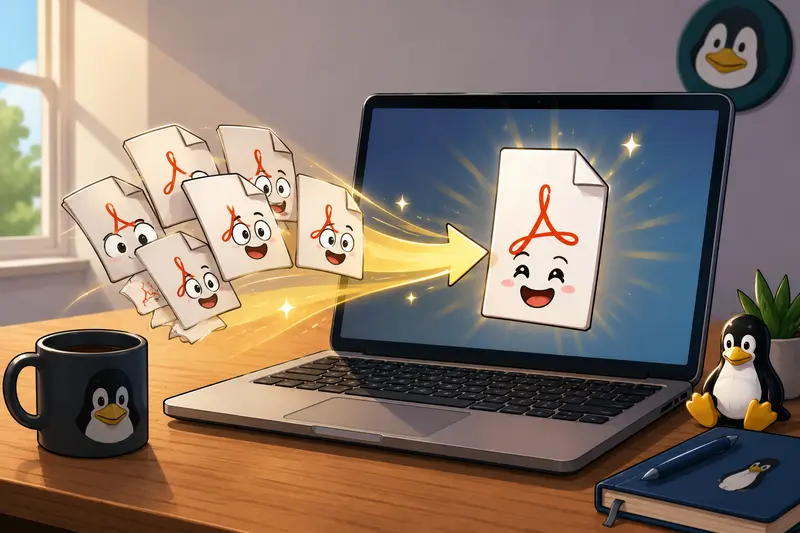
If you need to merge PDF files without installing software, a web-based tool such as Filemazing Merge PDF allows you to upload multiple PDFs, arrange them in the desired order, and generate a combined document directly from your browser.
This approach is especially useful on school computers, Chromebooks running Linux environments, or systems where installing additional packages isnt ideal.
A Practical Way to Combine PDFs on Linux
Many Linux users are comfortable with command-line utilities, but not every student wants to remember terminal commands while rushing to submit an assignment.
Heres a straightforward workflow:
1. Gather Your PDF Files
Place all PDFs you want to combine into one folder.
Examples:
- Lecture notes
- Assignment pages
- Scanned handwritten work
- Research article excerpts
2. Upload the Documents
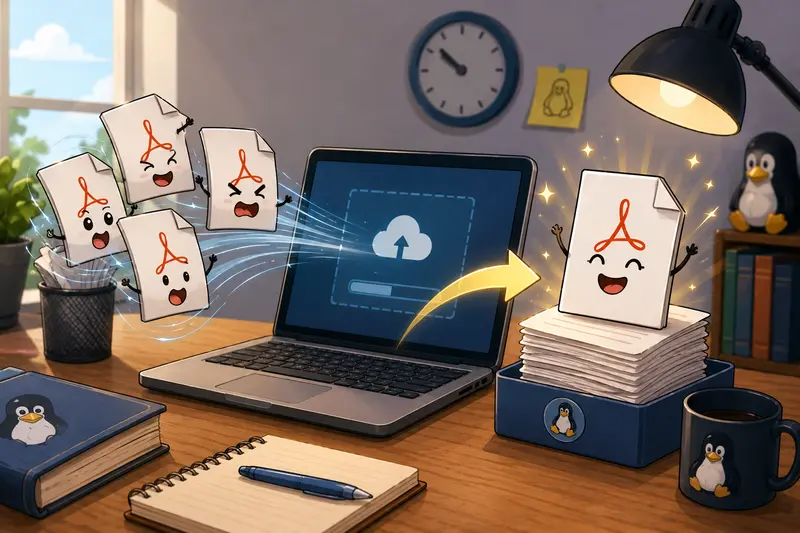
Open the Filemazing merge PDF tool and add the files you want included.
The service works entirely through a browser, making it accessible from Ubuntu, Fedora, Debian, Linux Mint, Arch Linux, and other distributions.
3. Arrange the Order
Move files into the correct sequence before processing.
This step matters more than many students realize. Reordering after submission is rarely fun.
4. Generate the Combined PDF
Start the merge operation and wait for processing to complete.
Large documents are handled through queued processing, which prevents lengthy jobs from freezing the interface.
5. Download the Final File
Review the merged document before sharing it with instructors or classmates.
Why Many Students Prefer Browser-Based PDF Merging
Linux offers powerful desktop tools, but browser-based workflows have several advantages.
What You Gain
- No software installation required
- Works across different Linux distributions
- Accessible from any modern browser
- Useful on managed university devices
- Supports combining multiple PDFs into one file
- Predictable token-based pricing for larger workloads
Filemazing also supports cloud imports from providers such as Google Drive and Dropbox, which can simplify document collection when files are stored across different locations.
Real-World Testing Experience
To evaluate how well this workflow performs for student use cases, I tested a realistic scenario.
Test Setup
The sample workload included:
- 8 scanned lecture PDFs
- 2 exported research papers
- Approximately 120 pages total
- Mixed file sizes ranging from 2 MB to 25 MB
Observed Results
The files were successfully merged into a single PDF while preserving page order and document readability.
Text-based PDFs remained searchable, and scanned pages retained their original appearance. Processing completed without requiring any desktop software installation.
Key Takeaway
For students who regularly assemble coursework from multiple sources, browser-based merging removes much of the friction associated with managing academic documents on Linux.
Common Mistakes to Avoid When Merging PDFs
A surprisingly large number of document issues happen before the merge itself.
Mixing Up Document Order
Always review page sequence before processing.
For example:
- Cover page first
- Assignment sections second
- References last
Combining Unnecessary Pages
Removing redundant pages beforehand creates a cleaner final document.
If a PDF contains hidden author information or sensitive metadata, consider using the metadata scrubbing tool before sharing documents externally.
Ignoring Security Requirements
Some professors require password-protected submissions containing personal information.
In those situations, you can use the file encryption tool after creating the final PDF.
When Merged PDFs Become Especially Useful
Students often need to combine documents in situations such as:
- Submitting multi-part assignments
- Creating a project report from several contributors
- Combining scanned handwritten pages
- Building a study packet from multiple lecture notes
- Creating internship or scholarship application portfolios
- Merging research references into a single review package
These scenarios appear throughout a typical academic year.
Privacy Considerations
Document privacy matters, especially when coursework contains personal information.
Filemazing treats uploaded files as temporary processing artifacts rather than long-term storage. Files are processed, delivered, and cleaned according to short retention policies instead of being permanently stored.
For students handling academic records, that distinction can be important.
Additional Workflow Tip
Sometimes a merged PDF is only the beginning.
If you later need individual pages as images for presentations, reports, or study materials, you can use the PDF to image conversion tool to turn merged PDF pages into image files.
This is particularly helpful when extracting diagrams, charts, or handwritten notes for coursework.
Frequently Asked Questions
Can I merge PDF files on Linux without installing software?
Yes. Browser-based tools allow you to combine PDFs directly online without installing desktop applications.
Does merging PDFs reduce document quality?
In most cases, no. Standard PDF merging typically preserves the original pages and formatting.
Can I merge PDF online free?
Many services provide free usage tiers. Filemazing offers daily free tokens that can be used for processing tasks before additional token purchases become necessary.
Is it possible to combine PDFs without signup?
Yes. Anonymous users can start processing files using available free tokens, making it possible to combine PDFs without signup for many basic workloads.
What is the best PDF merger for students?
The best PDF merger depends on your needs. Students generally benefit from solutions that are easy to access, support multiple files, preserve document quality, and avoid unnecessary software installation.
Are my uploaded files stored permanently?
No. Filemazing uses temporary processing workflows and cleanup procedures rather than acting as long-term file storage.
Final Recommendation
For Linux students who regularly handle coursework, reports, scanned notes, and research documents, being able to merge PDF files efficiently saves time and keeps submissions organized.
A browser-based solution like Filemazing offers a practical balance of convenience, privacy, and accessibility. It works across Linux distributions, supports multiple document workflows, provides transparent token-based costs, and helps students manage PDFs without installing extra software. When deadlines are approaching and documents need to be consolidated, having a reliable way to merge files can make the entire submission process smoother.:::