Dead traditional desktop software for many workflows. Iflines are not kind to compressed files your main goal is to open RAR files online without slowing down your system or installing another utility, modern.
A classmate sends archive extractors can handle the job surprisingly well.
Filemazings archive extractor is one example lecture notes as a RAR archive. designed around fast temporary processing rather A professor uploads project materials inside a zipped folder. Your group project than heavyweight desktop management. The tool assets arrive as one compressed package right before works directly in the browser and supports archive extraction workflows for RAR, ZIP, and other common compressed submission time. In those moments, you do not formats.
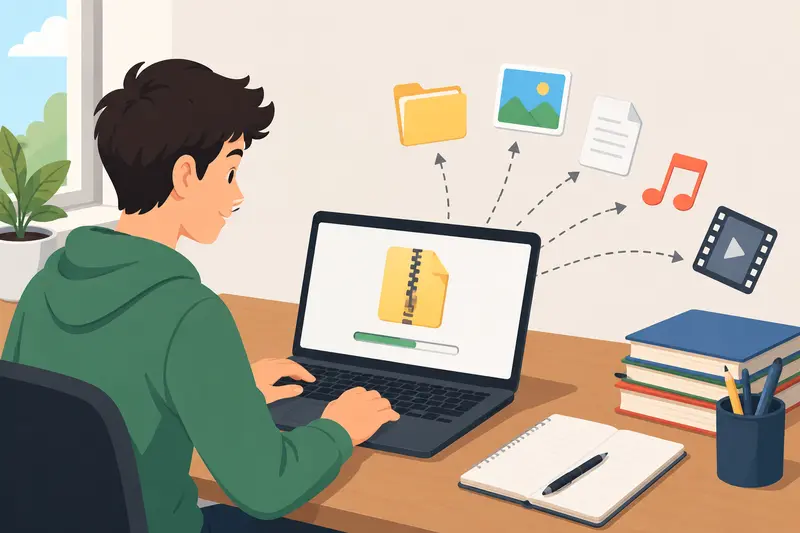
What Actually Matters When Opening with an app that looks older than your Archives Online
A lot of archive extraction tools advertise the same features, so the syllabus.
When you need to open RAR files online, the fastest path is usually a browser-based archive extractor that can unpack the file, let you download the contents, and move on with your work.

What matters than it should.
Many online extractors quietly behave like temporary cloud storage. Filemazing takes a most when opening RAR files online
For students, shorter-retention approach instead, treating uploads as processing speed matters because file jobs that are cleaned up after completion rather than archived tasks usually happen around something more important: submitting an assignment, indefinitely. For coursework, scanned PDFs, recorded lectures, and shared project folders, thats a reviewing notes, preparing a presentation, or sharing materials with a group.
A more sensible privacy model.
The browser-first setup good online archive extractor should help you:
- upload a RAR, ZIP, or similar archive also helps when working across school computers, Chromebooks, or library from your browser
- extract the contents without installing software
- download the unpacked files machines where software installation is restricted.
The Short Version
If you cleanly
- handle mixed materials like PDFs, images, audio files, and documents
- avoid storing your files as long-term cloud storage
That is where [Filemazings archive extractor](https://filemazing.com/archive-extractor need to:
- open RAR files online
- extract ZIP without software
- unpack mixed archives quickly
- avoid desktop installers
- process files from Google Drive or Dropbox
a browser-based archive extractor is usually faster than installing) fits well. It is built for browser-based file processing, so you can unpack archives fast without turning a dedicated desktop utilities for one-off tasks.
Filemazing also fits naturally into larger workflows. For example, after extracting small file task into a full software setup project.
A practical lecture PDFs from a RAR archive, you can directly use the student workflow
Here is a realisticurl PDF to image converter https://filemazing.com/pdf-to-image example.
Say you receive a -to-image to turn pages into slide images for presentations or study notes.
A Real-World Test:180MB RAR file for a media studies assignment. Inside are:
- 12 PDF readings
- 28 image files
- 4 short audio clips
- 3 text documents
- 1 spreadsheet with references
Instead of installing an archive manager Large Coursework Archive
To see how practical browser extraction actually feels, I tested a mixed archive set that resembled a typical semester project handoff:
- on a library3 RAR files
- roughly 1.2GB total
- included computer or shared laptop, you can upload the archive, extract it online, and download the files you actually need.
After extraction, the next step depends on the contents. If the archive includes PDFs you need to preview PDFs, MP3 lectures, screenshots, spreadsheets, and scanned visually notes
- one archive contained nested ZIP folders inside the RAR package
The interesting part wasnt extraction speed alone. It was responsiveness.
Some online extractors stall badly when archives contain many small files. Others struggle with nested compression or image-heavy directories.
In this case, queued processing handled the workload more predictably than expected or include in slides, you can convert extracted PDFs to images. If it includes voice. Instead of locking the browser tab during extraction, the job system clips or recorded continued processing in the background while download links appeared after completion.
That matters more than raw interview snippets, you can [ benchmark numbers in real student workflows. Nobody cares ifconvert extracted audio files](https://filemazing.com/audio-converter extraction saves three seconds but crashes midway) into a more useful format for editing or submission.
This through a group assignment submission.
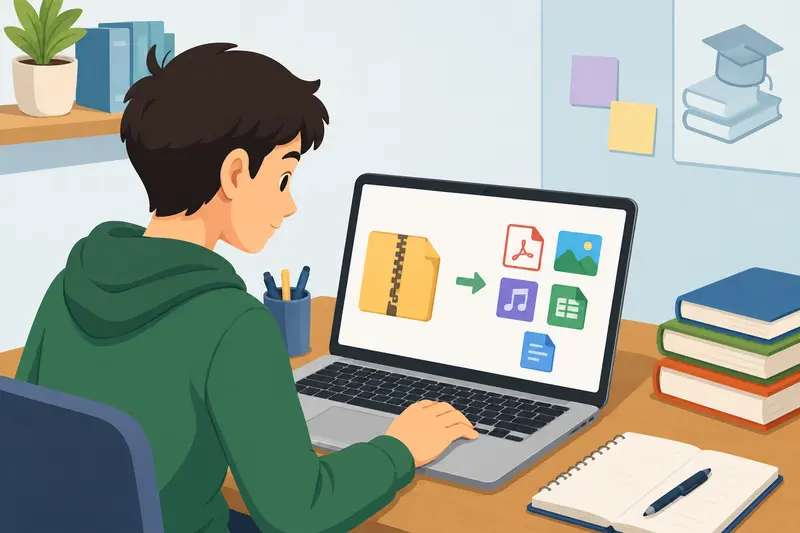
unzipping a file. It becomes the first step in Getting It Done Without Installing Software
The process itself is straightforward, but there are a few workflow decisions getting messy materials ready for actual that can noticeably improve speed.
Typical extraction flow
- Upload the RAR or ZIP archive schoolwork.
Getting it done without slowing yourself
- Wait for queued processing
- Download extracted files individually or down
The basic process is straightforward:
- Open the archive extractor in bulk
- Continue with conversion, cleanup, or sharing tasks
Because in your browser.2. Upload the RAR or compressed archive.3 Filemazing supports cloud imports, you can also pull files directly from Google Drive or Dropbox instead of downloading locally. Start the extraction job.4. Wait for processing to finish.5. Download the extracted files.
Because Filemazing uses queued processing and job status tracking, larger archives do not have to freeze the page while the job runs. That matters when you are handling image-heavy folders or archives first.
That cuts down duplicate transfers, especially when classmates keep passing around updated archive versions every with many two hours.
Which they absolutely will.
One Performance Tip Most People Miss
Heres the non-obvious part: extraction speed is often affected more by * small files.
The non-obviousfile structure* than by archive size.
A single 700MB video archive may tip: extract first, organize process faster than a 250MB archive containing thousands of tiny images and second.
Do not rename, convert, nested folders.
If you frequently unpack archives fast for coursework or design projects, compress, or encrypt files before checking what it helps to:
- avoid excessively deep folder nesting
- compress related actually came out of the archive. RAR files can contain duplicate folders, outdated versions, or nested archives. Review the extracted structure first, then decide what needs editing.
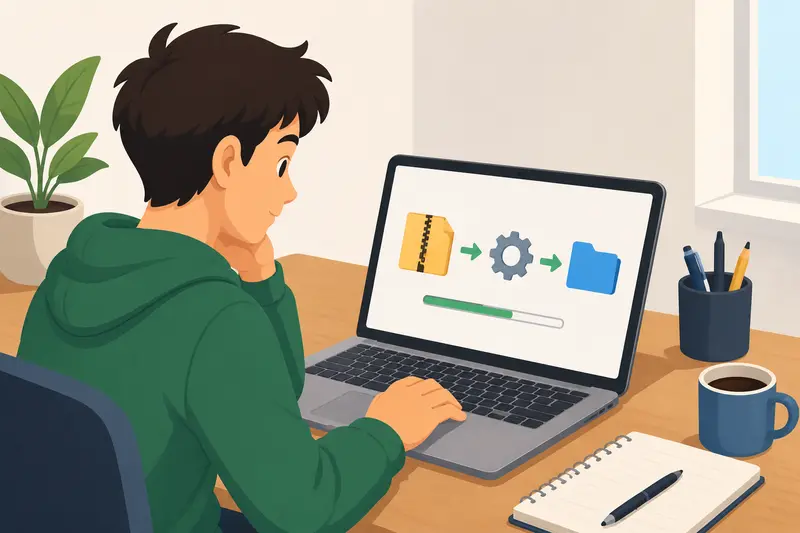
The bottlenecks students usually miss
Online archive extraction is fast, but archives themselves can be annoying.
Here are the issues most likely to slow you down:
Nested folders. Some archives open into a folder, which contains another folder, which contains the real files. Annoying, but common.
Too many small files. A 50MB archive with 600 tiny files can feel slower than a 300MB archive with six files because the system has to unpack and prepare every item.
Password-protected archives. If the RAR file requires a password, you need the correct password from the sender. No extractor should magically bypass that.
Corrupted downloads. If the original archive was interrupted during download, extraction may fail. Re-download the source file before assuming the tool is the problem.
File names from different systems. Archives created on older computers or different operating systems can sometimes include strange characters in file names. Review before submitting anything officially.
Some file formats cooperate nicely. Others behave like they were packaged during finals week.
Speed versus review: the tradeoff
When you want to unpack archives fast, it is tempting to download everything immediately and move on. That works for simple archives, but it is not always best for school submissions.
Speed is useful when you already trust the source and know what is inside. Manual review is better when the archive came from a group chat, a public download, or an old shared folder.
A good rule:
- For trusted class materials, extract and download quickly.
- For mixed group project files, inspect the folder structure first.
- For anything you plan to submit, open the final files before uploading them to your school portal.
That extra minute can prevent submitting the wrong draft, missing a required attachment, or accidentally including a file named final_FINAL_revised2.
Privacy and temporary processing
Browser-based extraction is convenient, but privacy still matters. Student files can include names, grades, research notes, personal recordings, or project data.
Filemazing treats uploaded files as temporary processing artifacts rather than long-term storage. Jobs are processed, delivered for download, and cleaned on a short retention schedule. That is the right model for file utilities: process the file, give the result back, and avoid keeping it around unnecessarily.
If extracted files contain sensitive material, you can also [secure extracted files for storage or sharing](https://filemazing.com/encrypt-file files together logically
- separate huge media files from small document assets
This reduces extraction overhead and improves browser responsiveness during processing.
RAR archives with thousands of thumbnails, cache files, and exported screenshots tend to be the worst offenders.
Why Browser-Based Extraction Works Better for Students
Desktop extraction tools still make sense for power users handling massive local archives daily.
But students usually need flexibility more than permanent software.
A browser-based extractor helps when:
- using shared campus devices
- switching between Windows and macOS
- working on lightweight Chromebooks
- accessing archives during travel
- handling one-time submissions
Theres also less maintenance involved. No updates, no license popups, no bundled utilities pretending to optimize your computer while doing the opposite.
Where File Conversion Starts Becoming Useful
Archives) before sending them to classmates or saving them elsewhere.
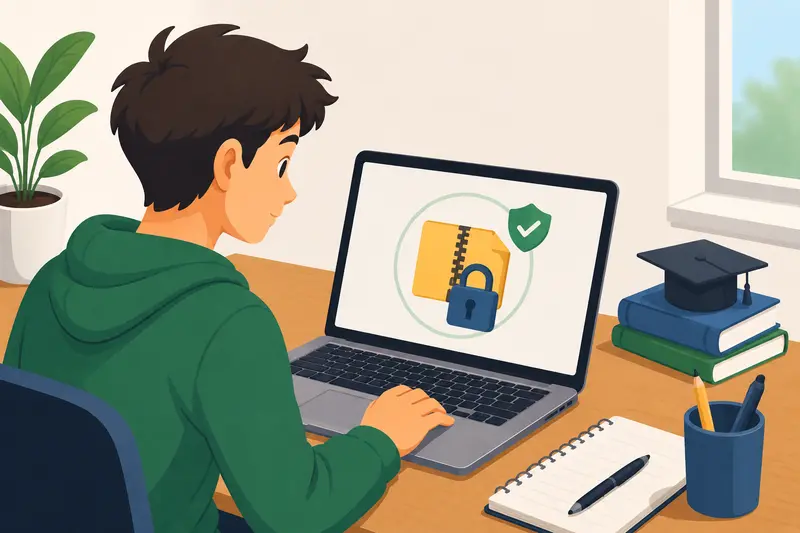
Why Filemazing works well for this task
Filemazing is useful here because archive extraction sits alongside other file tools students often need: PDF conversion, audio conversion, compression, metadata cleanup, format conversion, and encryption.
It also uses transparent token-based pricing. Archive extraction has a pricing rule based on workload factors such as base cost, file size, and file count, so heavier archives consume more tokens than tiny ones. Daily free tokens help with occasional use, while larger token packs are available for bigger workloads.
For students, that means you can handle a quick archive task without committing to a subscription.
When an online extractor is the best choice
Opening RAR files online makes the most sense when:
- you are using a school, library, or borrowed computer
- you cannot install desktop software
- you need to extract ZIP without software
- the archive is part of a one-time assignment
- you want a browser-based workflow
- you need to process extracted files afterward
A desktop archive app may still be better if you work with huge archives every day or need offline access. But for normal student workloads, the best archive extractor is often the one that gets out of your way fastest.
FAQ
Can I open RAR files online without installing anything?
Yes. A browser-based archive extractor lets you upload the archive, process it online, and download the extracted files without installing desktop software.
Is online RAR extraction safe for school files?
It can be, as long as the tool uses temporary processing and does not treat uploads as permanent storage. For sensitive files, review what you upload and consider encrypting extracted materials before sharing.
Can I extract ZIP without software too?
Yes. Many archive extractors support common compressed formats beyond RAR, including ZIP. This is useful when classmates send different archive types.
Why does a small archive sometimes take longer than expected?
File count matters. An archive with hundreds of tiny files may require more processing than one large file because each item has to be unpacked and prepared.
What should I do after extracting PDFs from an archive?
Check whether you need the PDFs as documents or images. For slides, previews, or visual submissions, you can use Filemazing to convert PDFs to images after extraction.
What is the fastest way to avoid extraction problems?
Download the archive fully, keep the original file until you confirm the extracted contents, and check for nested folders before submitting anything. rarely contain only one file type anymore.
A compressed project folder may include:
- PDFs
- WAV recordings
- presentation assets
- screenshots
- spreadsheets
- compressed media exports
After extraction, workflow continuity becomes important.
For example, if an archive includes lecture recordings in unsupported formats, you can process them through the audio conversion workflow https://filemazing.com/audio-converter to create smaller MP3 files for mobile playback.
Similarly, students sharing sensitive research documents may want to use the file encryption tool https://filemazing.com/encrypt-file before sending extracted materials through email or cloud storage.
Those follow-up steps matter because archive extraction is rarely the final task. Its usually the middle of a larger file-handling chain.
Speed vs Manual Review: The Tradeoff Nobody Talks About
Fast extraction is useful, but bulk unpacking can create messy outputs if you download everything blindly.
This becomes obvious with shared class archives containing:
- duplicate filenames
- outdated revisions
- random exported assets
- hidden system folders
Batch extraction saves time initially, but manual review still matters before submitting work or re-uploading files elsewhere.
In practice, the best archive extractor is not necessarily the one that extracts fastest. Its the one that lets you continue organizing files without friction afterward.
That distinction gets overlooked in many comparisons.
Understanding the Token System Without Overthinking It
Filemazing uses a token-based pricing model instead of subscriptions.
For students, thats often more practical because archive extraction tends to happen in bursts around exams, project deadlines, and collaborative submissions rather than every day.
The archive extractor pricing model currently includes:
- base processing cost
- file-size-related calculation
- predictable minimum and maximum guards
The transparent structure makes occasional usage easier to estimate compared to monthly plans that sit unused most of the semester.
There are also free daily tokens available for smaller jobs.
A Few Situations Where Online Extraction Is Surprisingly Helpful
Some workflows are more common now than they were a few years ago.
Shared design submissions
Large Adobe exports and media assets are often compressed into RAR packages before submission to avoid upload limits.
Recorded lecture bundles
Professors sometimes distribute semester recordings as compressed archives containing dozens of audio files.
Research collaboration
Students exchanging datasets frequently use ZIP or RAR compression to preserve folder structures.
Old backup recovery
Legacy RAR files from older Windows systems still appear constantly in university environments.
And yes, some of those archives seem to have been compressed sometime around the invention of electricity.
Questions Students Usually Ask
Can I extract ZIP without software too?
Yes. Browser-based archive extractors generally support both ZIP and RAR formats, along with several additional archive types depending on the platform.
Is it safe to open RAR files online?
That depends on the services retention and handling policies. Filemazing treats uploaded files as temporary processing artifacts rather than permanent cloud storage, which is preferable for coursework and personal documents.
What browsers work best?
Modern versions of Chrome, Edge, Firefox, and Safari typically handle extraction workflows well. Very large archives may perform better on desktop browsers than mobile devices.
Does extraction quality change online?
Not really. Archive extraction itself is lossless. The bigger performance difference comes from upload speed, file structure, and how efficiently the service handles batch processing.
What if the archive contains PDFs or media files afterward?
You can continue processing extracted files directly. For instance, extracted PDFs can be converted through the PDF to image workflow https://filemazing.com/pdf-to-image if you need slide previews or visual study materials.
Are huge archives practical in a browser?
Moderately large archives usually work well, but extremely large uploads can still be limited by browser memory, upload bandwidth, or unstable campus Wi-Fi. Splitting oversized archives into smaller segments often improves reliability.
Final Thoughts
For students, convenience usually wins over heavyweight software ecosystems.
When the goal is simply to open RAR files online, unpack archives fast, and move on with coursework, browser-based extraction tools make more sense than installing permanent desktop utilities for occasional use.
Filemazing works well because it focuses on practical workflows:
- temporary processing
- cloud import support
- predictable usage costs
- browser accessibility
- multi-step file handling beyond extraction alone
That combination matters more than flashy features when youre juggling deadlines, storage limits, and archive files named things like FINAL_v2_REAL_FINAL_FIXED.rar.