Photographers rarely struggle with creativity. The real headache usually starts afterward delivering hundreds of RAW files, edited galleries, client proofs, and contracts without compromising privacy or wasting hours on uploads.
Thats where secure file sharing becomes less of a technical checkbox and more of a practical business necessity. Wedding shoots, commercial campaigns, and event photography projects often involve large batches of sensitive files moving between editors, clients, assistants, and agencies. A single unprotected transfer can expose client data, location metadata, or unreleased campaign assets.
And yes, giant image folders somehow always appear right before a deadline.
The Fast Explanation
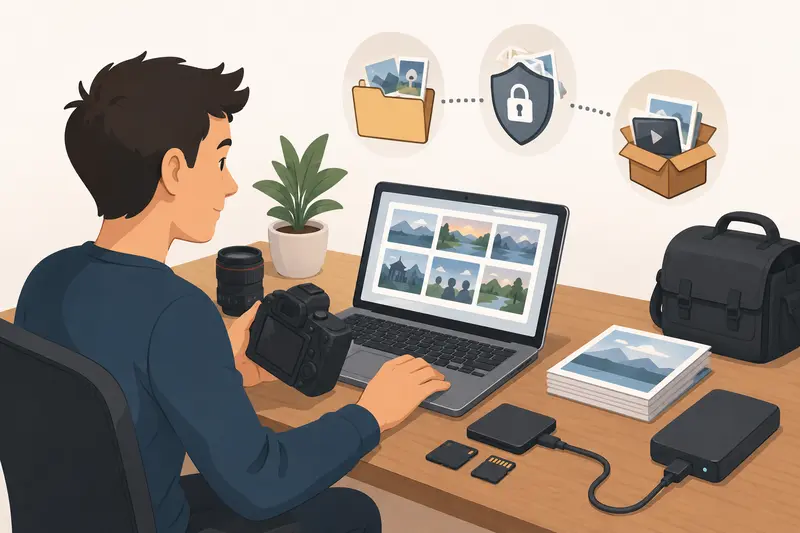
For photographers handling large media libraries, the safest workflow usually combines:
- metadata cleanup
- optional file compression
- archive preparation
- encryption before transfer
Using a browser-based workflow makes this easier when working across devices or collaborating remotely. Tools like Filemazing Encrypt File https://filemazing.com/encrypt-file streamline the process without requiring heavyweight desktop software or permanent cloud storage.
Why Bulk File Protection Matters More for Photography
Photo workflows carry unusual privacy risks compared to ordinary documents.
A RAW image can contain:
- GPS coordinates
- device details
- timestamps
- camera serial data
- editing history
- embedded previews
For commercial photographers, unreleased campaign images are often contract-sensitive. For wedding and portrait photographers, privacy expectations are even higher.
The issue gets bigger during bulk delivery. Sending 400 edited JPGs individually is inefficient. Sending them unencrypted in one ZIP archive is faster but risky if intercepted or forwarded accidentally.
Thats why many professionals now treat encryption as part of the delivery pipeline itself rather than an optional final step.
A Practical Bulk Sharing Workflow
Instead of encrypting files one by one, its far more efficient to prepare batches strategically.
1. Clean metadata before packaging
Before sharing client galleries, it helps to remove hidden EXIF and device information. Using a metadata cleanup workflow like metadata scrubbing for image privacy https://filemazing.com/metadata-scrubber reduces the amount of unnecessary information attached to your files.
This is especially useful for:
- real estate photography
- travel shoots
- private events
- family sessions
- corporate client work
2. Reduce oversized images when appropriate
Large TIFFs and high-resolution JPGs can slow transfers dramatically. If the recipient only needs review copies or previews, you can first shrink large image files before secure sharing https://filemazing.com/compress-image to reduce upload time and storage overhead.
Theres an important tradeoff here:
- excessive compression speeds up sharing
- lighter compression preserves client review quality
The goal is smaller files not turning portraits into watercolor paintings accidentally.
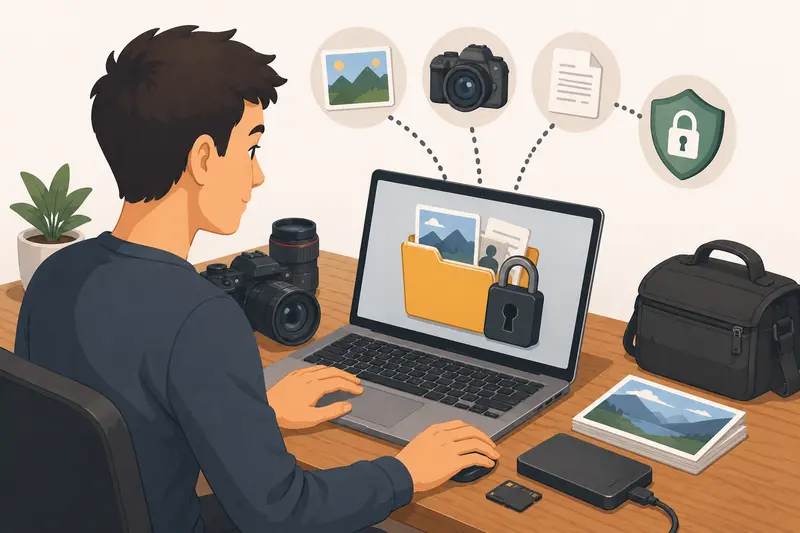
3. Group related documents together
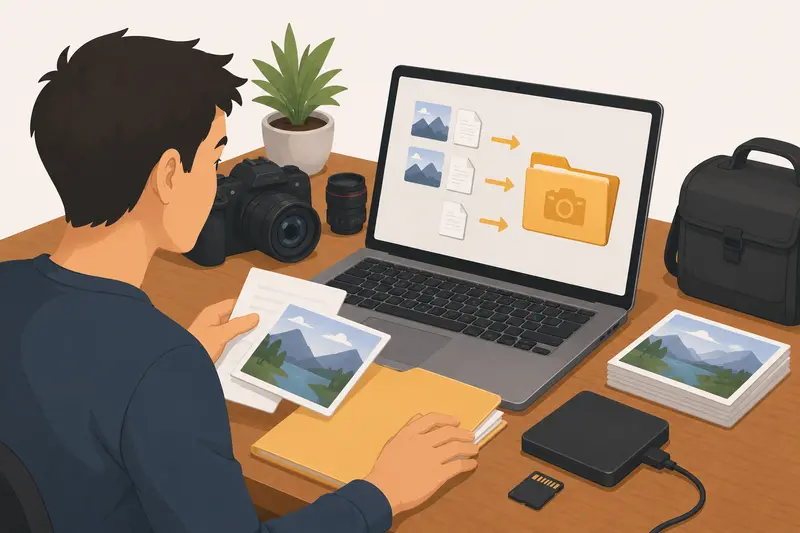
Many photography deliveries include contracts, invoices, licensing PDFs, and shot lists alongside images. Combining those into a single protected package helps organization.
For document-heavy projects, you can merge PDF files before encryption https://filemazing.com/merge-pdf so clients receive fewer scattered attachments.
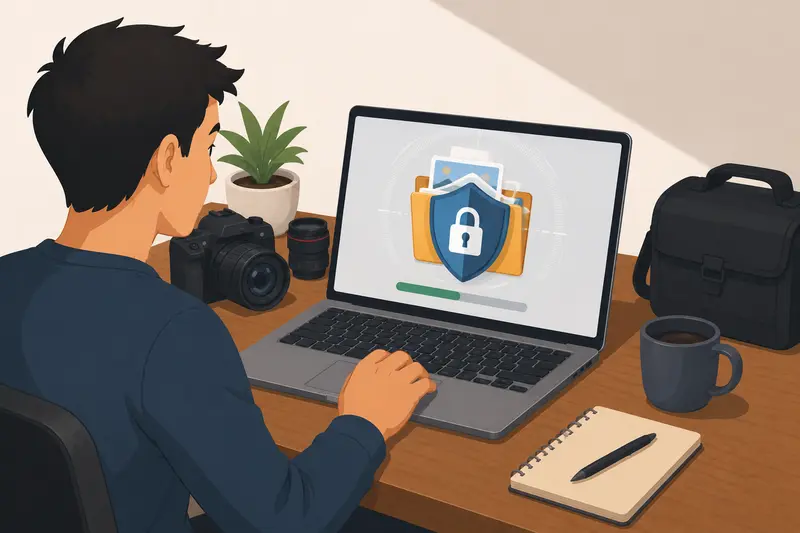
4. Encrypt the final archive
Once the files are prepared:
- upload the batch
- apply encryption
- generate the secured output
- share through email, cloud delivery, or client portals
This approach creates a much cleaner private file sharing workflow, especially when managing multiple client deliveries weekly.
Where Browser-Based Encryption Helps
Traditional desktop encryption tools work well, but they can become cumbersome when:
- switching devices
- collaborating remotely
- handling temporary workloads
- processing files while traveling
Filemazing takes a lighter operational approach. Since it runs in the browser, photographers can encrypt files without installing dedicated software across every machine they use.
The platform is particularly useful for:
- temporary editing setups
- agency collaboration
- freelancer workflows
- quick turnaround deliveries
Its processing system also supports bulk handling efficiently through queued jobs rather than forcing uploads to process synchronously in the browser window.
Another practical advantage is transparent token pricing. Instead of committing to subscriptions for occasional workloads, photographers can estimate usage based on file count and size before processing.
Real-World Testing: Delivering a 14GB Wedding Gallery
To evaluate how practical this workflow feels in real use, a simulated delivery batch was prepared using:
- 620 edited JPG images
- 14GB total folder size
- 3 licensing PDFs
- mixed portrait and venue photography
- cloud upload from a standard home fiber connection
The workflow included:
- metadata cleanup
- moderate image compression for previews
- archive packaging
- encrypted export
Observed Results
- Compression reduced the gallery size by roughly 28% without noticeable review-quality degradation.
- Metadata stripping removed GPS information that remained embedded from mirrorless camera exports.
- The encrypted package remained manageable enough for cloud delivery without requiring multiple segmented uploads.
- Queue-based processing prevented browser freezing during larger operations.
One practical takeaway stood out: compressing preview galleries before encryption noticeably reduced total processing time compared to encrypting original exports directly.
That matters when deadlines stack up during peak wedding season.
A Common Mistake Photographers Overlook
Many photographers focus entirely on encrypting files while forgetting about the delivery channel itself.
For example:
- emailing passwords in the same thread as the attachment
- reusing identical archive passwords for every client
- leaving download links active indefinitely
- sharing unprotected previews separately
A safer habit is separating access methods:
- send the encrypted archive through one platform
- send the password through another channel
Even basic operational separation improves security significantly.
Another overlooked issue involves preview exports. Small temporary previews often contain the same metadata as originals. If privacy matters, previews should be scrubbed too.
Situations Where This Workflow Works Well
Commercial photography deliveries
Agencies often require protected transfers before campaign launches.
Wedding and portrait galleries
Client privacy expectations are high, especially with family content.
Remote editing collaboration
Encrypted archives help when outsourcing retouching work internationally.
Drone photography projects
Location metadata can expose sensitive property or infrastructure information.
Event photography teams
Bulk handoffs between shooters and editors become easier to organize securely.
Archival backups
Protected encrypted archives reduce exposure risk during cloud storage transfers.
What You Gain From Bulk Secure Sharing
A structured workflow helps photographers avoid several recurring problems:
- inconsistent client delivery methods
- oversized transfer failures
- accidental metadata exposure
- scattered document management
- weak attachment security
Using a browser-based approach also reduces dependency on device-specific software installations.
And for photographers juggling editing laptops, travel setups, and backup machines, fewer software dependencies usually means fewer workflow surprises.
Choosing the Best File Encryption Tool for Photography Work
Not every encryption utility is designed for media-heavy workflows.
When evaluating the best file encryption tool, photographers should prioritize:
- bulk processing capability
- large file handling
- browser accessibility
- predictable pricing
- temporary file retention policies
- compatibility with mixed media formats
Filemazings temporary-processing model is particularly relevant here. Uploaded files are treated as short-term processing artifacts rather than permanent cloud storage, which helps reduce lingering exposure risks.
That distinction matters when handling client-sensitive projects.
Frequently Asked Questions
Can encrypted photo archives still be emailed?
Yes, although very large galleries are usually better delivered through cloud links or shared storage. Encryption still protects the archive itself during transfer.
Will encryption reduce image quality?
No. Encryption changes file security, not visual quality. Compression settings affect quality encryption does not.
Is browser-based encryption safe for photographers?
It can be, especially when the platform uses temporary processing workflows and short retention schedules rather than storing files permanently.
What file types can be encrypted?
Most workflows support:
- JPG
- PNG
- TIFF
- RAW archives
- PDFs
- ZIP files
- contracts and licensing documents
Should photographers compress images before encryption?
Often yes, particularly for review galleries. Smaller encrypted files upload and transfer faster. The balance is maintaining acceptable preview quality.
Can this workflow help with email attachment limits?
Definitely. Compressing and packaging files before encryption makes it easier to encrypt files for email while staying within attachment restrictions.
Final Thoughts
Bulk photo delivery doesnt have to become a chaotic mix of oversized folders, scattered links, and rushed uploads.
A cleaner secure file sharing workflow helps photographers protect client privacy, organize large deliveries, and move projects faster without relying on complicated desktop infrastructure.
If your workflow regularly involves large galleries, contracts, previews, or collaborative editing handoffs, Filemazings encryption workflow tools https://filemazing.com/encrypt-file provide a practical way to prepare and protect files through a lightweight browser-based process built for high-volume file handling.