Marketers deal with images constantly. Landing page graphics, ad creatives, blog visuals, email campaign assets, and social media content often arrive in different formats. While PNG files are excellent for preserving image quality and transparency, they can become unnecessarily large for many marketing workflows.
A reliable PNG to JPG converter helps reduce file sizes, improve website performance, and simplify content distribution. The challenge is finding a solution that delivers quality results without requiring software installation or exposing sensitive files to long-term storage.
What You Need to Know
If your goal is to convert PNG files into JPG format while maintaining strong visual quality, a browser-based converter can handle the process efficiently without adding software to your workflow.
For marketers working with large image collections, privacy-conscious processing and batch conversion support are often just as important as the conversion itself.
Why Marketers Often Convert PNG Files
PNG and JPG serve different purposes.
PNG is ideal when you need:
- Transparency support
- Lossless image preservation
- Detailed graphics and screenshots
JPG is often preferred when you need:
- Smaller file sizes
- Faster page loading
- Easier sharing and distribution
- Improved email attachment handling
For marketing teams, reducing image weight can directly contribute to faster website experiences and improved campaign performance.
A Practical Walkthrough
Converting PNG files to JPG doesnt need to be complicated.
1. Gather Your Images
Select the PNG files you want to convert. This may be a single graphic or an entire campaign asset folder.
2. Upload Through the Browser
Use the Filemazing format conversion tool:
https://filemazing.com/format-converter
Because processing happens through a browser-based workflow, there is no desktop software to install or maintain.
3. Choose JPG as the Output Format
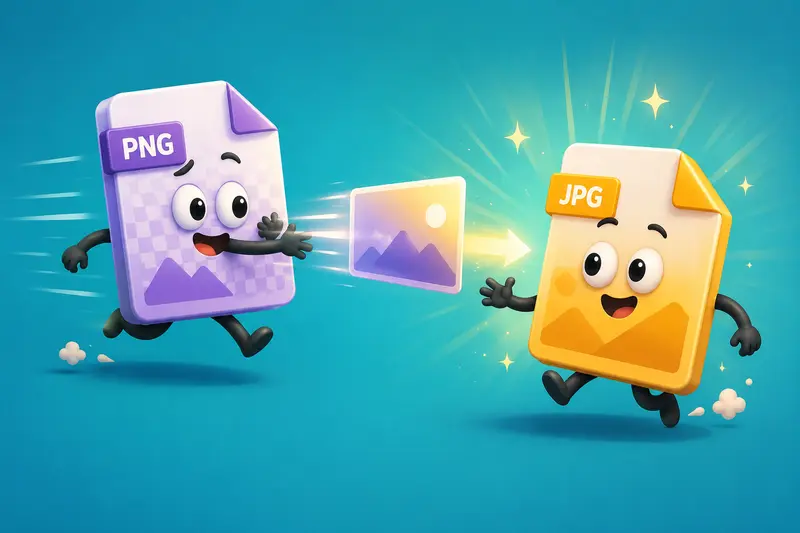
Specify JPG as the destination format and confirm the conversion settings.
4. Process Individual or Multiple Files
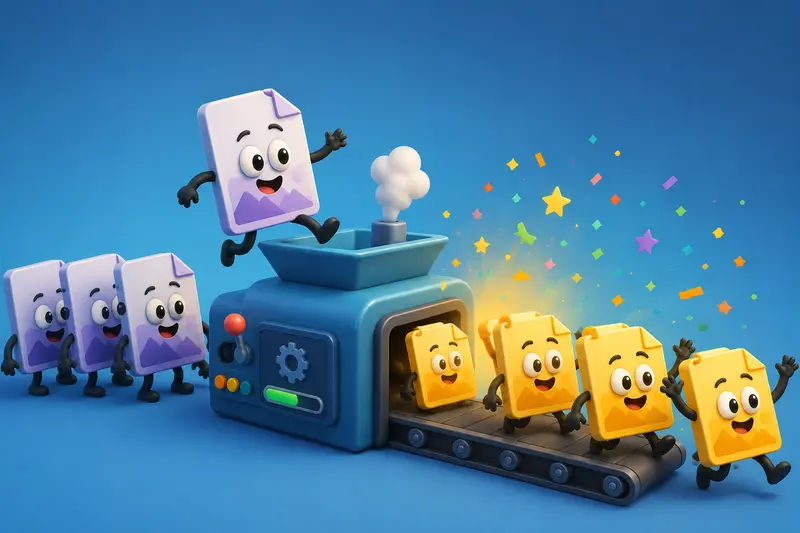
When handling large content libraries, batch processing can save substantial time compared with converting images one by one.
5. Download the Results
After processing completes, download the converted JPG files and continue with your publishing workflow.
Why Filemazing Fits Modern Marketing Workflows
Among image conversion tools, Filemazing emphasizes two areas that matter particularly well for content teams:
Privacy and Security First
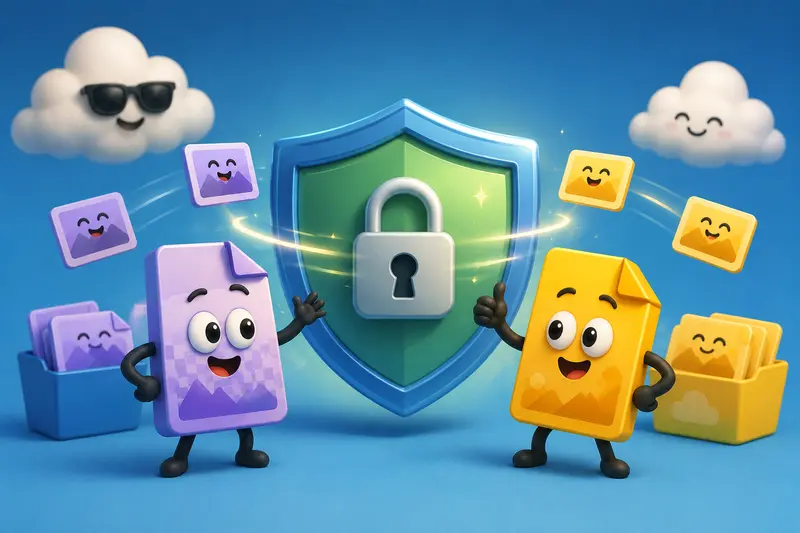
Uploaded files are treated as temporary processing artifacts rather than permanent storage assets. Files are processed and cleaned on a short retention schedule, reducing the risk associated with leaving marketing materials sitting in long-term storage systems.
This approach is especially valuable when working with:
- Product launch assets
- Client creative materials
- Internal campaign graphics
- Pre-release promotional content
Browser-Based Convenience
The platform operates entirely through a web interface, making it accessible from virtually any device without requiring local installations.
Teams can also import files from cloud providers such as Google Drive and Dropbox when needed.
Support for More Than Image Conversion
Marketing workflows rarely stop at format conversion.
After converting files, you may want to use the image compression tool to reduce web delivery sizes further. Likewise, the metadata scrubbing tool can remove embedded metadata before distributing assets externally.
Real-World Testing Results
To evaluate performance, a practical test was conducted using a marketing asset collection containing:
- 50 PNG files
- Total size: approximately 420 MB
- Mix of social graphics, blog illustrations, and promotional banners
Testing Process
The files were uploaded for batch image format conversion and converted to JPG using standard quality settings.
Observed Outcome
Several results stood out:
- Processing multiple files together reduced manual effort significantly.
- Converted JPG files were noticeably smaller than the original PNG versions.
- Visual quality remained suitable for websites, email campaigns, and social publishing.
- Download delivery remained organized even with larger file batches.
Key Takeaway
For typical marketing content, the quality reduction associated with JPG conversion was difficult to notice during normal viewing conditions, while storage and transfer efficiency improved substantially.
Large image libraries have a habit of appearing right before campaign deadlines. Batch processing helps keep those moments manageable.
Quality Versus File Size: The Tradeoff Worth Understanding
One of the most overlooked aspects of image conversion is the relationship between visual fidelity and file size.
PNG uses lossless compression, while JPG relies on lossy compression.
That means:
| Scenario | PNG Advantage | JPG Advantage |
|---|---|---|
| Screenshots | Higher detail | Smaller size |
| Logos with transparency | Retains transparency | Not supported |
| Blog images | Often excessive size | Better performance |
| Email attachments | Larger files | Easier delivery |
| Social content | High quality | Efficient sharing |
A common beginner mistake is converting every image blindly.
If transparency is essential, PNG should usually remain PNG. If your priority is distribution speed and storage efficiency, JPG is often the better choice.
The goal is a smaller filenot a blurry archaeological artifact.
Where Marketers Benefit Most
The ability to convert images without losing quality is valuable across many marketing activities.
Common use cases include:
- Preparing blog images before publication
- Optimizing ecommerce product photos
- Creating lightweight email campaign assets
- Organizing large creative libraries
- Preparing social media graphics for distribution
- Converting downloaded WEBP assets alongside workflows that may also require users to convert WEBP online
Teams managing recurring media operations can also take advantage of Filemazings API capabilities for automated processing pipelines.
Additional Workflow Improvements
After conversion, marketers often need further file preparation.
Examples include:
- Compressing images before publishing with the image compression workflow
- Removing hidden metadata using the metadata removal tool
- Protecting sensitive creative assets with the file encryption solution
Combining these steps creates a cleaner and more secure content pipeline.
What You Gain
Using a privacy-focused PNG to JPG converter provides several practical advantages:
- Reduced image file sizes
- Faster content distribution
- Batch image format conversion support
- Browser-based accessibility
- Temporary file handling
- API-ready automation options
- Transparent token-based pricing
- Support for multiple file workflow scenarios
The transparent token model is particularly useful because processing costs can be estimated before large jobs are submitted, helping teams avoid unexpected charges.
Frequently Asked Questions
Does converting PNG to JPG reduce image quality?
Technically yes, because JPG uses lossy compression. However, for many marketing images, quality loss is minimal when appropriate settings are used.
Can I convert multiple PNG files at once?
Yes. Batch image format conversion is one of the most useful features for teams handling large image collections.
Is JPG always better than PNG?
No. PNG remains the preferred choice when transparency or lossless preservation is required.
Can I convert WEBP files too?
Yes. Many modern workflows require users to convert WEBP online alongside PNG, JPG, and other image formats.
What happens to uploaded files after processing?
Privacy-focused platforms such as Filemazing treat uploaded files as temporary processing artifacts and remove them according to short retention schedules rather than storing them indefinitely.
Can developers automate conversions?
Yes. Filemazing offers API access that allows image conversion and related workflows to be integrated into automated systems.
Final Thoughts
A dependable PNG to JPG converter should do more than change file formats. It should help marketers manage image-heavy workloads efficiently while respecting privacy and maintaining output quality.
Filemazing combines privacy-conscious processing, browser-based convenience, batch conversion support, API automation options, and transparent pricing into a practical solution for modern file workflows. Whether youre optimizing a handful of campaign images or processing hundreds of assets at scale, it provides a streamlined path from upload to delivery without unnecessary complexity.