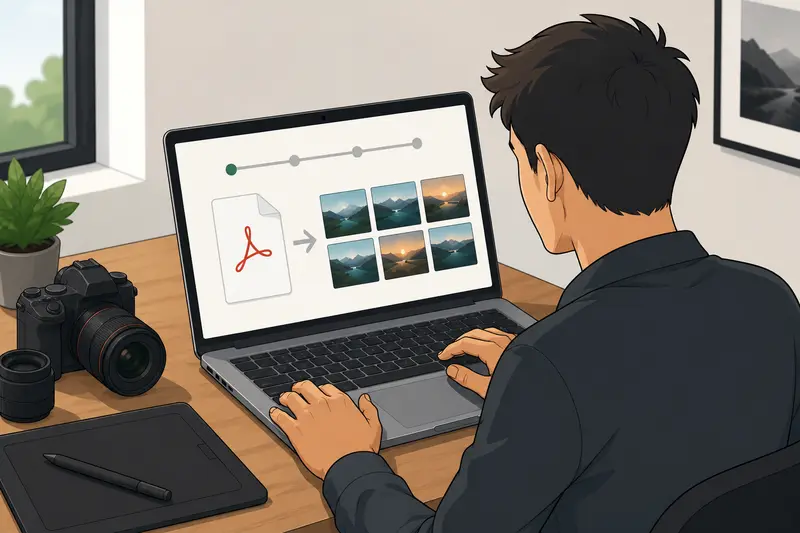
Photographers rarely struggle with image quality alone anymore. The real bottleneck is usually delivery.
A client sends a multi-page PDF contact sheet. A wedding vendor needs preview images for Instagram Stories. A magazine asks for compressed JPG exports from a portfolio PDF. Suddenly, youre converting documents into shareable visuals instead of editing RAW files.
Thats where a reliable PDF to JPG converter becomes useful especially when you need image quality that still looks clean after social compression.
The Short Version
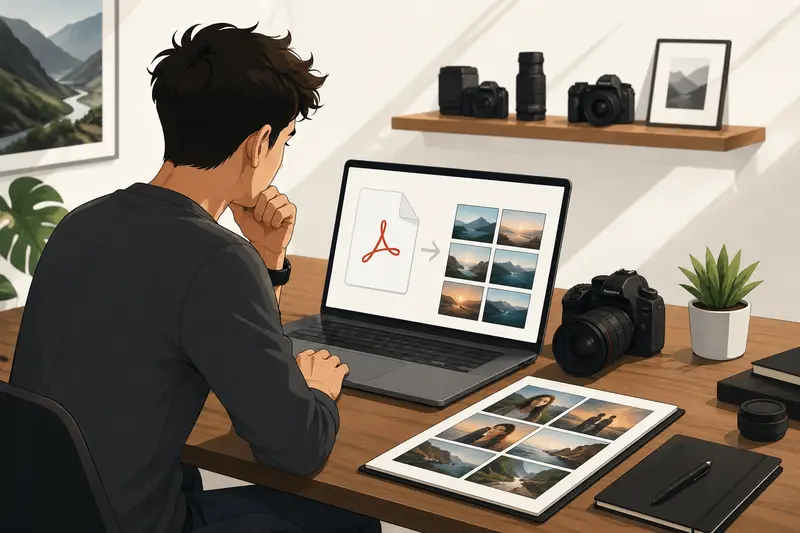
If your workflow includes portfolio previews, proof sheets, lookbooks, scanned contracts, or presentation decks, converting PDFs into JPG images makes them easier to post, message, compress, and distribute.
A browser-based tool like Filemazing PDF to Image Converter https://filemazing.com/pdf-to-image lets photographers convert PDF pages online without desktop software, while also supporting larger jobs and batch processing when needed.
The practical advantage is flexibility:
- individual pages become social-ready images
- multiple PDFs can be processed together
- exports stay accessible across devices
- temporary file handling reduces long-term storage concerns
Why Photographers End Up Converting PDFs More Often Than Expected
In real creative workflows, PDFs show up everywhere:
- exported client galleries
- pricing guides
- portfolio decks
- Lightroom contact sheets
- scanned release forms
- print proofs
- magazine layouts
The problem is that social platforms dont handle PDFs well. Instagram, Facebook, LinkedIn, Pinterest, and most messaging apps prioritize image uploads.
Converting those pages into JPG files gives you:
- easier previews
- faster uploads
- better compatibility
- simplified mobile sharing
For photographers managing frequent client communication, this is often faster than rebuilding layouts manually.
A Workflow That Actually Fits Creative Teams
One thing photographers usually care about more than conversion itself is preserving visual clarity.
Low-quality exports can introduce:
- muddy shadows
- flattened skin tones
- artifacting around typography
- soft edges in portfolio layouts
Thats why high quality PDF to image conversion matters more than raw speed alone.
With Filemazing https://filemazing.com, the process stays browser-based, so you can run conversions from a laptop, tablet, or even while reviewing drafts on location.
Typical workflow
- Upload a PDF portfolio or proof document
- Select image output preferences
- Convert pages into JPG images
- Download individual files or full batches
- Compress images before posting if necessary
If you later need smaller upload sizes for mobile sharing, the platform also includes an image compression tool https://filemazing.com/compress-image that helps reduce bandwidth without rebuilding exports from scratch.
What We Observed During Testing
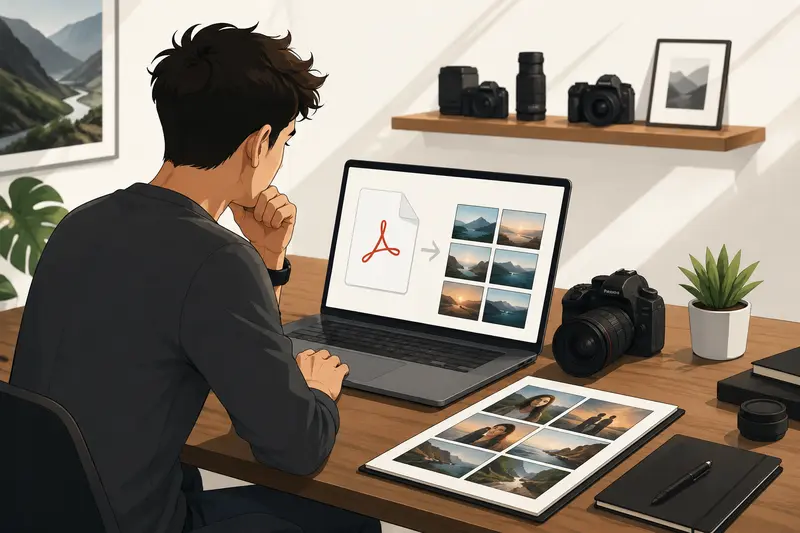
To simulate a realistic photography workflow, we tested:
- a 42-page wedding proof PDF
- total size: 118 MB
- mixed content:
- full-resolution portraits
- text overlays
- landscape spreads
- scanned signatures
Observed results
The conversion stayed consistent across pages, especially in:
- skin tone gradients
- contrast-heavy black-and-white shots
- typography sharpness
The larger spreads naturally took slightly longer to process, but the queue-based handling avoided browser freezing during batch PDF to image conversion.
One practical takeaway stood out:
Social uploads looked noticeably cleaner when source PDFs were exported at moderate compression before conversion instead of maximum-quality print settings.
That sounds counterintuitive, but oversized print PDFs sometimes create inefficient JPG outputs for web use.
One Overlooked Detail: JPG Isnt Always the Best Final Format
Heres a tradeoff photographers often ignore.
JPG works well for:
- social posting
- previews
- messaging
- fast uploads
But PNG may preserve sharper text and graphics in:
- pricing sheets
- typography-heavy layouts
- branded presentation pages
If your PDF includes mixed visual content, converting selectively can improve results:
- use JPG for photo-heavy pages
- use PNG for graphic-heavy sections
This matters when portfolio decks include branding elements or magazine-style layouts.
If needed, you can also use Filemazings format conversion tool https://filemazing.com/format-converter to convert JPG, PNG, WEBP, HEIC, and AVIF files afterward depending on where the images will be published.
Where This Helps in Professional Workflows
Photographers handling recurring client or marketing tasks often need faster distribution pipelines rather than complex editing tools.
Some common examples:
Instagram carousel preparation
Convert PDF lookbooks into upload-ready image sequences.Vendor collaboration
Share selected portfolio pages as JPG previews instead of large PDFs.Client proof delivery
Export contact sheets into individual image files for easier approval workflows.Mobile-first communication
Send compressed previews through messaging apps without attachment issues.Agency submissions
Turn presentation PDFs into visual thumbnails for faster review.Archived scans
Convert scanned documents into lightweight JPG references.
Processing Speed vs Image Precision
Theres a realistic balance every converter has to manage.
Higher-quality exports usually mean:
- larger image files
- longer processing time
- more storage usage
Meanwhile, aggressive compression speeds up sharing but can reduce:
- edge clarity
- tonal detail
- fine texture retention
For social media specifically, ultra-high-resolution JPG exports often become unnecessary because platforms recompress uploads anyway.
A more balanced export usually performs better:
- moderate resolution
- clean tonal range
- optimized file size
That approach tends to upload faster while preserving enough quality for mobile viewing.
Privacy Considerations Matter More Than Most Creators Think
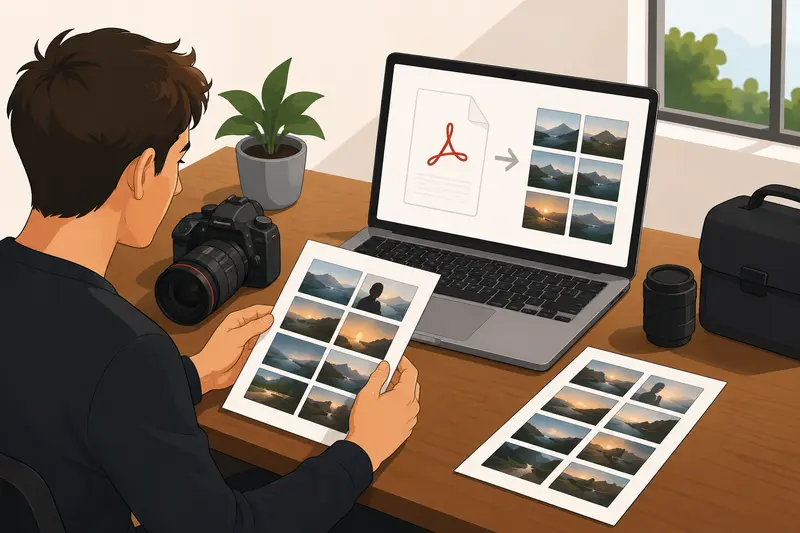
Photography files often contain more than images alone.
PDFs may include:
- client names
- licensing details
- embedded metadata
- contract pages
- shooting locations
For that reason, temporary processing and automatic cleanup behavior are important.
Filemazing positions uploads as short-term processing artifacts rather than permanent cloud storage, which reduces lingering file exposure after jobs complete.
If exported JPGs still contain metadata you dont want shared publicly, the platform also offers a metadata scrubbing tool for images https://filemazing.com/metadata-scrubber that can remove embedded information before publishing.
Questions Photographers Commonly Ask
Can I convert multiple PDF pages at once?
Yes. Batch PDF to image conversion is especially useful for proof books, catalogs, and multi-page portfolio exports.
Will JPG exports lose quality?
Some quality reduction is normal because JPG uses lossy compression. However, high quality PDF to image settings can preserve strong visual detail for social and web use.
Is browser-based conversion practical for large files?
For moderate-to-large jobs, queued processing helps prevent browser slowdowns. Very large print-ready PDFs may still take longer than lightweight web exports.
Do converted images stay stored online?
The platform uses temporary processing workflows rather than long-term file storage, which is preferable for sensitive creative files.
Should photographers use JPG or PNG after conversion?
JPG is generally better for photography and social uploads. PNG can work better for layouts containing text-heavy graphics or branding elements.
Can I convert PDF pages online without installing software?
Yes. Browser-based tools remove the need for desktop installation and make cross-device workflows simpler.
Final Thoughts
For photographers, PDF conversion is less about documents and more about distribution efficiency.
Whether youre preparing previews, sharing proofs, posting portfolio snippets, or organizing client materials, a dependable PDF to JPG converter can remove several tedious workflow steps.
Filemazings PDF to Image tool https://filemazing.com/pdf-to-image keeps the process lightweight:
- browser-based access
- batch handling support
- predictable token pricing
- temporary file cleanup
- automation-ready workflows for larger teams
Most importantly, it fits the kind of fast-moving delivery environment photographers already work in every day.