Photographers rarely deal with just one document at a time.
A wedding shoot might include contracts, shot lists, invoices, release forms, lighting references, and edited preview sheets scattered across several PDFs. Then comes the familiar problem: sending everything neatly in one file without opening a laptop.
Android devices can handle that workflow surprisingly well now especially with browser-based tools that dont require app installation or account creation.
If your goal is to merge multiple PDFs quickly while keeping image-heavy pages readable, theres a practical approach that avoids bloated mobile apps and unnecessary uploads.
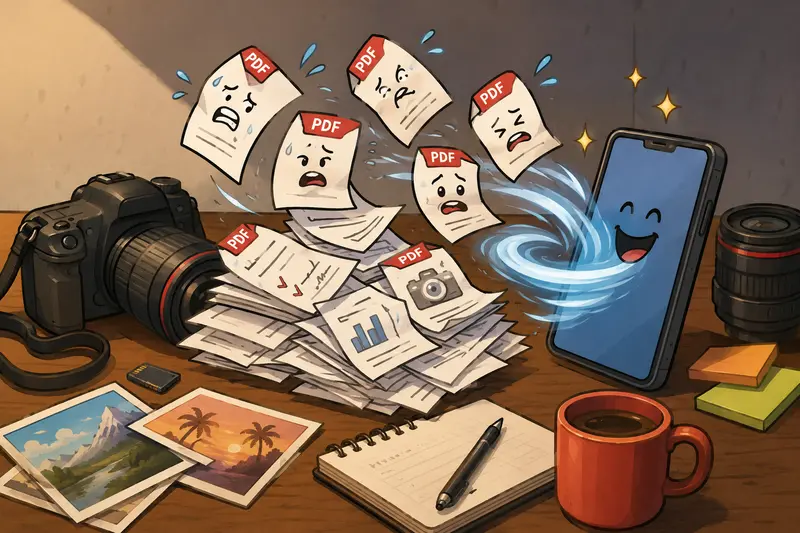
What Actually Matters When Combining PDFs on Mobile
Most photographers care about three things:
- preserving image quality
- avoiding file corruption
- finishing the task before the client messages again
The challenge is that many free PDF tools overload mobile browsers with ads, force registration, or aggressively compress documents during processing.
A lightweight browser workflow usually performs better on Android because it avoids background app overhead and works directly from cloud storage or local files.
Thats where Filemazing Merge PDF Tool https://filemazing.com/merge-pdf fits nicely into mobile-heavy workflows.
The tool runs entirely in the browser, supports batch uploads, and doesnt require installing another utility app that quietly occupies 700MB six months later.
A Real Workflow Test From an Image-Heavy Project
To see how practical mobile merging really is, I tested the process using:
- 7 PDF files
- roughly 184MB total
- exported contact sheets from Lightroom
- two scanned contract PDFs
- one location permit document
The files were merged on a mid-range Android phone over Wi-Fi.
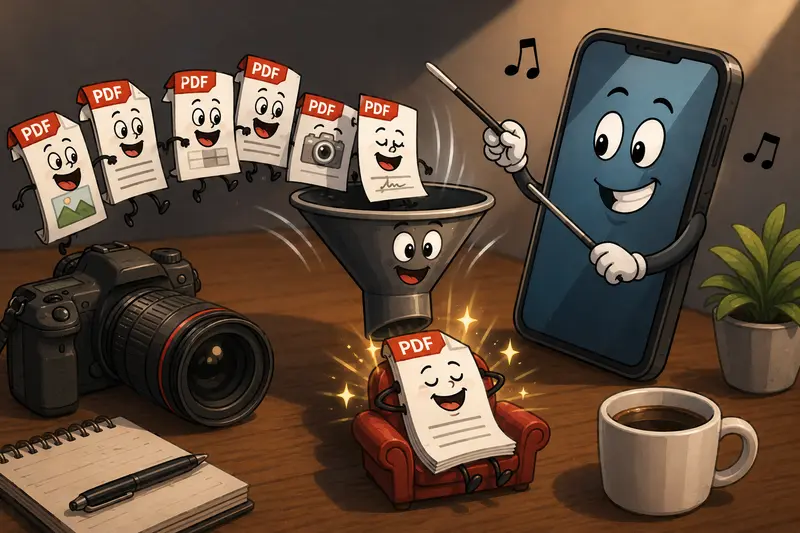
Processing completed in under a minute, and the resulting document preserved image sharpness surprisingly well. Thumbnail-heavy pages remained readable without the fuzzy compression artifacts some mobile PDF apps introduce.
One useful detail: upload order mattered. Reordering before processing prevented awkward page sequencing later. That sounds obvious until you merge a client agreement after the gallery previews by accident.
Follow This Workflow on Android
1. Open the Merge Tool in Your Mobile Browser
Navigate to Filemazing Merge PDF Tool https://filemazing.com/merge-pdf from Chrome, Firefox, or Samsung Internet.
Because its browser-based, theres no installation process or storage-heavy APK download involved.
2. Upload Your PDF Files
You can import documents from:
- local Android storage
- Google Drive
- Dropbox
- direct URLs
That flexibility helps when clients send files through multiple channels.
If your supporting assets arrive compressed inside ZIP archives, the built-in archive extraction workflow https://filemazing.com/archive-extractor is useful before combining documents.
3. Arrange File Order Carefully
This is one of the most overlooked steps.
For photographers, logical sequencing improves client readability dramatically. A good order might look like:
- cover page
- contract
- mood board
- edited previews
- pricing sheet
Dragging files into the right order before merging saves editing time later.
4. Process and Download
After processing completes, download the merged PDF directly to your Android device.
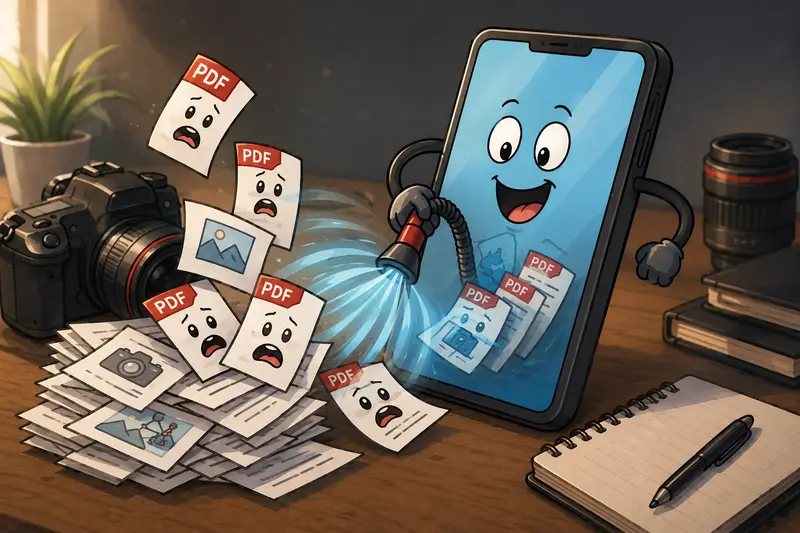
Large jobs are queued instead of freezing the browser tab, which helps when handling image-heavy documents on mobile hardware.
Why Browser-Based Merging Works Well for Photographers
Photographers already move massive files constantly:
- RAW image exports
- preview galleries
- invoices
- licensing documents
- print proofs
Adding another heavyweight desktop dependency for occasional PDF tasks often creates unnecessary friction.
A browser workflow keeps things lightweight while still handling reasonably large documents.
The other advantage is accessibility. You can combine PDFs without signup during quick client interactions instead of interrupting your workflow with account verification screens.
That matters more than people admit.
A Useful Detail Most Articles Skip
Heres something that affects real-world performance on Android:
Image-heavy PDFs behave differently than text documents
When PDFs contain embedded high-resolution JPEG previews, mobile browsers spend more time allocating memory during upload and rendering.
In practice, that means:
- 20 small text PDFs may process faster than 3 photography proof sheets
- upload speed becomes more important than CPU power
- older Android devices benefit from smaller batch sizes
If you notice sluggish behavior, splitting a 500-page portfolio into smaller grouped sections can improve stability.
That tradeoff between convenience and processing load is normal for mobile workflows.
Privacy Considerations for Client Documents
Photographers often handle:
- contracts
- invoices
- private client galleries
- model release forms
So document handling matters.
Filemazing treats uploaded files as temporary processing assets rather than permanent cloud storage. Files are cleaned automatically after short retention periods instead of sitting indefinitely in user libraries.
That approach makes more sense for one-time utility processing than long-term archival systems.
For extra caution before sharing contracts or exported reports, running files through the metadata removal tool https://filemazing.com/metadata-scrubber can help strip hidden document information.
When Merging PDFs Online Is Better Than Using Apps
Dedicated Android PDF apps still have a place, especially for annotation or deep editing.
But browser tools are often faster for quick operational tasks like:
- combining shoot paperwork
- preparing client packets
- merging receipts for accounting
- packaging event documentation
- creating printable proof collections
The biggest benefit is flexibility.
You can start on a phone, continue on a tablet, and finish on a desktop without syncing projects between separate applications.
Token Pricing Without Guesswork
One thing that stands out with Filemazing is predictable workload pricing.
Instead of vague premium limits, token usage is calculated transparently based on factors like:
- file count
- page count
- file size
For merge PDF processing, pricing currently uses:
- base cost
- per-MB weighting
- per-page weighting
- per-file weighting
That structure helps photographers estimate costs before uploading large client documents.
Smaller jobs can often run using free daily tokens, while larger production batches scale through higher token packs when needed.
Turning Combined PDFs Into Image Sets
Sometimes merged PDFs are only the middle step.
For example:
- combining client proof sheets first
- then exporting pages as images for previews or social sharing
In that case, the PDF to image converter https://filemazing.com/pdf-to-image becomes useful for extracting pages afterward without opening desktop editing software.
That workflow is especially handy when clients request individual proof pages separately.
Questions Photographers Commonly Ask
Can Android phones handle large merged PDFs?
Yes, although performance depends more on available RAM and browser stability than raw phone speed. Image-heavy documents naturally require more memory during upload and rendering.
Is there a way to merge PDF online free without creating an account?
Yes. Filemazing allows anonymous usage with free daily tokens, which works well for occasional document tasks.
Will image quality drop after merging?
Typically no, because merging PDFs usually preserves embedded assets rather than recompressing them. However, extremely large source files may still affect viewing responsiveness on older devices.
What file sources are supported?
You can upload from local storage, cloud providers like Google Drive or Dropbox, or direct URLs.
Is browser-based PDF merging secure enough for contracts?
For many routine workflows, yes. Temporary processing and automatic cleanup reduce long-term storage exposure. Still, sensitive legal documents should always be handled carefully regardless of platform.
Whats the best PDF merger for photographers?
The best PDF merger depends on workflow needs. Photographers usually benefit most from tools that preserve image quality, support large uploads, and avoid unnecessary desktop installation.
Final Thoughts
Merging documents on Android used to feel like a backup plan.
Now its often the faster option.
For photographers juggling proofs, contracts, and client paperwork between shoots, a browser-based workflow removes a surprising amount of friction. You can combine files, organize deliverables, and send polished documents without touching a desktop machine.
Large PDFs will always demand some patience especially the ones stuffed with high-resolution previews that arrive five minutes before a deadline but modern mobile workflows are far more capable than they were even a couple of years ago.
If you regularly need to merge multiple PDFs while staying mobile, Filemazings merge PDF workflow https://filemazing.com/merge-pdf offers a practical balance of speed, privacy-conscious handling, and lightweight processing without locking you into another subscription-heavy app ecosystem.